
Never paste passwords, financial account numbers, medical records, ID numbers, or confidential work information into an AI chatbot. Treat the chat box like a postcard, not a locked diary — assume it could be stored, reviewed, or used to improve the AI. If you wouldn’t text it to a stranger, don’t paste it into an AI tool.
Why this comes up
Most people don’t worry about AI privacy until after they’ve already pasted something risky — a pay stub, a doctor’s note, a client contract. The worry underneath the question is real: “Is this gone forever now? Did I just leak something?”
That worry is fair, and it’s also easy to avoid once you build a few habits.
The honest answer
What’s true:
– Many AI tools use conversations to improve their models unless you turn that off.
– Chats can be stored on company servers, sometimes for months or years.
– Free tools often have looser privacy protections than paid business or enterprise plans.
– Data breaches and misconfigurations are possible with any online service, AI or not.
What’s overblown:
– No one is sitting there reading your chat in real time.
– One-off, low-stakes use — writing a birthday message, summarizing a news article — carries essentially no risk.
– Mainstream AI tools aren’t designed to steal your data. The real danger is accidental exposure, not malicious intent.
The real risk isn’t “AI is spying on you.” It’s “you forgot this chat isn’t private and pasted something you’ll regret.”
The safest mental model: assume anything you type could eventually be seen, stored, or reused. That’s not paranoid — it’s just how most online tools work, AI or not.
The never-paste list
Avoid sharing these with any AI tool:
- Passwords and login credentials — including “temporary” ones
- Banking details — account numbers, routing numbers, card numbers, CVVs
- Government IDs — Social Security numbers, passport numbers, driver’s license numbers
- Health records — diagnoses, prescriptions, insurance ID numbers
- Full legal names + home addresses together — especially for kids
- Work secrets — client data, unreleased product info, internal financials, code under NDA
- Someone else’s private info — a friend’s phone number, a coworker’s salary, a patient’s file
What to do — your 30-second checklist
Before you hit “send” on any AI chat, ask:
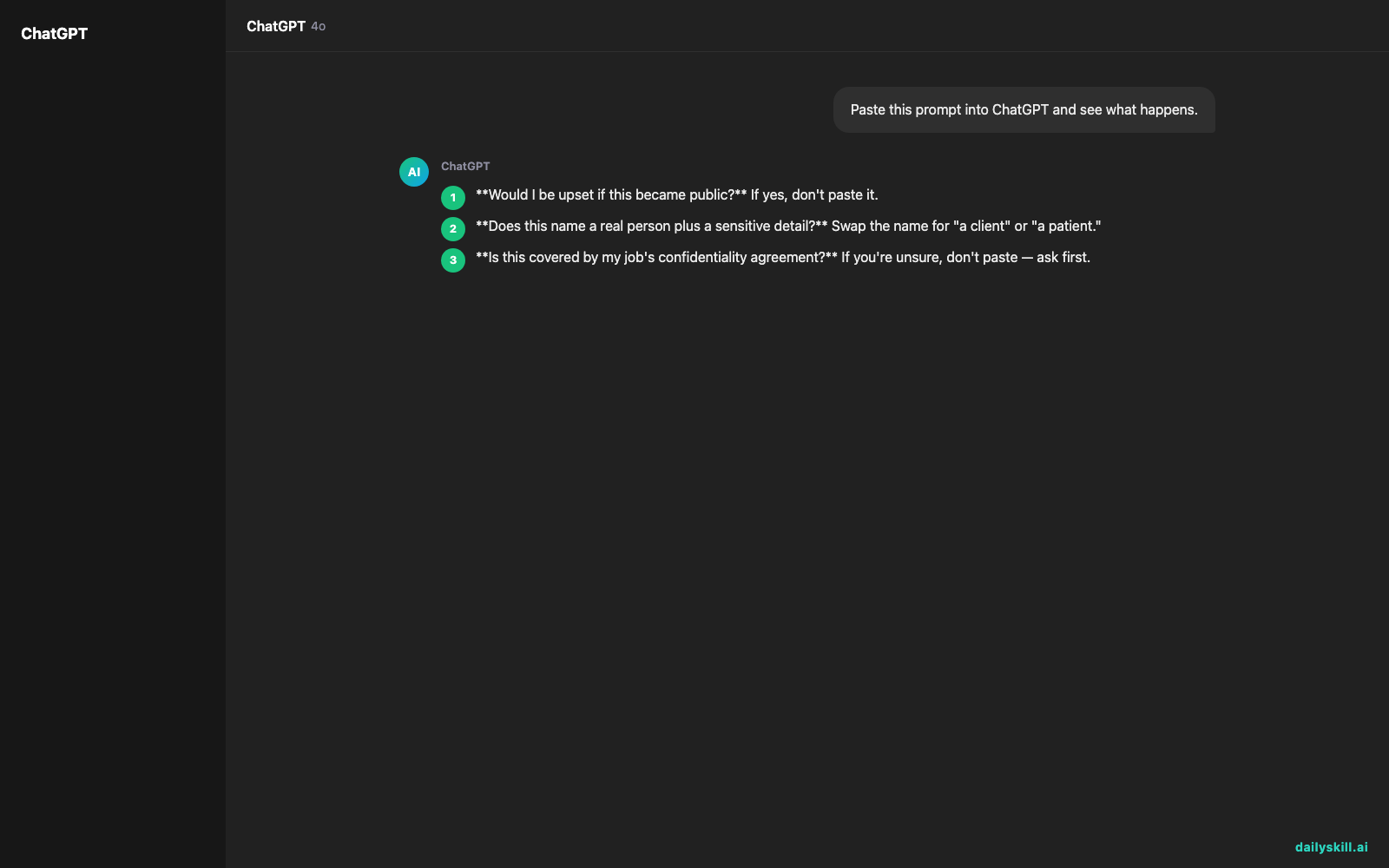
- Would I be upset if this became public? If yes, don’t paste it.
- Does this name a real person plus a sensitive detail? Swap the name for “a client” or “a patient.”
- Is this covered by my job’s confidentiality agreement? If you’re unsure, don’t paste — ask first.
- Can I use a placeholder instead? Swap “John Smith, SSN 123-45-6789” for “a customer with ID 001.”
- Am I using a work-approved AI tool for work data? Many employers offer secure, private AI accounts — use those for anything sensitive.
Do:
– Strip out names, numbers, and identifying details before pasting.
– Ask general questions (“How do I write a polite complaint letter?”) instead of pasting the real complaint with your account number in it.
– Check your AI tool’s privacy or data settings and turn off chat history or model-training use if you want extra caution.
Don’t:
– Paste screenshots of bank statements, ID cards, or medical results.
– Assume “it’s just a draft” makes sensitive data safe to share.
– Use a personal AI account for confidential work projects.
FAQ
Can I paste my resume into an AI tool?
Yes, that’s generally fine — a resume is meant to be shared. Just strip your home address and phone number if you’re using a public tool for feedback.
Is it safe to ask AI for advice about symptoms I’m having?
Describing symptoms in general terms (“I have a headache and mild fever”) is fine. You don’t need to attach your full medical file or insurance number to get useful advice.
What if I already pasted something sensitive by accident?
Act fast: change the password or cancel the card if it was a credential or financial number, then check the tool’s settings to delete that chat from your history.
Bottom line
Treat the chat box like a postcard, not a vault, and you’ll be fine. Have you ever caught yourself about to paste something sensitive? Share your close call in the comments — it helps others learn too. Tomorrow: why does AI sometimes refuse to answer your questions?
You might also find these helpful:
- Perplexity AI — Get Answers With Sources, Not a Pile of Links
- How do I know if an AI answer is actually true?
- You.com — A Free AI Search Engine That Skips the 10 Blue Links
Master Everyday AI in 1 Minute a Day
Get our free 2026 Double-Blind AI Benchmark Scorecard & 20 Ready-to-Use Prompts, plus one honest, 60-second AI skill in your inbox every morning. Zero hype, plain English, cancel anytime.


