
Ever ramble a genius idea into a voice memo, then replay it later and think “wait, what was I even saying?”
Here’s the fix: paste those messy notes into ChatGPT and get back a clean outline — one main idea, three supporting points, and a smart follow-up question — in under 60 seconds.
Sound familiar?
You’re driving, walking the dog, or lying in bed when a good idea hits. You ramble into your phone or scribble half-sentences into a notes app. Later, it’s a wall of run-on thoughts with no order — and you don’t have time to untangle it.
The 60-second fix
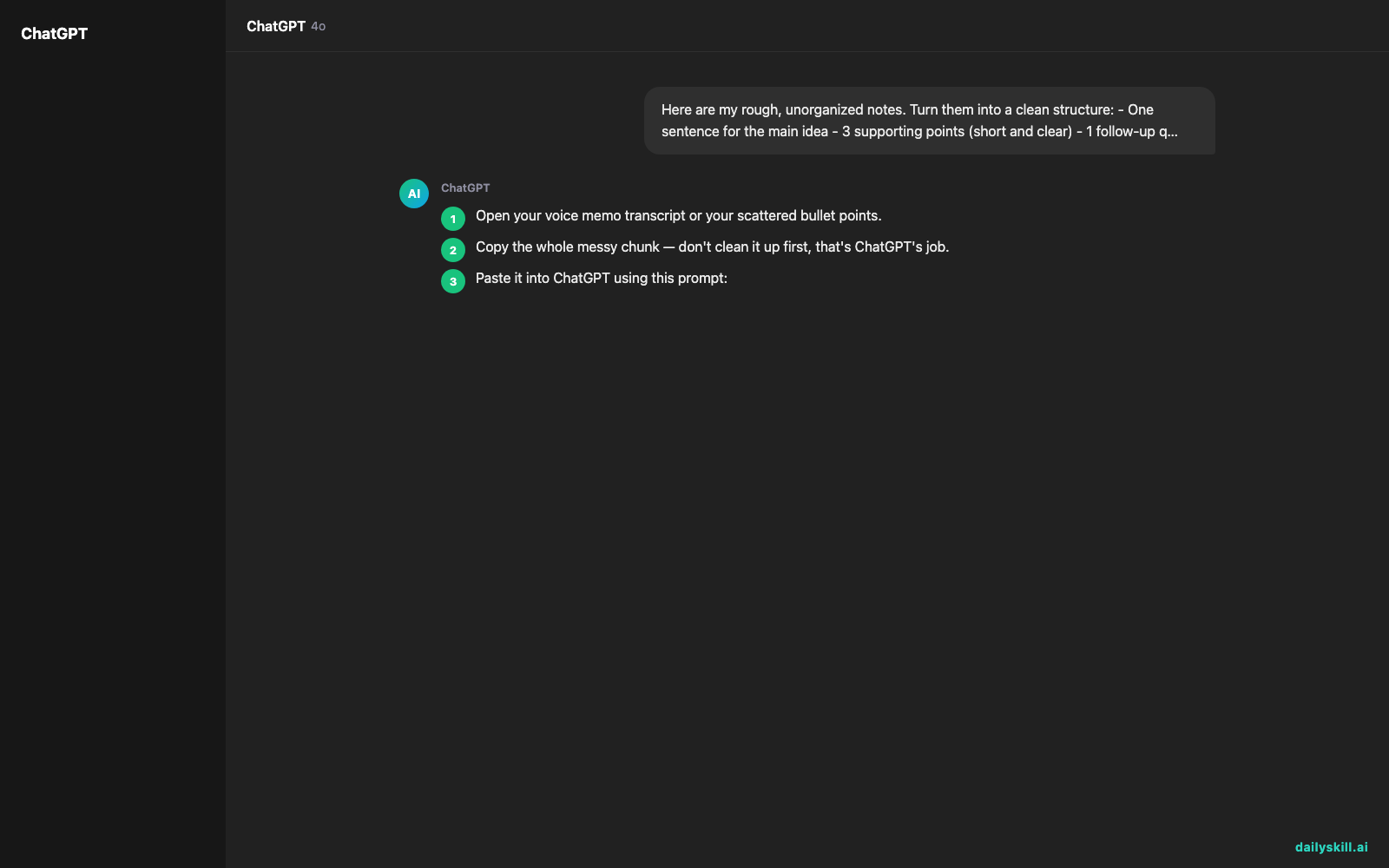
- Open your voice memo transcript or your scattered bullet points.
- Copy the whole messy chunk — don’t clean it up first, that’s ChatGPT’s job.
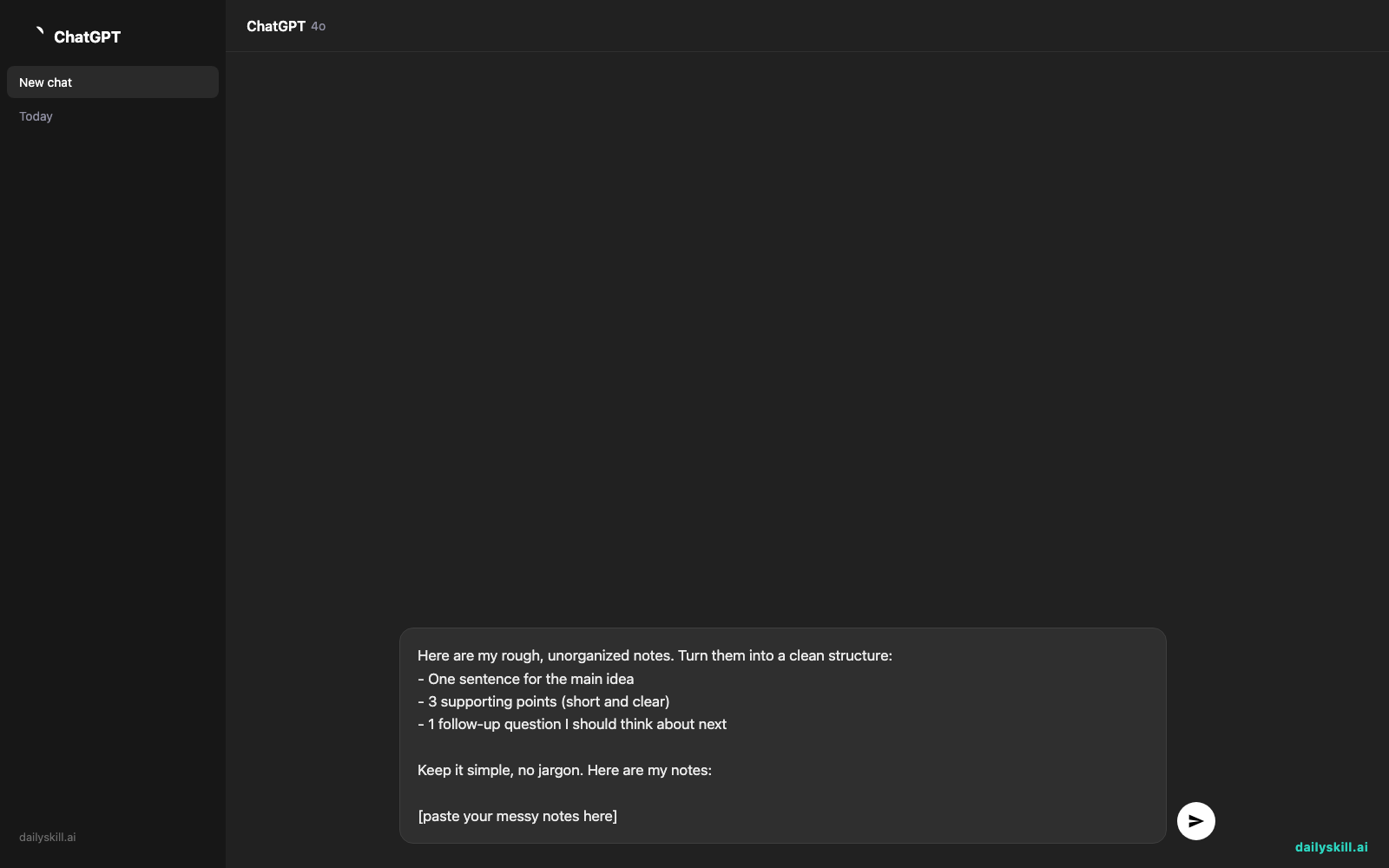
- Paste it into ChatGPT using this prompt:
Here are my rough, unorganized notes. Turn them into a clean structure:
- One sentence for the main idea
- 3 supporting points (short and clear)
- 1 follow-up question I should think about next

Keep it simple, no jargon. Here are my notes:

[paste your messy notes here]
That’s it. You’ll get a structured summary back before your coffee gets cold.
Real example
Input (rough voice memo transcript):
“ok so thinking about the birthday party thing for mom, we need to figure out food, I was thinking tacos but dad said she doesn’t love spicy stuff anymore, also need to pick a date before end of month cause after that everyone’s traveling, oh and someone needs to handle the cake, and I keep forgetting to ask if she even wants a party or just dinner, ugh”
Output from ChatGPT:
Main idea: Plan Mom’s birthday celebration — but confirm what she actually wants first.
Supporting points:
1. Pick a date before the end of the month, before travel schedules get in the way.
2. Choose a menu that isn’t too spicy — tacos may need a milder twist.
3. Assign someone to handle the cake so it’s not forgotten last minute.
Follow-up question: Have you asked Mom if she’d prefer a party or a quiet dinner?
That one question at the end is the real win — it’s the thing you’d have forgotten to ask yourself.
Level up
- For work notes: swap “birthday party” for “meeting recap” and ask for “3 action items” instead of “supporting points.”
- For brainstorms: add “group similar ideas together first” to the prompt when you need to organize brainstorm notes quickly.
- For long voice memos: ask ChatGPT to “summarize in under 100 words” if your rambling ran long.
FAQ
Can AI clean up a voice memo transcript automatically?
Yes — record your memo, get the transcript from your phone’s notes or voice app, then paste that text into ChatGPT using the prompt above.
What if my notes have multiple unrelated topics mixed together?
Ask ChatGPT to “split these into separate topics first, then summarize each one” — it will sort the mess before organizing it.
Does this work for typed notes too, not just voice memos?
Absolutely — this trick works for any scattered thoughts: sticky notes, half-finished lists, or a stream-of-consciousness journal entry.
Today’s check-in
Try this on your messiest note today and reply with what surprised you most — the main idea it found, or the follow-up question it asked. Tomorrow: your AI answers might be stuck in the past — here’s the 30-second switch that gets you fresh, current info instead.
You might also like:
- How do I ask AI to think deeper instead of giving me surface-level answers?
- Remove.bg — Remove Any Photo Background in One Click, No Design Skills
Master Everyday AI in 1 Minute a Day
Get our free 2026 Double-Blind AI Benchmark Scorecard & 20 Ready-to-Use Prompts, plus one honest, 60-second AI skill in your inbox every morning. Zero hype, plain English, cancel anytime.


