
Ask for the thinking, not just the answer. Add a few words like “think step by step,” “give me multiple angles,” or “consider tradeoffs before answering,” and most AI tools will slow down and actually reason instead of firing off the first plausible response. This is the single biggest lever for getting smarter responses from ChatGPT, Gemini, or Claude — and it takes about two minutes to learn.
Why this comes up
You’ve probably gotten an AI answer that sounded confident but felt thin — generic advice, nothing you couldn’t have guessed yourself. It’s not that the AI is dumb.
By default, it often gives you the fastest reasonable answer, not the best one. The real worry underneath: “Am I using this wrong?” You’re not — you just haven’t been asking the right way yet.
The honest answer
AI models don’t automatically use their full reasoning ability unless you ask for it. Left alone, they tend to pattern-match to a quick, average answer. That’s fast, but shallow.
What’s true
- Adding structure to your prompt genuinely changes the quality of the output. This isn’t a myth.
- Many current AI tools now have visible “thinking” or “reasoning” modes you can toggle on.
- You can also trigger deeper reasoning just by how you phrase a request — no toggle needed.
- Asking for steps, tradeoffs, or multiple perspectives forces the model to slow down and connect ideas instead of guessing.
What’s overblown
- You don’t need special “hacker” prompts or secret code words. Plain English works.
- Deeper reasoning doesn’t mean a longer answer. Long isn’t the same as smart.
- It’s not magic. If your question is vague, deeper reasoning just gets you a more detailed vague answer.
The AI isn’t holding back intelligence from you. It’s responding to how much thinking you actually asked for.
The 2-minute trick
Instead of: “How do I price my product?”
Try: “Walk through this step by step. Consider at least three pricing strategies, list the tradeoffs of each, and tell me which one fits a small business with low cash flow — explain your reasoning.”
That one change — asking for steps, options, and reasoning — is the whole trick. It’s not a technical skill. It’s just a better sentence.
What to do
- Do add phrases like “think step by step,” “explain your reasoning,” or “consider multiple options before answering.”
- Do ask the AI to compare at least 2-3 approaches instead of giving you one answer.
- Do use built-in reasoning or “thinking” modes when the tool offers them — usually a toggle or model selector, not a hidden setting.
- Do ask a follow-up: “What would make this answer wrong?” It often catches gaps.
- Don’t assume a longer answer means a deeper one — check if it actually addressed tradeoffs.
- Don’t ask a vague question and expect depth. Depth needs a real question to dig into.
- Don’t stop at the first answer if it feels thin — ask “go deeper” or “what am I missing?”
FAQ
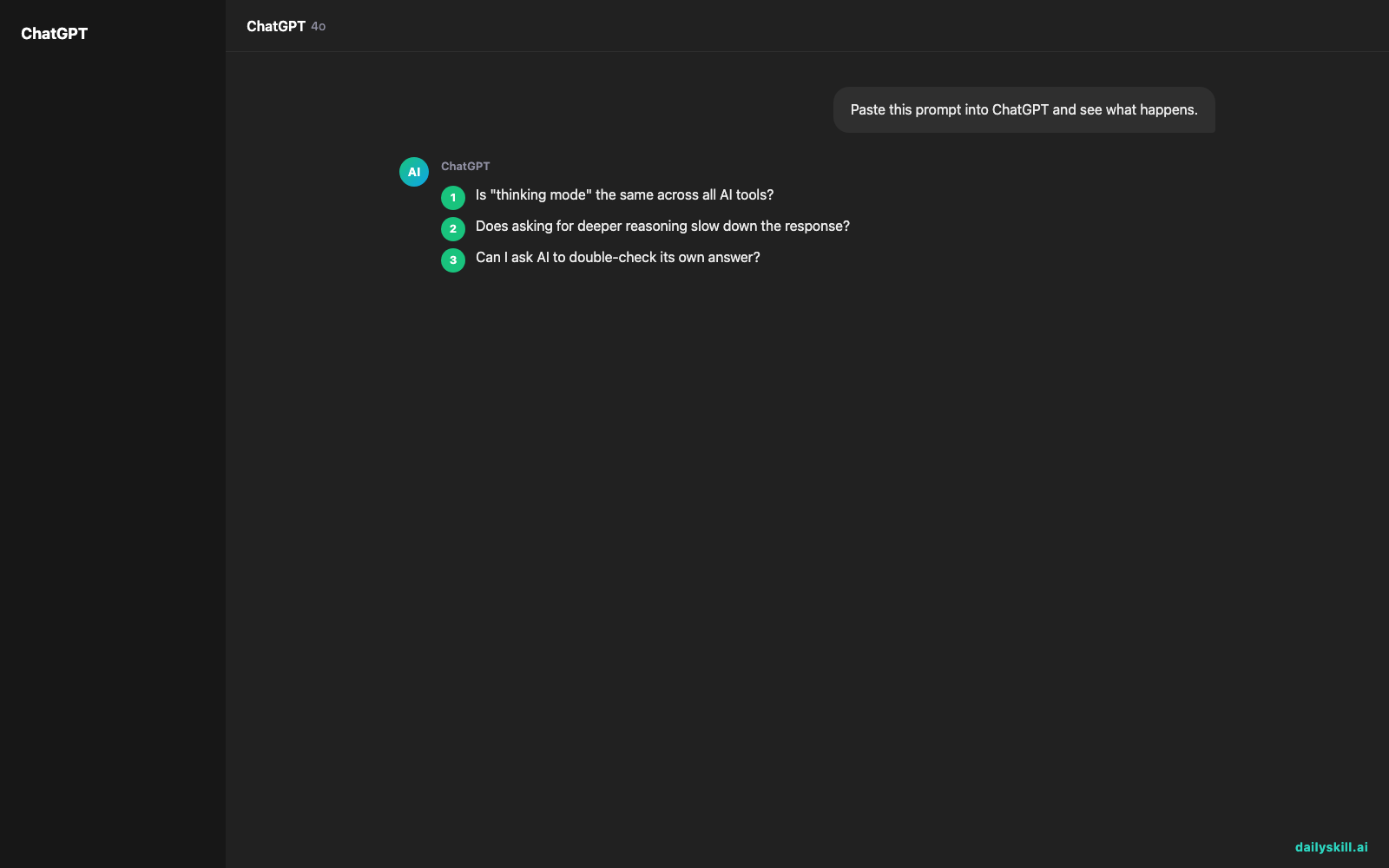
Is “thinking mode” the same across all AI tools?
No. Some tools show visible step-by-step reasoning, others just get smarter with the right prompt, no toggle needed. Either way, asking for structured reasoning helps regardless of the interface.
Does asking for deeper reasoning slow down the response?
Sometimes, slightly. A more thoughtful answer can take a bit longer to generate. That’s a fair trade for accuracy.
Can I ask AI to double-check its own answer?
Yes — ask “review your answer above, what’s weak or missing?” This second pass often catches shallow spots the first draft missed.
Bottom line
You don’t need to be technical to get smarter AI answers — you just need to ask for the thinking, not just the conclusion.
What’s the best prompt trick you’ve found for getting deeper answers? Share it with the community below.
Tomorrow: what should you never paste into an AI tool? The answer might surprise you.
You might also like:
- Find the product ideas hiding in your customer reviews
- Perplexity AI — Get Answers With Receipts, Not Just Vibes
Master Everyday AI in 1 Minute a Day
Get our free 2026 Double-Blind AI Benchmark Scorecard & 20 Ready-to-Use Prompts, plus one honest, 60-second AI skill in your inbox every morning. Zero hype, plain English, cancel anytime.


