
You snapped a decent photo of the sweater you’re selling on Facebook Marketplace, but your unmade bed is right there in the shot. Cropping doesn’t fix it, and you’re not opening Photoshop for one photo.
Remove.bg is a website that strips photo backgrounds automatically using AI. Upload a picture, get back the same picture with a clean, transparent background. It’s for anyone who needs a product shot or profile photo to look professional without editing skills.
What it is
Remove.bg is a free online tool that detects the main subject in a photo — a person, a shoe, a mug, a pet — and erases everything behind it. No selection tools, no layers, no learning curve. You upload, it processes, you download.
Try it in 5 minutes
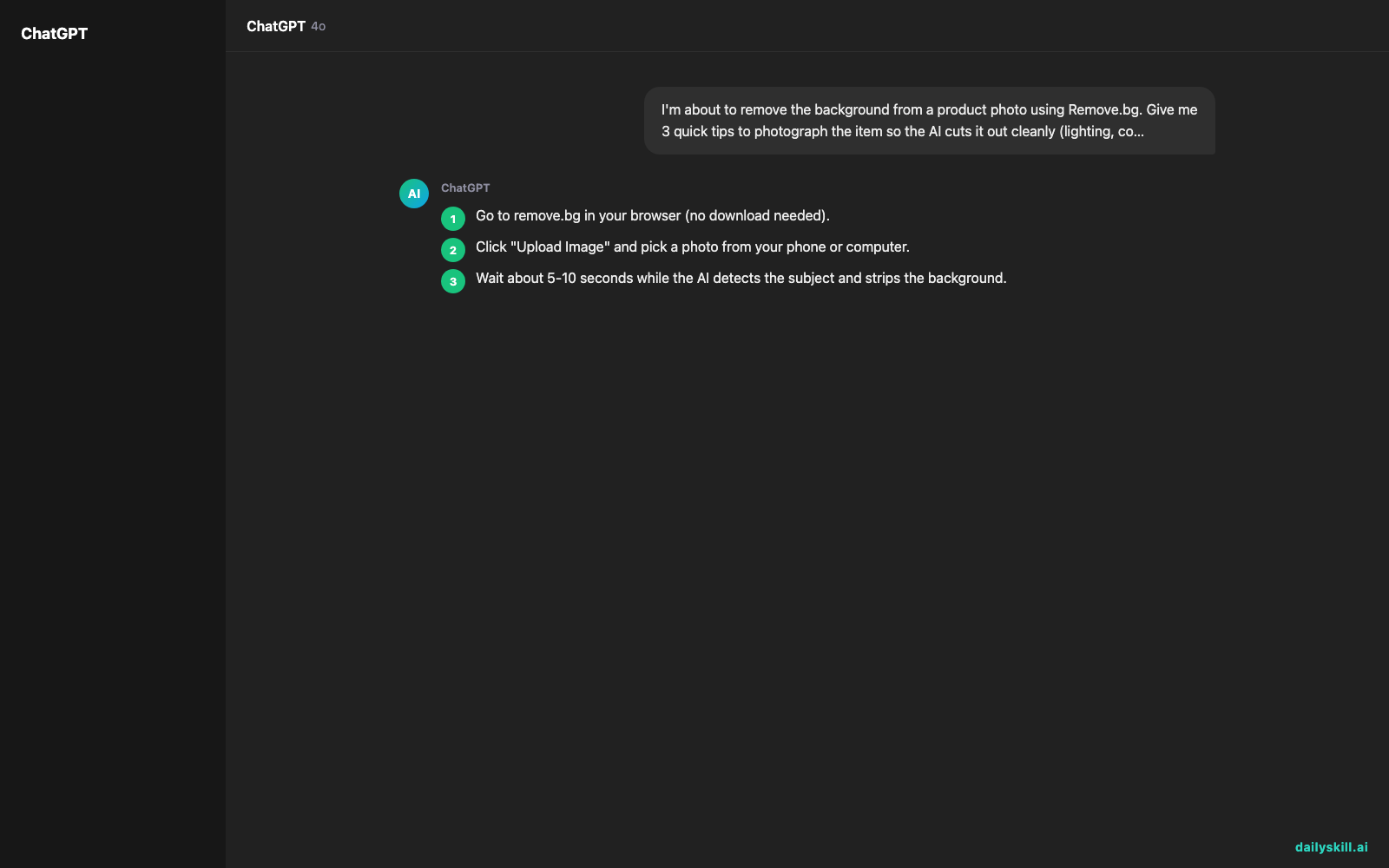
- Go to remove.bg in your browser (no download needed).
- Click “Upload Image” and pick a photo from your phone or computer.
- Wait about 5-10 seconds while the AI detects the subject and strips the background.
- Download the result as a transparent PNG, or pick a solid color or new background from the built-in options.
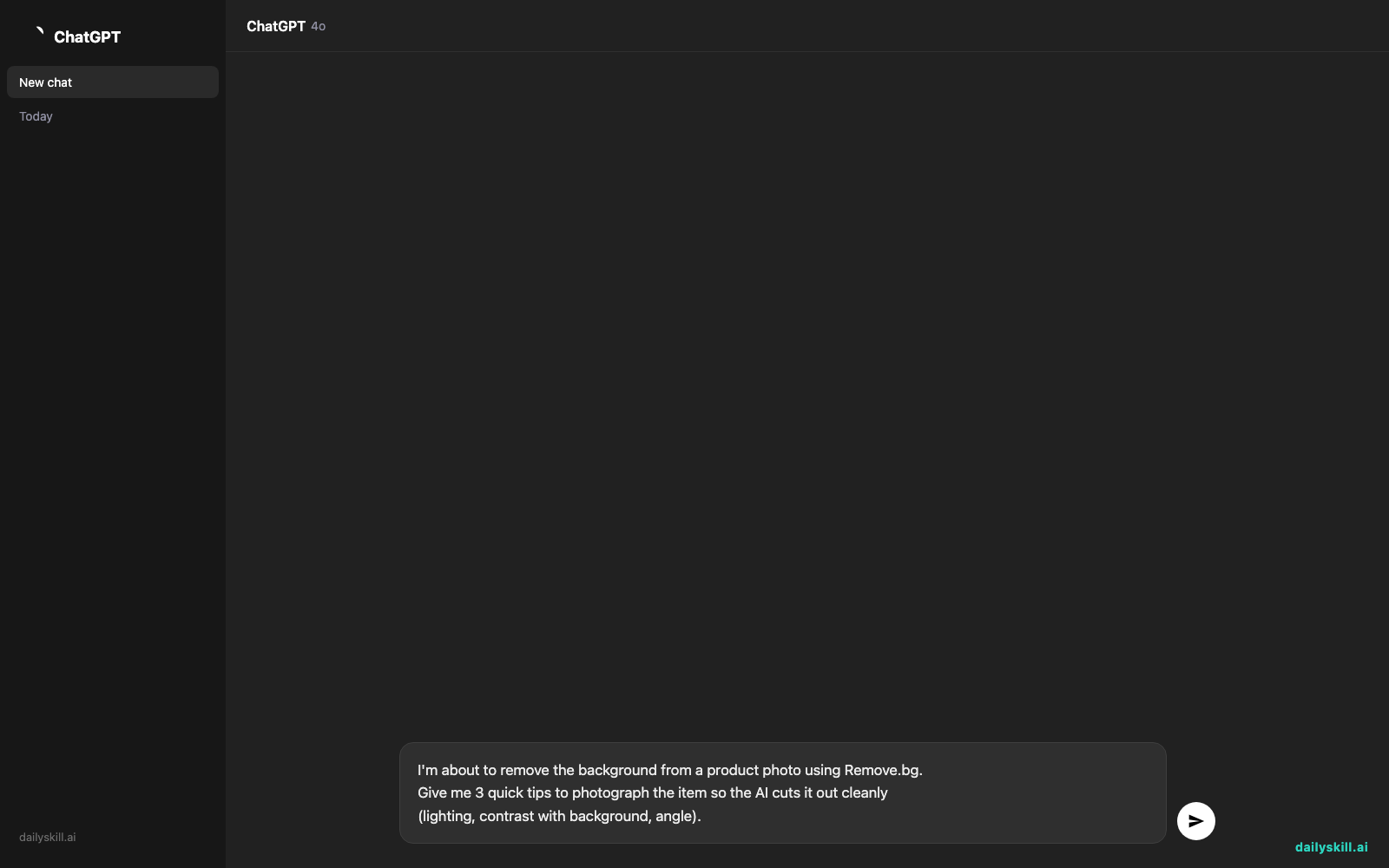
- Want cleaner cutouts on future photos? Try this prompt in any AI chat tool before you shoot:
I'm about to remove the background from a product photo using Remove.bg.
Give me 3 quick tips to photograph the item so the AI cuts it out cleanly
(lighting, contrast with background, angle).
A real example
Say you upload a photo of a coffee mug sitting on your dining table, with a plant and a window visible behind it.
Remove.bg returns the same mug, cleanly outlined, on a transparent (checkered) background — ready to drop onto a white background, an Instagram template, or your online store listing. The plant, table, and window are gone. The edge around the handle stays sharp, even the curved part.
On a busier photo — say the mug is next to a second mug and a laptop — it sometimes guesses wrong about which object is the “main” one, or leaves a faint shadow behind. You can manually erase the leftover bit with the built-in brush tool, but that’s an extra 20 seconds, not a one-click fix.
Honest take
Best for:
– Product photo background removal for online stores (Etsy, eBay, Shopify, Marketplace)
– Quick edits for social media posts, profile pictures, or simple ads
– Anyone who needs a professional look without hiring a designer
Not for:
– Busy photos with multiple overlapping objects — expect to touch up edges by hand sometimes
– Print-quality work where you need pixel-perfect manual control over every edge
Free tier gives you up to 50 images a month, which covers most casual or small-business use. Paid plans exist if you’re processing photos in bulk.
FAQ
Is it free? Yes — up to 50 images per month at no cost, no credit card required.
Is it safe? Yes. You upload your own photos and download the result; Remove.bg doesn’t publish your images anywhere.
Do I need an account? No account needed for basic use on the website, though signing up (free) lets you track your monthly image count.
Today’s pick wrap-up
Remove.bg turns a background-cleanup chore into a 10-second click, minor touch-ups aside — genuinely one of the easiest wins in this whole series. Try it on one photo today and reply to tell us what you made with it. Tomorrow: Beautiful.ai, for anyone who’d rather never build a slide deck by hand again.
You might also like:
- Build a 14-Day Content Calendar From One Idea
- How do I ask AI to think deeper instead of giving me surface-level answers?
Master Everyday AI in 1 Minute a Day
Get our free 2026 Double-Blind AI Benchmark Scorecard & 20 Ready-to-Use Prompts, plus one honest, 60-second AI skill in your inbox every morning. Zero hype, plain English, cancel anytime.


