
Ever read a text three times and still have no idea how to respond without sounding rude, cold, or like a pushover? Here’s the fix: paste the message into any AI chat, add one short prompt, and get three ready-to-send replies in under 60 seconds — no overthinking required.
Sound familiar?
Your friend cancels plans for the third time. Your boss sends a curt “we need to talk.” Your landlord asks for something you can’t do right now.
You type a reply, delete it, type another, delete that too. Ten minutes later, you still haven’t hit send.
The 60-second fix
Step 1: Copy the message you got
Just the text you’re replying to — no need to explain the backstory yet.
Step 2: Paste it into this prompt
Open any AI chat tool (ChatGPT, Gemini, Claude, or your phone’s built-in AI) and use this:
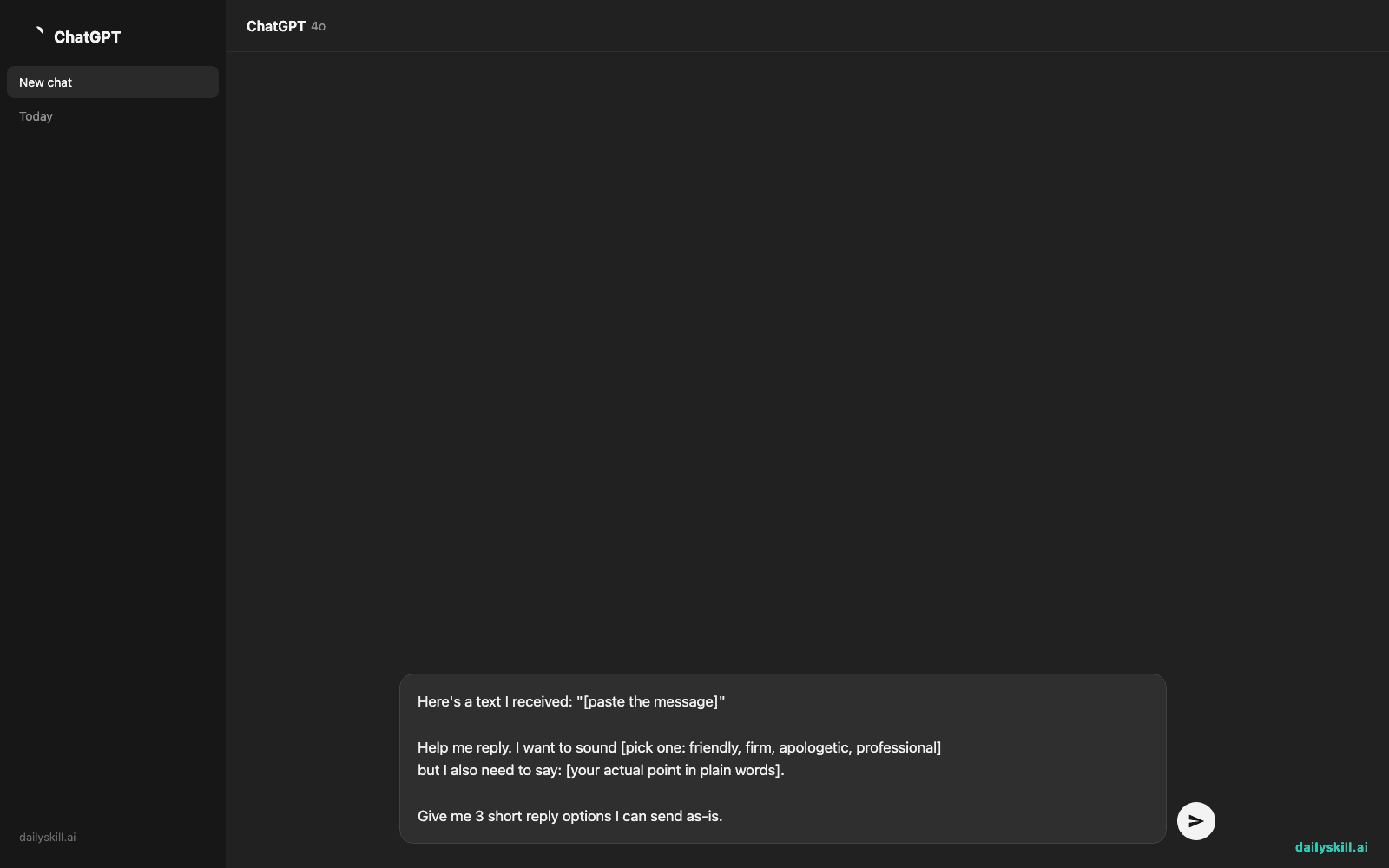
Here's a text I received: "[paste the message]"

Help me reply. I want to sound [pick one: friendly, firm, apologetic, professional]
but I also need to say: [your actual point in plain words].

Give me 3 short reply options I can send as-is.
Step 3: Pick the one that sounds like you
Tweak a word or two if needed, then hit send. That’s it.
Real example
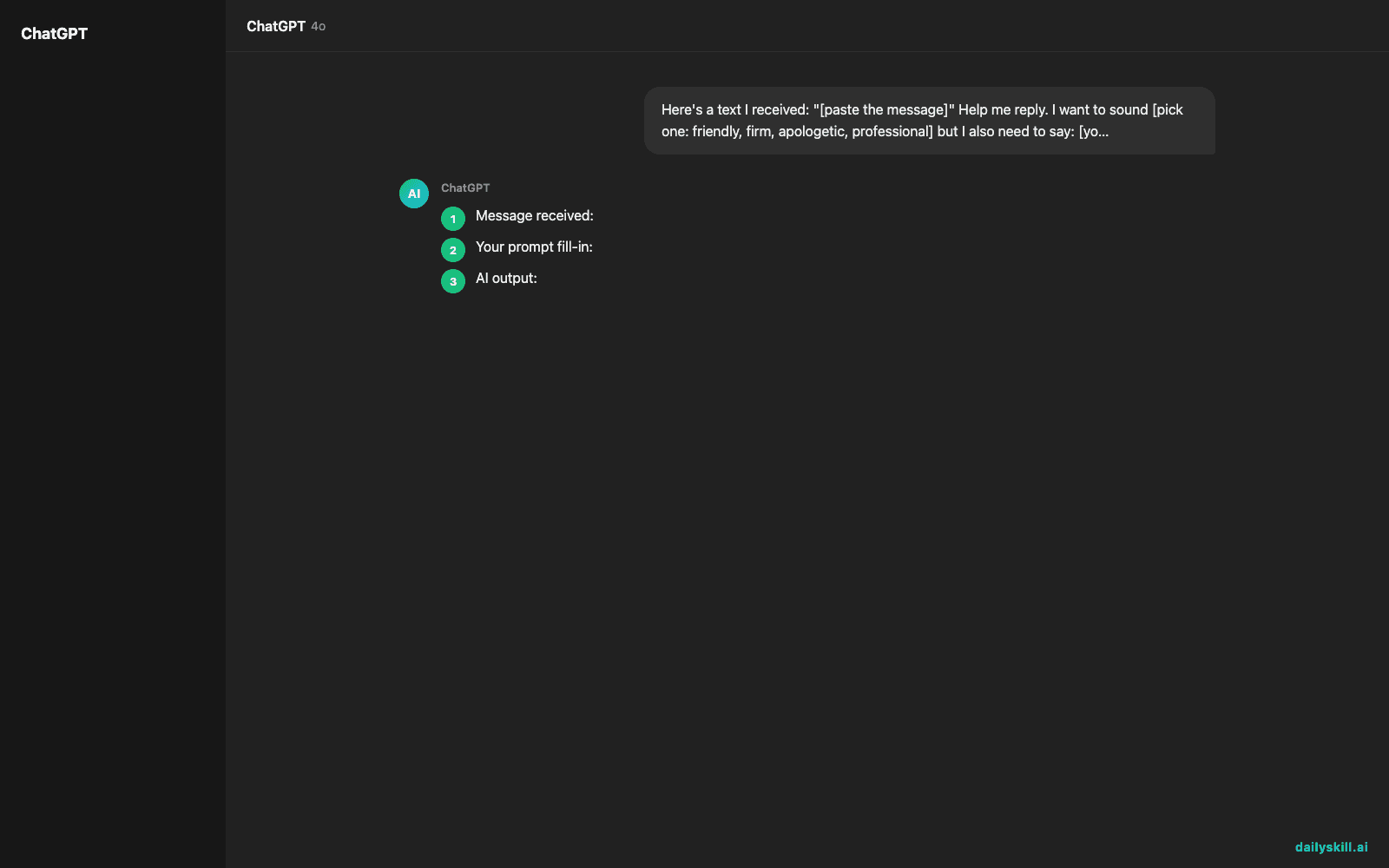
Message received: “Hey, can you cover my shift Saturday? I know it’s short notice.”
Your prompt fill-in: “friendly, but I need to say: I can’t this time, I already have plans.”
AI output:
- “Ah, I wish I could — I already have plans this Saturday! Hope you find someone though 🙏”
- “Sorry, I can’t this weekend, already committed to something. Good luck covering it!”
- “Wish I could help, but I’m booked Saturday. Let me know if you need help finding someone else.”
You read all three, pick #1, send it. Done in under a minute — no guilt, no awkward silence.
Level up
- For work messages: swap “friendly” for “professional” and add “keep it under 3 sentences.”
- For tricky conversations: ask the AI for “one option that sets a boundary, one that’s softer” so you can choose your tone.
- For repeat situations: save your favorite prompt in your notes app so it’s one tap away next time.
FAQ
Do I need a paid AI tool for this?
No. Free versions of most AI chat apps handle this easily — this trick doesn’t need anything advanced.
What if the AI’s reply doesn’t sound like me?
Ask it to “make this sound more casual” or “shorter, like a text, not an email” — one follow-up usually fixes it.
Is it weird to use AI for personal texts?
Not at all — think of it as a second opinion on tone, not a replacement for your words. You still choose what to send.
Today’s check-in
Try this on one text you’ve been avoiding today, and tell us in the comments which reply option you picked. Tomorrow: the one-line AI trick that turns a messy grocery list into a full meal plan.
You might also find these helpful:
- Turn Your Messy Voice Memos Into a Clean, Organized Outline
- Rewrite Any Email to Sound More Professional — in 60 Seconds
- Turn Messy Meeting Notes Into a Clean Action Table in 60 Seconds
Master Everyday AI in 1 Minute a Day
Get our free 2026 Double-Blind AI Benchmark Scorecard & 20 Ready-to-Use Prompts, plus one honest, 60-second AI skill in your inbox every morning. Zero hype, plain English, cancel anytime.


