
Ever left a meeting with three pages of notes and zero idea who’s actually doing what?
Here’s the fix: paste your notes into any AI chat and ask for one specific table. In under a minute, you’ll have a clean list of decisions, owners, and deadlines — no more scrolling back through your notes app to remember who said they’d “handle it.”
Sound familiar?
You take notes during the call because you’re supposed to. Then the meeting ends, everyone scatters, and your notes are just… a wall of text.
Three days later someone asks “wait, who was following up with the client?” and you’re squinting at your own handwriting-turned-typos, trying to reconstruct what happened.
The 60-second fix
1. Copy your raw notes or transcript
Don’t clean them up first. Typos, half-sentences, and rambling tangents are fine — the AI will sort through the mess for you.
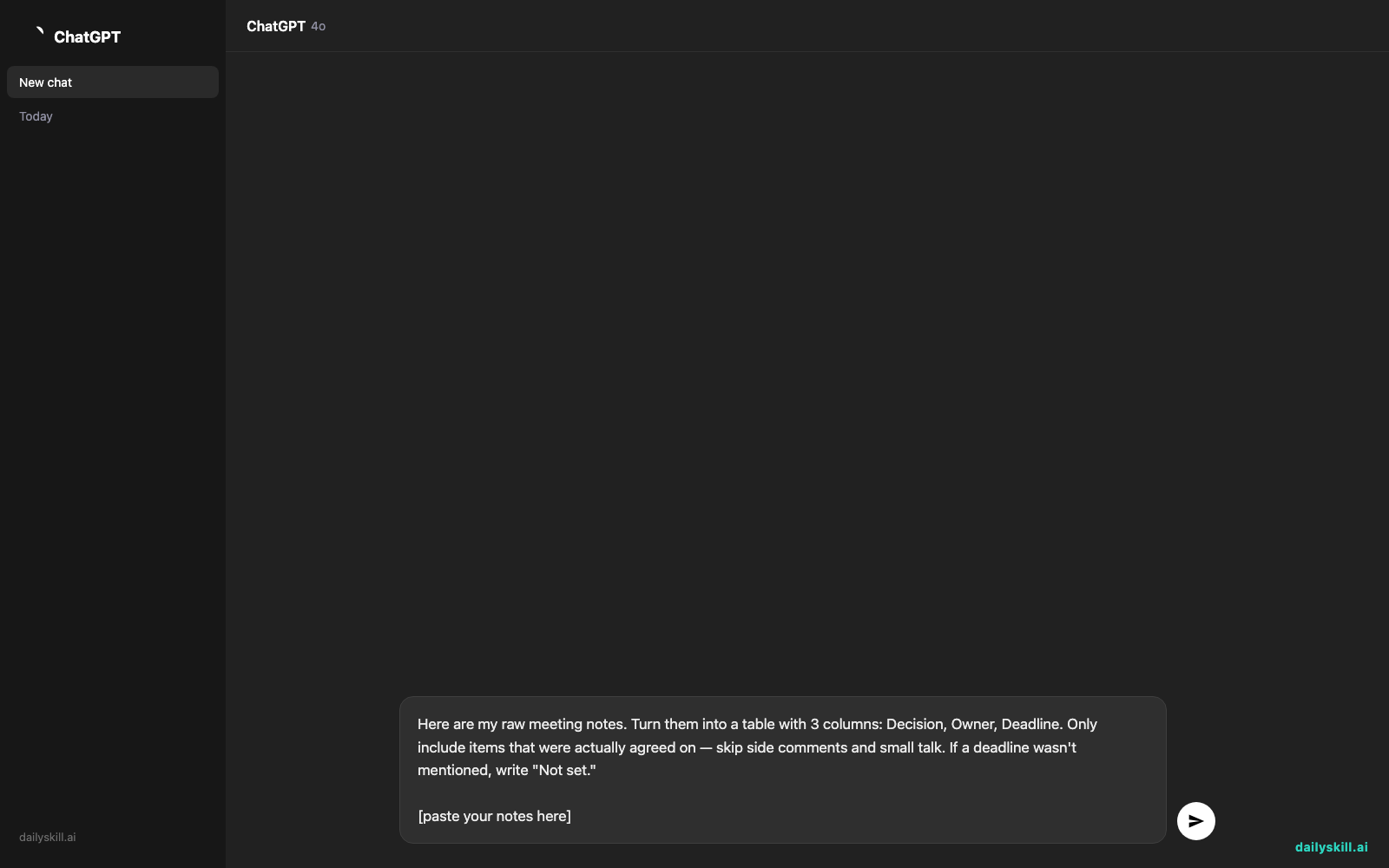
2. Paste this prompt into your AI chat
Use whatever assistant you already have open — ChatGPT, Gemini, or Claude all handle this well, especially with longer meeting notes.
Here are my raw meeting notes. Turn them into a table with 3 columns: Decision, Owner, Deadline. Only include items that were actually agreed on — skip side comments and small talk. If a deadline wasn't mentioned, write "Not set."

[paste your notes here]
3. Scan the table, not your notes
Skim the output for anything missing an owner or deadline — that’s usually the thing that’s about to fall through the cracks. Follow up on those first.
Real example
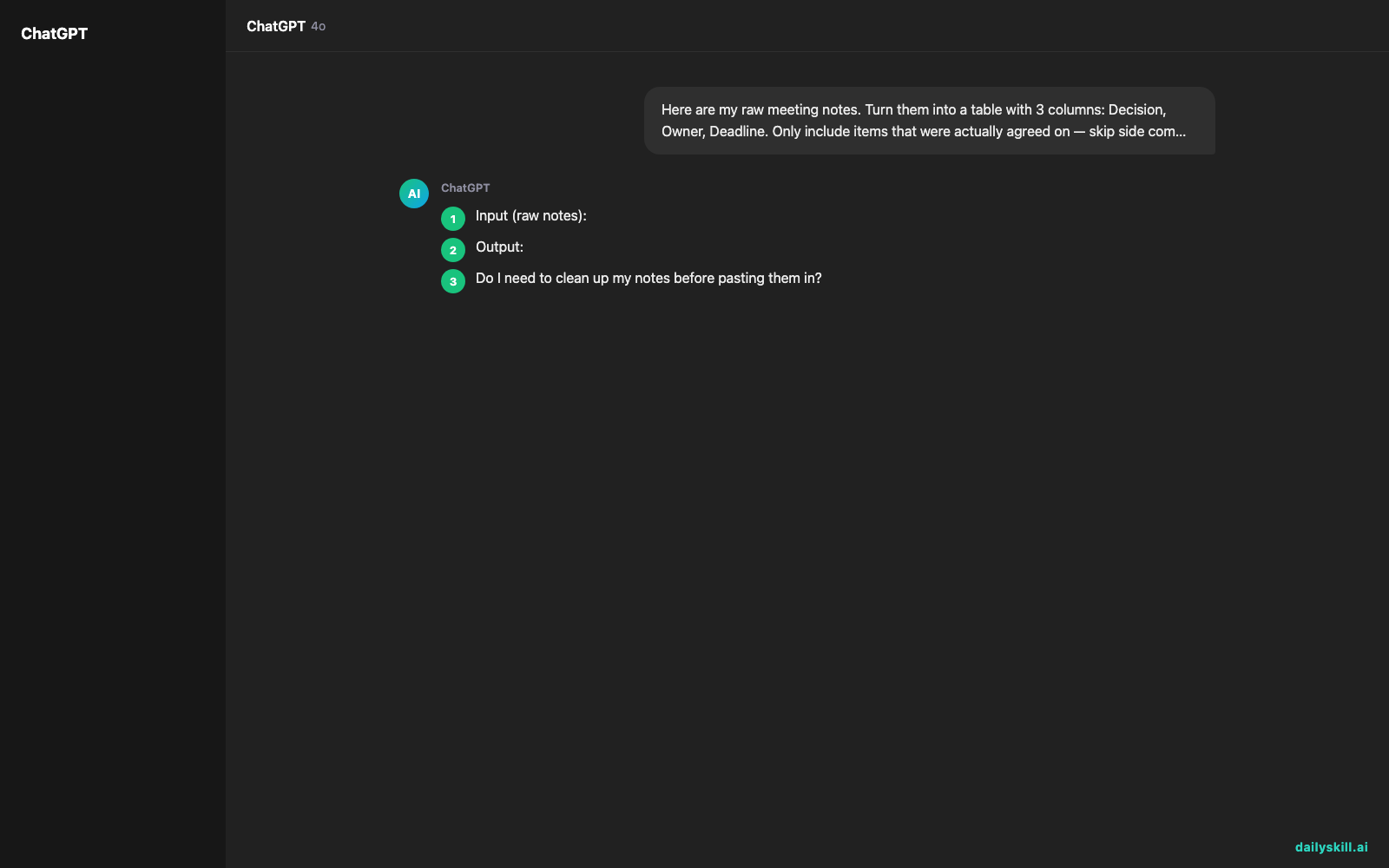
Input (raw notes):
“ok so sarah’s gonna send the updated pricing sheet to the client, she said maybe by friday. mike thinks we should hold off on the launch date til we hear back from legal, no timeline on that yet. also everyone agreed we’re switching the demo to thursdays instead of tuesdays starting next week.”
Output:
| Decision | Owner | Deadline |
|---|---|---|
| Send updated pricing sheet to client | Sarah | Friday |
| Hold launch until legal responds | Mike (waiting on Legal) | Not set |
| Move weekly demo from Tuesday to Thursday | Team | Starting next week |
One paste, one prompt, and the whole meeting is now a checklist instead of a memory test.
Level up
- Long transcripts: If you recorded the call, paste the full auto-generated transcript instead of your notes — most current AI models can handle several pages at once without losing track of details.
- Add a summary line: Add “Also give me a 2-sentence summary at the top” to the prompt for a quick recap you can drop into a follow-up email.
- Flag risks: Try adding “Also point out anything that sounds unresolved or unclear” — it’ll catch the vague stuff people glossed over.
FAQ
Do I need to clean up my notes before pasting them in?
No. Typos, abbreviations, and messy formatting are fine — the AI is good at sorting signal from noise on its own.
What if the AI misses something important?
Just reply with “You missed the part about [X]” and ask it to add that row. It’ll update the table right away.
Does this work with voice recordings?
Yes, if you have a text transcript. Many phone and meeting apps auto-generate one — paste that text in the same way.
Today’s check-in
Try this on your next meeting notes and drop your favorite result in the comments — did it catch something you would’ve missed?
Tomorrow: the 2-prompt trick for turning one email draft into a polished version and a casual version, so you never overthink your tone again.
You might also like:
More on AI for Work & Productivity:
- AI for Small Business Owners: 8 Practical Ways to Save Time in 2026
- Can AI Actually Help You Make Money? (Realistic Ways That Work in 2026)
- Can AI Help Me With Excel Formulas and Spreadsheets? (Yes, Here’s How)
Master Everyday AI in 1 Minute a Day
Get our free 2026 Double-Blind AI Benchmark Scorecard & 20 Ready-to-Use Prompts, plus one honest, 60-second AI skill in your inbox every morning. Zero hype, plain English, cancel anytime.


