
Ever open an email, see five paragraphs, and immediately think “I’ll read this later”? Then never actually read it later?
Here’s the fix: paste that email into your AI assistant and ask for a 3-line summary with action items. You’ll know exactly what it says and what you need to do — in about 10 seconds.
Sound familiar?
Your inbox is full of long emails from work, school, your kid’s teacher, or your landlord. You skim, miss the important part, and end up replying “wait, what do you need from me?” This trick ends that cycle for good.
The 60-second fix
1. Copy the email text
Highlight the whole email (or the messy group chat, or the long PDF text) and copy it. Doesn’t need to be formatted nicely — AI handles raw, messy text just fine.
2. Paste it into your AI assistant
Open ChatGPT, Gemini, or Claude — free versions all work for this. Paste the copied text into the chat box.
3. Add this prompt
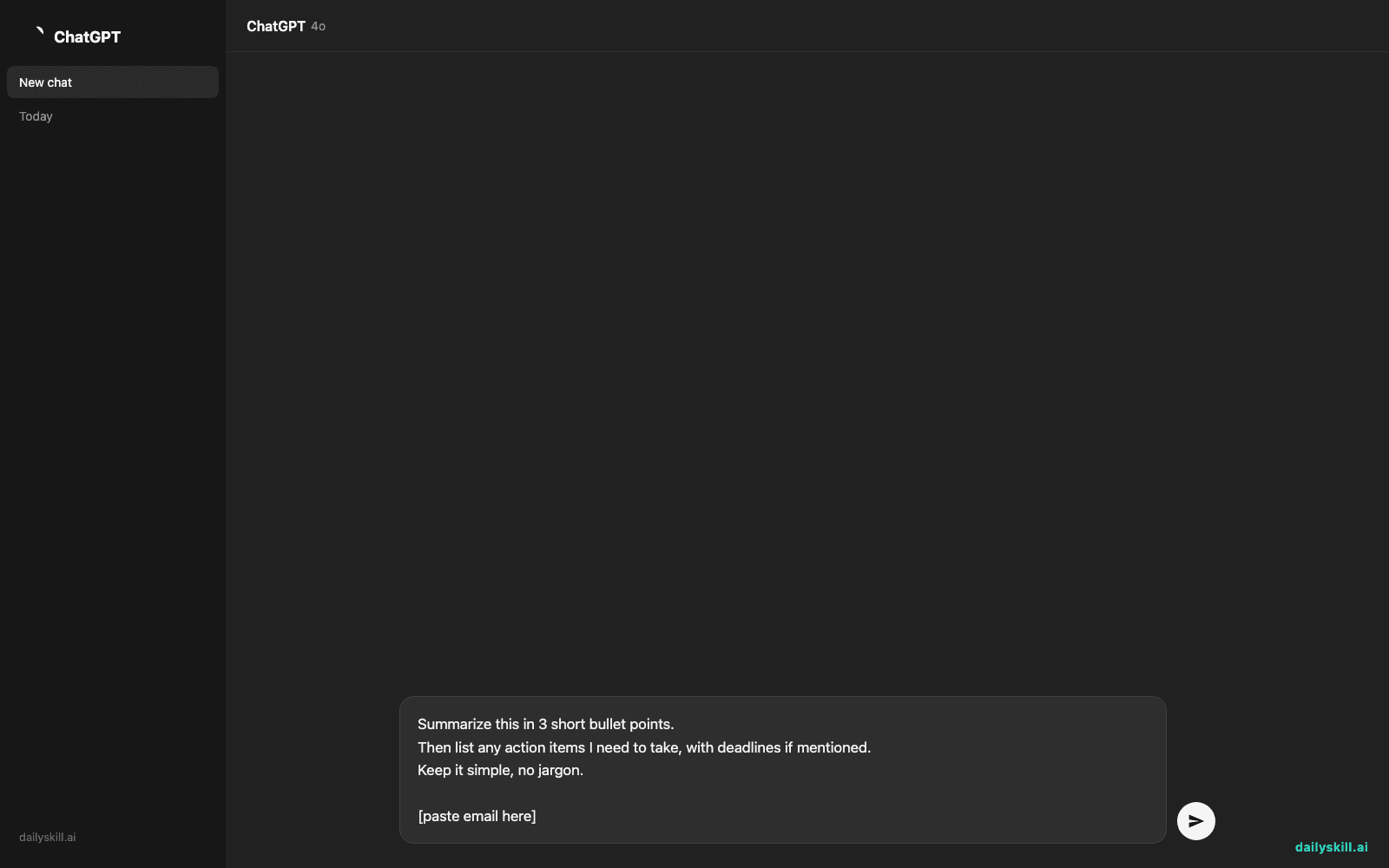
Summarize this in 3 short bullet points.
Then list any action items I need to take, with deadlines if mentioned.
Keep it simple, no jargon.

[paste email here]
Real example
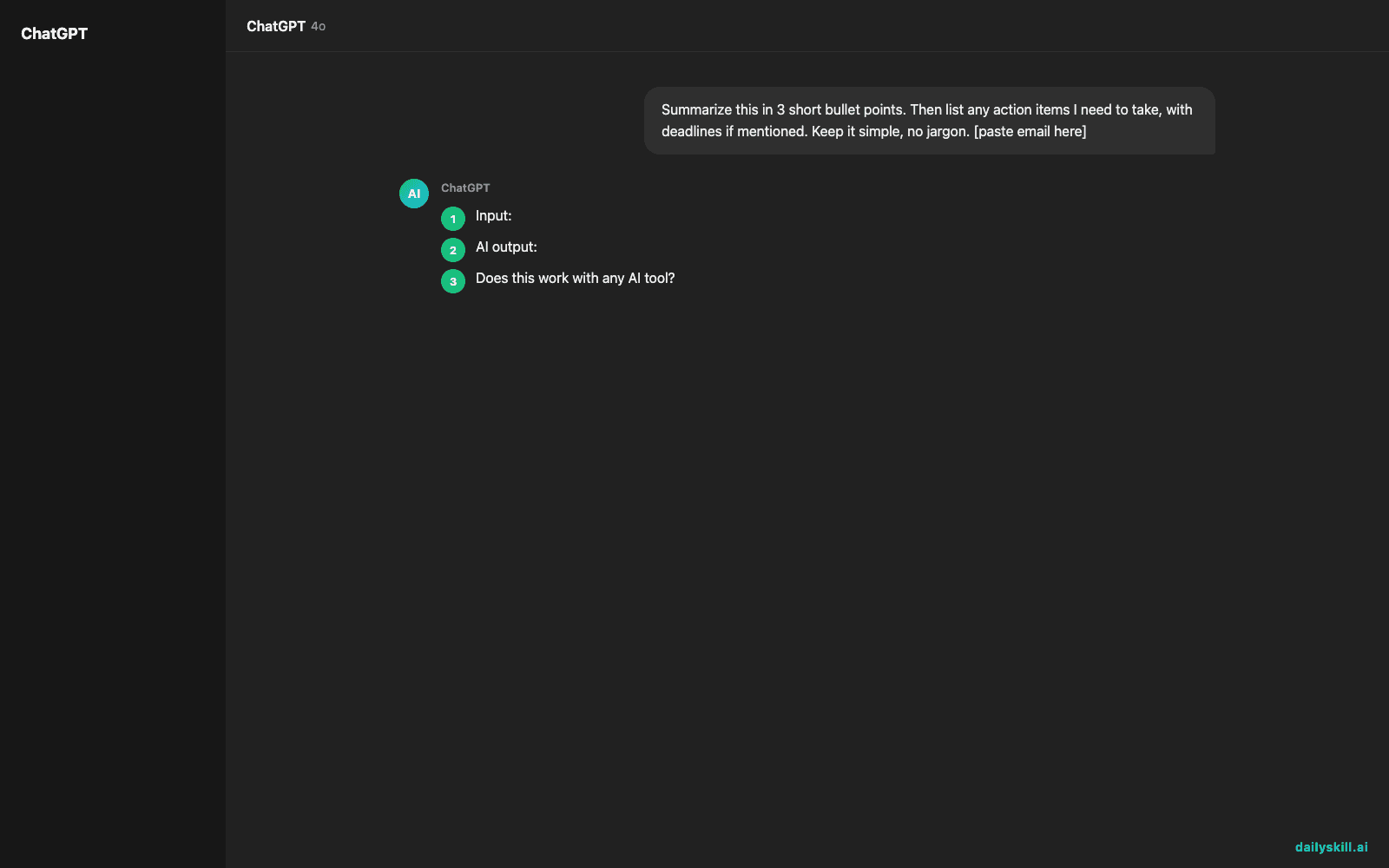
Input: A 4-paragraph email from your child’s school about a field trip, permission slips, payment deadlines, and a change in pickup time.
AI output:
Summary:
– Field trip to the science museum is on March 12th
– Permission slip and $15 payment are due by March 5th
– Pickup time that day changes to 4:30 PM instead of 3:15 PMAction items:
– Sign and return the permission slip by March 5th
– Send $15 (cash or check) by March 5th
– Mark March 12th pickup as 4:30 PM on your calendar
That’s it. No rereading, no confusion about what you owe or when.
Level up
- For group chats: Paste the whole thread and ask “What decisions were made and what do I still need to respond to?”
- For long articles or PDFs: Add “Explain like I’m in a hurry” for an even shorter summary.
- For work emails: Ask AI to also draft a one-line reply you can send back immediately.
FAQ
Does this work with any AI tool?
Yes. ChatGPT, Gemini, and Claude all handle this the same way — copy, paste, ask. Use whichever one you already have open.
What if the email has personal or sensitive info?
Remove names, account numbers, or anything private before pasting, just to be safe. The trick still works fine with that info blanked out.
Can I do this on my phone?
Yes — copy the email text, switch to your AI app, and paste. Works the same as on a computer.
Today’s check-in
Try this on one real email sitting in your inbox right now, then reply below and tell us what AI caught that you would’ve missed. Tomorrow: the one-line prompt that turns any recipe into a shopping list.
You might also find these helpful:
- Turn Your Messy Voice Memos Into a Clean, Organized Outline
- Rewrite Any Email to Sound More Professional — in 60 Seconds
- Turn Messy Meeting Notes Into a Clean Action Table in 60 Seconds
Master Everyday AI in 1 Minute a Day
Get our free 2026 Double-Blind AI Benchmark Scorecard & 20 Ready-to-Use Prompts, plus one honest, 60-second AI skill in your inbox every morning. Zero hype, plain English, cancel anytime.


