You need a training video for the new-hire onboarding deck, but setting up a camera, doing three takes, and still hating your voice on tape makes you close the laptop. Synthesia skips all of that: you paste a script, pick a digital presenter, and it hands you a finished video of that presenter speaking your words.
It’s built for anyone who has a script but no time (or nerve) to film themselves — you never touch a camera or microphone.
What it is
Synthesia turns written text into a video of a person talking. That “person” is a digital presenter (AI-generated, not a real actor) whose lips and expressions match your script. You type or paste your script, choose a voice and avatar, and it renders a video — no filming, no editing timeline, no lighting setup.
Try it in 5 minutes
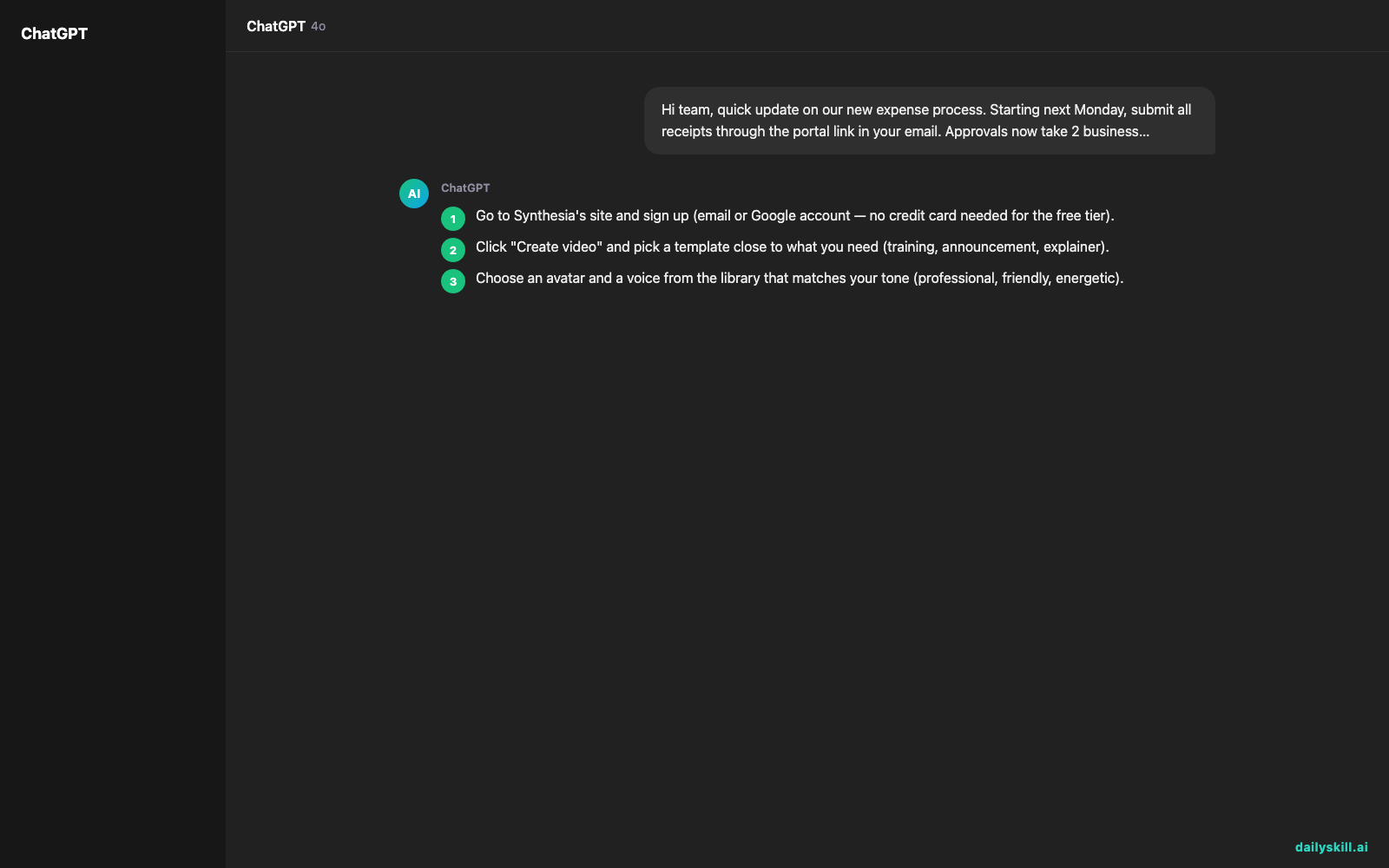
- Go to Synthesia’s site and sign up (email or Google account — no credit card needed for the free tier).
- Click “Create video” and pick a template close to what you need (training, announcement, explainer).
- Choose an avatar and a voice from the library that matches your tone (professional, friendly, energetic).
- Paste your script into the script box. Keep sentences short — this is a spoken video, not an essay.
- Hit “Generate” and preview. Adjust pacing or swap the avatar if the first take feels off, then export.
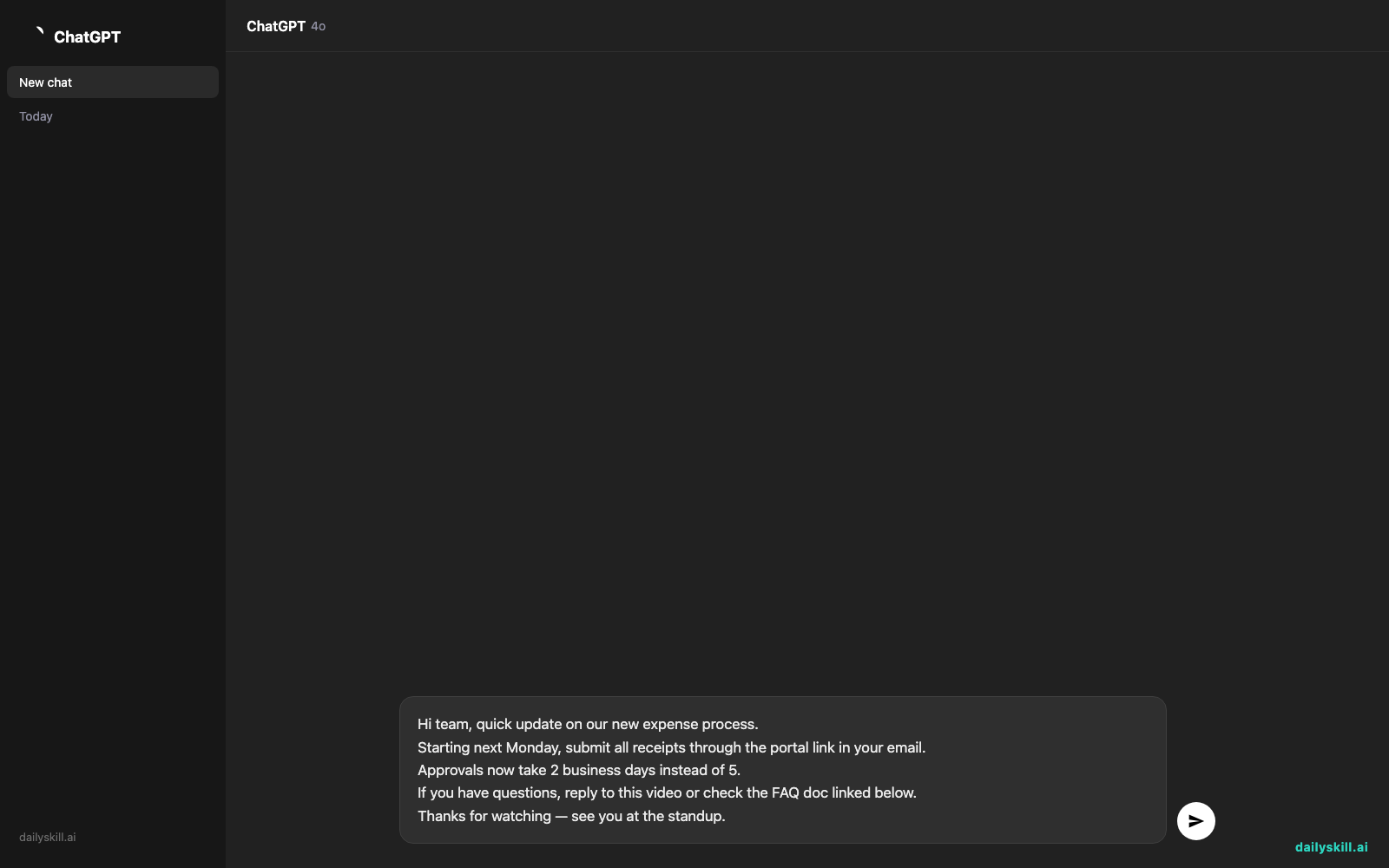
Copy-paste starter script (paste this into the script box, not a chat window):
Hi team, quick update on our new expense process.
Starting next Monday, submit all receipts through the portal link in your email.
Approvals now take 2 business days instead of 5.
If you have questions, reply to this video or check the FAQ doc linked below.
Thanks for watching — see you at the standup.
A real example
Say you run a small team and need to explain a new tool rollout without scheduling a live call. You paste a 150-word script explaining what changed, why, and what people need to do by Friday.
Output: a 55-second video of a professional-looking avatar in business casual, speaking your script clearly, with auto-generated subtitles and a subtle background. You download it as an MP4 and drop it straight into your team Slack or email.
No filming, no re-recording because you stumbled on a word, no editing software.
Honest take
Best for:
– Training videos, step-by-step guides (SOPs), or onboarding content you’ll reuse often
– Company announcements or updates when you don’t want to be on camera
– Quick explainer videos for a product, policy, or process
Not for:
– Casual, personal-feeling content — avatars still read as polished, not spontaneous
– Long-form storytelling or anything needing real emotion and improvisation
The free tier gives you 1 minute of video per month — enough to test it, not enough for regular use. Paid plans unlock more minutes and avatars.
FAQ
Is it free? There’s a free tier with 1 minute of video per month. Past that, you’ll need a paid plan.
Is it safe? Yes — it’s a legitimate, widely used tool for company training and comms. Don’t upload confidential scripts you’re not comfortable storing on a third-party server, same rule as any cloud tool.
Do I need an account? Yes, a free sign-up (email or Google) is required before you can create your first video.
Today’s pick wrap-up
Synthesia is the no-camera video maker for anyone who has a script but not the time (or nerve) to film themselves. Tried it for a real task? Drop your result in the comments — we read every one.
Tomorrow: we hand your writing the same shortcut treatment with Copy.ai — turning a rough idea into ready-to-use marketing copy in minutes.
You might also like:
More on Choosing & Using AI Tools:
- Adobe Firefly: The AI Image Generator Built for Real Work
- Anthropic Introduces Claude Sonnet 5: Its Most Agentic Sonnet
- Best Free AI Tools in 2026: The Honest Guide for Normal People