
Your LinkedIn photo is a cropped vacation selfie from three years ago, and everyone can tell. Booking a photographer for one photo feels like way too much effort.
PhotoAI turns a handful of your regular selfies into polished, studio-style headshots — no camera, no photographer, no studio lighting required.
What it is
PhotoAI is an AI headshot generator. You upload selfies, it learns what you look like, then generates brand-new images of you in business outfits, clean backgrounds, and professional lighting.
It’s built specifically for LinkedIn and resume photos, not general art or memes. You’re not editing one photo — you’re generating dozens of new ones based on your face.
Try it in 5 minutes
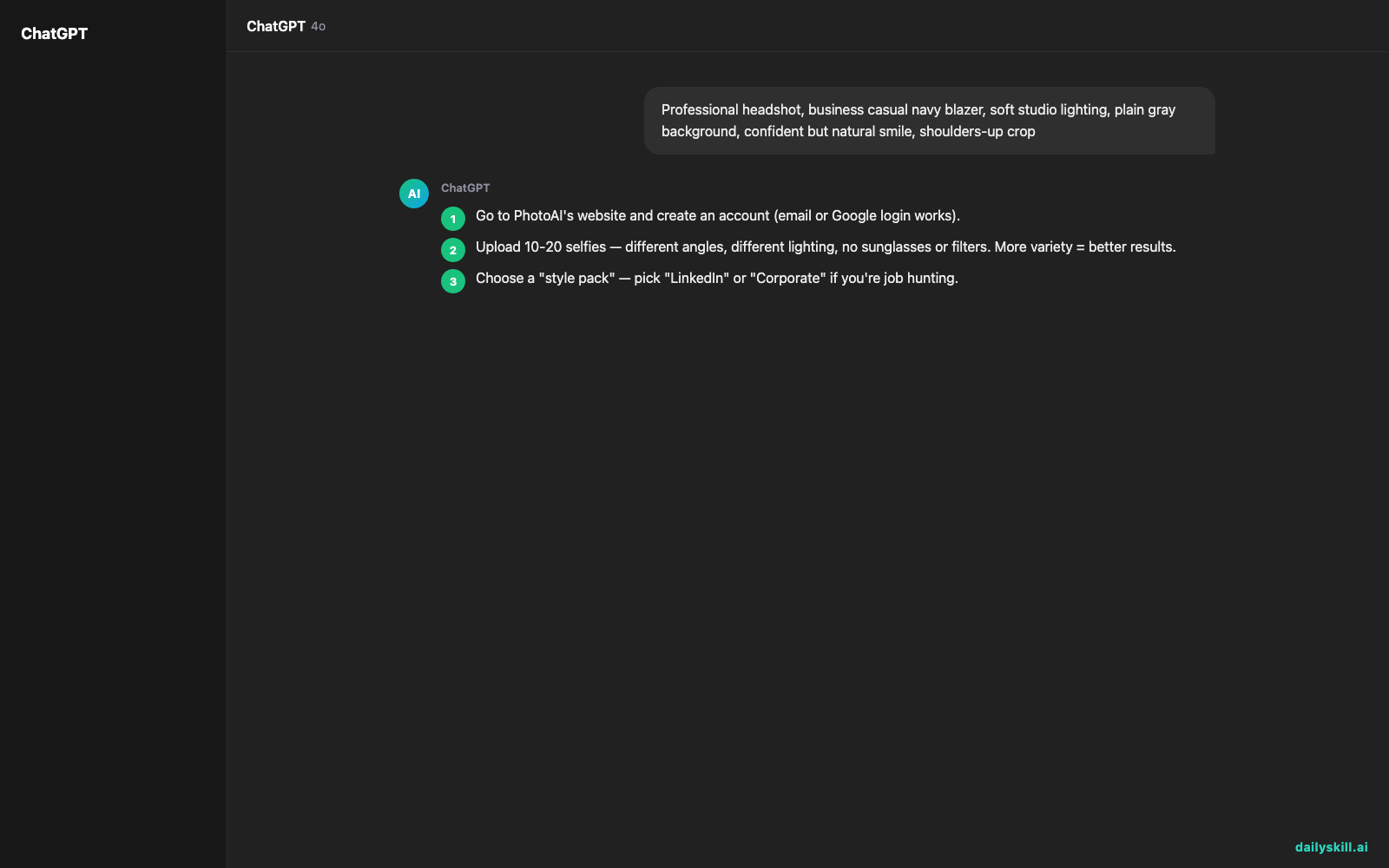
- Go to PhotoAI’s website and create an account (email or Google login works).
- Upload 10-20 selfies — different angles, different lighting, no sunglasses or filters. More variety = better results.
- Choose a “style pack” — pick “LinkedIn” or “Corporate” if you’re job hunting.
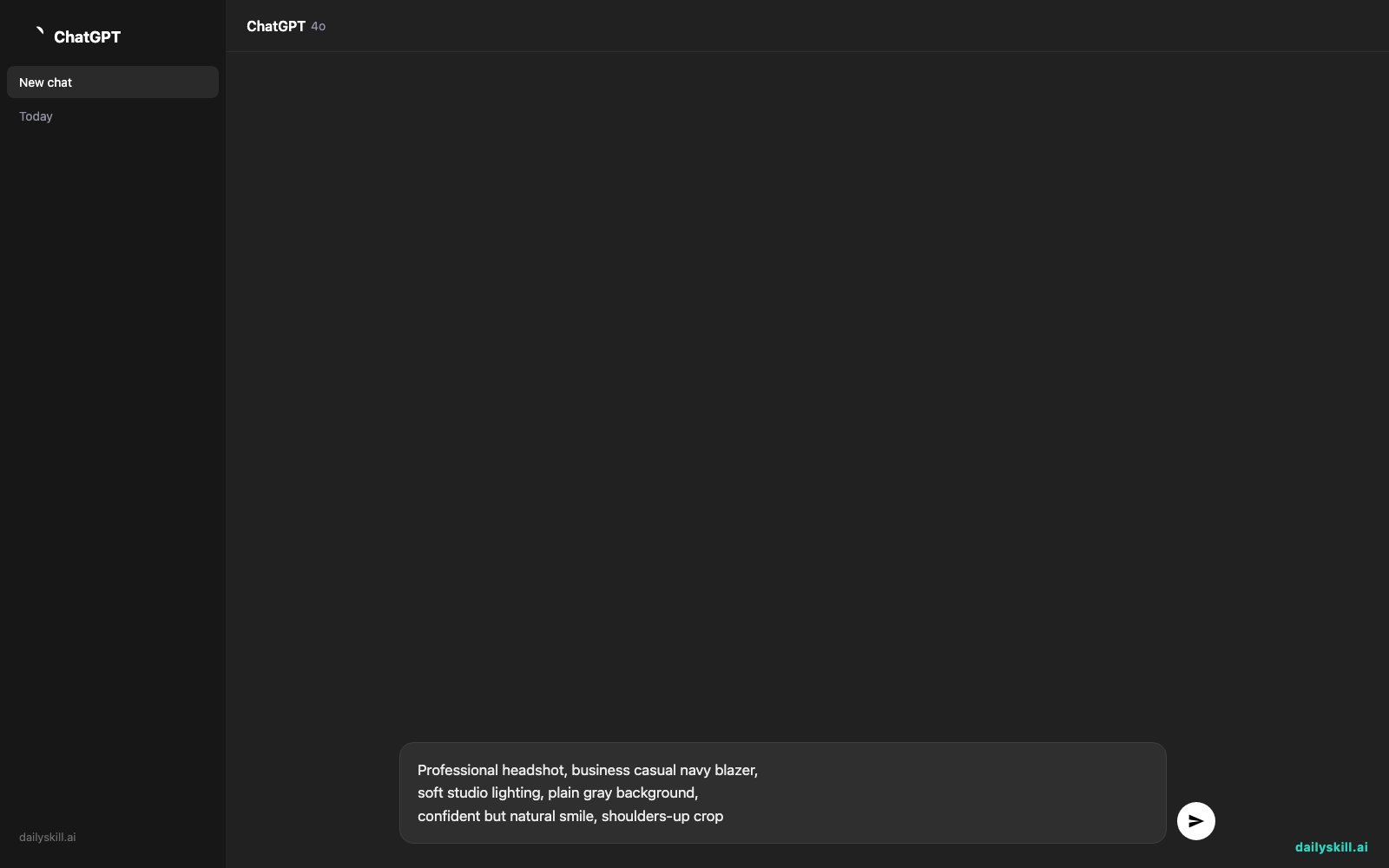
- If the tool allows custom instructions, use a prompt like this to guide the style:
Professional headshot, business casual navy blazer,
soft studio lighting, plain gray background,
confident but natural smile, shoulders-up crop
- Wait for processing (usually under an hour), then download your favorites in full resolution.
A real example
Input: 15 selfies taken on a phone, mix of indoor/outdoor lighting, casual clothes.
Output after choosing the “LinkedIn” style pack:
A set of 20-40 images: you in a navy blazer against a soft gray backdrop, another set in a white shirt with a blurred office background, all with even lighting and a natural expression. Not every image looks 100% like you — a few will have odd hands, weird ears, or a slightly “off” jawline. But 5-10 out of the batch usually look genuinely usable.
Honest take
Best for:
– A quick LinkedIn photo upgrade without booking a session
– Job seekers who need a resume photo fast and cheap
– People who hate being in front of a camera and want to skip the awkward photoshoot
Not for:
– Anyone needing 100% accuracy — some outputs look subtly “not you,” especially around eyes and hands
– Official ID photos or anything requiring a real, unedited photo
The free tier gives you a small batch of credits to judge quality before you pay for a bigger pack. It’s enough to see if your face and lighting mix produces good results, but not enough for a full set of final images.
FAQ
Is it free? There’s a free tier with limited credits, enough for a small test batch. Bigger batches (more outfits, more choices) need a paid pack.
Is it safe? Your selfies are used to generate images for you only, not shared publicly. Still, check the current privacy policy before uploading if you’re not comfortable with your face being processed by AI.
Do I need an account? Yes, you need to sign up to upload selfies and receive your generated headshots.
Today’s pick wrap-up
PhotoAI won’t replace a real photographer for every situation, but for a fast, cheap LinkedIn or resume photo, it genuinely delivers usable results. Try it and drop your before/after in the comments — we love seeing the glow-ups. Tomorrow: Leonardo.AI, for when you want to generate full creative images, not just headshots.
You might also like:
- Turn Your Rambling Notes Into a Clean Summary in 60 Seconds
- Does AI get better if I give it feedback on its answers?
Master Everyday AI in 1 Minute a Day
Get our free 2026 Double-Blind AI Benchmark Scorecard & 20 Ready-to-Use Prompts, plus one honest, 60-second AI skill in your inbox every morning. Zero hype, plain English, cancel anytime.


