
You open ChatGPT to find that budget breakdown from last Tuesday. Instead you scroll past “best marinade for chicken thighs,” “why is my dog barking at 3am,” and eleven other random chats before you even see it.
Here’s the fix: build two “lanes” — Work and Personal — so your recurring tasks stay one click away and everything else stays out of the way. Takes about 60 seconds, no new app needed.
Sound familiar?
Your sidebar is one long, mixed pile — work emails, trip planning, “what’s a substitute for buttermilk,” your boss’s status update, all stacked in the order you typed them.
Finding an old work thread means scrolling to page three of your history, giving up, and just re-typing the whole question from scratch.
The 60-second fix
ChatGPT’s app has a Projects feature — think of it as a labeled folder for related chats. You’ll make one for work and let your regular chat list handle everything casual.
Step 1: Create a Work project
Open ChatGPT, look at the sidebar, and click New Project (or the + next to “Projects”). Name it “Work.”
Step 2: Give it instructions so it stays focused
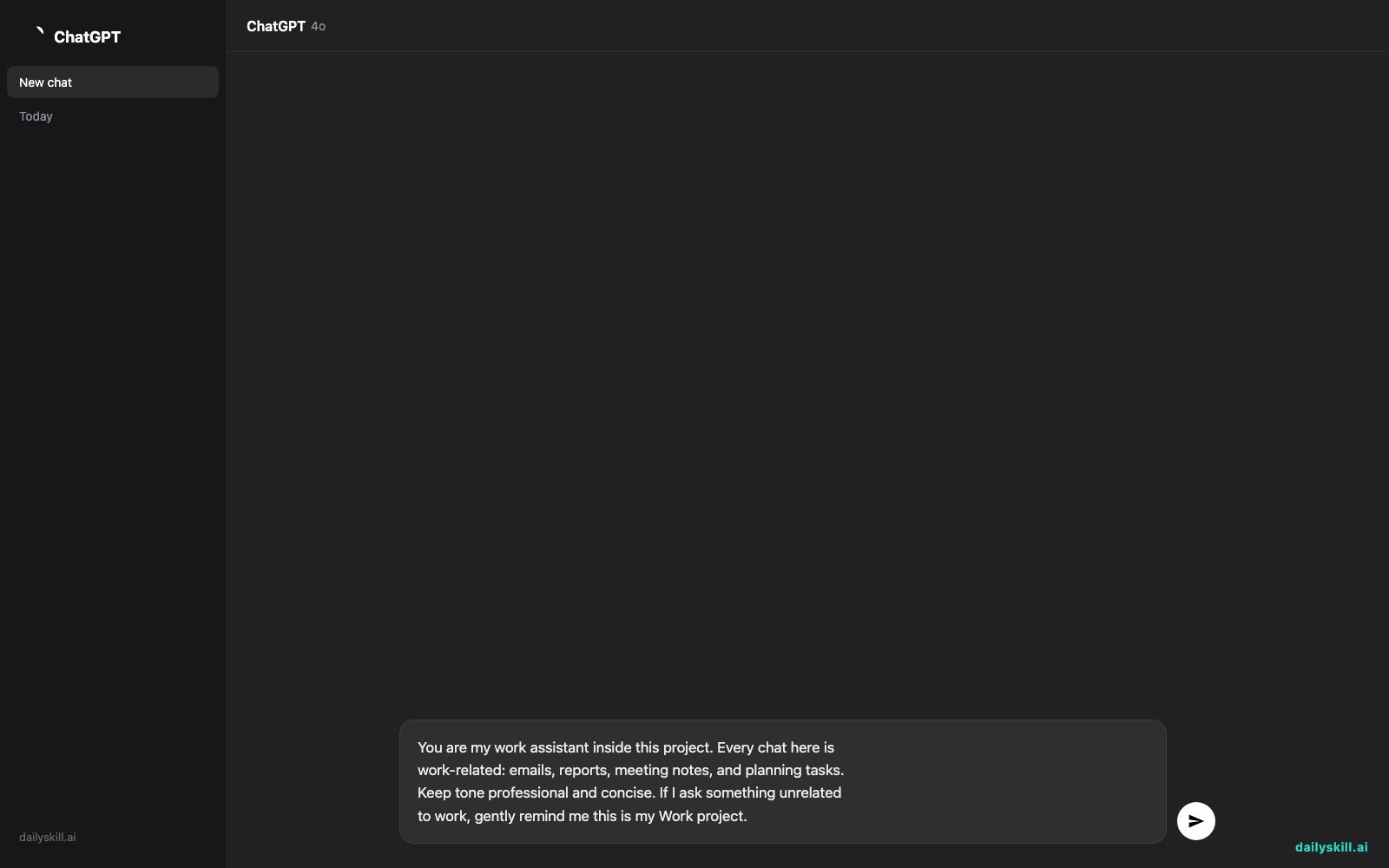
Click into the new project and paste this into its custom instructions box:
You are my work assistant inside this project. Every chat here is
work-related: emails, reports, meeting notes, and planning tasks.
Keep tone professional and concise. If I ask something unrelated
to work, gently remind me this is my Work project.
Step 3: Move your existing work chats in
Go back to your main chat list. Find a work-related conversation, click the “…” menu next to it, and choose Add to project → Work. Repeat for 4-5 key ones — a few seconds each.
From now on, start any new work task from inside that project. Casual questions stay in your regular chat feed, untouched.
Real example
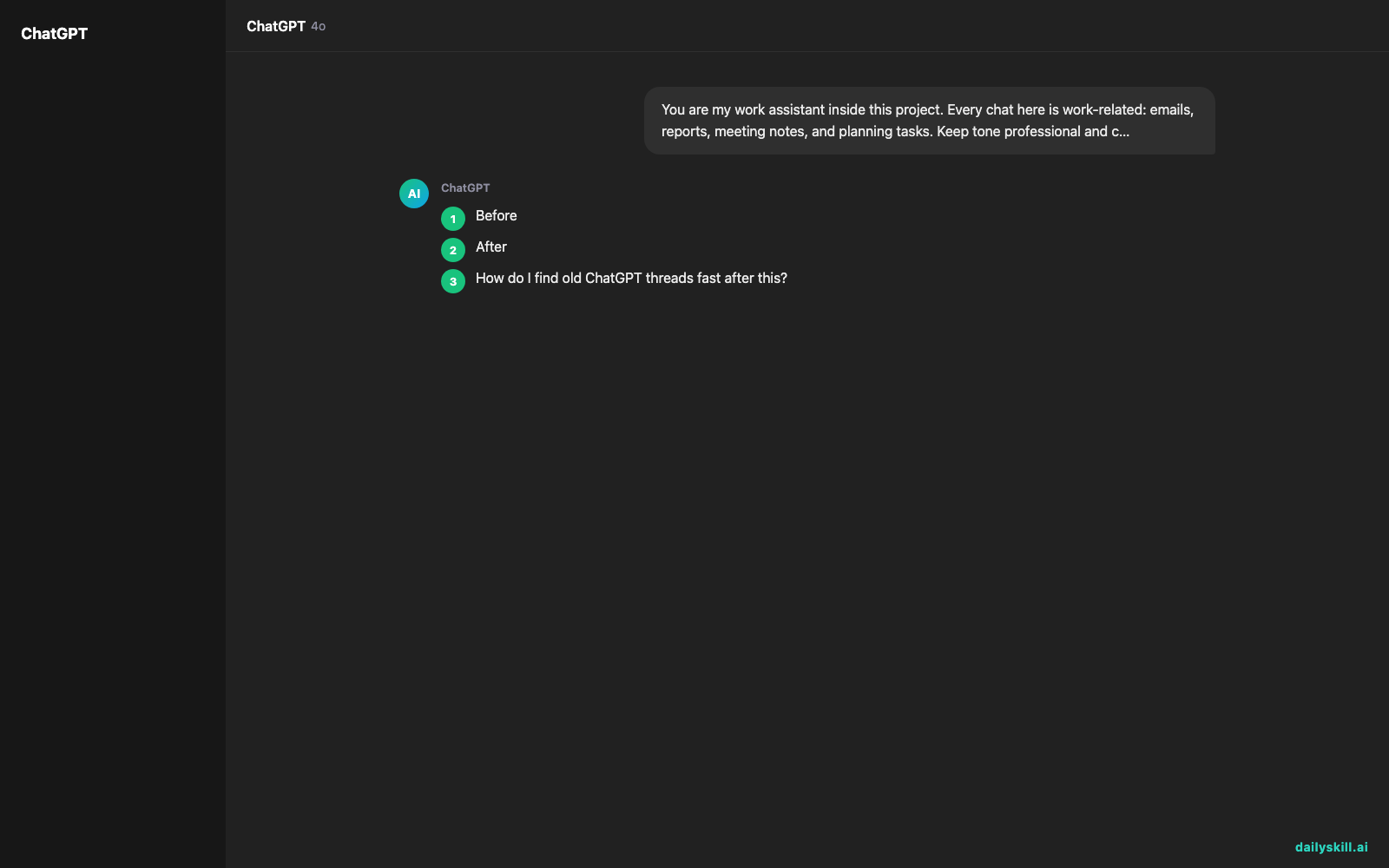
Before, your sidebar looked like this, all mixed together:
Best marinade for chicken thighs
Q3 budget breakdown
Why does my dog bark at 3am
Draft email to Sarah re: vendor contract
Substitute for buttermilk
Team meeting notes - Monday standup
After you move the work items into your Work project, that project shows only:
Q3 budget breakdown
Draft email to Sarah re: vendor contract
Team meeting notes - Monday standup
Result: open your Work project and every chat in it is job-related. No marinade recipes, no dog questions — just what you came for.
Level up
- Make a second project called “Personal” for house projects, travel planning, or hobbies — same three steps, different name.
- Add project-specific instructions like “Always format replies as bullet points” if that’s how you work best.
- Rename a project anytime by clicking its name — no need to rebuild it from scratch.
FAQ
How do I find old ChatGPT threads fast after this?
Open the project they belong to first — that narrows your search from “everything” to a handful of related chats.
Does moving a chat into a project delete it from my regular history?
No. It just organizes it under that project. You can still find it by scrolling, but the project view is much faster.
Can I use projects on mobile too?
Yes — projects sync across desktop, web, and mobile, so a chat you sort today shows up the same way everywhere.
Today’s check-in
Set up your Work project right now and drop a comment with how many stray work chats you found buried in your history — bet it’s more than you think.
Tomorrow: you’ll paste in a messy, back-and-forth email thread and have AI pull out the key points in seconds.