Yes, you can get noticeably faster AI responses. Most tools now have a built-in “quick” or “fast” mode, and how you write your prompt matters too. Switch to the lighter/faster model option in the app’s settings, keep your question short and specific, and save the slower, deeper mode for when a task actually needs heavy reasoning or long output.
Why this comes up
You’re mid-task, the clock’s ticking, and the AI feels like it’s “thinking” too long. You want a quick answer for work, not a slow, over-explained essay.
The worry underneath: am I doing something wrong, or is the tool just built this way?
Speed is a setting, not a personality trait of the AI.
The honest answer
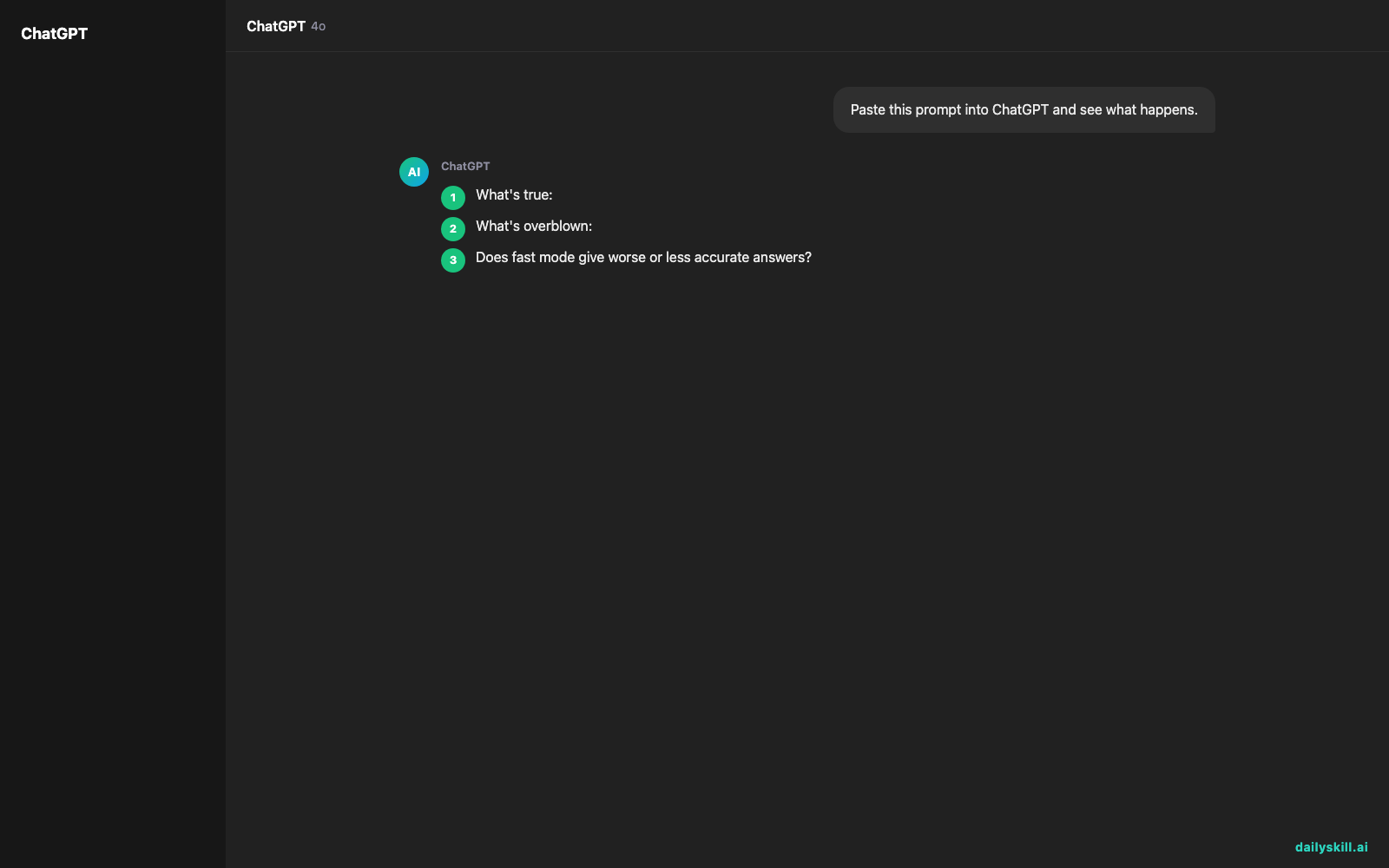
What’s true:
– Most AI chat apps offer a visible speed/quality trade-off. In ChatGPT, you can pick a faster, lighter model for quick answers and save the more powerful “thinking” model for harder tasks. Gemini has a similar split — a fast, everyday mode and a more deliberate mode for complex reasoning.
– The model choice is what changes actual response time, not just how the text animates onto the screen.
– Shorter, more specific prompts get answered faster than long, vague ones. “Summarize this email in 2 sentences” beats “Tell me everything you think about this.”
What’s overblown:
– People assume a slow response means the AI is “broken” or overloaded. Usually it just picked (or you picked) a higher-quality mode doing more reasoning steps on purpose — not malfunctioning.
– Fast mode isn’t “worse AI.” For quick facts, rewrites, or simple questions, it’s just as accurate. You only lose ground on multi-step reasoning, math, or long creative work.
What to do
- Do check your app’s model picker (usually top of the chat screen) and select the fast/lite/flash option for everyday questions.
- Do keep prompts short: state the task, give the key detail, skip the backstory.
- Do use fast mode for quick replies, one-line summaries, grammar checks, quick brainstorm lists.
- Don’t use fast mode for multi-step analysis, big documents, coding logic, or anything you need double-checked.
- Don’t assume a slow answer is a glitch — try switching modes before you assume something’s wrong.
- Do set your preferred fast mode as the default if the app lets you.
FAQ
Does fast mode give worse or less accurate answers?
For simple, factual, or short tasks — no, it’s about the same. For complex reasoning or long documents, the slower “quality” mode does better.
Why does an AI tool sometimes feel slow even in fast mode?
High traffic times, very long prompts, or attached files (images, PDFs) all add processing time, even in fast mode.
Can I switch modes mid-conversation?
Yes. Start in fast mode for quick back-and-forth, then switch to the deeper mode when a question gets harder — no need to start a new chat.
Bottom line
Fast, everyday AI answers are one settings tap away — save the “smart” mode for when the task actually needs it. What’s your go-to speed setting for quick work questions? Drop it in the comments. Tomorrow: can you talk to AI out loud instead of typing?