
You’ve got 40 pages of lecture notes due for review tonight, and your eyes glaze over by page 3. You know you’d remember it better if someone just talked you through it.
NotebookLM does exactly that: you upload your notes or documents, and it generates an AI podcast conversation — two voices discussing your material like a real show. It’s for students, self-learners, or anyone who’d rather listen than read.
What it is
NotebookLM is a free tool from Google that turns your own documents into study aids. You feed it notes, PDFs, or slides, and it can summarize them, answer questions about them, or generate a full audio conversation — an “Audio Overview” — that sounds like two hosts breaking down your material.
Unlike a general chatbot, it only talks about what you gave it. No made-up facts pulled in from elsewhere, no random tangents — just your content, explained out loud.
Try it in 5 minutes
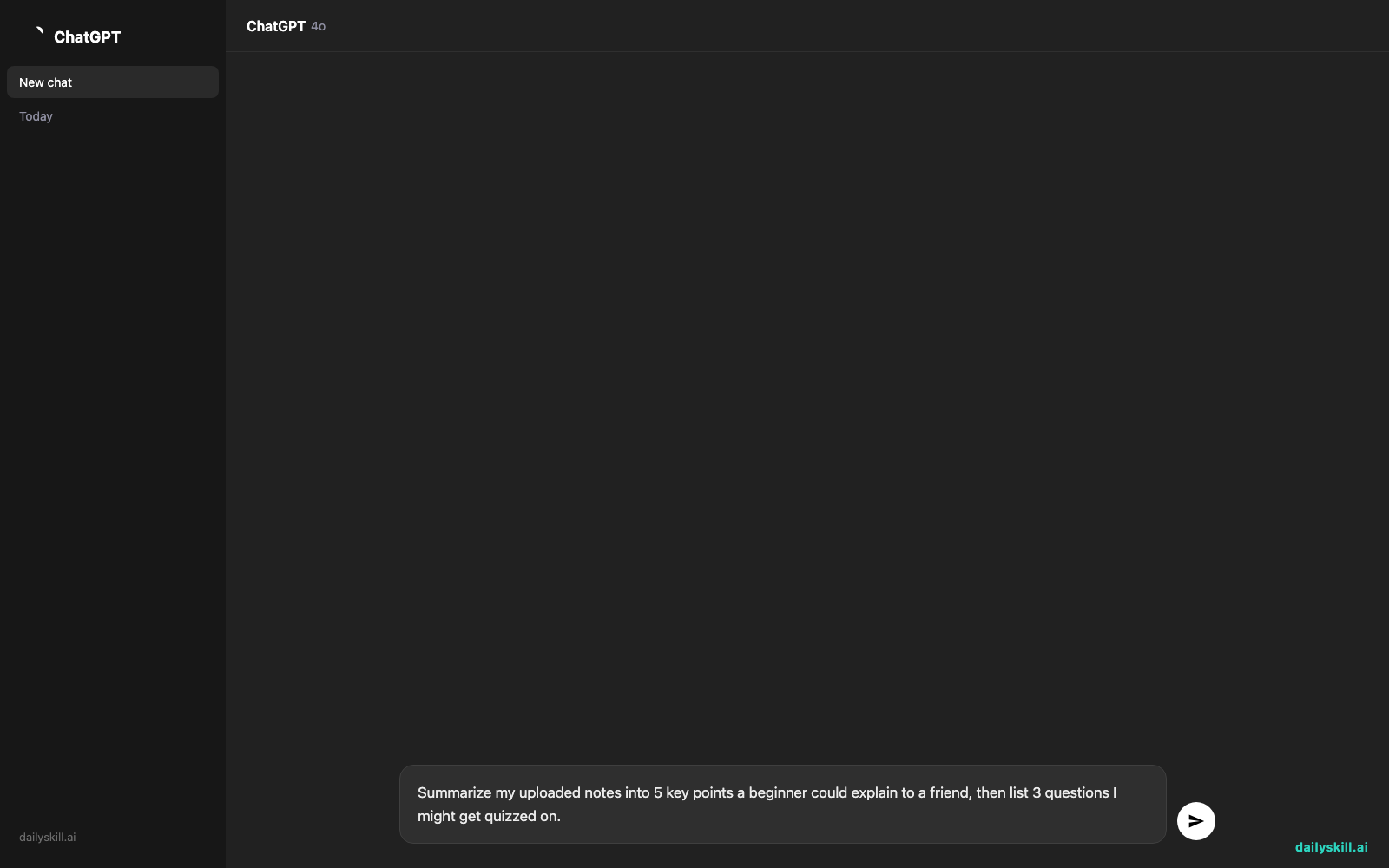
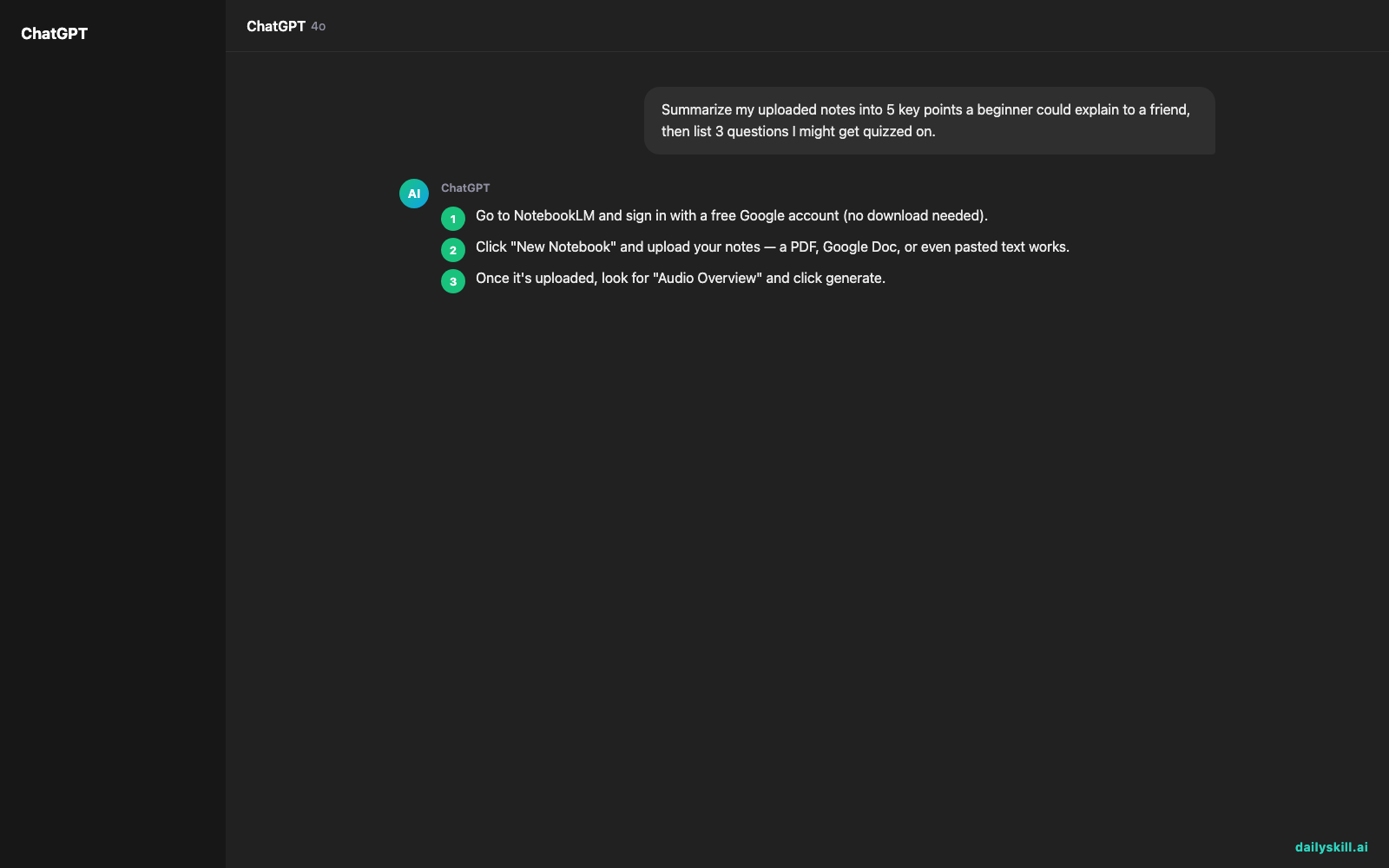
- Go to NotebookLM and sign in with a free Google account (no download needed).
- Click “New Notebook” and upload your notes — a PDF, Google Doc, or even pasted text works.
- Once it’s uploaded, look for “Audio Overview” and click generate.
- Wait a minute or two — it’s building a full podcast-style episode from your material.
- Press play and listen like you would to any podcast, pausing to jot down anything that clicks.
If you want a written summary first, paste this into the chat box before generating audio:
Summarize my uploaded notes into 5 key points a beginner could explain to a friend, then list 3 questions I might get quizzed on.
A real example
Say you upload your biology notes on cell division — 12 pages covering mitosis and meiosis.
The Audio Overview opens with one host saying “Okay so today we’re breaking down how cells actually split — and it’s weirder than you’d think.” The two voices walk through mitosis phase by phase, compare it to meiosis, and wrap with “so if you remember one thing, remember cells copy first, then divide.” Twelve minutes, sounds like a real show.
That’s a full study session you can listen to on a walk instead of staring at a textbook.
Honest take
Best for:
– Turning dense notes or PDFs into learning notes AI can explain simply
– Studying with AI audio during commutes, chores, or workouts
– Making a podcast from documents you already have — no new content to create
Not for:
– Learning brand-new topics with zero source material — it only works from what you upload, so a thin or messy source document gives you a thin, messy episode
– Fast fact-checking — it’s built for depth, not quick one-line answers
The free tier covers everything above with generous monthly limits, which is plenty for regular studying. If you upload a huge stack of documents, you may eventually hit a per-notebook limit — check the current cap before you rely on it for a big project.
FAQ
Is it free? Yes, the core features — including Audio Overviews — are free with a Google account.
Is it safe? Your uploaded documents stay tied to your notebook rather than feeding some public model. Still, treat it like any cloud tool: fine for personal notes or coursework, worth checking your organization’s policy before uploading confidential work files.
Do I need an account? Yes, a free Google account is all you need — no separate signup.
Today’s pick wrap-up
If reading your notes feels like a chore, let NotebookLM turn them into something you’d actually choose to listen to. Tried it? Tell us what subject you turned into a podcast today. Tomorrow: Supercreator, for anyone who freezes up trying to make video content look good.
You might also like:
- Turn Interview Notes Into a Clear Hire/No-Hire Scorecard
- Can I use AI to practice skills like speaking, writing, or problem-solving?
Master Everyday AI in 1 Minute a Day
Get our free 2026 Double-Blind AI Benchmark Scorecard & 20 Ready-to-Use Prompts, plus one honest, 60-second AI skill in your inbox every morning. Zero hype, plain English, cancel anytime.


