
Use this order: subject, style, details, mood. Say what’s in the image, what art style it should look like, what specific details matter, and what feeling it should give off. “A red fox sitting in a snowy forest, watercolor style, soft morning light, warm and peaceful mood” will beat “a fox in the snow” almost every time.
Why this comes up
You type something reasonable, get back something weird or generic, and figure the tool is broken — or that you’re bad at this.
Neither is true. AI image tools just need more structure than a normal sentence gives them.
The AI isn’t reading your mind. It’s reading your words literally. Vague words get vague pictures.
The honest answer
What’s true: structure matters more than clever wording. Most disappointing results come from prompts that are too short or too abstract — “make it look cool” doesn’t mean anything to the AI. A simple formula fixes most of this fast.
What’s overblown: you don’t need special “magic words,” secret symbols, or a paid prompt-engineering course. Today’s image tools (Midjourney, DALL·E, Gemini’s image tools, and others) are built to understand plain, descriptive language — you just have to actually describe things.
The 4-part formula
- Subject — who or what, and what it’s doing. “An old sailor mending a net” beats “a sailor.”
- Style — the visual language. Photo, oil painting, watercolor, 3D render, anime, pencil sketch, comic book.
- Details — the specifics that make it this image, not any image. Lighting, colors, setting, camera angle, time of day.
- Mood — the emotional tone. Calm, dramatic, whimsical, eerie, joyful.
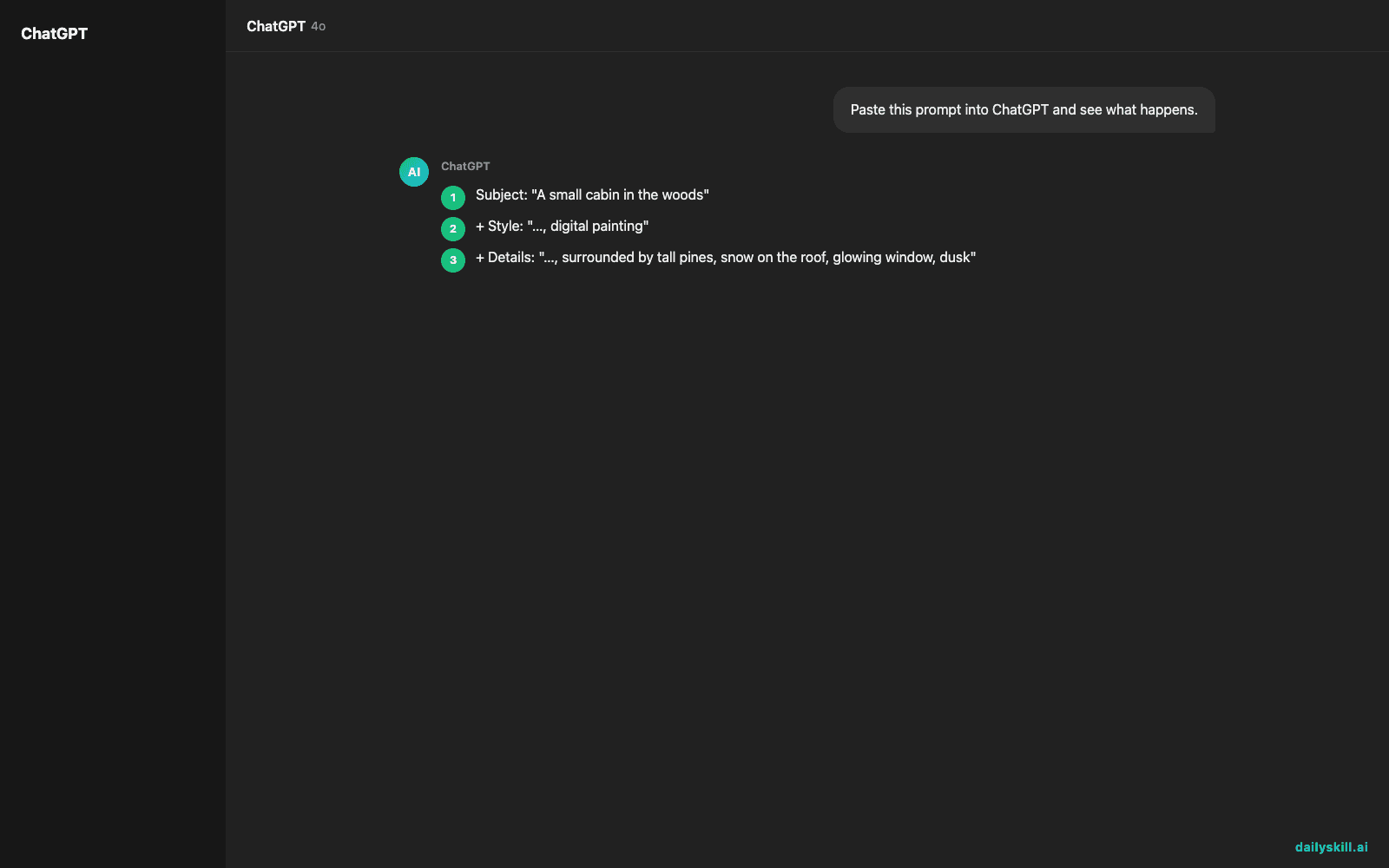
Example build-up:
1. Subject: “A small cabin in the woods”
2. + Style: “…, digital painting”
3. + Details: “…, surrounded by tall pines, snow on the roof, glowing window, dusk”
4. + Mood: “…, cozy and quiet feeling”
Final prompt: “A small cabin in the woods, digital painting, surrounded by tall pines, snow on the roof, glowing window, dusk, cozy and quiet feeling.”
That’s it. That’s most of what separates a flat result from one that feels right.
What to do
- Do put subject first — the AI weighs early words heavily.
- Do name a style explicitly (“oil painting,” “cinematic photo,” “flat vector illustration”) instead of hoping it guesses.
- Do add 2-3 concrete details (lighting, color palette, setting) rather than one vague adjective.
- Do end with a mood word — it quietly shapes color and composition.
- Do try the same prompt twice — most tools give you several versions, and the second one is sometimes closer to what you meant.
- Don’t overload one prompt with ten unrelated ideas. Pick one clear scene.
- Don’t assume the first result is final — tweak one part of the formula (usually style or details) and regenerate.
- Don’t worry about “perfect” phrasing. Plain, specific language beats fancy words.
FAQ
Do different tools (Midjourney vs. DALL·E vs. others) need different prompt styles?
The core formula works everywhere. Midjourney tends to reward short, punchy, style-heavy prompts; others, like DALL·E or Gemini’s image tools, handle longer, conversational descriptions well. Start with the formula, then adjust length to taste.
What if I don’t know art-style terms?
Just describe what you’ve seen: “like a comic book,” “like an old photograph,” “like a children’s book drawing.” The AI translates loose comparisons fine — you don’t need gallery vocabulary.
Can I ask the AI to fix a bad result instead of rewriting the whole prompt?
Yes — most tools let you refine in plain language: “make the lighting warmer” or “less cartoonish.” That’s often faster than starting over, and it keeps everything else in the image the same.
Bottom line
Subject, style, details, mood — get those four in, and your results jump. Got a prompt trick that works for you? Share it with the community below. Tomorrow: will these AI tools always be free?
You might also find these helpful:
- Turn Your Messy Voice Memos Into a Clean, Organized Outline
- Rewrite Any Email to Sound More Professional — in 60 Seconds
- Turn Messy Meeting Notes Into a Clean Action Table in 60 Seconds
Master Everyday AI in 1 Minute a Day
Get our free 2026 Double-Blind AI Benchmark Scorecard & 20 Ready-to-Use Prompts, plus one honest, 60-second AI skill in your inbox every morning. Zero hype, plain English, cancel anytime.


