
You’re cooking dinner, hands covered in flour, and you need to know how long to roast a chicken at 375°F. Typing is out of the question.
This is exactly when ChatGPT voice mode earns its keep. You just ask out loud and it answers out loud, like a real phone call — no typing, no reading.
Voice mode is the talking version of ChatGPT. You tap a button, speak normally, and it replies in a natural-sounding voice instead of text. It’s good for quick facts, thinking out loud, or any moment your hands are busy.
Try it in 5 minutes
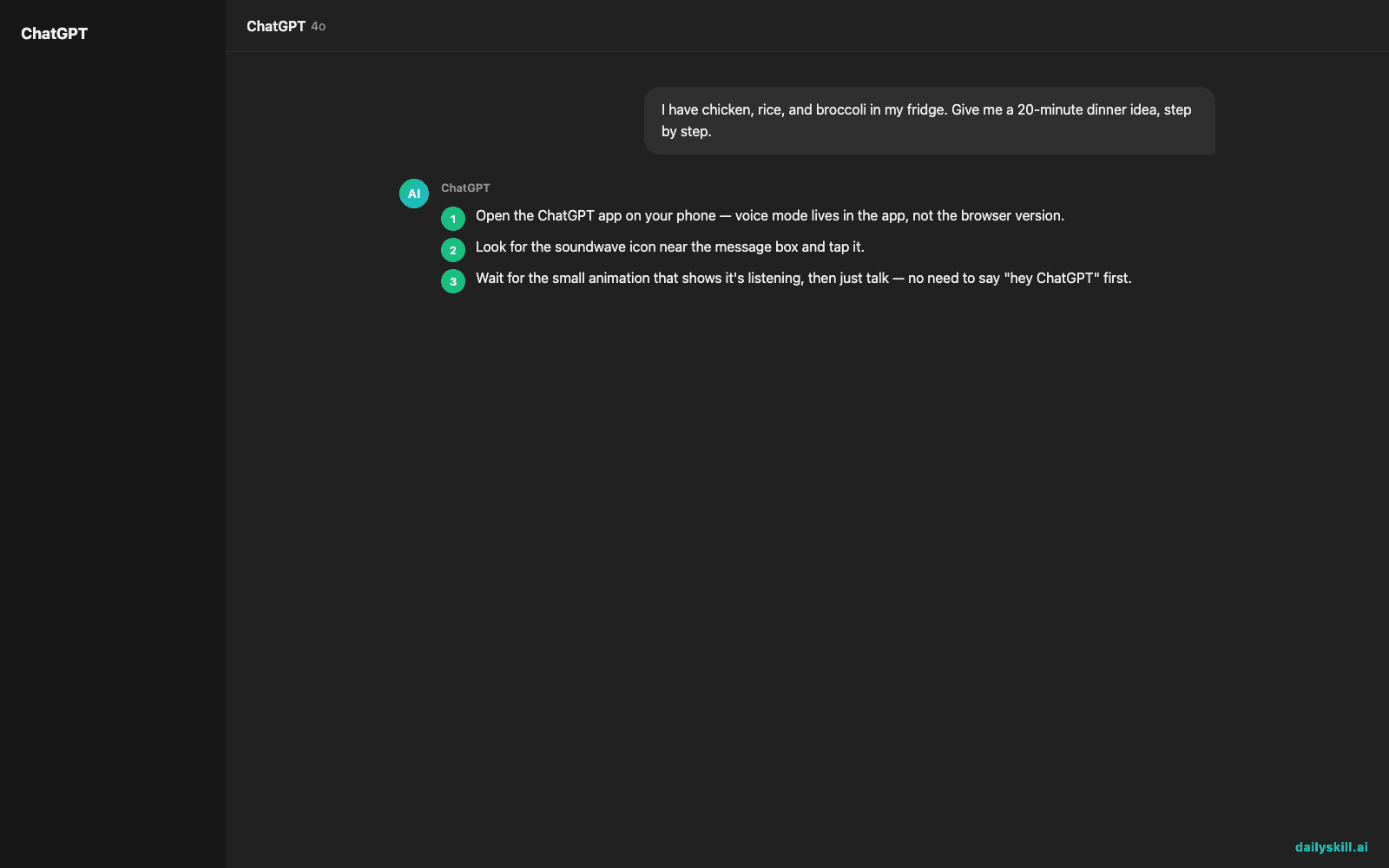
- Open the ChatGPT app on your phone — voice mode lives in the app, not the browser version.
- Look for the soundwave icon near the message box and tap it.
- Wait for the small animation that shows it’s listening, then just talk — no need to say “hey ChatGPT” first.
- Ask a real question you’d normally text a friend about. Try this one out loud:
I have chicken, rice, and broccoli in my fridge. Give me a 20-minute dinner idea, step by step.

- Let it finish talking, then respond naturally. You can interrupt it mid-sentence, ask a follow-up, or say “make it simpler” — it keeps the conversation going like a call.
A real example
Say you’re practicing for a job interview and ask: “Ask me a common interview question and tell me how my answer sounds.”
ChatGPT: “Sure — tell me about a time you handled a tight deadline.”
(You answer out loud, mentioning you finished a project two days early.)
ChatGPT: “Good structure — you named the situation and result clearly. Try adding one specific number next time, like how many days you saved or how big the project was.”
That back-and-forth, hands-free, is the whole point — it’s a real conversation, not a script.
Honest take
Best for:
– Hands-free moments — cooking, driving as a passenger, walking, folding laundry
– Practicing a language or rehearsing something you need to say out loud
– People who think better talking than typing
Not for:
– Noisy environments — it can mishear you over blenders, traffic, or music, and you’ll end up repeating yourself
– Anything you need to edit carefully, like an email or an essay — typing is still faster and easier to fix
The free tier includes voice mode but caps how long you can talk before asking you to wait or switch back to text; paid plans remove most of that friction.
FAQ
Is it free? Yes, you can use voice mode on the free ChatGPT app, though you’ll likely hit a usage limit that resets after some time.
Is it safe? Yes — it’s the same ChatGPT, just spoken. Avoid saying sensitive personal info out loud in public places, same as any phone call.
Do I need an account? Yes, a free ChatGPT account and the mobile app are required to use voice mode.
Today’s pick wrap-up
Verdict: if you’ve never talked to an AI out loud, today’s the day — it feels less like a tool and more like a chat with a well-read friend who’s always free.
Tried it? Tell us your first question in the comments. Tomorrow we’re cutting up photos — literally expanding them — with Clipdrop Uncrop, an AI tool that fills in the missing edges of any picture.
You might also find these helpful:
- Midjourney — Turn a Sentence Into Blog-Ready Art in Minutes
- Stop Typing Out Your Voice Memos — Let AI Do It Instead
- Day 26 — Summarize Any Article Into a Tweet in 60 Seconds (AI 1-Minute Challenge)
Master Everyday AI in 1 Minute a Day
Get our free 2026 Double-Blind AI Benchmark Scorecard & 20 Ready-to-Use Prompts, plus one honest, 60-second AI skill in your inbox every morning. Zero hype, plain English, cancel anytime.


