
You know that voice memo from three weeks ago? The one where you rambled a genius idea while walking the dog, and it’s still just sitting there, unplayed, because typing it out felt like too much work.
Here’s exactly how to fix that: today you’ll turn any voice recording into clean, editable text in about a minute — free, no typing required.
Sound familiar?
You record a great thought on your phone. Days later you find the file, hit play, think “I should really write this down” — then close the app and never do. The idea just stays trapped in audio.
The 60-second fix
Otter.ai is a free speech-to-text AI tool that turns spoken audio into written text automatically. No typing, no guessing what you said — just upload and read.
Step 1: Get your audio ready
Find the voice memo, meeting recording, or voice note you want turned into text. It can already exist on your phone — you don’t need to record it live (though you can).
Step 2: Upload it to Otter.ai
Go to otter.ai, sign up free, and click “Import” or “Upload.” Drop in your audio file and let it process — this usually takes less time than the recording itself.
Step 3: Clean it up with a quick prompt
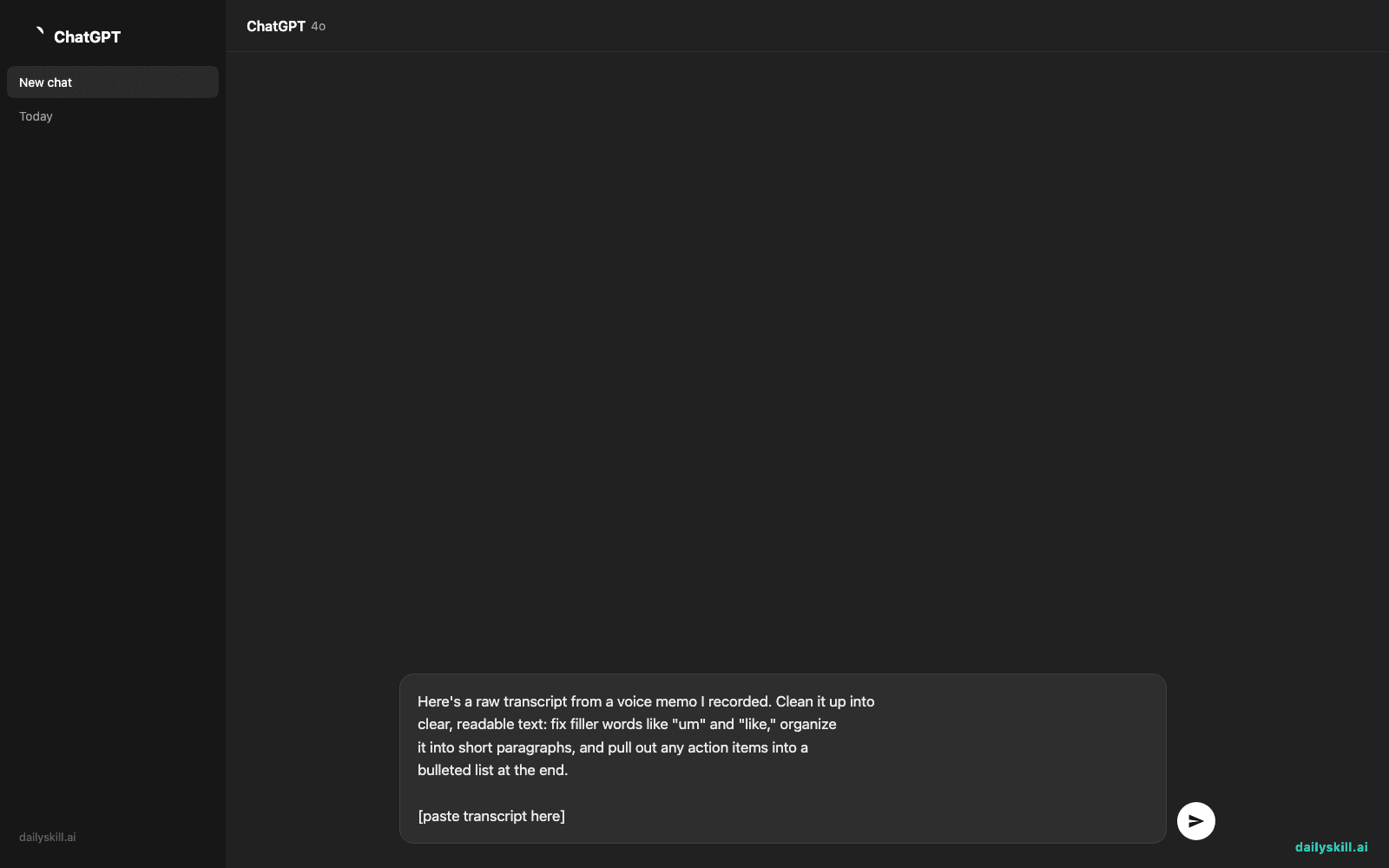
Once you have the raw transcript, paste it into your AI chat tool of choice (or use Otter’s own summary feature) with this prompt:
Here's a raw transcript from a voice memo I recorded. Clean it up into
clear, readable text: fix filler words like "um" and "like," organize
it into short paragraphs, and pull out any action items into a
bulleted list at the end.

[paste transcript here]
Copy the cleaned version, export it, or paste it wherever you need it — an email, a note, a doc.
Real example
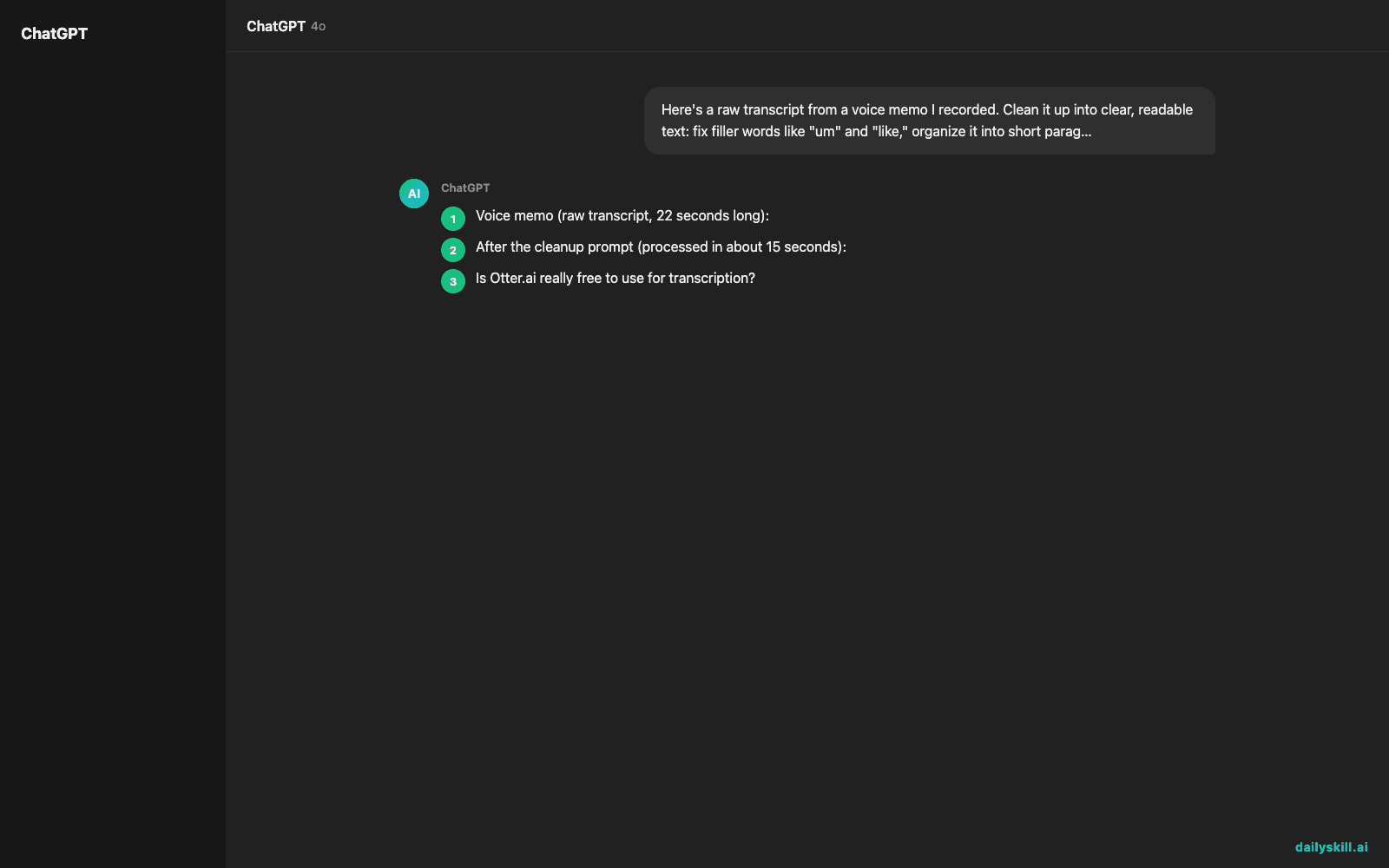
Voice memo (raw transcript, 22 seconds long):
“okay so um I think for the newsletter we should like do a shorter version this week maybe just three links and then um also I need to follow up with Dana about the images she was supposed to send those Monday and didn’t”
After the cleanup prompt (processed in about 15 seconds):
This week’s newsletter should be a shorter version — just three links instead of the usual format.
Action items:
– Follow up with Dana about the images (was due Monday, not received)
That’s a 22-second ramble turned into a usable note in under a minute — instead of an audio file you’d have forgotten by next week.
Level up
- Meetings: Record a call or upload one, then ask the AI to turn the transcript into a summary plus a list of decisions made and next steps.
- Content ideas: Voice-memo your thoughts on a walk, then ask AI to turn the transcript into a short social post or blog outline.
- Searchable archive: Keep a running doc of cleaned-up transcripts so you can search past ideas by keyword instead of scrubbing through audio.
FAQ
Is Otter.ai really free to use for transcription?
Yes — Otter.ai’s free plan includes a monthly allotment of transcription minutes, which is plenty for occasional voice memos and short recordings.
Does this work for recordings I already have saved, not just new ones?
Yes. You can upload existing audio files (voice memos, meeting recordings, podcasts) instead of only recording live through the app.
Will the transcript be 100% accurate?
It’ll be very close, especially for clear audio, but always skim it — background noise, accents, or crosstalk can trip up any speech-to-text AI tool.
Today’s check-in
Try it on one real voice memo today and reply in the community with how much time it saved you. Tomorrow: we’ll line up two job offers side-by-side — salary, benefits, and growth — so the better choice becomes obvious.
You might also find these helpful:
- Midjourney — Turn a Sentence Into Blog-Ready Art in Minutes
- AI Roundup: Local Agents, Live Voice AI, AI Music
- Day 26 — Summarize Any Article Into a Tweet in 60 Seconds (AI 1-Minute Challenge)
Master Everyday AI in 1 Minute a Day
Get our free 2026 Double-Blind AI Benchmark Scorecard & 20 Ready-to-Use Prompts, plus one honest, 60-second AI skill in your inbox every morning. Zero hype, plain English, cancel anytime.


