
You need a small script — rename 50 files, pull numbers from a spreadsheet, clean up a messy list. You don’t remember the exact syntax, so you Google it, copy something half-right, and burn 20 minutes debugging a typo.
Codeium skips that step. It’s a free AI coding tool that finishes your code as you type, or writes a whole function from a plain-English comment. It’s for anyone learning to code or writing small scripts — not just professional developers.
What it is
Codeium is an AI coding assistant that works inside code editors like VS Code. You type a comment describing what you want, and it suggests the actual code — like a much smarter autocomplete.
It supports nearly every programming language, from Python to JavaScript. Beyond finishing your code, it can explain a chunk of code in plain English and cut down on typing repetitive boilerplate by hand.
Try it in 5 minutes
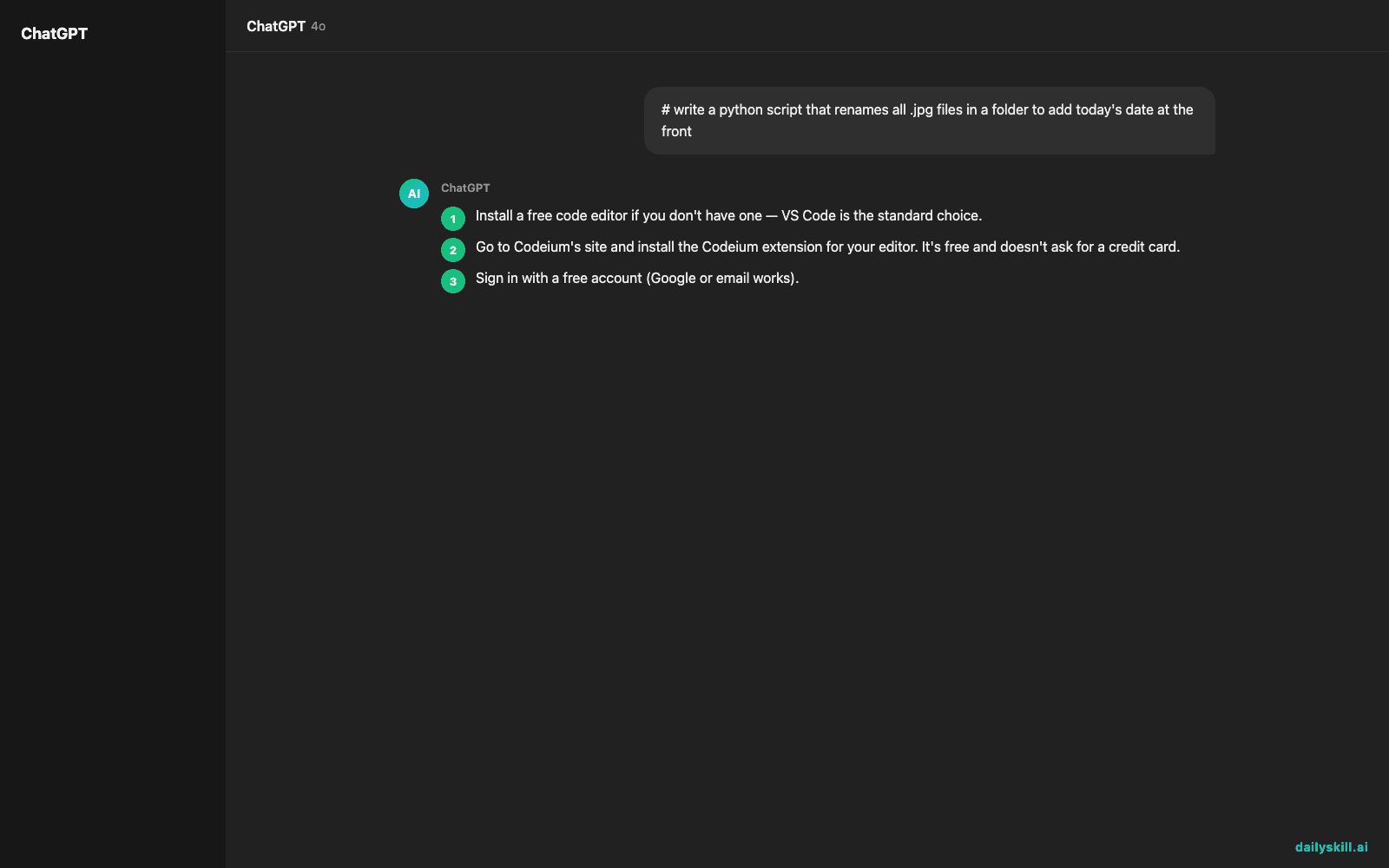
- Install a free code editor if you don’t have one — VS Code is the standard choice.
- Go to Codeium’s site and install the Codeium extension for your editor. It’s free and doesn’t ask for a credit card.
- Sign in with a free account (Google or email works).
- Open a new file, name it
script.py, and type a comment describing what you want:
# write a python script that renames all .jpg files in a folder to add today's date at the front

- Press Enter and wait a second. Codeium will suggest the full script below your comment. Press Tab to accept it, then run it to see if it works.
A real example
Type this comment in a new Python file:
# read a CSV file called sales.csv and print the total of the "amount" column
Codeium suggests something close to this, ready to run:
import pandas as pd
df = pd.read_csv("sales.csv")
print(df["amount"].sum())Three lines, using the library most tutorials already teach you. Run it and the total prints instantly — you never had to look up pandas syntax yourself.
You didn’t write that code — you described what you wanted, and it filled in the syntax.
Honest take
Best for:
– Beginner programmers who know what they want but not the exact syntax
– Automating repetitive tasks like renaming files, cleaning data, or reformatting text
– Learning by reading working examples instead of starting from a blank file
Not for:
– Building large, complex applications with zero coding background — you still need to understand basics like “loop” or “variable” to guide it and catch mistakes
– Anything with no code involved — it’s a coding assistant, not a general chatbot for everyday questions
The free plan covers individual use comfortably, which is worth knowing since some coding AI tools cap free usage tightly. Check current plan limits before you rely on it for daily work, since usage terms do shift over time.
FAQ
Is it free? Yes, Codeium’s individual plan is free, which is the main reason it made this list.
Is it safe? Yes, but treat it like any autocomplete: read the code before running it, especially anything that deletes or moves files.
Do I need an account? Yes, a free account (email or Google login) to use the extension, but no payment info required.
Today’s pick wrap-up
Codeium turns “I don’t know the syntax” into “here’s working code” in seconds — a genuinely useful free AI code generator for beginners. Try it on one small script today and reply to this post with what you built. Tomorrow: Immersive Translate, for reading any webpage or PDF in your language without leaving the page.
You might also find these helpful:
- Turn Your Messy Voice Memos Into a Clean, Organized Outline
- Rewrite Any Email to Sound More Professional — in 60 Seconds
- Turn Messy Meeting Notes Into a Clean Action Table in 60 Seconds
Master Everyday AI in 1 Minute a Day
Get our free 2026 Double-Blind AI Benchmark Scorecard & 20 Ready-to-Use Prompts, plus one honest, 60-second AI skill in your inbox every morning. Zero hype, plain English, cancel anytime.


