You need a header image for your blog post about “morning routines,” but every stock photo looks the same and slightly fake.
What if you could just describe the exact picture in your head and get it made? Midjourney is a text-to-image AI generator that turns written descriptions into custom art — built for anyone who needs a unique visual without hiring a designer.
What it is
Midjourney is an AI tool that reads a sentence you type (called a “prompt”) and paints a picture based on it. You’re not editing an existing photo — you’re describing something new, and the AI generates it from scratch.
It runs through its own website (and still connects to Discord, a chat app, if you prefer that route). It’s known for producing artistic, polished images rather than flat or robotic-looking ones.
Try it in 5 minutes
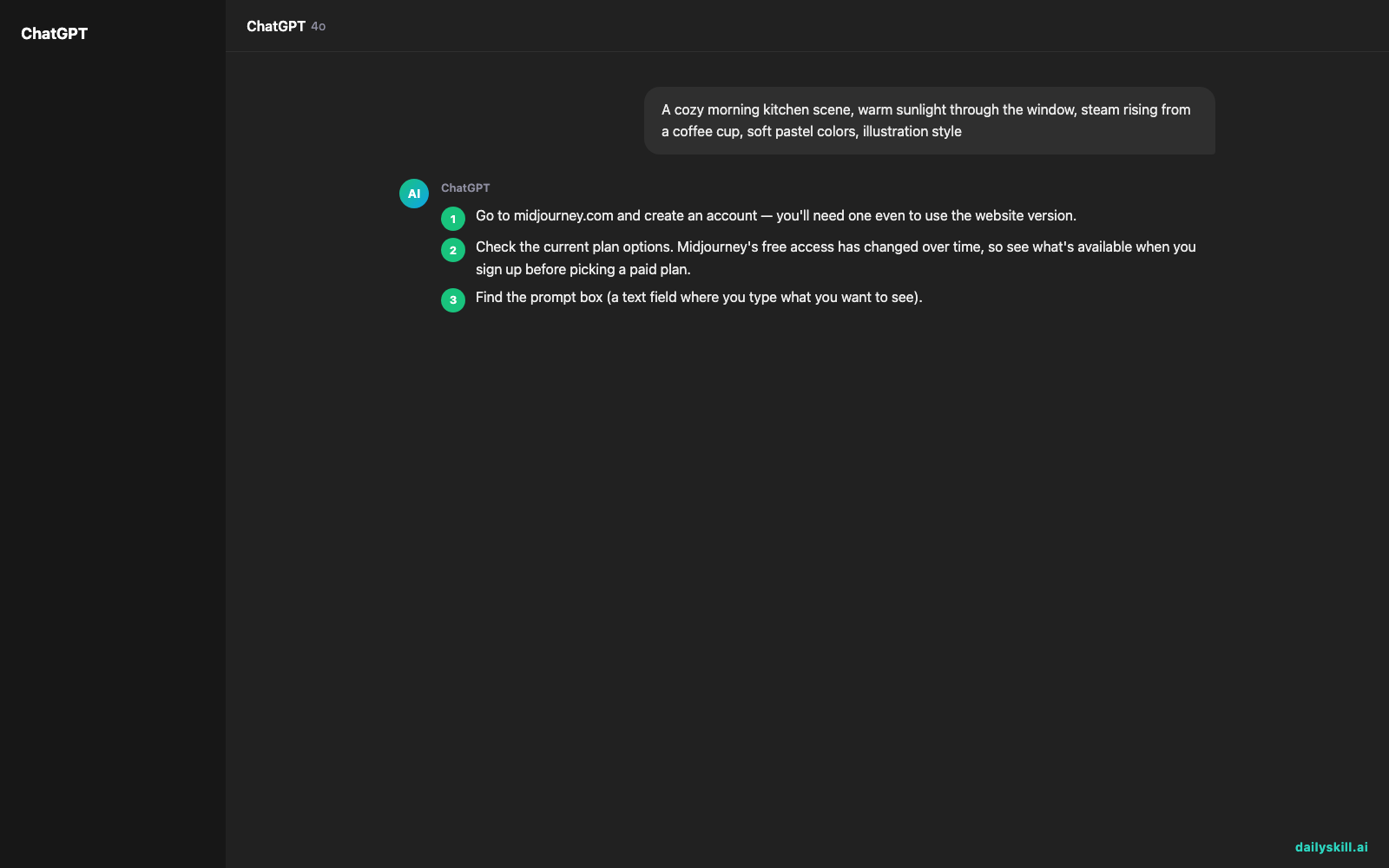
- Go to midjourney.com and create an account — you’ll need one even to use the website version.
- Check the current plan options. Midjourney’s free access has changed over time, so see what’s available when you sign up before picking a paid plan.
- Find the prompt box (a text field where you type what you want to see).
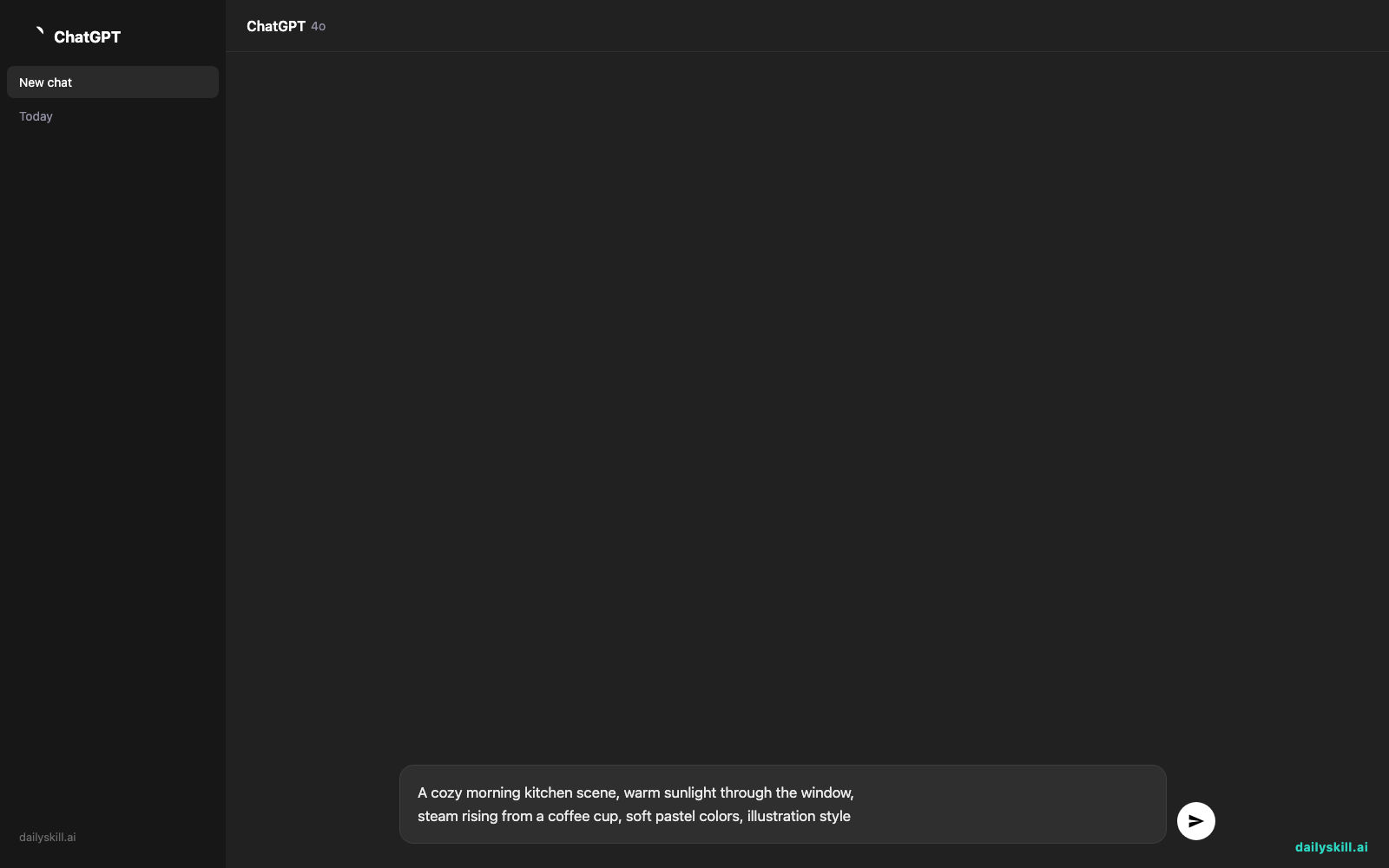
- Paste this prompt and hit enter:
A cozy morning kitchen scene, warm sunlight through the window,
steam rising from a coffee cup, soft pastel colors, illustration style
- Wait about a minute. You’ll get four image options — click any to make it bigger or ask for variations.
A real example
Type: “A minimalist workspace with a laptop, a small plant, and a notebook, top-down view, soft natural light, clean aesthetic.”
You’ll get four versions of a tidy, sunlit desk photo-illustration — plant in the corner, laptop centered, notebook slightly angled. It looks like a professional stock photo, except no one else has this exact image. Perfect to drop straight into a blog post or Pinterest pin.
Honest take
Best for:
– Bloggers and creators who need one-of-a-kind header images or social media art
– Anyone who wants to generate art from a description instead of searching stock photo sites
– Small business owners making unique visuals for ads or product mockups
Not for:
– People needing exact text or logos in images — Midjourney still tends to garble letters and words
– Anyone who wants unlimited use without ever paying — meaningful use generally requires a paid plan sooner or later
FAQ
Is it free? There’s usually some way to try it at no cost, but the details change, so check the current options when you sign up. Regular use typically means a paid monthly plan.
Is it safe? Yes — it’s a legitimate, widely used tool. Just know that images you generate on standard plans may be visible to others unless you’re on a plan with private generation.
Do I need an account? Yes, you need to sign up. You can do this directly on the website, or connect through Discord if you’d rather use it there.
Today’s pick wrap-up
Midjourney is the fastest way to turn a sentence into a picture that actually looks good — this beginner guide gets you your first image in under 5 minutes. Try today’s prompt and share what you made with us — we’d love to see it. Tomorrow: we look at Descript, a tool that lets you edit videos and podcasts just by editing text.
You might also like:
- Build Your Own 5-Minute Warm-Up (No More Guessing With Jumping Jacks)
- How do I use AI to find my next project idea?