
You’ve got Netflix, Disney+, and Max pricing pages open in three tabs, plus a fourth tab where you’re just Googling “which streaming service is worth it.” Fifteen minutes later, you still haven’t decided. Here’s the fix: tell Claude which services you’re weighing, and it hands you a clean cost-vs-features table — plus a recommendation — in about 60 seconds.
Sound familiar?
You’re torn between two streaming services, or two meal kits, or three project management tools. You skim pricing pages, lose track of what’s included where, and end up picking whatever’s cheapest — even if it’s missing the one feature you actually needed.
The 60-second fix
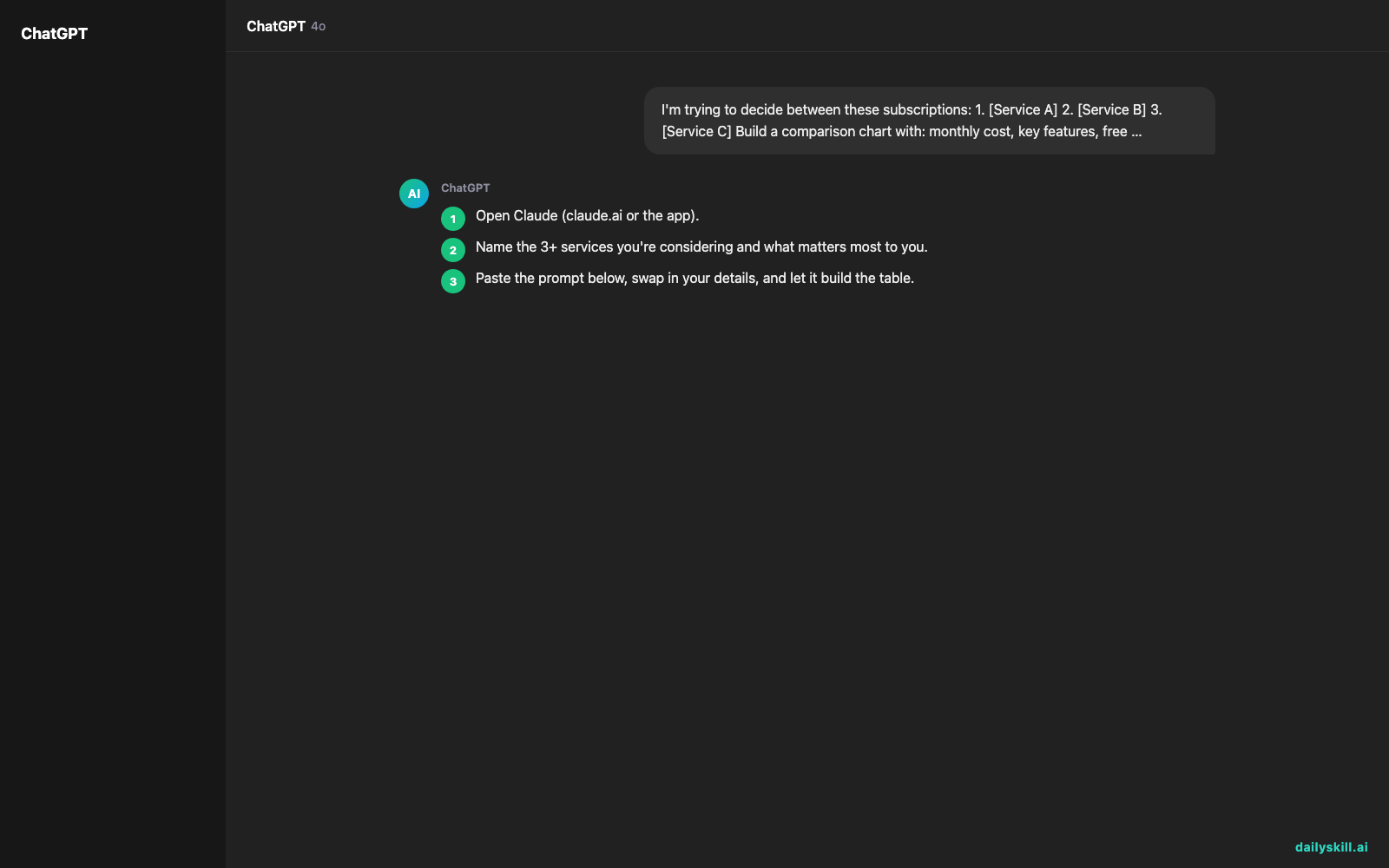
- Open Claude (claude.ai or the app).
- Name the 3+ services you’re considering and what matters most to you.
- Paste the prompt below, swap in your details, and let it build the table.
I'm trying to decide between these subscriptions:
1. [Service A]
2. [Service B]
3. [Service C]

Build a comparison chart with: monthly cost, key features,
free trial availability, and cancellation policy.
Then add a "Best for" column explaining who each one suits best.
My priority is: [e.g., value for money, family sharing, no ads]
End with a one-line recommendation based on my priority.

Real example
Input: “I’m deciding between Netflix, Disney+, and Max. My priority is value for money for a family of 4 who watches a mix of movies and kids’ shows.”
Claude’s output:
| Service | Monthly Cost | Key Features | Free Trial | Cancellation Policy | Best For |
|---|---|---|---|---|---|
| Netflix | $17.99 (Standard) | Huge library, 2 profiles, downloads | No | Cancel anytime, no fee | Broad variety seekers |
| Disney+ | $13.99 | Kids’ content, Marvel/Star Wars, 4 streams | No | Cancel anytime, access lasts until billing cycle ends | Families with young kids |
| Max | $16.99 | HBO originals, movies, live sports add-on | No | Cancel anytime online, no phone call needed | Adult-focused viewing |
Recommendation: For value with a family of 4, start with Disney+ — lowest cost, 4 simultaneous streams, and the strongest kids’ content — then add Netflix only if you need more variety.
Level up
- Add a “cancel if” column: ask Claude to flag conditions where each subscription stops being worth it (e.g., “cancel Max if you’re not watching weekly”).
- Turn it into an ROI check: ask it to estimate cost-per-use based on how often you’d realistically use each service.
- Compare more than entertainment — this same trick works for gym memberships, software tools, or meal kits with a quick cost-per-use table.
FAQ
Does Claude know current pricing?
It can look up current pricing and details for well-known services, and it’s good at general comparisons even without a live lookup. Prices change often though, so confirm the exact current rate on the provider’s site before you commit.
Can I compare more than 3 subscriptions at once?
Yes — list as many as you want. More than 5-6 gets harder to scan, so consider narrowing to your top contenders first.
What if I don’t know my “priority” yet?
Skip that line, and ask Claude to suggest 2-3 possible priorities (cost, features, ease of cancellation) based on the services you named.
Today’s check-in
Which subscription did your chart help you finally cancel or keep? Share it with the #100DayAIChallenge community.
Tomorrow: Got a pile of messy meeting notes? Day 70 shows you how to turn rambling notes into a clean, structured summary with AI.
You might also like:
- How do I ask AI to think deeper instead of giving me surface-level answers?
- Perplexity AI — Get Answers With Receipts, Not Just Vibes
Master Everyday AI in 1 Minute a Day
Get our free 2026 Double-Blind AI Benchmark Scorecard & 20 Ready-to-Use Prompts, plus one honest, 60-second AI skill in your inbox every morning. Zero hype, plain English, cancel anytime.


