
You took the perfect beach photo, except a stranger is standing right in the middle of it. Or your product shot has a cord in the background you didn’t notice until check-out.
Cleanup.pictures is a free AI photo editor that removes objects, people, or text from any picture. You just paint over what you want gone, and it fills in the rest — built for anyone who’s never touched a photo editor.
What it is
Cleanup.pictures is a browser tool built for one job: object removal. You upload a photo, brush over the thing you don’t want, and the AI erases it and rebuilds the background underneath.
No layers, no masks, no design skills needed. It’s the closest thing to a “delete button” for real life.
Try it in 5 minutes
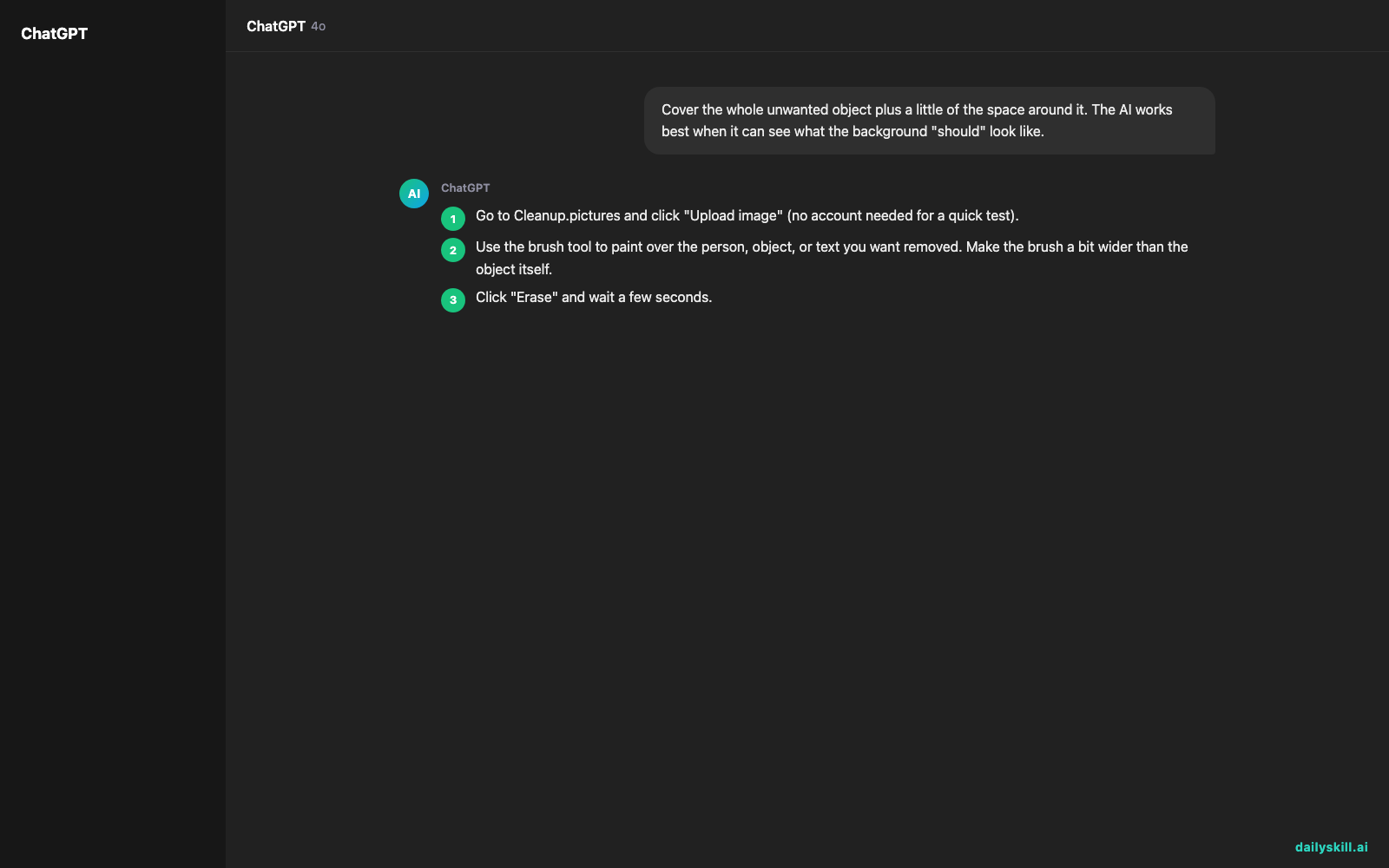
- Go to Cleanup.pictures and click “Upload image” (no account needed for a quick test).
- Use the brush tool to paint over the person, object, or text you want removed. Make the brush a bit wider than the object itself.
- Click “Erase” and wait a few seconds.
- Zoom in and check the edges — if it looks patchy, brush over that spot again and erase once more.
- Download the cleaned-up photo (free plan adds a small watermark).
Since this is a visual tool, there’s no text prompt to copy. But here’s the mental rule to keep in mind while you brush:
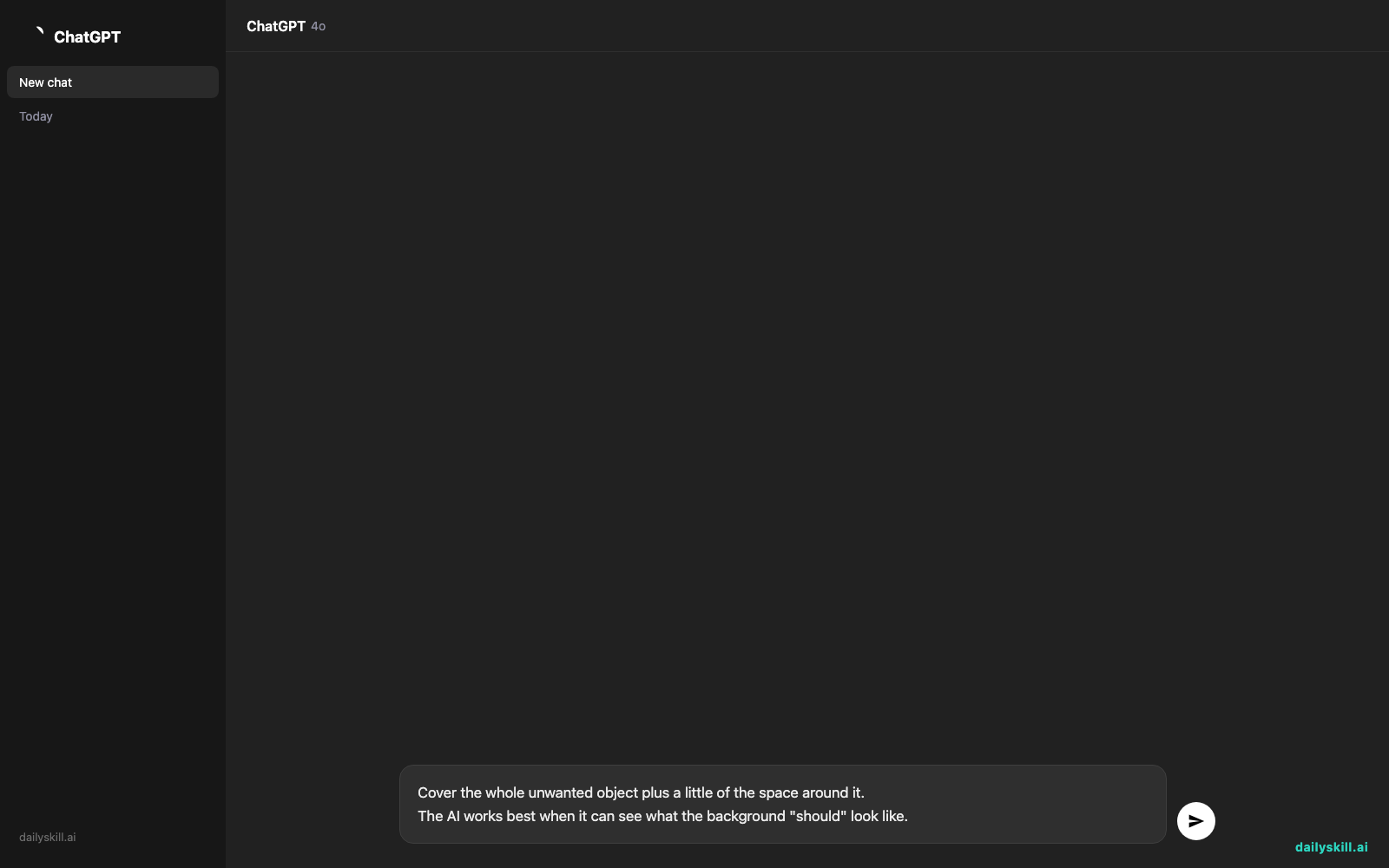
Cover the whole unwanted object plus a little of the space around it.
The AI works best when it can see what the background "should" look like.
A real example
Input: A vacation photo of a sunset, with a stranger standing at the edge of the frame checking their phone.
You brush over the stranger, including their shadow on the sand, and hit erase.
Output: The same sunset photo, but the stranger and their shadow are gone — replaced with a smooth stretch of sand and sky that matches the lighting around it. No visible patch, no blur smudge.
For product photos, the same trick works on price tags, wires, or a messy background — brush, erase, done.
Honest take
Best for:
– Cleaning up vacation or event photos with photobombers in them
– Quick product photo touch-ups (removing tags, wires, dust)
– One-off fixes when you don’t want to learn a full photo editor
Not for:
– Heavy edits — removing large or complex objects (like a whole car, or a person in front of a busy pattern) often leaves a soft, blurry patch you’ll need to fix by hand or redo a few times
– Frequent use — the free tier caps you at a handful of uploads a month and adds a watermark, so it fits occasional touch-ups better than daily editing
FAQ
Is it free? Yes, with a monthly upload limit and a small watermark on exports. Paid plans remove the cap and the watermark.
Do I need an account? No — you can try it right away. An account just saves your history and unlocks more uploads.
Is it safe to upload personal photos? It’s fine for casual, non-sensitive photos. Avoid uploading anything with private documents or ID info, as with any online tool.
Today’s pick wrap-up
Cleanup.pictures turns “ugh, this photo would be perfect if not for that guy” into a 30-second fix. Try it on one messy photo today and reply to tell us what you erased — a photobomber, a wire, a typo on a sign?
Tomorrow: Rephrase AI, for when you’ve written something and it just… doesn’t sound right yet.
You might also like:
- Turn “I have nothing to wear” into a full week of outfits, using clothes you already own
- What does it mean when AI says it cannot answer?
Master Everyday AI in 1 Minute a Day
Get our free 2026 Double-Blind AI Benchmark Scorecard & 20 Ready-to-Use Prompts, plus one honest, 60-second AI skill in your inbox every morning. Zero hype, plain English, cancel anytime.


