
Yes, you can save and reuse AI conversations, and you should. Most AI tools automatically save your chat history so you can find it later. You can also export any conversation as text to keep in Google Docs, Notion, or a plain file. Once you have a few chats that worked well, turn the prompts into templates you reuse every week instead of starting from scratch each time.
Why this comes up
You finally get an AI to write something perfect — a great email, a clear summary, a useful list — and then panic sets in. Where did that go? Will I lose it? Can I get that same result again next week without redoing all the work?
This worry is really about two things: not trusting that your data is safe, and not wanting to “reinvent the wheel” every time you sit down to use AI.
The honest answer
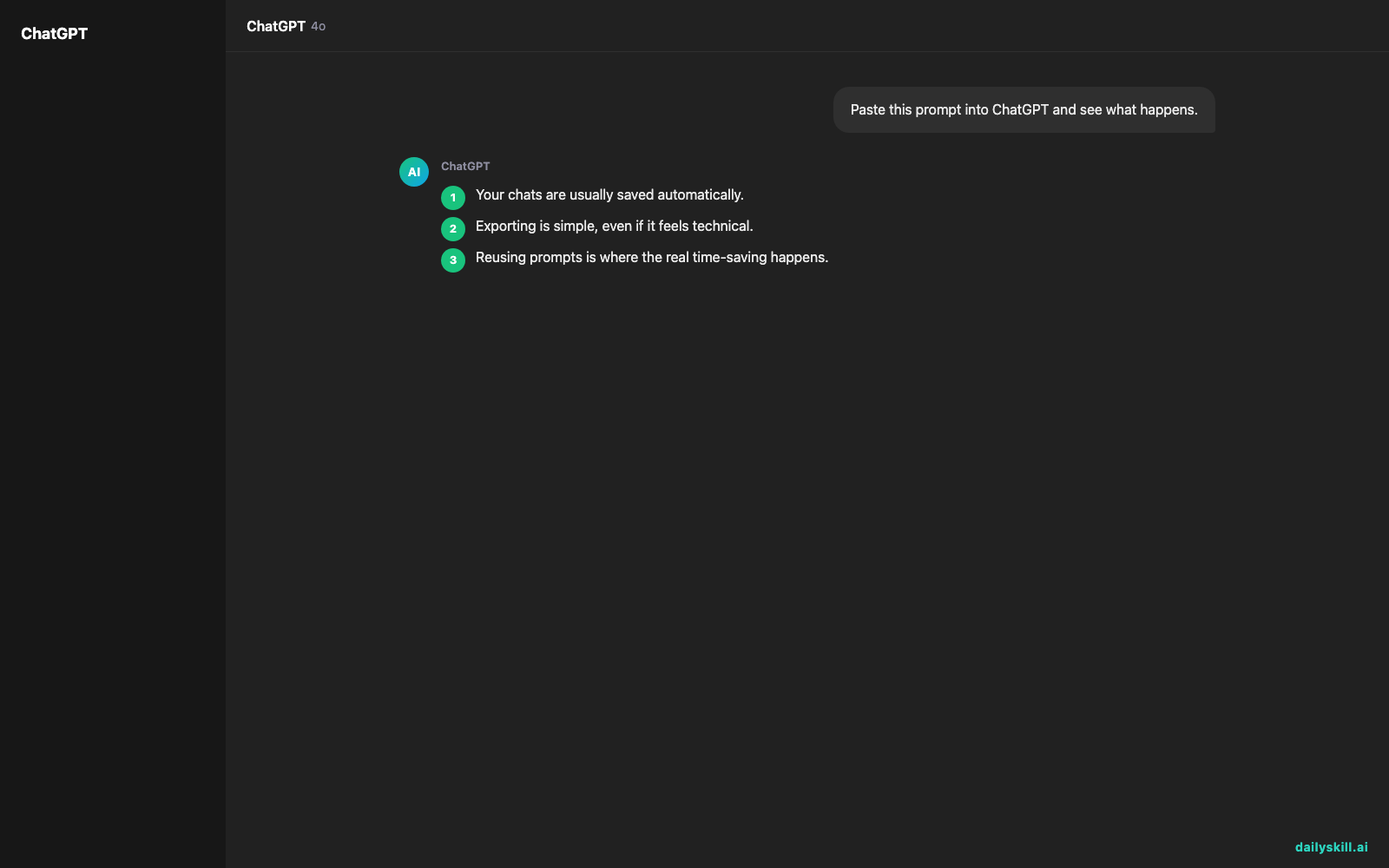
Your chats are usually saved automatically.
Tools like ChatGPT, Gemini, and Claude keep a running history in a sidebar. You can click back into any past chat, scroll up, and keep going. Look for a “chat history” or “saved chats” panel — it’s usually on the left side of the screen.
Exporting is simple, even if it feels technical.
You don’t need special software to do this. To export AI chat history:
– Copy the response text directly and paste it into Google Docs or Notion.
– Some tools have a built-in “export” or “share” button that creates a link or downloadable file.
– For longer chats, copy the whole conversation into one doc, labeled with the date and topic.
Reusing prompts is where the real time-saving happens.
If a prompt worked well once, it will likely work well again with small tweaks. Save your best prompts in one document, organized by task — “weekly report,” “email replies,” “study summaries.” Then you just copy, adjust the details, and go.
What’s overblown: you don’t need a complicated system.
A single doc with headers is plenty for most people. You’re not “behind” if you’ve never exported anything before now — most people never do, and that’s fine too.
What’s true: saved templates genuinely save time.
Having even 3-5 saved templates for tasks you repeat weekly saves real time, and stops you from rewriting the same instructions from memory each time.
A saved prompt is just a recipe — write it down once, and you don’t have to remember it again.
What to do
- Do check your AI tool’s sidebar for a chat history — most conversations are already saved for you.
- Do copy any answer you’ll want again into a Google Doc titled by topic and date.
- Do keep one running doc called “My AI Prompts” and paste in prompts that worked well.
- Do label templates by task, not by date, so future-you can find them fast (“Weekly recap,” “Client email”).
- Don’t rely only on the AI tool’s memory — export important stuff, since chat histories can be cleared or hard to search later.
- Don’t overthink the format. A plain doc with bold headers beats a fancy system you’ll abandon.
FAQ
Can I search my old AI conversations?
Most tools let you search chat titles or scroll history, but they’re not always great at searching inside the text itself. That’s another reason to export important ones to a doc you control.
Will my saved chats work the same way next time?
Close, but not identical — AI responses vary slightly each time. Treat saved prompts as strong starting points, not guaranteed exact repeats.
What’s the easiest way to build a prompt template?
Take a prompt that worked, and replace the specific details with placeholders, like “Summarize this [type of document] in 3 bullet points for [audience].”
Bottom line
Your AI conversations are usually saved already — the real win is exporting the good ones and turning your favorite prompts into simple, reusable templates. Got a template you swear by? Share it with the community. Tomorrow: can AI actually help you learn by asking you questions back?
You might also find these helpful:
- Perplexity AI — Get Answers With Sources, Not a Pile of Links
- Can I talk to AI out loud instead of typing?
- You.com — A Free AI Search Engine That Skips the 10 Blue Links
Master Everyday AI in 1 Minute a Day
Get our free 2026 Double-Blind AI Benchmark Scorecard & 20 Ready-to-Use Prompts, plus one honest, 60-second AI skill in your inbox every morning. Zero hype, plain English, cancel anytime.


