
Ever read a how-to article, feel like you totally get it, then an hour later can’t remember step two? You didn’t learn it — you just skimmed it. Here’s the fix: turn that same article into a 5-question self-check quiz, with an answer key, in about 60 seconds, for free.
Sound familiar?
You read something useful — how to change a tire, how to bake sourdough, how compound interest works — and it feels like it sank in. Then someone asks you to explain it back, and… nothing. Reading isn’t the same as remembering.
The 60-second fix
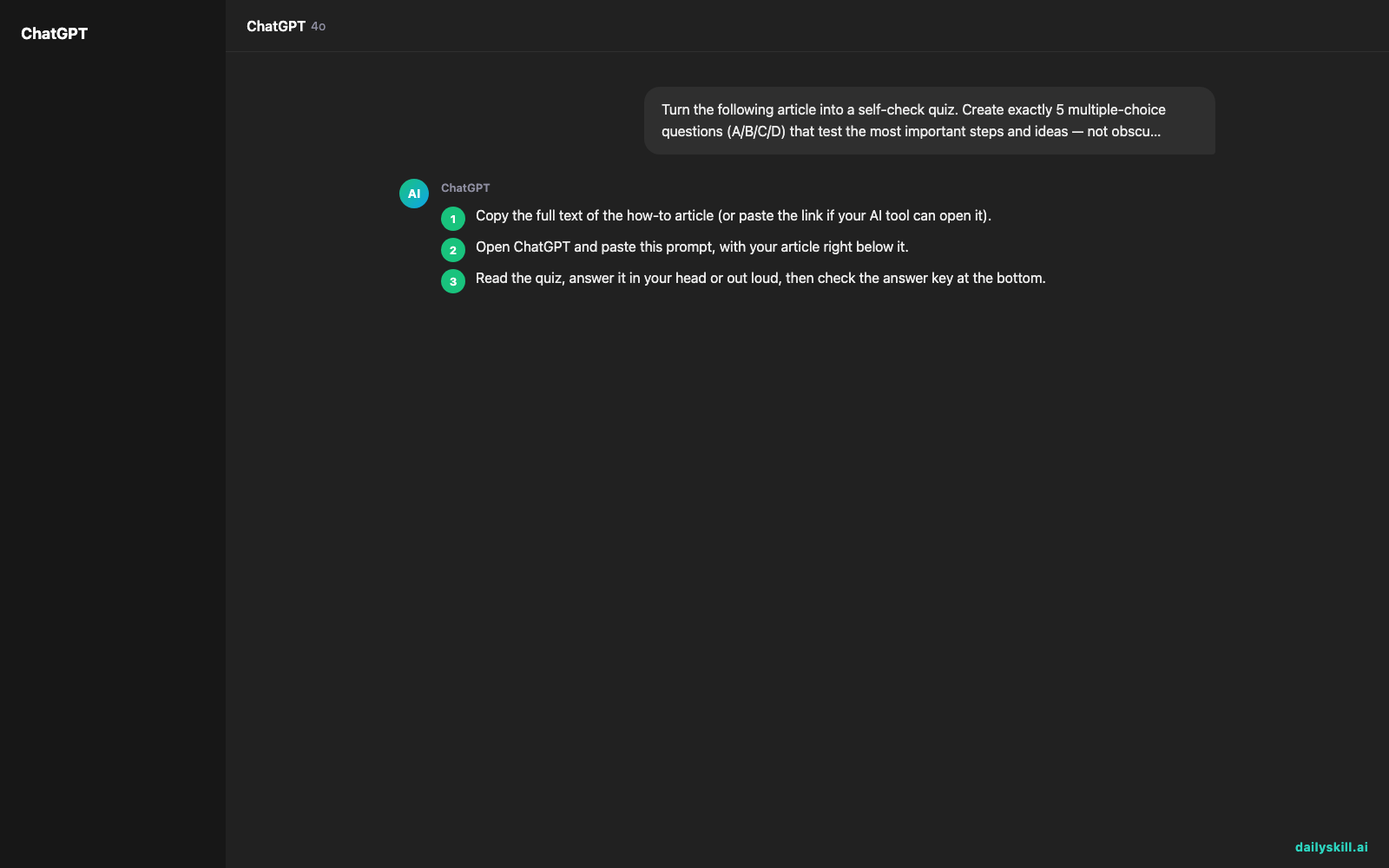
- Copy the full text of the how-to article (or paste the link if your AI tool can open it).
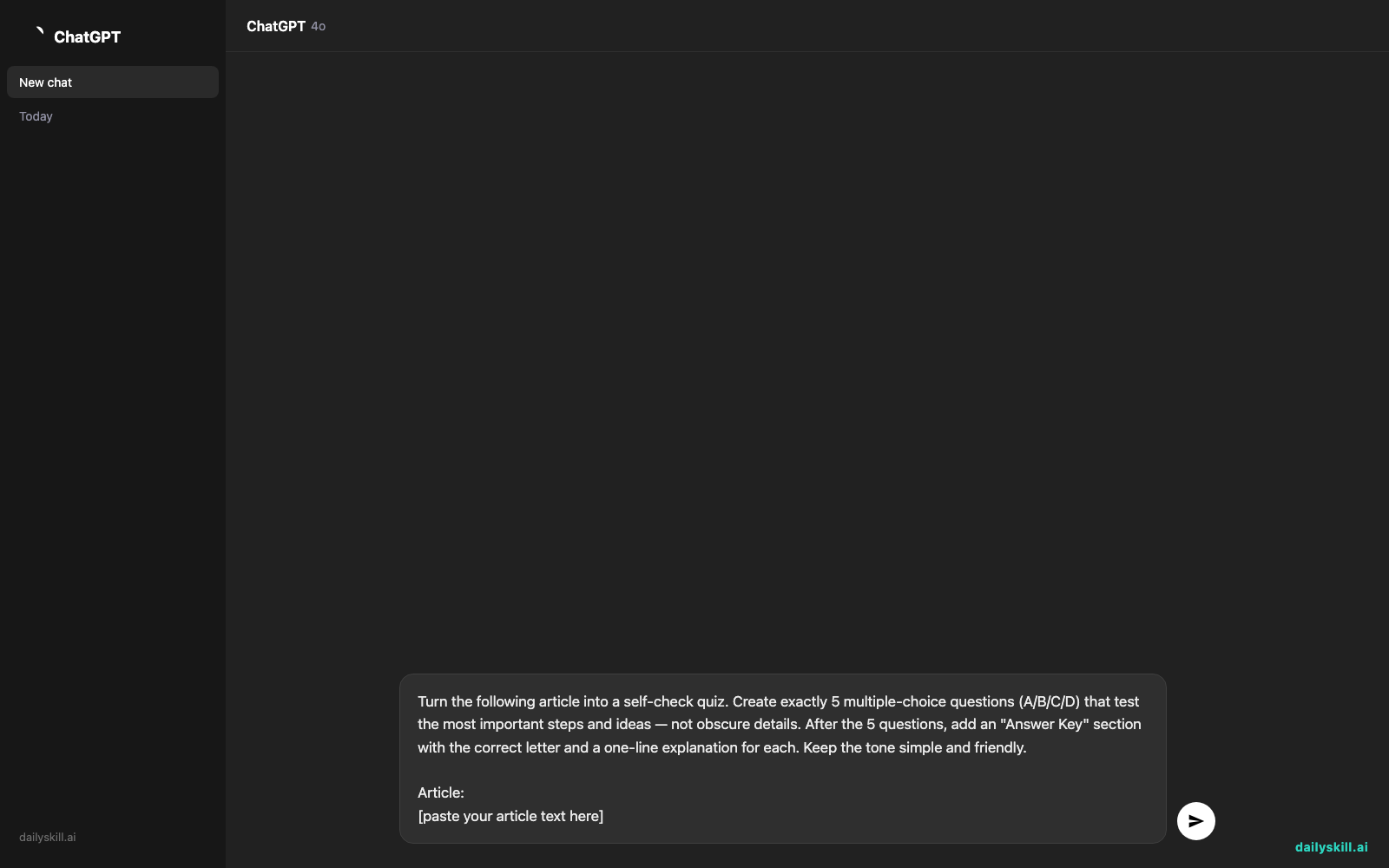
- Open ChatGPT and paste this prompt, with your article right below it.
- Read the quiz, answer it in your head or out loud, then check the answer key at the bottom.
Copy-paste prompt:
Turn the following article into a self-check quiz. Create exactly 5 multiple-choice questions (A/B/C/D) that test the most important steps and ideas — not obscure details. After the 5 questions, add an "Answer Key" section with the correct letter and a one-line explanation for each. Keep the tone simple and friendly.

Article:
[paste your article text here]
Real example
Input: An article on “How to Set Up a Home Budget in 4 Steps” (track income, list expenses, set category limits, review weekly).
AI output:
Q1. What’s the first step in setting up a home budget?
A) Set spending limits B) Track all income sources C) Buy a budgeting app D) Cut all subscriptionsQ2. Why does the article recommend reviewing your budget weekly instead of monthly?
A) It’s required by law B) Catches overspending sooner C) Banks require it D) It doesn’t matterQ3. After tracking income, what should you list next?
A) Your expenses B) Your investments C) Your credit score D) Your savings goalsQ4. What’s the purpose of setting category limits (like $300 for groceries)?
A) To impress your bank B) To keep spending in each area under control C) It’s a tax requirement D) It has no real purposeQ5. True or false: the article says a budget only needs to be set up once and never touched again.
A) True B) FalseAnswer Key
1. B — Tracking income comes before anything else so you know your starting point.
2. B — Weekly reviews catch small problems before they become big ones.
3. A — Once you know your income, listing expenses shows where the money actually goes.
4. B — Category limits stop any one area of spending from taking over your budget.
5. B — False. The article says budgets need weekly check-ins to stay accurate.
Level up
- Say “make it harder — include one trick question per set” for a real challenge.
- Ask for “flashcard format instead: front is the question, back is the answer” to turn text into flashcards for spaced repetition.
- Add “quiz me on just section 2” if the article is long and you only need to nail one part.
FAQ
Can I use this to create a quiz from an article without typing it all out?
Yes — many AI tools can open a link directly if you paste the URL instead of the text; just ask it to read the page first.
Is there a free quiz maker for self-study, or do I need a paid tool?
ChatGPT’s free tier handles this easily — no paid app needed for a simple 5-question quiz.
Does this work for textbooks or long PDFs, not just short articles?
Yes, though for very long documents, paste one section at a time so the questions stay focused and specific.
Today’s check-in
Try it on something you read this week and reply in the comments with your quiz score — be honest! Tomorrow: we’ll translate confusing warranty terms into plain, everyday language.
You might also like:
Master Everyday AI in 1 Minute a Day
Get our free 2026 Double-Blind AI Benchmark Scorecard & 20 Ready-to-Use Prompts, plus one honest, 60-second AI skill in your inbox every morning. Zero hype, plain English, cancel anytime.


