
You post a product video in English, and the comments fill up with “¿hay subtítulos en español?” You don’t speak Spanish, and hiring a translator plus a voice actor for one video feels like overkill.
ElevenLabs Dubbing translates your video’s audio into another language and dubs it back in — using a voice that sounds like yours. It’s for creators, small business owners, and teachers who want to reach people who speak a different language, without hiring anyone.
What it is
ElevenLabs Dubbing is an AI video dubbing tool. You upload a video, pick a language, and it translates the speech, then generates new audio in that language.
It tries to match the tone and timing of the original speaker as closely as it can. Think of it as automatic subtitles, except instead of text on screen, you get a whole new audio track.
Try it in 5 minutes
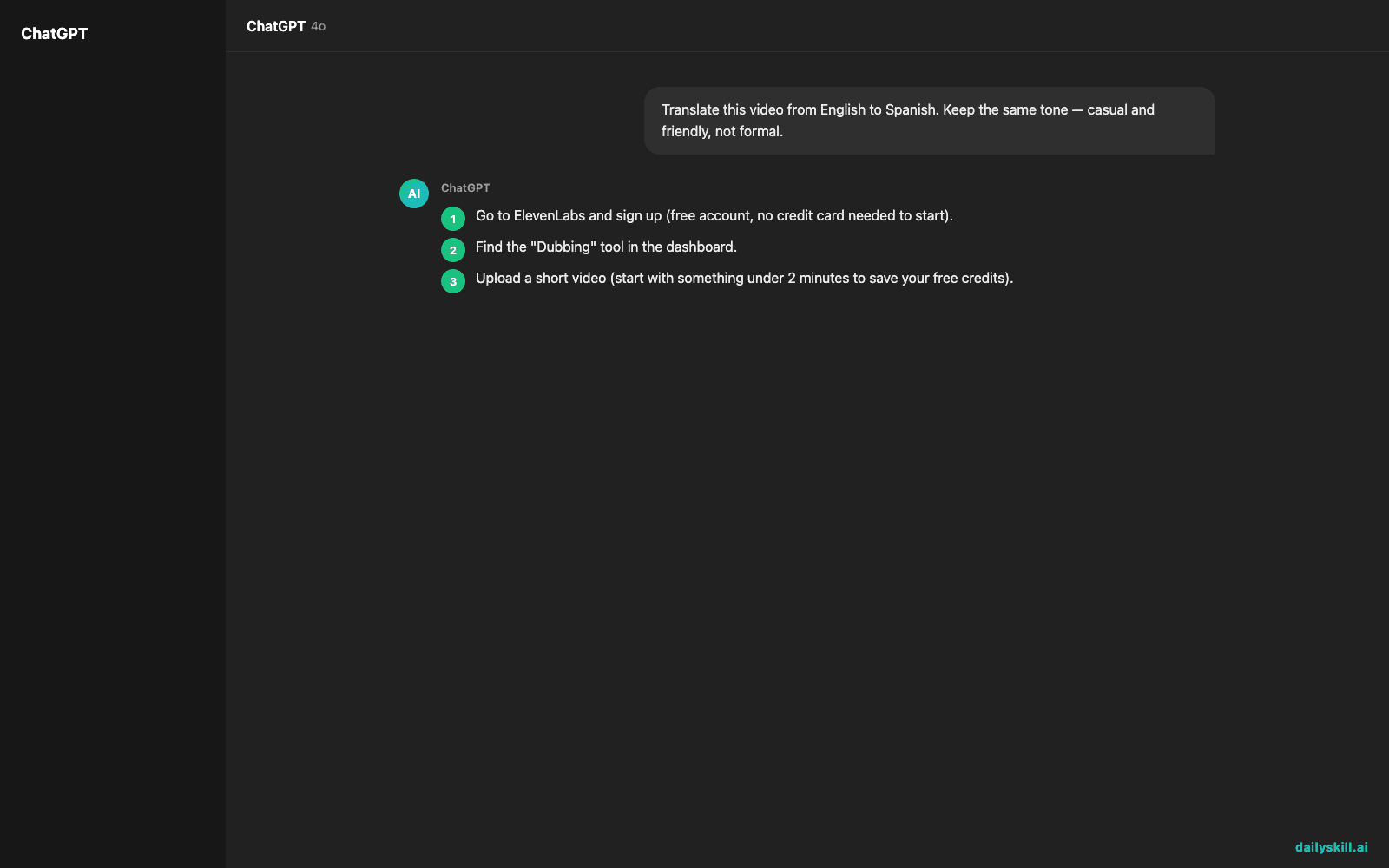
- Go to ElevenLabs and sign up (free account, no credit card needed to start).
- Find the “Dubbing” tool in the dashboard.
- Upload a short video (start with something under 2 minutes to save your free credits).
- Pick the language you want to translate into.
- Type this note in the project description if there’s a field for it, so you remember what you tested:
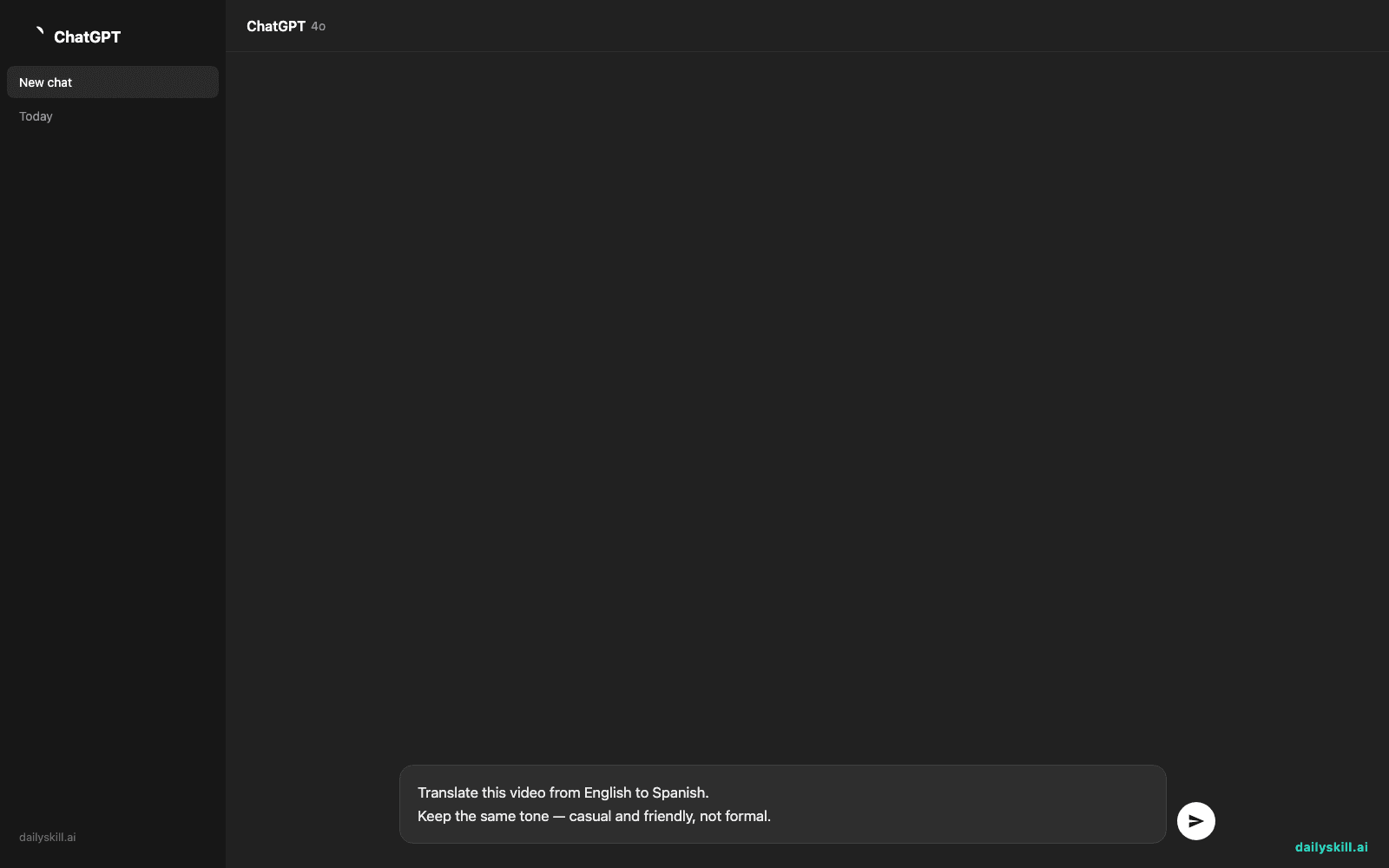
Translate this video from English to Spanish.
Keep the same tone — casual and friendly, not formal.
- Click generate, wait a few minutes, then download and watch it back.
A real example
Input: A 90-second video of you explaining “3 tips for saving money,” recorded in English, casual tone, talking straight to camera.
Output: The same video, same background and gestures, but the voice now speaks Spanish — and it still sounds like you, just speaking a language you might not even know.
“Aquí tienes tres consejos simples para ahorrar dinero cada mes…”
The mouth movements won’t perfectly match the new words — that’s a known limit of AI dubbing, not just this tool. Quality also varies by language pair: English-to-Spanish sounded natural in our test, English-to-Japanese was noticeably choppier.
Honest take
Best for:
– Creators who want to publish the same video in multiple languages fast
– Small business owners making product videos for international customers
– Teachers or trainers translating lessons for non-native speakers
Not for:
– Videos where perfect lip-sync matters (movies, tight close-ups) — it won’t match mouth movements exactly, and some language pairs sound rougher than others
– Long videos on the free tier — free minutes run out quickly, so test short clips first
The free tier gives you limited minutes per month, enough to try it properly before deciding if you need to pay.
FAQ
Is it free? Yes, there’s a free tier with a limited number of minutes each month. Longer or higher-quality dubs need a paid plan.
Is it safe? Yes — you control what you upload, and ElevenLabs doesn’t publish your videos anywhere. Just don’t upload anything you don’t have rights to use.
Do I need an account? Yes, a free ElevenLabs account is required to upload and dub videos.
Today’s pick wrap-up
If you’ve got one video and an audience in another language, this is the fastest way to bridge that gap without hiring anyone. Try it, then tell us in the comments which language you dubbed into first. Tomorrow: we talk to ChatGPT Voice Mode and see what a real spoken conversation with AI feels like.
You might also find these helpful:
- Perplexity AI — Get Answers With Sources, Not a Pile of Links
- How do I know if an AI answer is actually true?
- You.com — A Free AI Search Engine That Skips the 10 Blue Links
Master Everyday AI in 1 Minute a Day
Get our free 2026 Double-Blind AI Benchmark Scorecard & 20 Ready-to-Use Prompts, plus one honest, 60-second AI skill in your inbox every morning. Zero hype, plain English, cancel anytime.


