
Your neighbor is mowing the lawn, your kid is yelling in the next room, or you’re on a work call from a coffee shop — and you’re one second from muting yourself in embarrassment.
Krisp is an app that uses AI to strip background noise from your calls in real time, so the other person only hears your voice. It’s for anyone who takes calls from home, a shared space, or anywhere that isn’t a silent office.
What it is
Krisp runs quietly in the background during your calls — Zoom, Google Meet, phone calls, anything — and filters out non-voice sounds before they reach the other person. It also cleans up noise coming from their end, so you hear them clearly too. Think of it as a noise filter for your mic and your ears at the same time.
Try it in 5 minutes
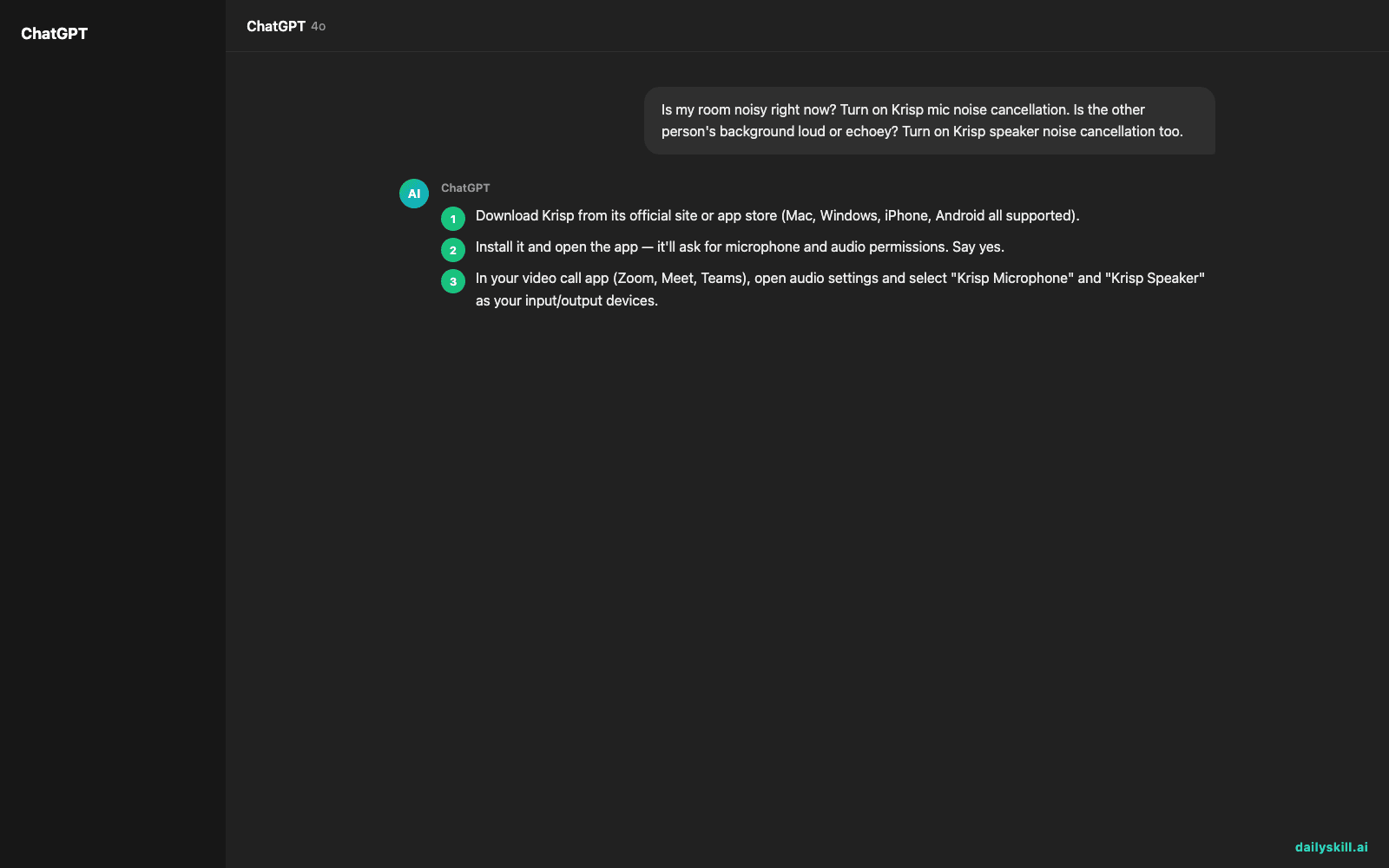
- Download Krisp from its official site or app store (Mac, Windows, iPhone, Android all supported).
- Install it and open the app — it’ll ask for microphone and audio permissions. Say yes.
- In your video call app (Zoom, Meet, Teams), open audio settings and select “Krisp Microphone” and “Krisp Speaker” as your input/output devices.
- Join a test call or record a voice memo while playing background noise (TV, fan, traffic) to hear the difference with the toggle on and off.
- Before a real call, run this quick checklist to decide what to enable:
Is my room noisy right now? Turn on Krisp mic noise cancellation.
Is the other person's background loud or echoey? Turn on Krisp speaker noise cancellation too.
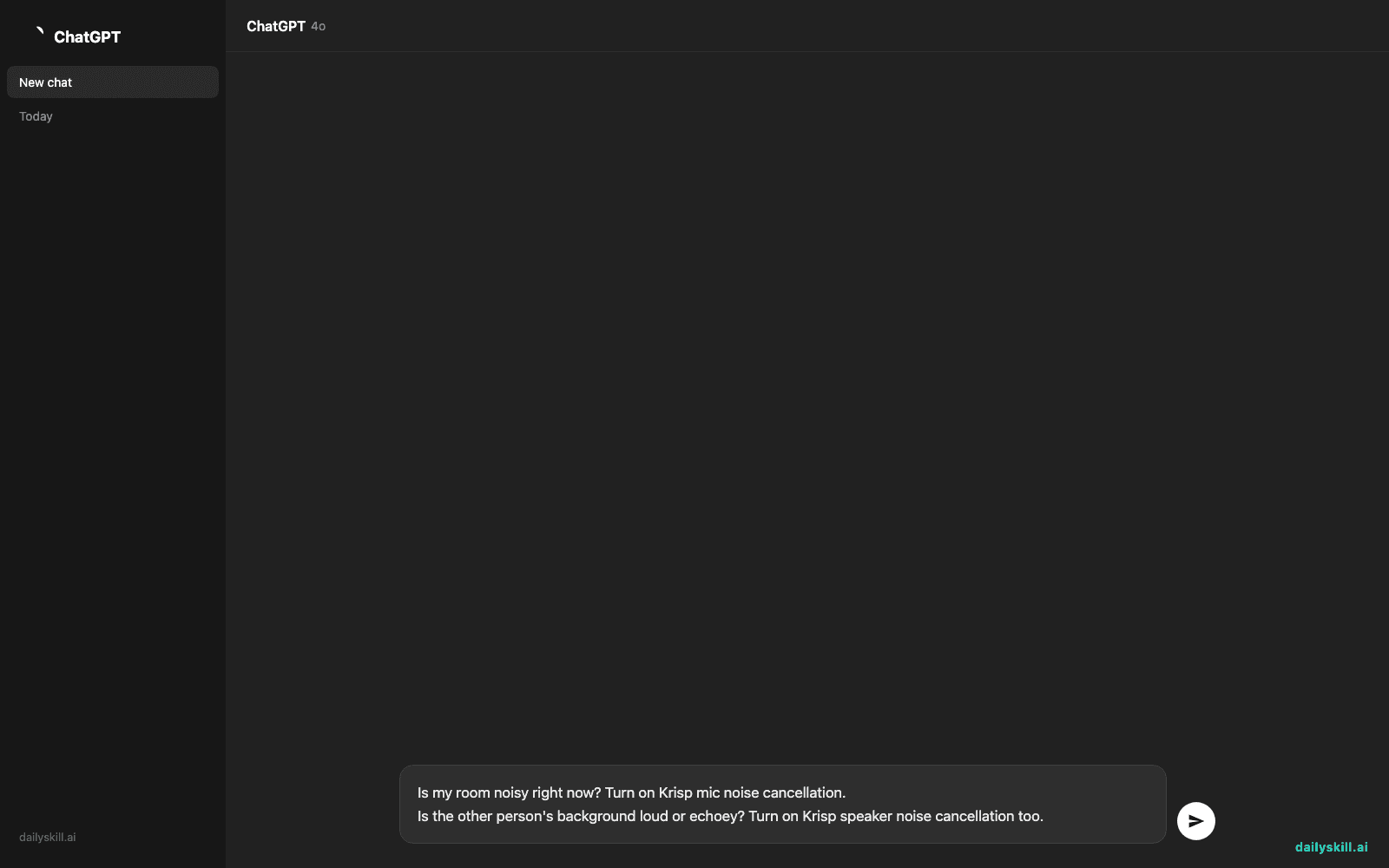
There’s no typed prompt here — Krisp works as a background filter, not a chat tool. The “prompt” is really just flipping the on/off switch before your call starts.
A real example
You’re on a work call with a leaf blower running outside your window. Without Krisp, your coworker keeps saying “sorry, can you repeat that?”
With Krisp’s mic noise cancellation turned on, here’s what changes:
Your coworker hears your voice clearly, with no leaf blower, no wind, no background hum — just you talking, as if you were in a quiet room.
Flip on speaker noise cancellation too, and if your coworker is in a noisy café, you’ll hear their voice cleaned up as well, minus the clattering dishes and chatter around them.
Honest take
Best for:
– Remote workers on video calls in less-than-quiet spaces
– Anyone doing interviews, podcasts, or recordings from home
– People who join calls from shared spaces (co-working, coffee shops, family homes)
Not for:
– Fully replacing a good microphone — Krisp cleans noise, it doesn’t fix a muffled or low-quality mic
– Setups that already use other virtual audio devices (like OBS or streaming software) — Krisp’s virtual mic/speaker can conflict with them and needs some fiddling to sort out
Krisp has a free tier with limited monthly minutes, enough to test it on a few real calls before deciding if you want more.
FAQ
Is it free? Yes, there’s a free tier with a limited number of noise-cancellation minutes per month. Paid plans remove that limit.
Is it safe? Krisp processes audio to filter noise; it doesn’t store or listen to your conversations beyond that filtering. As with any app, check its privacy policy before using it on sensitive calls.
Do I need an account? Yes, a free account is required to download and activate the app.
Today’s pick wrap-up
Krisp turns your noisiest room into a quiet-sounding call — no fancy mic required. Try it before your next meeting and tell us in the comments how much noise it killed. Tomorrow: Tome, the AI that turns your rough ideas into a polished presentation in minutes.
You might also find these helpful:
- Perplexity AI — Get Answers With Sources, Not a Pile of Links
- How do I know if an AI answer is actually true?
- You.com — A Free AI Search Engine That Skips the 10 Blue Links
Master Everyday AI in 1 Minute a Day
Get our free 2026 Double-Blind AI Benchmark Scorecard & 20 Ready-to-Use Prompts, plus one honest, 60-second AI skill in your inbox every morning. Zero hype, plain English, cancel anytime.


