
Yes. AI is genuinely good at designing the system — folder structures, naming rules, sorting logic — in a couple of minutes.
Some AI tools can now also connect directly to your email or cloud storage and do some sorting for you. But for most people, the simplest and safest path is still: ask AI to design the plan, then you (or a connected tool you trust) apply it.
Why this comes up
Inboxes and desktops turn into junk drawers fast, and “just organize it” feels overwhelming. People want to know if AI can do the boring part for them — or if it will just make a mess of things it shouldn’t touch.
The honest answer
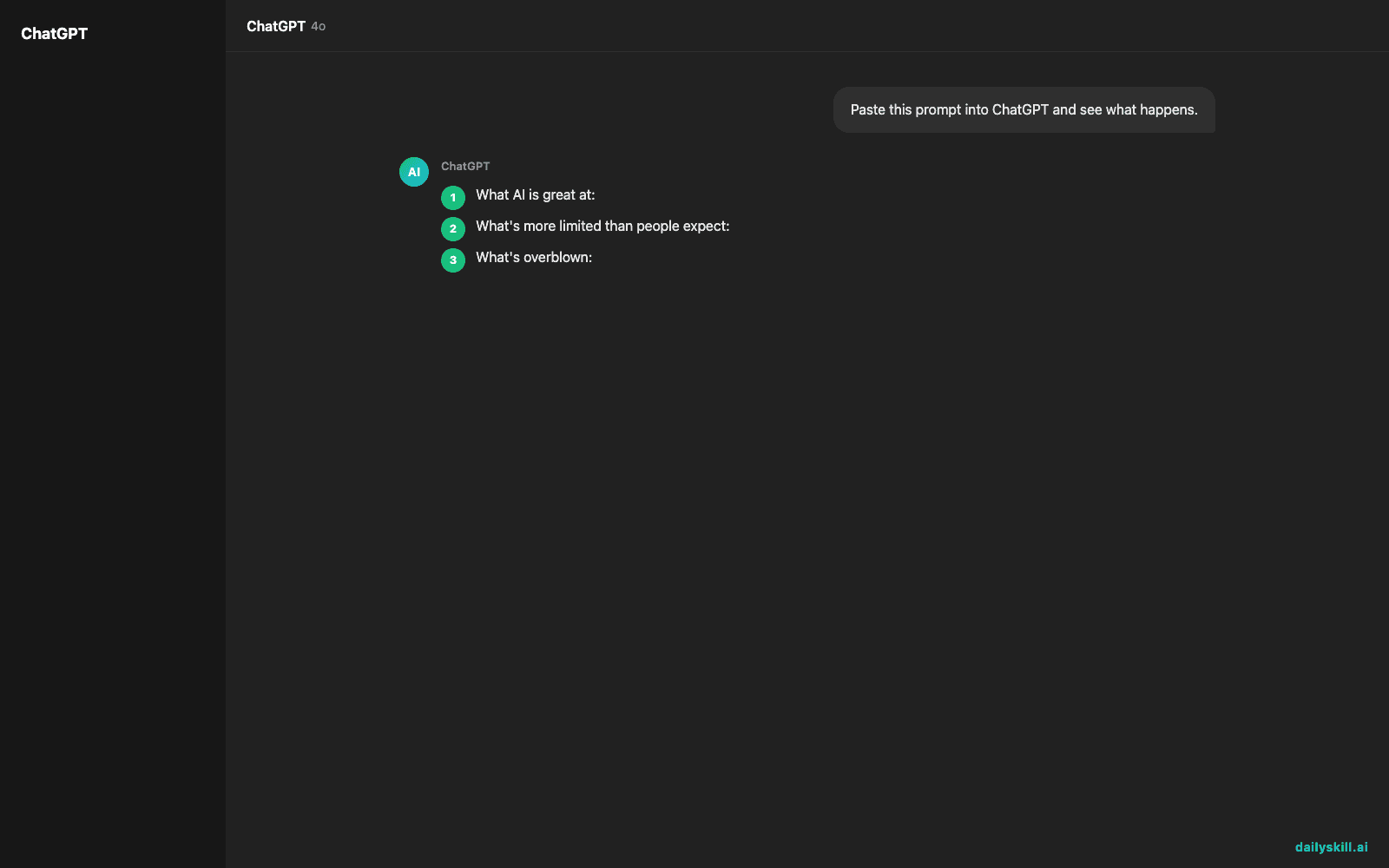
What AI is great at:
– Designing a folder structure on the spot — describe your files or email types, and it’ll propose folders, subfolders, and naming conventions in seconds.
– Suggesting naming rules (2024-Invoice-ClientName, Project_Draft_v2) so future files sort themselves.
– Writing rules or filters for you to paste into Gmail, Outlook, or a file system (e.g., “emails from X go to Folder Y”).
– Helping you decide what to keep, archive, or delete based on categories you describe.
What’s more limited than people expect:
– Not every AI tool has permission to reach into your actual inbox or hard drive. Even when integrations exist, they usually need you to explicitly connect and approve access — it’s not automatic.
– AI won’t know your personal filing logic unless you describe it. “Organize my files” is too vague; “I have client invoices, receipts, and photos mixed together” gets you a real plan.
– For anything sensitive — financial, medical, legal — you still want to review before mass-deleting or moving things.
What’s overblown:
– The fear that AI will “take over” your files. Most setups require your active steps — connecting an account, approving an action, or copy-pasting a filter rule.
– The idea that you need a paid, specialized app. A general AI chat tool is often enough to design the whole system for free.
Think of AI as the architect, not (yet, by default) the contractor — it draws the blueprint, you or an approved tool does the building.
What to do
- Describe your mess specifically. Instead of “organize my email,” try: “I get invoices, newsletters, client emails, and personal stuff all mixed in one inbox — design me a folder system.”
- Ask for naming conventions too. A good file system includes consistent file names, not just folders.
- Copy the plan, then implement it by hand first. Create the folders, move a batch of files, and see if the logic actually fits your life.
- If an AI tool offers to connect to your email or drive, check exactly what permissions it’s asking for before approving — don’t grant broad access “just to try it.”
- Start small. Organize one inbox or one drive folder before automating file management across everything.
- Don’t let AI auto-delete anything sensitive without reviewing the list first.
FAQ
Can I use a general AI chat tool for decluttering without any special app?
Yes — describe your files in a message and ask for a folder structure and naming rules. You then create the folders yourself, or paste the plan into a file manager.
Will AI actually move my files and emails for me?
Some tools now offer direct integrations that can do this with your permission. Many people still prefer doing the actual moving themselves, at least at first, to stay in control.
How often should I redo my AI-designed folder system?
Revisit it every few months, or whenever you notice files piling up outside your categories — ask AI to adjust the structure based on what’s not fitting.
Bottom line
AI can hand you a clean, sensible organization plan in minutes — the sorting itself is still mostly on you, unless you knowingly connect a tool to do it.
Tell us in the comments: inbox zero or digital hoarder? Tomorrow: should you trust AI to check your work or homework?
You might also find these helpful:
- Turn Your Messy Voice Memos Into a Clean, Organized Outline
- Rewrite Any Email to Sound More Professional — in 60 Seconds
- Turn Messy Meeting Notes Into a Clean Action Table in 60 Seconds
Master Everyday AI in 1 Minute a Day
Get our free 2026 Double-Blind AI Benchmark Scorecard & 20 Ready-to-Use Prompts, plus one honest, 60-second AI skill in your inbox every morning. Zero hype, plain English, cancel anytime.


