Ever get a wedding invite, conference confirmation, or venue email that buries the one thing you need — the actual date, time, and address — inside three paragraphs of decoration?
Here’s the fix: paste the whole email into AI and get a clean 3-line calendar snippet back, ready to copy into your phone.
Sound familiar?
You skim a long event email twice, still aren’t sure if it starts at 6 or 6:30, and have to re-read the whole thing just to find the parking instructions. By the time you’ve extracted everything, you’ve spent five minutes on what should’ve taken ten seconds.
The 60-second fix
Step 1: Copy the entire invite email
Don’t bother trimming it — headers, greetings, and decorative text are fine to include.
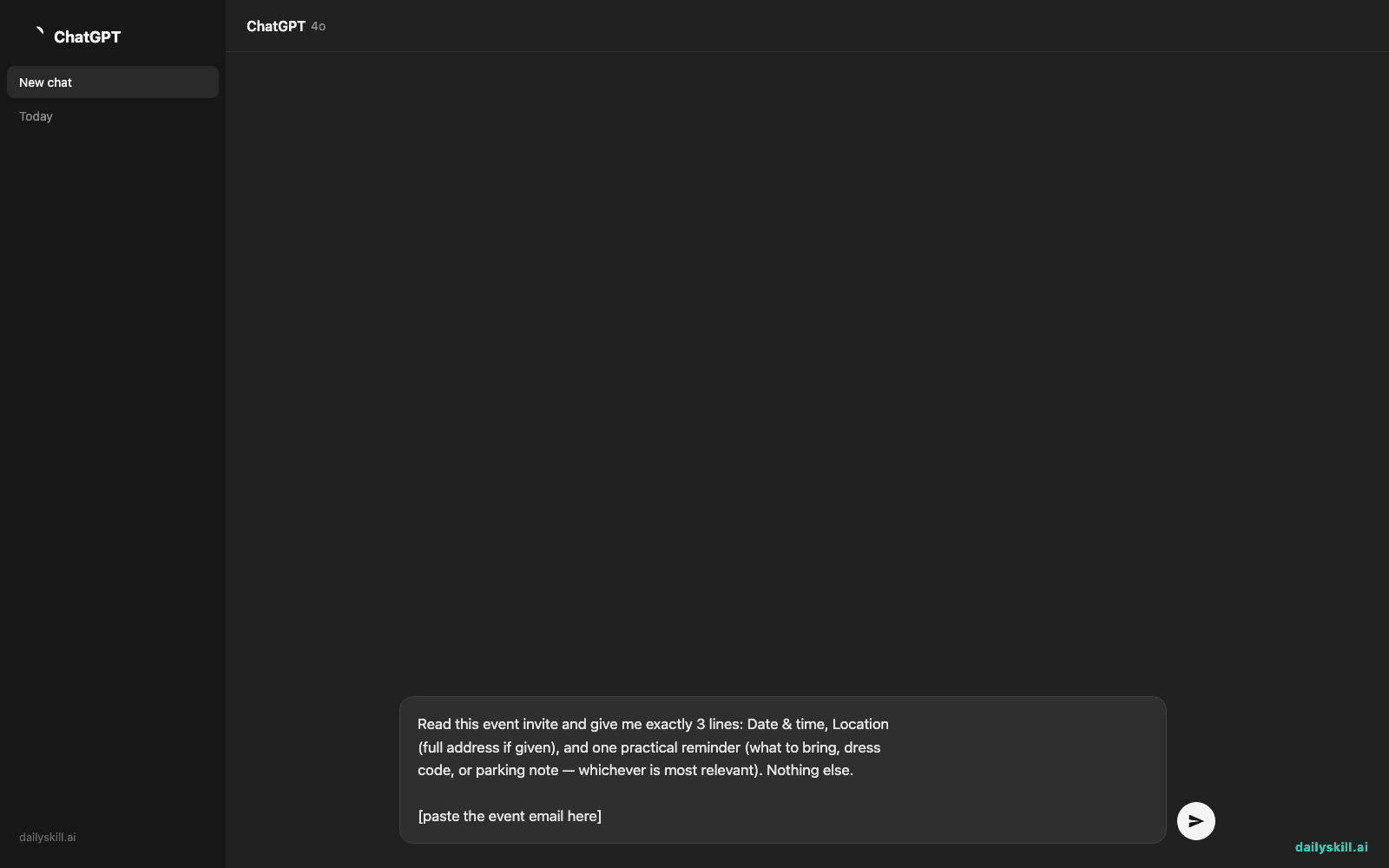
Step 2: Paste this prompt into Claude
Read this event invite and give me exactly 3 lines: Date & time, Location
(full address if given), and one practical reminder (what to bring, dress
code, or parking note — whichever is most relevant). Nothing else.

[paste the event email here]
Step 3: Copy the 3 lines straight into your calendar
Paste directly into a calendar app’s notes field or a reminder — no retyping needed.
Real example
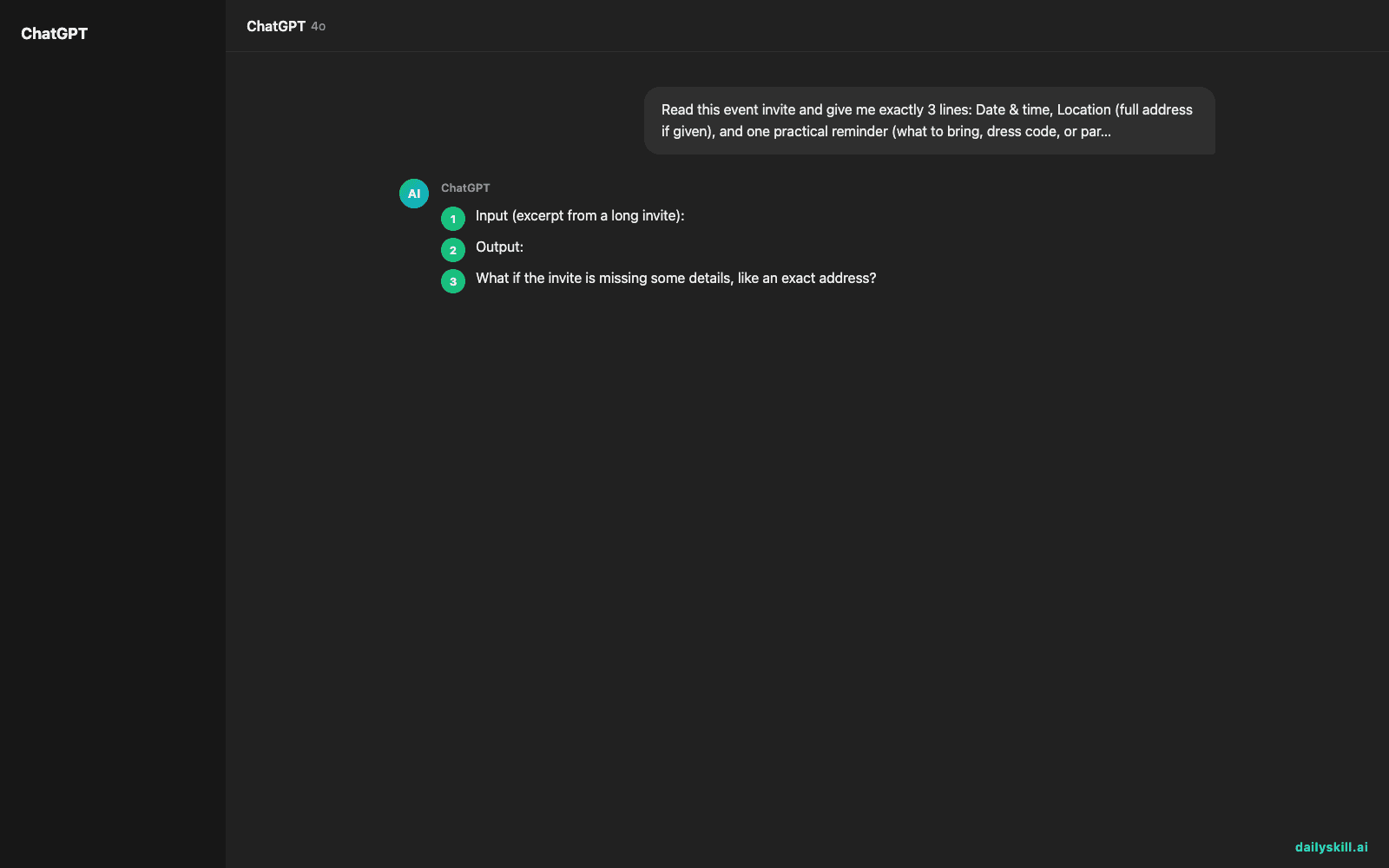
Input (excerpt from a long invite):
“We’re so excited to celebrate with you! Please join us for the ceremony beginning at 4:30 PM, with cocktail hour to follow at 5:30. The venue is The Willow Barn, 1420 Orchard Lane. Dress is semi-formal, and please note parking is limited — we recommend carpooling or using the shuttle from the main lot…”
Output:
Date & time: Ceremony 4:30 PM, cocktail hour 5:30 PM
Location: The Willow Barn, 1420 Orchard Lane
Reminder: Semi-formal dress; parking limited — carpool or use the shuttle
Three lines, everything you actually need, nothing you have to reread.
Level up
- Multiple events at once? Paste 2-3 invites together and ask for “a table, one row per event.”
- Need it in your own timezone? Add “convert the time to [your timezone]” if the invite lists a different one.
- Forwarding to someone else? Ask for “the same 3 lines, plus a one-sentence intro I can text a friend.”
FAQ
What if the invite is missing some details, like an exact address?
The AI will just note what’s missing (e.g., “Location: not specified”) instead of guessing — reply with any extra info you have and it’ll fill in the line.
Does this work with forwarded email threads, not just the original invite?
Yes — paste the whole thread. The AI will find the most recent/correct version of the details, but double-check if the thread contains conflicting updates.
Can it add this directly to my calendar app?
Not automatically, but the 3-line format is designed to paste straight into any calendar app’s event notes or description field in one step.
Today’s check-in
Try this on the next long event email in your inbox and reply with how many minutes it saved you.
Tomorrow: turn a frustrated customer complaint into a 2-sentence fix you can actually act on.
You might also like:
Master Everyday AI in 1 Minute a Day
Get our free 2026 Double-Blind AI Benchmark Scorecard & 20 Ready-to-Use Prompts, plus one honest, 60-second AI skill in your inbox every morning. Zero hype, plain English, cancel anytime.