
You copy an error message into Google, land on a forum post from 2014, and still don’t know what went wrong.
Twenty minutes later you’re more confused than when you started, and you’ve got three tabs open contradicting each other.
Paste fixes this: you drop in your code, and it reviews it, explains what’s happening, and suggests fixes — like having a patient tutor read over your shoulder. It’s built for anyone learning programming basics, not senior developers hunting edge cases.
What it is
Paste is a code snippet tool with AI review baked in. You paste code, it flags issues, explains what each part does in plain language, and suggests improvements.
Think of it as a code explanation tool that also happens to give you actual code review — the kind you’d get from a patient coworker, minus the awkward Slack message.
Try it in 5 minutes
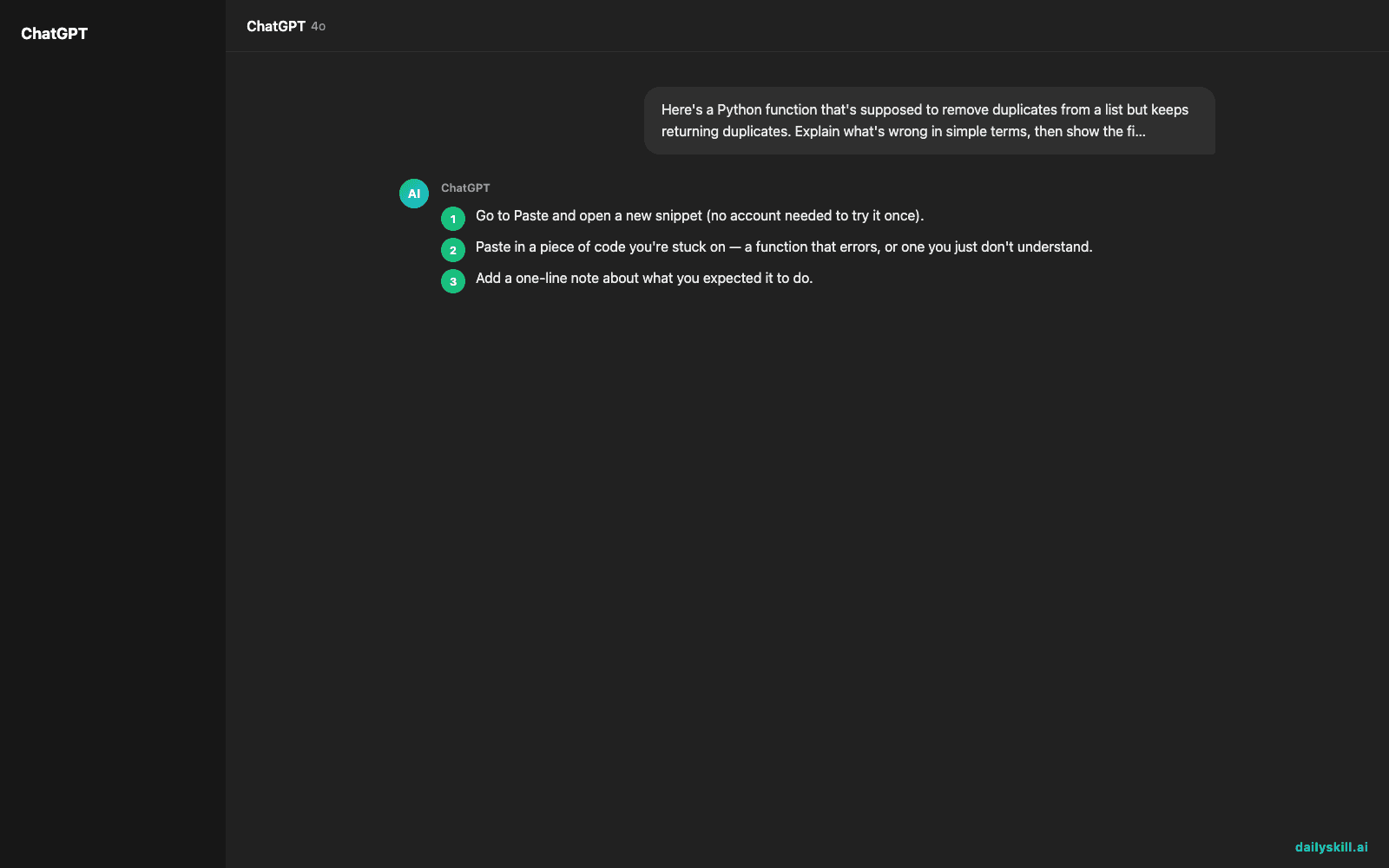
- Go to Paste and open a new snippet (no account needed to try it once).
- Paste in a piece of code you’re stuck on — a function that errors, or one you just don’t understand.
- Add a one-line note about what you expected it to do.
- Run the review and read the suggestions top to bottom before changing anything.
- Ask a follow-up question directly in the same thread if something’s unclear.
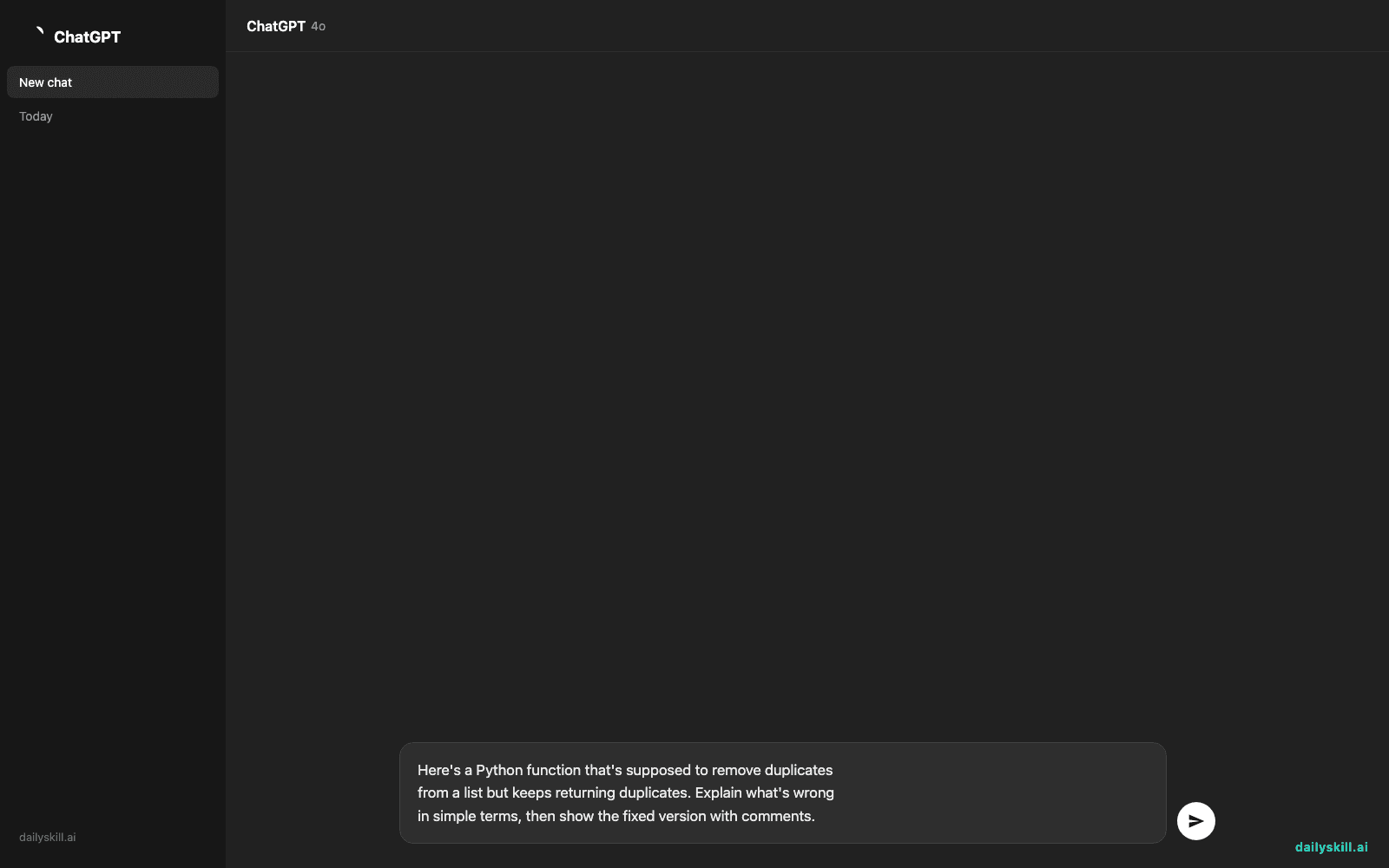
Here's a Python function that's supposed to remove duplicates
from a list but keeps returning duplicates. Explain what's wrong
in simple terms, then show the fixed version with comments.
A real example
Say you paste in this:
def remove_dupes(items):
    result = []
    for i in items:
        if i not in result:
            result.append(i)
    return result
You ask Paste to check it and explain the logic like you’re new to coding.
This function actually works correctly — it checks each item against what’s already in
resultbefore adding it. One note: for large lists, this gets slow becausein resultchecks every item one by one. A faster beginner-friendly option is using aset()to track seen items, which checks instantly instead of scanning the whole list. Here’s the updated version with comments explaining each line.
That’s the kind of AI code review beginners actually need — not just “this is wrong,” but why, and what to do instead.
Honest take
Best for:
– Learning programming basics through beginner coding help, one snippet at a time
– Understanding why code breaks, not just fixing it and moving on
– A second pair of eyes before submitting homework or a small side project
Not for:
– Reviewing large, multi-file projects — it’s built for small snippets, not full codebases
– Production-grade security or performance audits for serious apps
The free tier covers everything in this post — snippet review, explanations, and follow-up questions. Longer snippets or heavier daily use may ask you to sign in or bump into a soft limit, so check the pricing page before assuming you need to upgrade.
FAQ
Is it free? Yes, the core review and explanation features are free. No hidden paywall for the basics.
Is it safe to paste my code? Avoid pasting anything with passwords, API keys, or private company code. For learning snippets and personal projects, it’s fine.
Do I need an account? No account needed to try a snippet, though creating one lets you save your history and revisit past reviews.
Today’s pick wrap-up
If you’re learning to code and tired of cryptic error messages, Paste turns confusion into a quick, judgment-free lesson. Tried it? Tell us what snippet you fed it in the comments. Tomorrow: we open up Bookworm, for anyone who wants an AI reading buddy that actually remembers what you’ve read.
You might also like:
Master Everyday AI in 1 Minute a Day
Get our free 2026 Double-Blind AI Benchmark Scorecard & 20 Ready-to-Use Prompts, plus one honest, 60-second AI skill in your inbox every morning. Zero hype, plain English, cancel anytime.


