
You’ve been there
It’s 3 p.m. You have a page of meeting scribbles, a half-finished brain dump, and a deadline in an hour. Turning that mess into something readable feels like a second job.
Notion AI sits inside your notes and does that cleanup for you. It’s built for anyone who already uses Notion and wants their rough thinking to become useful faster.
What it is
Notion AI is a writing and organizing assistant built directly into Notion — a popular note-taking and planning app. You highlight messy text, hit a shortcut, and ask it to summarize, rewrite, or turn your notes into an action list.
No copy-pasting into a separate tool. It works right where your notes already live.
Try it in 5 minutes
- Open notion.so and create a free account (or log into yours).
- Create a new page and paste in any rough notes — meeting scribbles, a brain dump, anything.
- Highlight the text, then click the Ask AI button that appears.
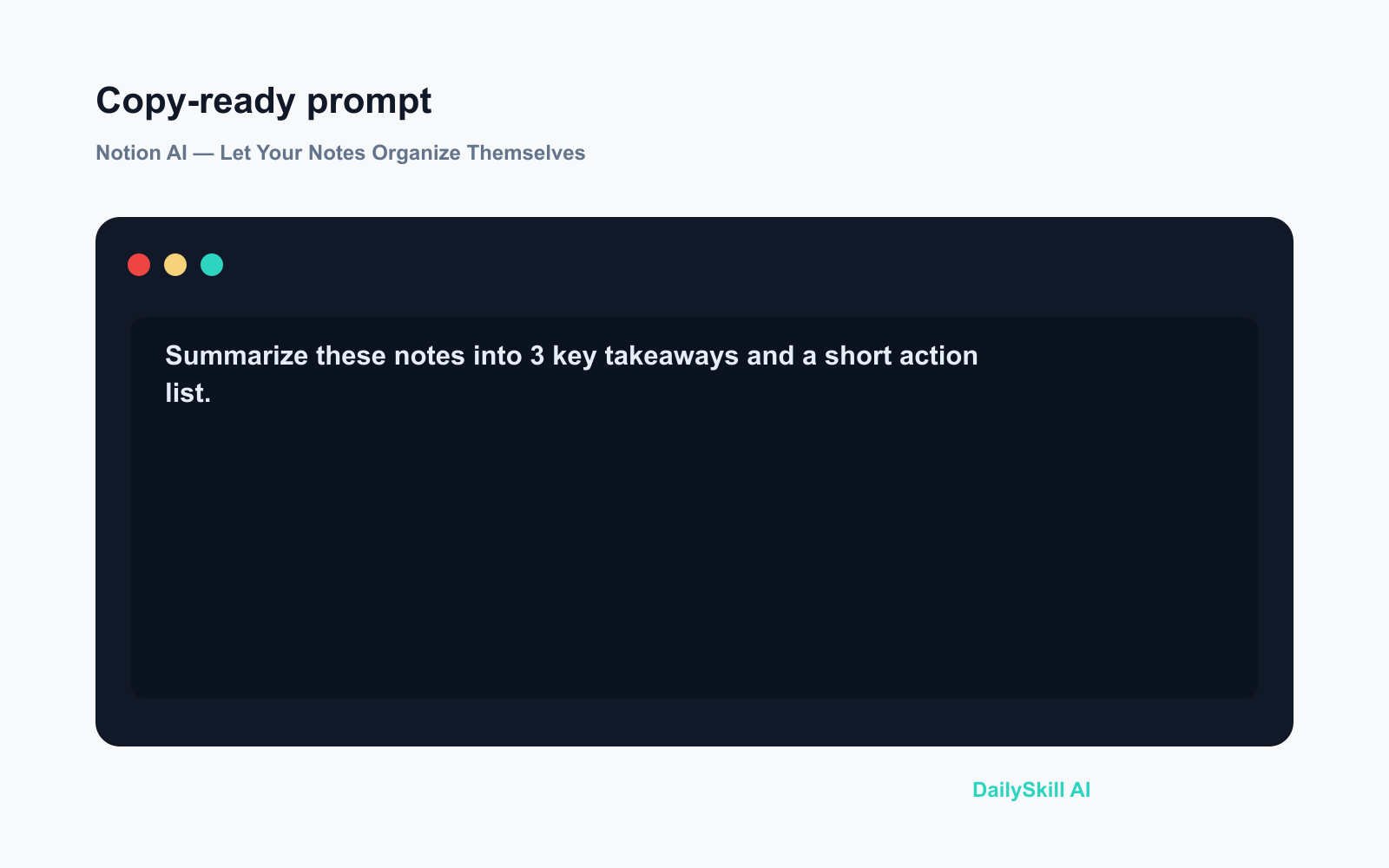
- Try this prompt exactly:
Summarize these notes into 3 key takeaways and a short action list.
- Watch it hand back a clean, structured summary in seconds. Done.
A real example
You paste in: notes from a 45-minute product meeting — who said what, a budget number mentioned in passing, two side conversations about design, no clear conclusion written down.
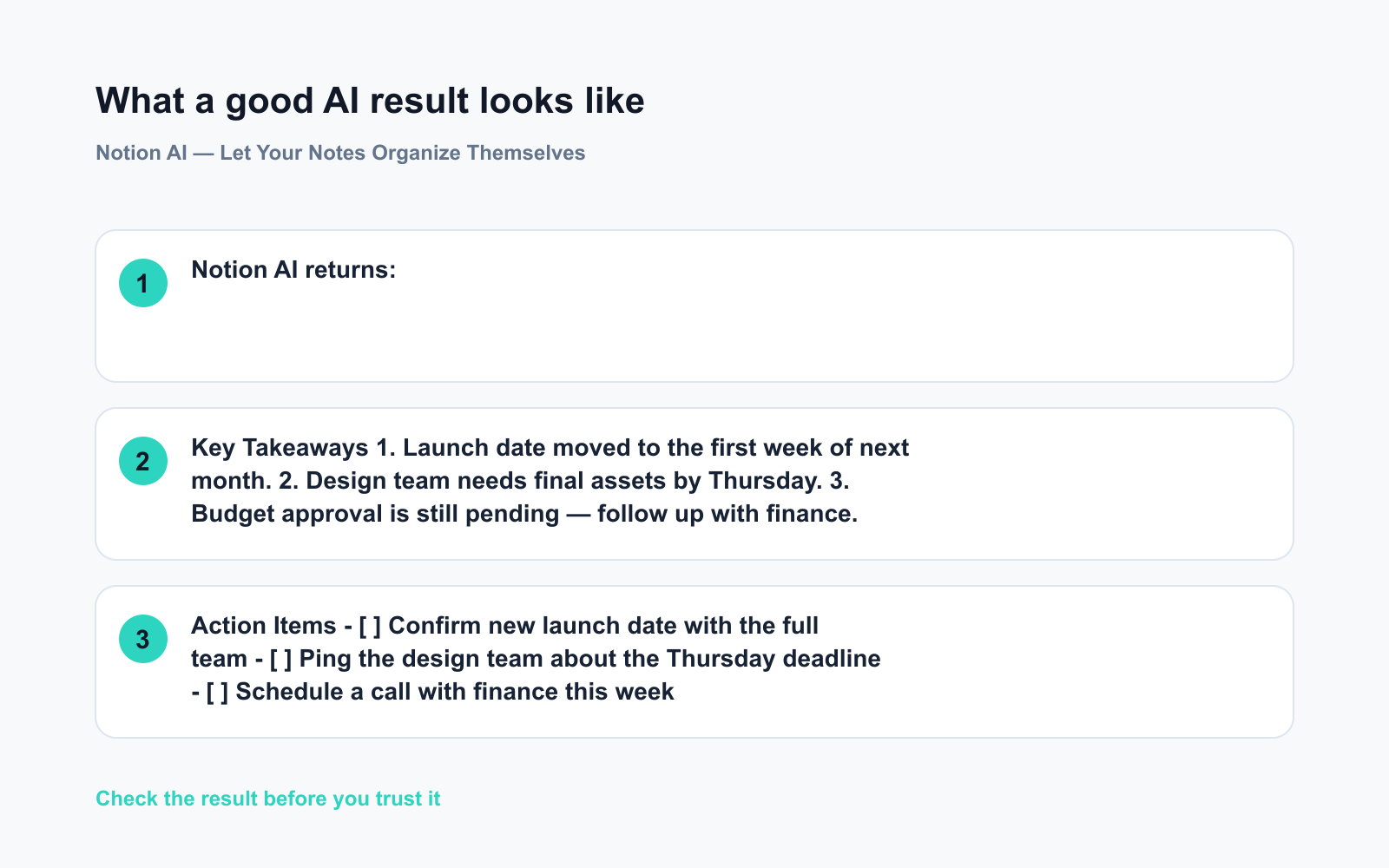
Notion AI returns:
Key Takeaways
1. Launch date moved to the first week of next month.
2. Design team needs final assets by Thursday.
3. Budget approval is still pending — follow up with finance.Action Items
– [ ] Confirm new launch date with the full team
– [ ] Ping the design team about the Thursday deadline
– [ ] Schedule a call with finance this week
That’s a real output shape — yours will reflect your actual content. It takes about eight seconds.
Honest take
Best for:
– People who already live in Notion for planning or work notes
– Anyone who needs to turn rough meeting notes into readable recaps fast
– Writers and planners who want AI to help structure ideas, not replace them
Not for:
– People who don’t use Notion at all — starting from scratch just for the AI adds a real learning curve before you see any payoff
– Pulling in outside information; Notion AI works best reorganizing your existing words, not researching topics from scratch
Free tier: Notion has a free plan, but Notion AI is a paid add-on on top of it — currently a few dollars per member per month. You get a limited trial before committing. It’s not free long-term, so test it deliberately with real notes before the trial runs out.
FAQ
Do I need to already use Notion?
It helps a lot. Notion AI is built into the app, so if you’re starting from scratch, spend 10 minutes getting familiar with pages and blocks first. Beginner templates on the site make that faster.
Is my data safe?
Notion says AI features don’t use your content to train their models, and workspace data is encrypted. For sensitive company information, check your organization’s policy before using any AI tool.
Is it free?
The base Notion app has a free tier. Notion AI is a separate add-on with a free trial so you can test it before paying. Budget for the monthly cost if you plan to keep it.
Today’s pick
If you already live in Notion, turning on AI is one of the lowest-effort upgrades you can make to how you work. One prompt, and your messiest notes become something you’d actually send to a colleague.
Try the prompt above with your messiest notes this week and drop the result in the comments — did it save you time?
Tomorrow we’re looking at CapCut — the free video editor that’s quietly become the go-to tool for anyone who wants polished short videos without touching a timeline.
You might also like:
- Day 15 — Solve Your Kid’s Homework in Seconds — AI Explains It Too (AI 1-Minute Challenge)
- How Do I Stop AI Writing From Sounding Robotic and Obviously AI?
⭐ Want every prompt in one place?
All 136 tested prompts from our daily skills are free on
GitHub — DailySkill Prompt Library.
Star it to get new prompts as we publish.
More on Choosing & Using AI Tools:
- Adobe Firefly: The AI Image Generator Built for Real Work
- Anthropic Introduces Claude Sonnet 5: Its Most Agentic Sonnet
- Best Free AI Tools in 2026: The Honest Guide for Normal People
Master Everyday AI in 1 Minute a Day
Get our free 2026 Double-Blind AI Benchmark Scorecard & 20 Ready-to-Use Prompts, plus one honest, 60-second AI skill in your inbox every morning. Zero hype, plain English, cancel anytime.


