
Because AI doesn’t know anything about your situation unless you tell it. It’s not reading your mind — it’s guessing what you mean from the words you type. More context means less guessing, which is why detailed prompts get you better answers than vague ones almost every time.
Why this comes up
You’ve probably typed a quick question, gotten a generic or off-target answer, and thought “this thing is dumb.” The real worry is usually: am I doing this wrong, or is AI just not that good? Often it’s neither — it’s just missing information it needed.
The honest answer
AI answers by predicting the most likely helpful response to your exact words. Without context, “likely” defaults to the most common, generic case — because that’s its best guess with what it has.
What’s true
- Providing background narrows the guesswork. Tell it who you are, what you’re trying to do, and what “good” looks like, and it stops guessing at the average case.
- Accuracy improves a lot with context because specifics remove wrong assumptions — wrong audience, wrong format, wrong skill level.
- Constraints act like guardrails. Length, tone, audience, and format cut out thousands of technically-valid-but-wrong answers.
What’s overblown
- More context isn’t always better. Dumping irrelevant detail can confuse the answer or bury the actual ask.
- Context can’t fix a bad question. “Make this better” with three paragraphs of backstory is still vague if you never say what “better” means.
- You don’t need a perfect prompt. You need the two or three details that actually matter for your situation.
Before / after example
Vague prompt:
“Write an email about the delay.”
Result: a generic, safe, slightly stiff email that could apply to anyone.
Detailed prompt:
“Write a short, apologetic email to a client (small business owner, not technical) explaining our software update is delayed by one week. Keep it warm but professional, 3-4 sentences, no jargon.”
Result: an email that actually sounds like it’s for that client, that delay, that tone. You removed the guesswork, so the AI had less room to default to generic.
What to do — a 30-second context template
Before you hit send on a prompt, fill in what you can:
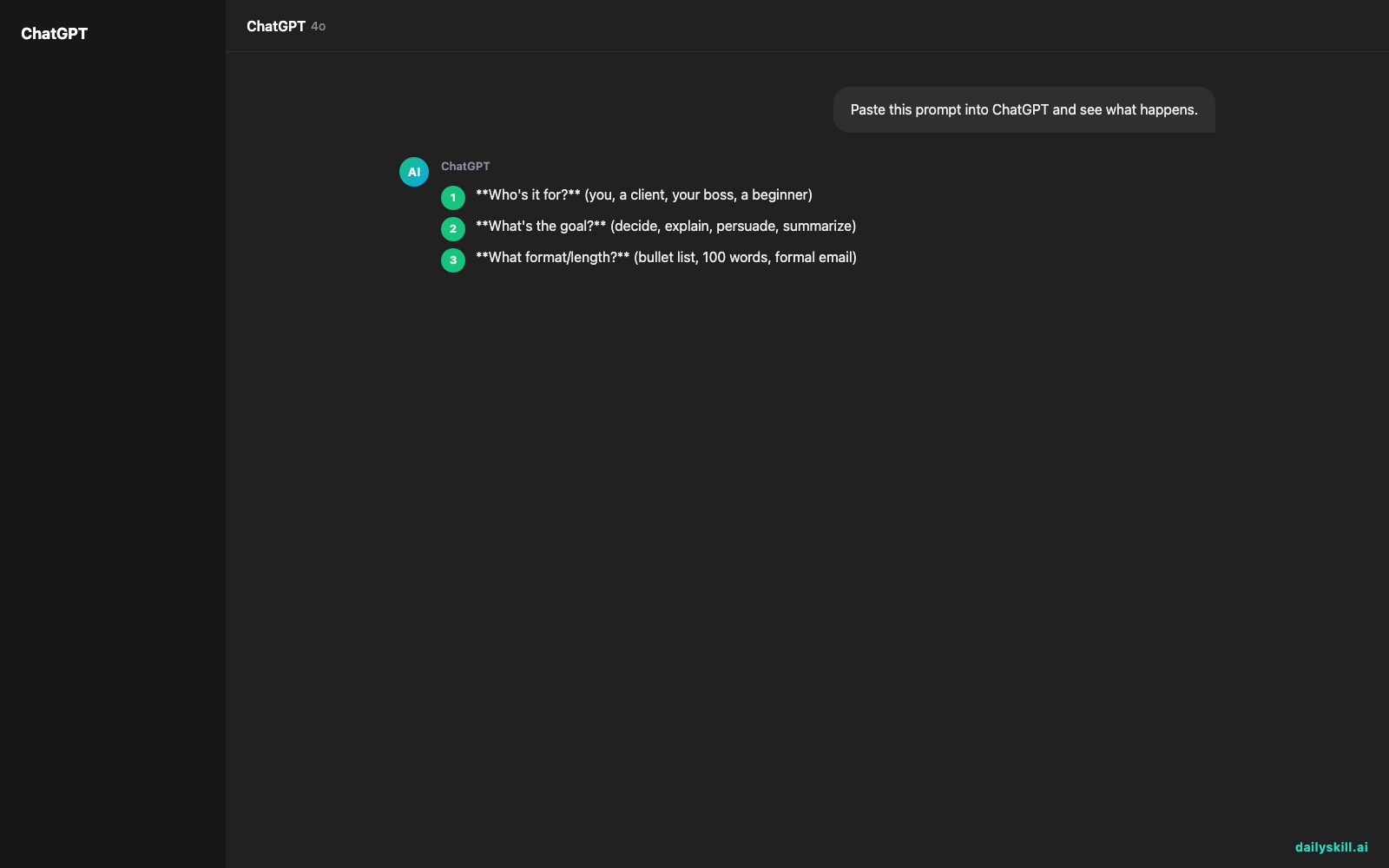
- Who’s it for? (you, a client, your boss, a beginner)
- What’s the goal? (decide, explain, persuade, summarize)
- What format/length? (bullet list, 100 words, formal email)
- What should it avoid? (jargon, being too casual, being too long)
Don’ts:
– Don’t assume AI remembers past chats unless you’re in the same conversation.
– Don’t over-explain — one relevant sentence beats five vague paragraphs.
– Don’t skip the goal. “Explain this” and “convince someone of this” need very different answers.
FAQ
Does adding more context always make the answer longer?
No. Context shapes quality and fit, not length. You can ask for a shorter answer and still give full context.
What if I don’t know all the details yet?
Give what you have and say what’s missing. “I don’t know the exact budget yet, assume mid-range” still helps a lot.
Is there such a thing as too much context?
Yes, if it’s irrelevant. Keep it to details that actually change the answer, not your whole life story.
Bottom line
AI isn’t reading your mind — it’s reading your words, so better words in means better answers out.
What’s the best “context trick” you’ve found for getting sharper AI answers? Share it with the community. Tomorrow: how do you actually know if an AI answer is true?

You might also like:
- Split Your ChatGPT Chats Into Work and Personal Lanes — Fast
- Synthesia — Turn a Script Into a Finished Video, No Camera Needed
Master Everyday AI in 1 Minute a Day
Get our free 2026 Double-Blind AI Benchmark Scorecard & 20 Ready-to-Use Prompts, plus one honest, 60-second AI skill in your inbox every morning. Zero hype, plain English, cancel anytime.


