
You’re planning a surprise party for 30 people. You have a venue idea, a half-made guest list, and a dozen worries, and none of it fits on one page. Whimsical AI turns a few sentences into a draft mind map, flowchart, or simple screen layout. It’s for anyone who thinks better when they can see the plan.
What it is
Whimsical is a visual workspace. You use it to build boards of boxes, arrows, and notes. Its AI features let you type a short description and get a first draft of a diagram.
You can ask for a mind map (a tree of ideas branching out from one topic), a flowchart (steps joined by arrows), or a wireframe (a rough sketch of an app or web page layout, before any design polish). You then edit the draft by hand.
Which AI features you get can vary by plan, so check what your account shows.
Try it in 5 minutes
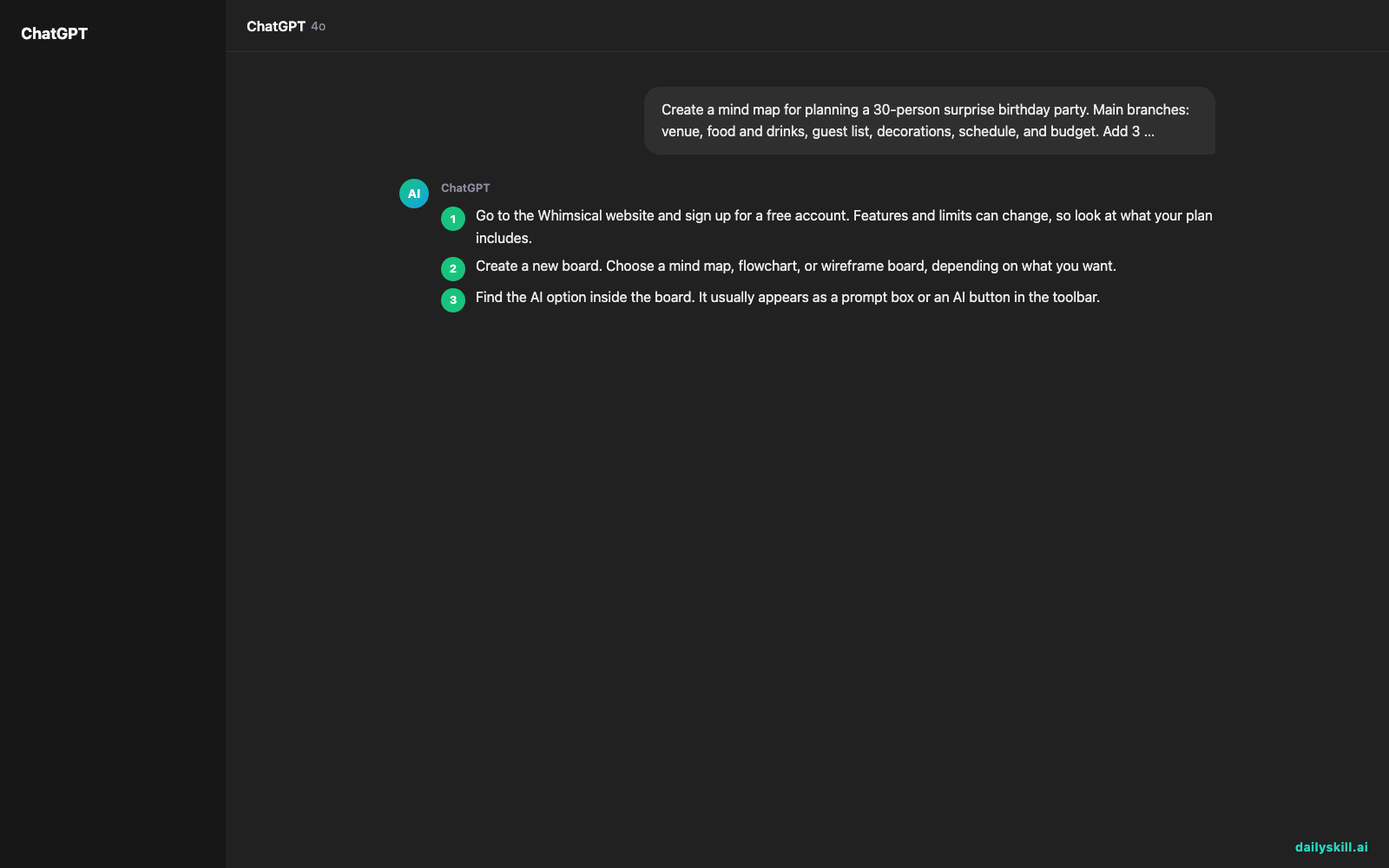
- Go to the Whimsical website and sign up for a free account. Features and limits can change, so look at what your plan includes.
- Create a new board. Choose a mind map, flowchart, or wireframe board, depending on what you want.
- Find the AI option inside the board. It usually appears as a prompt box or an AI button in the toolbar.
- Paste the prompt below. Swap in your own topic if you like.
- Read the draft. Delete boxes you don’t need, rename the ones that are off, and drag things around until it matches your plan.
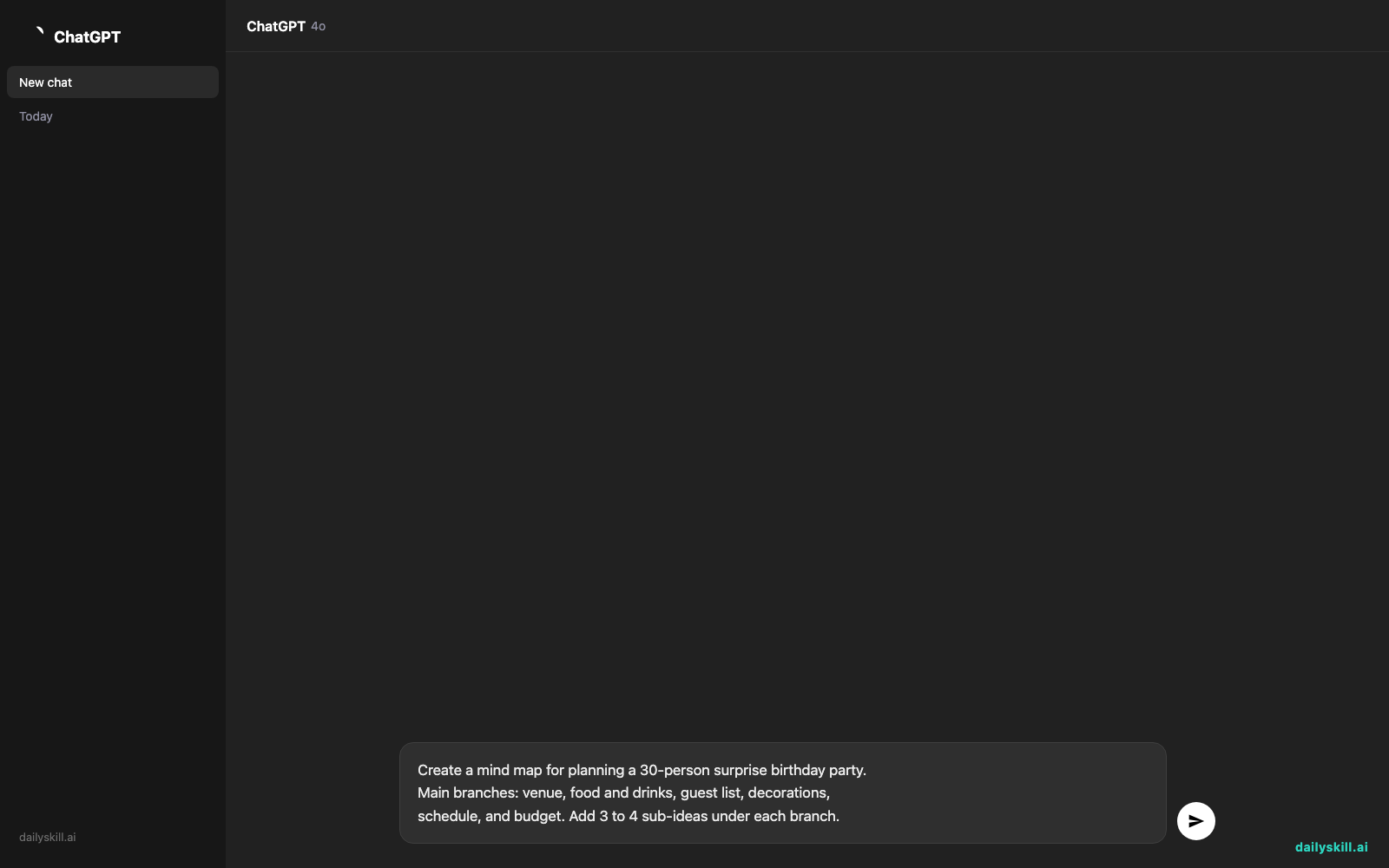
Create a mind map for planning a 30-person surprise birthday party.
Main branches: venue, food and drinks, guest list, decorations,
schedule, and budget. Add 3 to 4 sub-ideas under each branch.
A real example
Here’s the kind of result that prompt can give you. Your draft will differ, because AI tools rarely give the same answer twice.
Surprise Birthday Party (center)
– Venue: home or rented room, parking, backup if it rains
– Food and drinks: catering or potluck, cake order, dietary needs
– Guest list: invite deadline, keeping the secret, RSVP tracking
– Decorations: theme, balloons, photo wall
– Schedule: guest arrival time, hiding the guest of honor, cake moment
– Budget: total limit, cost per person, cushion for extras
You may not have thought of “keeping the secret” or “backup if it rains.” Those nudges are the real value. You still decide what fits, but you’re editing instead of starting from nothing.
Want a flowchart next? Try: “Show the steps to onboard a new employee, from signed offer to first week.” You’ll get a chain of boxes you can reorder in seconds.
Honest take
Best for
– Planning projects and brainstorming when you want to see how the pieces connect.
– Getting a quick first draft of a mind map or flowchart to share with a team or family.
– Sketching a simple app or website layout (a wireframe) before you talk to a designer.
Not for
– Anything that needs to be right in the details. The AI gives a sensible, generic starting point and can miss what’s specific to your situation, so check every branch and step.
– Final-quality design work. Wireframes here are rough sketches, not finished screens.
Free tier: A free account lets you work with a limited number of boards, which is enough to test it on one real project. If you hit the limit, you’ll need to delete old boards or look at a paid plan. Check the pricing page for current limits, and for how much AI use the free plan includes.
FAQ
Is Whimsical AI free?
You can start with a free account, and paid plans unlock more boards and features. Limits change, so check the pricing page before you plan around them.
Is it safe to use?
Treat it like any online tool. Don’t put passwords, private customer details, or confidential company information into your boards or prompts. Read the privacy settings before you invite others.
Do I need an account?
Yes. You sign up to create and save boards. A free account is enough to try it.
Today’s pick wrap-up
Verdict: Whimsical AI is a quick, friendly way to turn a fuzzy plan into a visual draft. It won’t think for you, but it gets you moving fast.
Have you tried it? Share your best prompt or your favorite board in the dailyskill.ai community. We’d love to see what you built.
Tomorrow: We look at Phind, an AI search tool that gives you direct answers with sources, so you can stop digging through ten browser tabs.
You might also like:
- Turn a Long Contract into a Simple Deadline Calendar
- How do I ask AI to create a packing list tailored to specific weather and luggage limits?
Master Everyday AI in 1 Minute a Day
Get our free 2026 Double-Blind AI Benchmark Scorecard & 20 Ready-to-Use Prompts, plus one honest, 60-second AI skill in your inbox every morning. Zero hype, plain English, cancel anytime.


