
“I talked for 40 minutes straight in my first team meeting. Nobody said a word.”
That’s a real-sounding first line, and it came from three messy bullet points. Here’s exactly how to do the same: in about a minute, an AI assistant like ChatGPT, Gemini, or Claude can turn your rough notes into a finished LinkedIn post with a strong opening line and a clear takeaway. You bring the lessons. The AI handles the polish.
Sound familiar?
You open LinkedIn, see someone’s smart post, and think, “I know things too.”
Then you stare at a blank box. Or you write a long paragraph, read it back, and it sounds flat. So you close the tab and post nothing.
The problem usually isn’t your ideas. It’s the packaging. A good LinkedIn post needs three things:
- A first line that makes people tap “see more”
- Short lines that are easy to scan
- One clear point at the end
That’s a formatting job, and AI is great at formatting jobs.
The 60-second fix
1. Jot down 3 quick lessons
Don’t write full sentences. Just dump bullets. Think of something from the last few weeks: a project, a mistake, a meeting, a new habit.
Rough is fine. Typos are fine. To get started, finish the sentence “This month I learned…” three times.
2. Paste them into this prompt
Open your AI assistant and copy this in. Replace the bracketed parts with your own details.
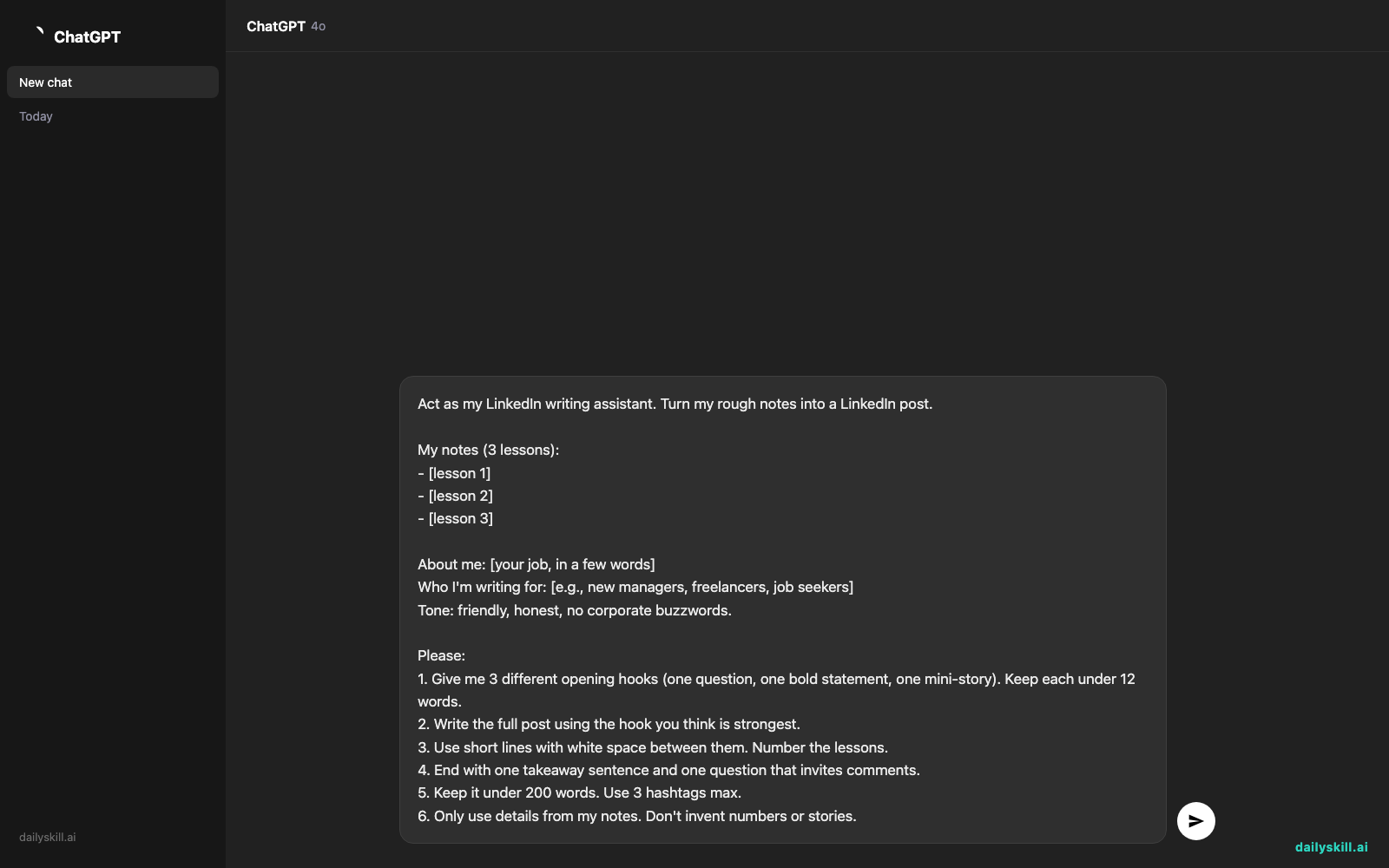
Act as my LinkedIn writing assistant. Turn my rough notes into a LinkedIn post.

My notes (3 lessons):
- [lesson 1]
- [lesson 2]
- [lesson 3]

About me: [your job, in a few words]
Who I'm writing for: [e.g., new managers, freelancers, job seekers]
Tone: friendly, honest, no corporate buzzwords.

Please:
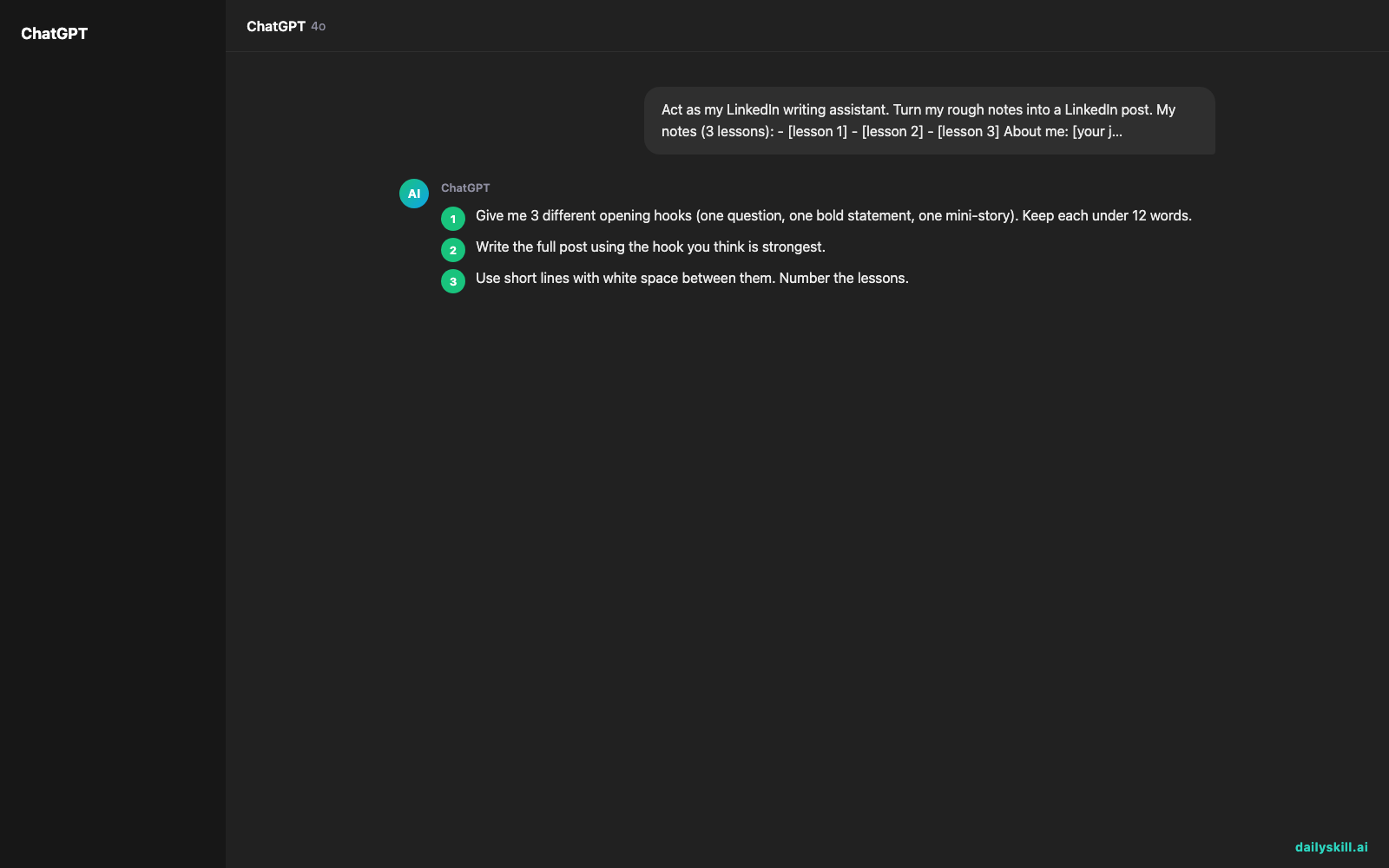
1. Give me 3 different opening hooks (one question, one bold statement, one mini-story). Keep each under 12 words.
2. Write the full post using the hook you think is strongest.
3. Use short lines with white space between them. Number the lessons.
4. End with one takeaway sentence and one question that invites comments.
5. Keep it under 200 words. Use 3 hashtags max.
6. Only use details from my notes. Don't invent numbers or stories.
Step 6 matters. It keeps the AI from making up facts about your life.
3. Pick your hook, then make it sound like you
Read the three hooks. Choose the one that feels most like something you’d say out loud. Then edit the post: swap in your own words, add one real detail, and delete anything that doesn’t sound like you.
If something feels off, just reply: “Make it warmer and shorten the last lesson.”
Real example
Input notes:
- ran my first team meeting, talked too much
- asked for feedback early, saved me a week of rework
- wrote down decisions after every call, fewer "wait, what did we agree?" moments
About me: new project coordinator
Writing for: other new team leads
The AI’s draft:
I talked for 40 minutes straight in my first team meeting.
Nobody said a word. (That should have been my clue.)
Three months into my first coordinator role, here’s what I’d tell my past self:
- Talk less. The best meetings I’ve run since had me speaking about a third of the time.
- Ask for feedback early. One quick “does this look right?” saved me a full week of rework.
- Write down every decision. A two-line recap after each call ended the “wait, what did we agree?” loop.
Takeaway: Small habits beat big talents when you’re new.
What’s one habit that helped you in your first role?
#Leadership #NewManager #CareerGrowth
Notice what happened. Three plain bullets became a hook, a clear structure, and a question that invites replies.
Now check the details. In this draft, “40 minutes,” “three months,” and “a third of the time” were added by the AI, not by the notes. If they aren’t true for you, swap in your real numbers or cut them. Your post should only say what actually happened.
Level up
- Hook generator mode: Ask for “10 hook options in different styles” and pick your favorite.
- Humble tone: Add “Make it read like a short lesson from experience, not advice from above.” This keeps it credible.
- Match your voice: Paste one of your past posts and say, “Match this writing style.”
FAQ
Can AI turn bullet points into a LinkedIn post?
Yes. Paste your bullet points, tell the AI who you’re writing for and what tone you want, and ask for a hook, short lines, and a closing question. You’ll get a ready-to-edit draft in seconds.
How do I write a good LinkedIn hook?
Keep it short and specific. A question, a surprising confession, or a small story works well. Ask the AI for several options, then choose the one that sounds most like you.
Will my post sound like a robot wrote it?
Only if you post the first draft untouched. Add one real detail from your own experience and trim anything that doesn’t sound like you. Thirty seconds of editing makes it yours.
Today’s check-in
Try it now. Write down 3 quick lessons, run the prompt, and pick your best hook. Then tell us in the community: what was the first line of your post?
Tomorrow (Day 155): We’ll use AI to generate 10 interview practice questions, with sample STAR-framework answers you can learn from.
You might also like:
- How do I use AI to turn raw meeting notes into a client-ready project recap?
- Luma Dream Machine — Turn One Sentence Into a Cinematic Video Clip
Master Everyday AI in 1 Minute a Day
Get our free 2026 Double-Blind AI Benchmark Scorecard & 20 Ready-to-Use Prompts, plus one honest, 60-second AI skill in your inbox every morning. Zero hype, plain English, cancel anytime.


