
You need a 5-second shot of a perfume bottle gliding through golden light, and all you have is a phone and a kitchen table. No camera crew, no drone, no budget.
Luma Dream Machine is an AI video generator. You describe a scene in words, and it makes a short clip with smooth motion and real camera moves. It’s built for marketers, small business owners, and creators who need striking visuals fast.
What it is
Luma Dream Machine is a website and app from a company called Luma AI. You type a description, or upload a photo, and it turns that into a short video.
Its strength is movement. It can do slow pushes toward a subject, sweeping orbits, and flyovers, and the motion usually looks smooth instead of jittery.
Think of it as a fast, low-cost camera operator who works from your written instructions. A “camera move” is simply how the viewpoint travels: zooming in, circling around, or gliding forward.
Try it in 5 minutes
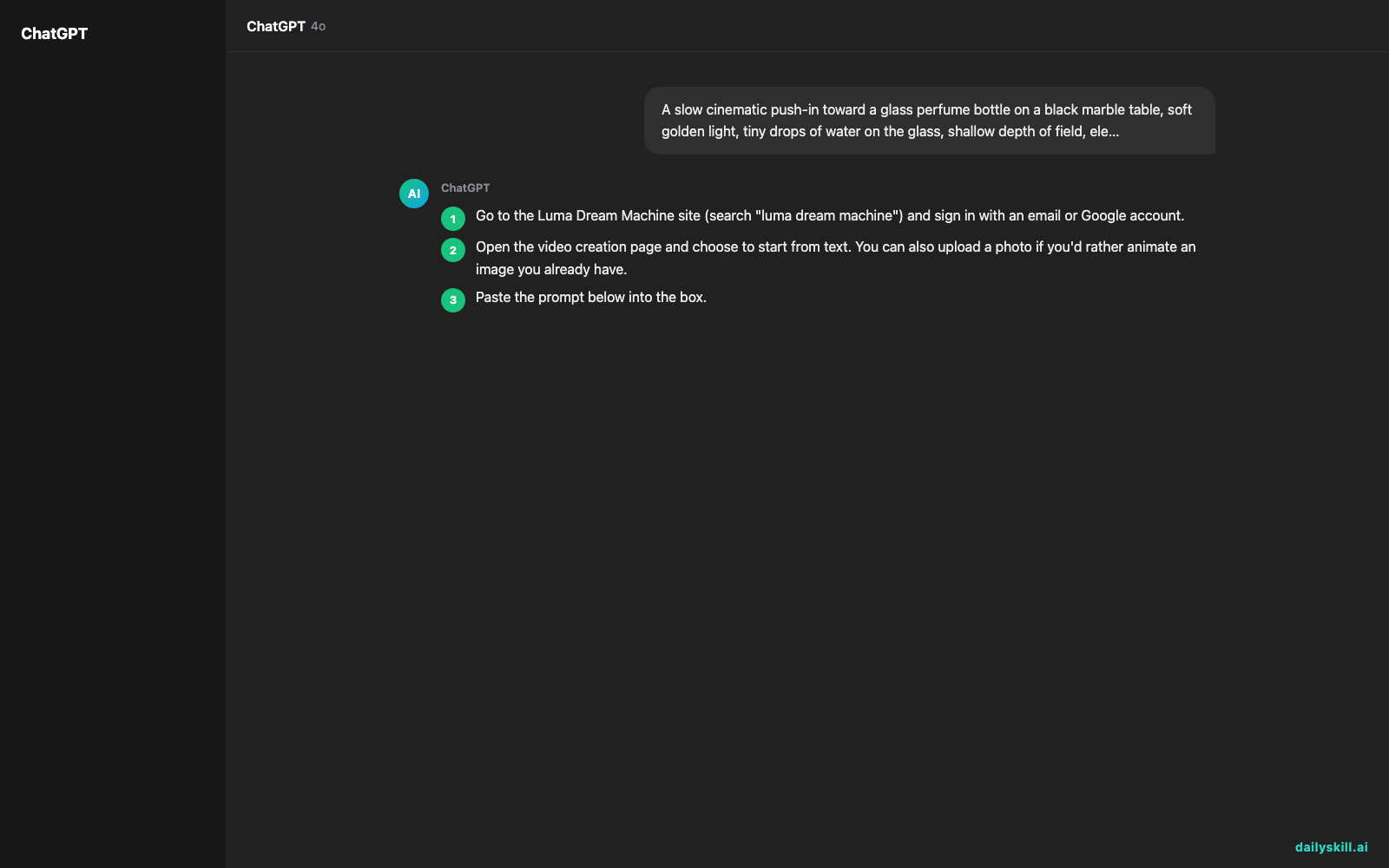
- Go to the Luma Dream Machine site (search “luma dream machine”) and sign in with an email or Google account.
- Open the video creation page and choose to start from text. You can also upload a photo if you’d rather animate an image you already have.
- Paste the prompt below into the box.
- Pick a format. Wide works for websites and YouTube. Vertical works for Reels, TikTok, and Shorts. If a length option is offered, start with the shortest one.
- Press generate and wait a minute or two. Watch the result, change one thing in your prompt, and try again.
Here is a prompt to copy:
A slow cinematic push-in toward a glass perfume bottle on a black marble table, soft golden light, tiny drops of water on the glass, shallow depth of field, elegant and calm
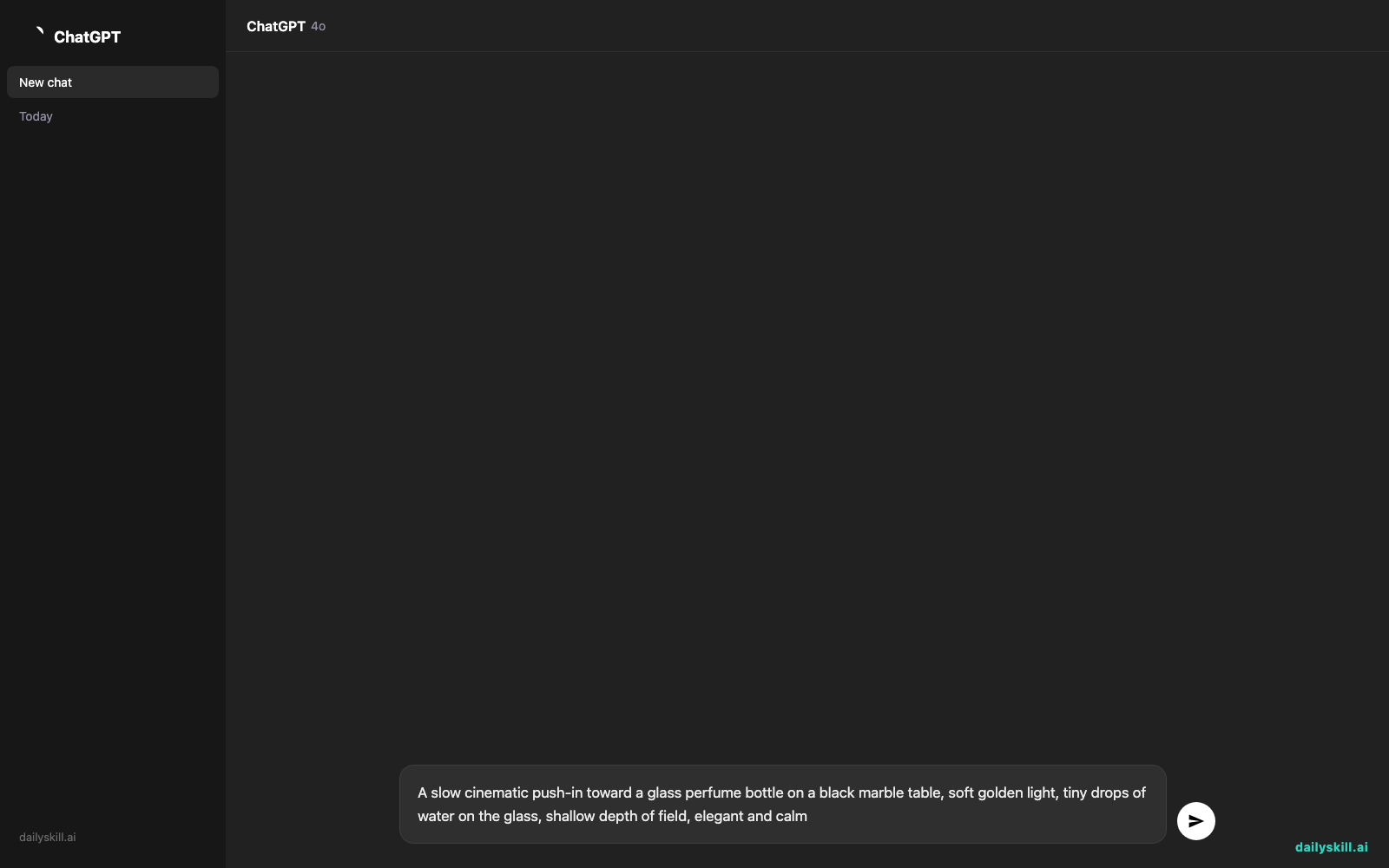
This prompt has three parts: the subject (the perfume bottle), the camera move (a slow push-in), and the mood (golden light, calm). Those are the parts you’ll change most often.
A real example
Say you run a small candle shop and want a moody background clip for an ad. You type this:
A camera flying low over a misty mountain lake at sunrise, then rising slowly to reveal glowing paper lanterns floating above the water, dreamy and magical
What you get: A clip a few seconds long. The camera skims just above the lake, then lifts as the lanterns come into view. Mist drifts across the water, and the light shifts from cool blue to warm gold. It looks like the opening shot of a fantasy film.
What might go wrong: The lanterns may look small, the camera may rise too early, or a lantern may melt into the mist.
Your first try often needs a tweak. Change one phrase, such as “large glowing lanterns” or “rising very slowly,” and run it again.
Change only one thing per try. That way you can see which edit actually helped.
Honest take
Best for:
– Product reveals and mood shots for ads and social posts
– Dreamy or fantastical background clips that would be costly to film
– Testing camera-move ideas before you pay for a real shoot
Not for:
– Anything that needs exact text, logos, or precise product details. AI video can still warp labels, hands, and small features, so check every frame before you publish.
– Long, story-driven videos with the same character throughout. Clips are short and faces or outfits can drift between them, so you’d have to stitch many together and fix mismatches by hand.
There is a free plan that lets you try the tool. It usually comes with limits on how many clips you can make, and free clips often carry restrictions on commercial use. Paid plans offer more generations and higher quality. Check the current plan details on the site before you build anything around it.
Also expect misses. Plan on a handful of tries to get one clip worth keeping.
FAQ
Is it free?
You can start for free. The free plan has monthly limits, and the exact numbers and rules change, so check the pricing page. If you need more clips or want to use them commercially, you’ll likely need a paid plan.
Is it safe to use?
It’s a well-known tool, but treat it like any online service. Don’t upload private photos or confidential brand material unless you’re comfortable with the company’s terms. Read the usage rules before you use clips in paid ads.
Do I need an account?
Yes. You sign up with an email or Google account before you can generate anything.
Today’s pick wrap-up
Verdict: Luma Dream Machine is a quick way to get a smooth, cinematic camera move from a single sentence, as long as you accept a few retries and check the details.
Join in: Try the perfume bottle prompt, then share your best clip or your favorite prompt with the community. We’d love to see what you make.
Tomorrow: We’re looking at CapCut’s AI script-to-video feature, which turns a written script into a finished video. It pairs well with the clips you made today.
You might also like:
- Turn 5 Dinner Ideas Into a Grocery List Sorted by Aisle
- How do I use AI to brainstorm gift ideas based on someone’s exact hobbies?
Master Everyday AI in 1 Minute a Day
Get our free 2026 Double-Blind AI Benchmark Scorecard & 20 Ready-to-Use Prompts, plus one honest, 60-second AI skill in your inbox every morning. Zero hype, plain English, cancel anytime.


