
Ever stare at an email for five minutes, re-reading it three times, still not sure what they actually want from you?
Here’s the fix: paste the email into AI, ask it to explain what’s being asked and draft a reply, and you’ll have a clear response ready in under 60 seconds — no guessing, no awkward back-and-forth.
Sound familiar?
You get an email full of corporate-speak or a rambling message from a relative, and you can’t tell if they’re asking a question, making a request, or just venting. So the email sits there. Unanswered. For days.
The 60-second fix
Step 1: Copy the confusing email
Just the body text — no need to include signatures or headers.
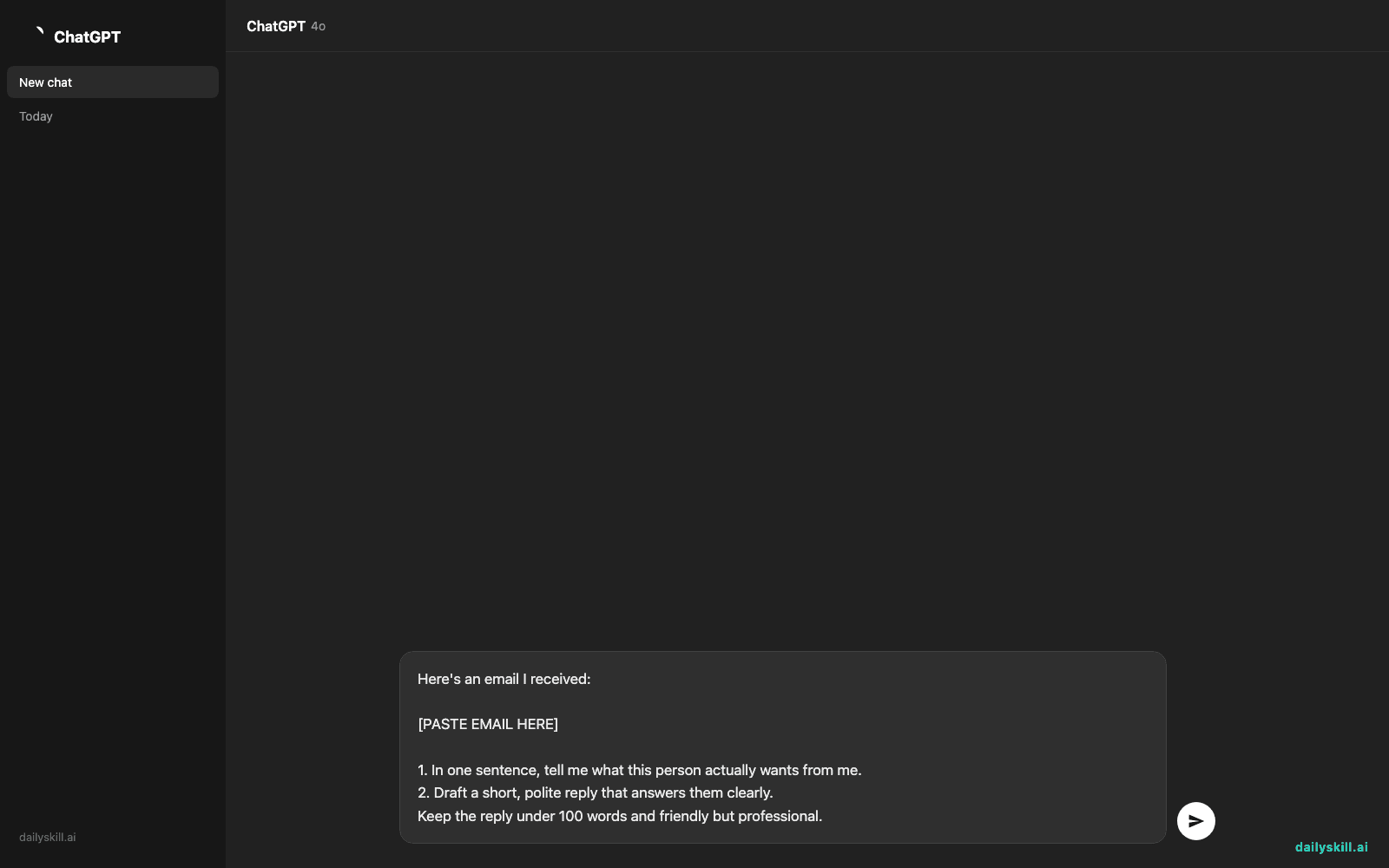
Step 2: Paste this prompt into any AI chat tool
Here's an email I received:

[PASTE EMAIL HERE]

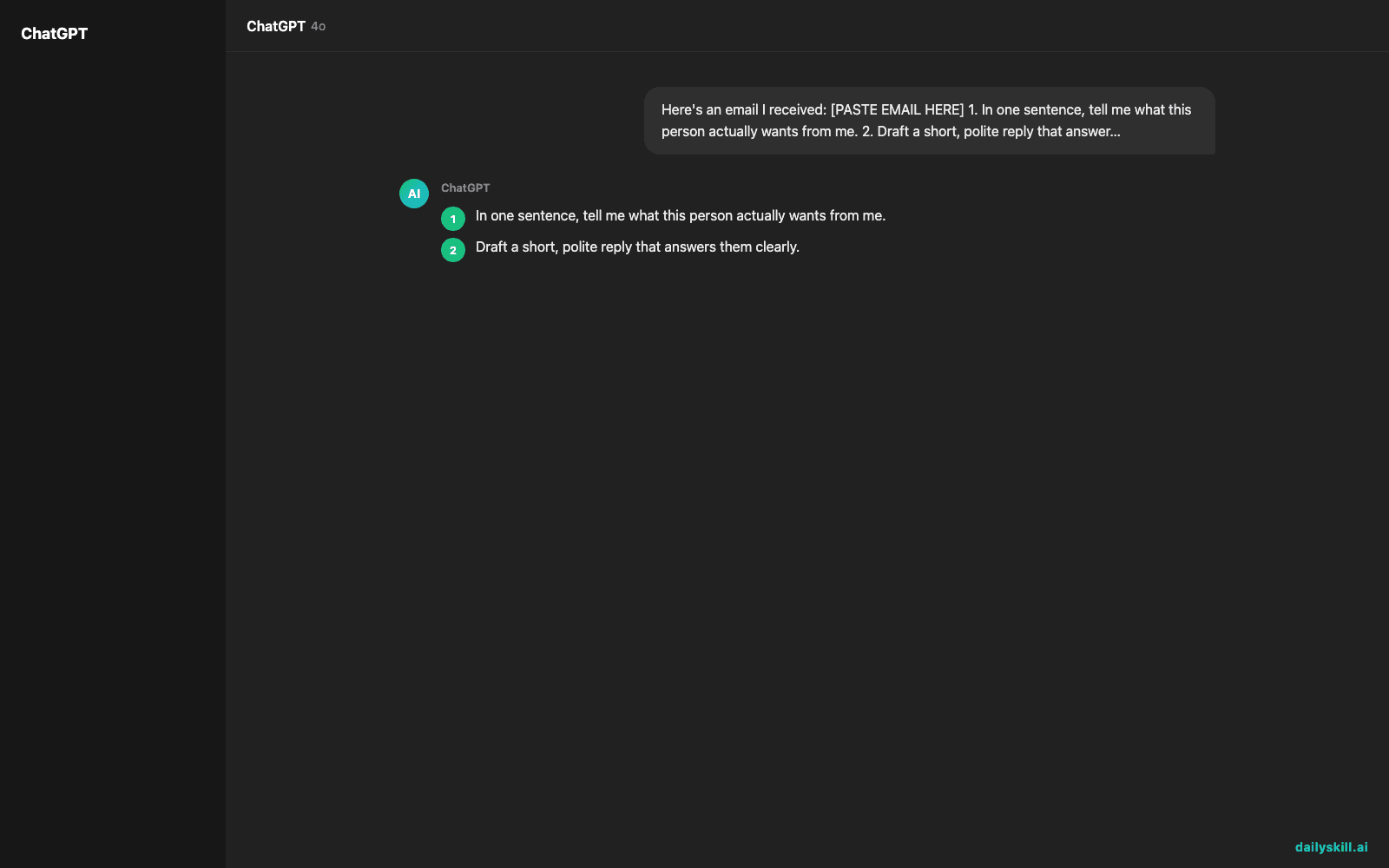
1. In one sentence, tell me what this person actually wants from me.
2. Draft a short, polite reply that answers them clearly.
Keep the reply under 100 words and friendly but professional.
Step 3: Read the summary, tweak the reply, hit send
The AI tells you what they’re really asking. You skim the draft reply, change a name or detail if needed, and send it.
Real example
Input email:
“Hi, just circling back on the proposal — wanted to check if you’d had a chance to loop in the team on next steps, and whether Thursday still works given the shift in priorities on our end. Let me know your thoughts whenever you get a chance!”
AI output:
What they want: They’re asking if you’ve talked to your team about next steps and whether Thursday still works for a meeting.
Suggested reply: “Hi [Name], thanks for checking in! I spoke with the team, and Thursday still works well on our end. Let me know the time and I’ll send a calendar invite. Looking forward to it!”
That’s it. No more re-reading it five times trying to decode what they meant.
Level up
- Add “make it more casual” or “make it more formal” to match the relationship
- Ask it to draft 2 versions — one saying yes, one saying no — so you can pick faster
- For group emails, add “list every person’s question separately” so nothing gets missed
FAQ
Will the AI’s reply sound like a robot wrote it?
Not if you tweak a sentence or two after. Think of the draft as a strong starting point, not the final word — add one personal detail and it’ll sound like you.
Is it safe to paste work emails into AI tools?
Avoid pasting anything with passwords, financial account numbers, or sensitive personal data. For everyday work emails, most people are fine, but check your company’s policy if you’re unsure.
What if the email is really long?
Paste the whole thing anyway — AI tools handle long text well and will still summarize it into one clear sentence.
Today’s check-in
Try this on one real email sitting in your inbox right now and reply in the comments with how much time it saved you. Tomorrow: the one-line prompt that turns any meeting notes into a clean to-do list.
You might also find these helpful:
- Turn Your Messy Voice Memos Into a Clean, Organized Outline
- Rewrite Any Email to Sound More Professional — in 60 Seconds
- Turn Messy Meeting Notes Into a Clean Action Table in 60 Seconds
Master Everyday AI in 1 Minute a Day
Get our free 2026 Double-Blind AI Benchmark Scorecard & 20 Ready-to-Use Prompts, plus one honest, 60-second AI skill in your inbox every morning. Zero hype, plain English, cancel anytime.


