Your manager just asked for a 2-minute training video by tomorrow. You have zero desire to set up a camera, redo takes because you stumbled on a word, or learn video editing tonight.
Synthesia skips all of that. You type a script, pick an AI avatar (a realistic-looking digital presenter), and it hands you back a video of that “person” speaking your exact words — no camera, no filming, no actors, no editing timeline.
What it is
Synthesia is a video maker built for people who need to explain something on screen but don’t want to appear in it themselves. You type or paste text, choose a voice and an on-screen avatar, and the tool generates a video of that avatar talking.
It’s used a lot for training videos, product walkthroughs, and internal announcements — anywhere a “person explaining something” beats a slide deck.
Try it in 5 minutes
- Go to Synthesia and create a free account.
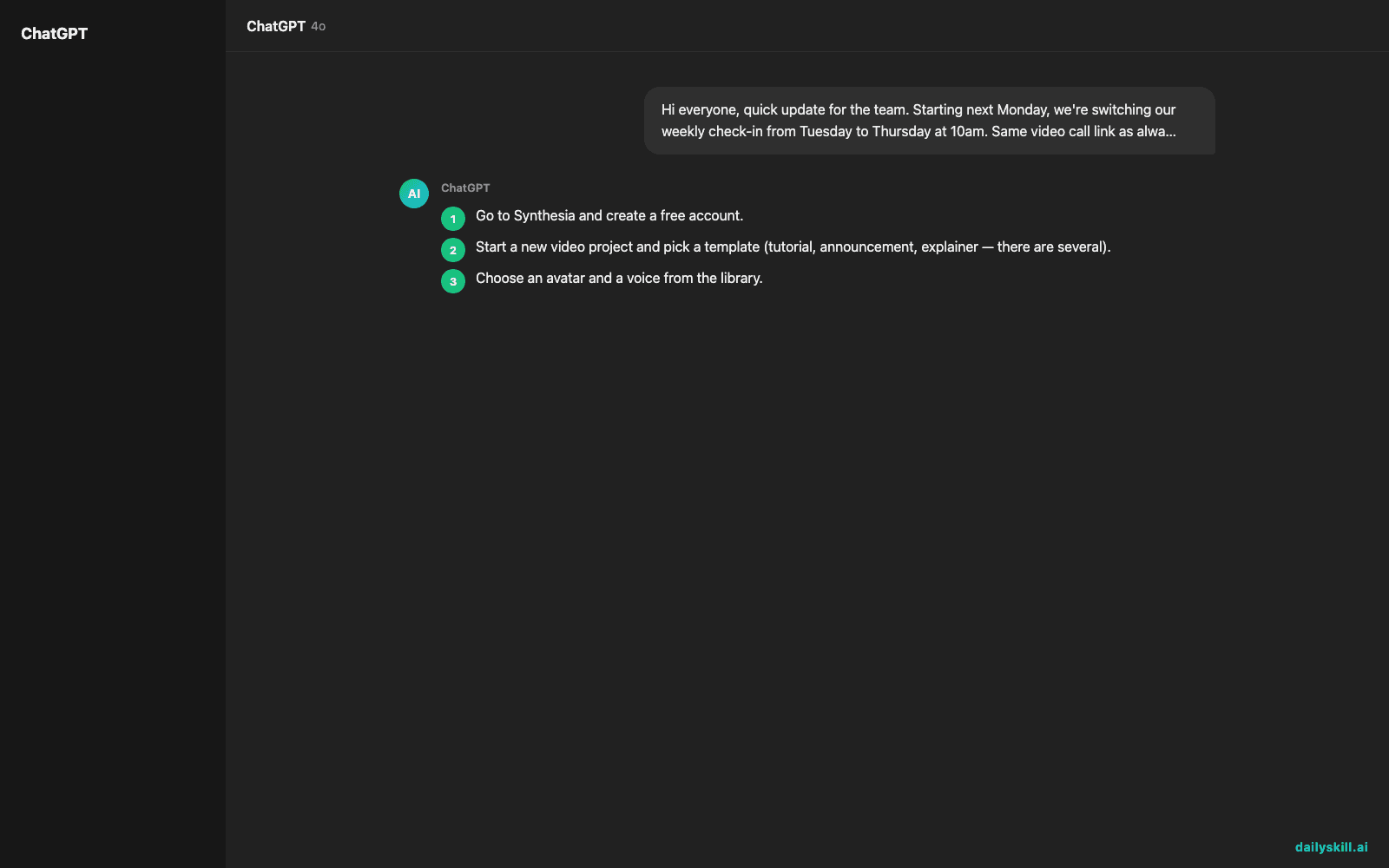
- Start a new video project and pick a template (tutorial, announcement, explainer — there are several).
- Choose an avatar and a voice from the library.
- Paste in a script — keep it short for your first try, under 100 words.
- Preview the video, then hit generate and download it.
Copy-paste this as your first script to test it:
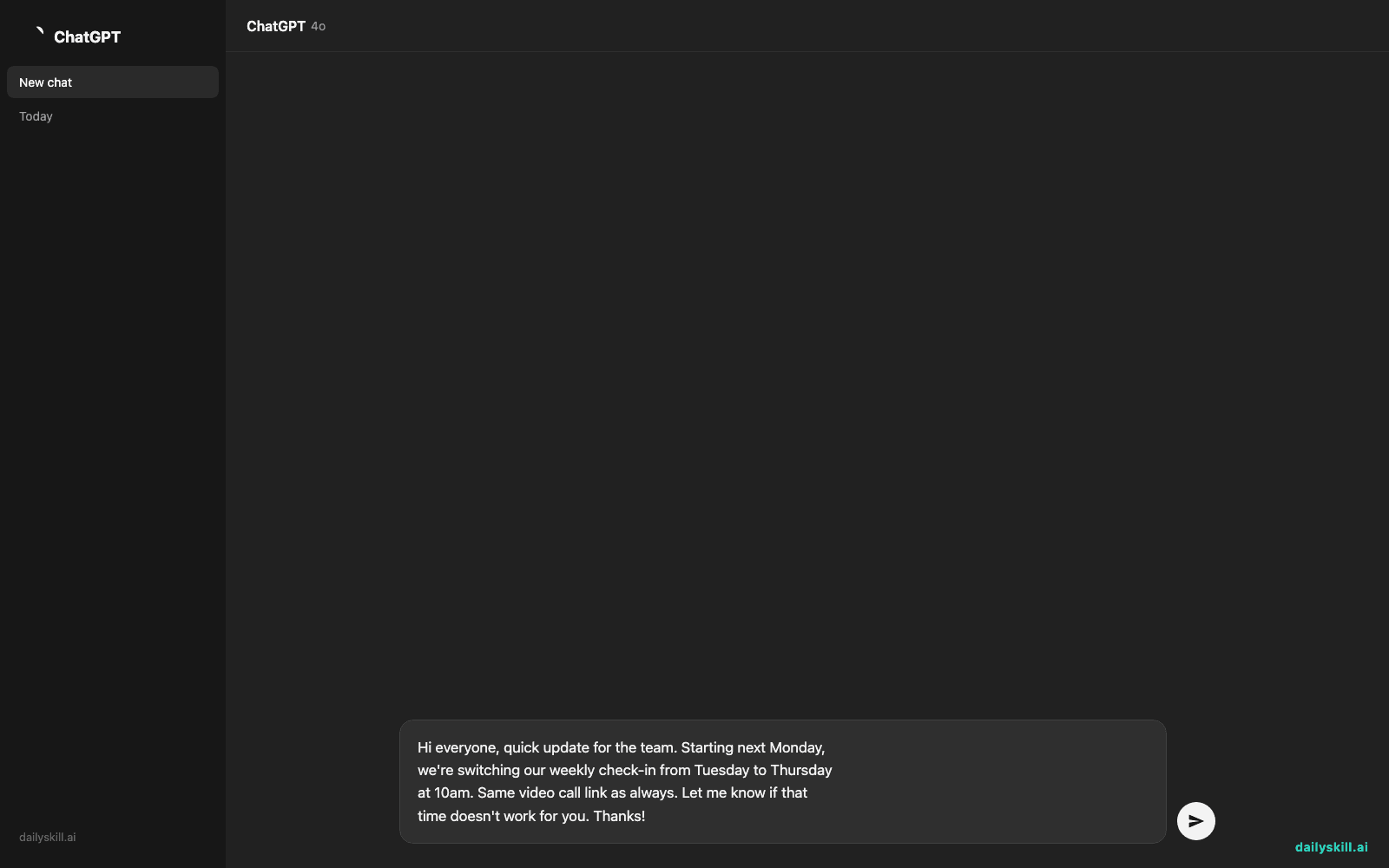
Hi everyone, quick update for the team. Starting next Monday,
we're switching our weekly check-in from Tuesday to Thursday
at 10am. Same video call link as always. Let me know if that
time doesn't work for you. Thanks!
A real example
Input: the script above, pasted into a “Business Update” template with a friendly avatar and a US English voice.
Output: a 25-second video of the avatar standing in a simple office background, speaking the script naturally, with matching lip movement and subtitles auto-added at the bottom. Ready to download as an MP4 or share via link.
The pacing is a little more even than a real person’s — no filler words, no “um” — which reads as polished for an announcement but slightly flat for anything meant to feel personal.
Honest take
Best for:
– Training or onboarding videos you’ll need to update often (change the script, regenerate — no reshoot)
– Announcements or explainers when you don’t want to be on camera
– Quick beginner video creation without learning editing software
Not for:
– Anything that needs real emotion, humor, or a face your audience already knows and trusts — the avatar sounds clear but not fully human, and it shows in longer videos
– Long-form content — the free tier gives you a limited number of minutes per month, so it’s better for short clips than full courses
FAQ
Is it free? There’s a free tier with a small monthly minute allowance — fine for testing, tight for regular use. Paid plans unlock more minutes and avatars.
Is it safe? Your script and video stay in your account. Just don’t upload anything confidential you’re unsure about sharing with a third-party tool.
Do I need an account? Yes, you sign up (email is enough) before you can generate your first video.
Today’s pick wrap-up
If you need a talking-head video but don’t want to be the one talking, Synthesia gets you there in five minutes flat. Tried it? Tell us what you made in the comments. Tomorrow: Notion AI — how to get a messy pile of notes to organize itself.
You might also like:
Master Everyday AI in 1 Minute a Day
Get our free 2026 Double-Blind AI Benchmark Scorecard & 20 Ready-to-Use Prompts, plus one honest, 60-second AI skill in your inbox every morning. Zero hype, plain English, cancel anytime.