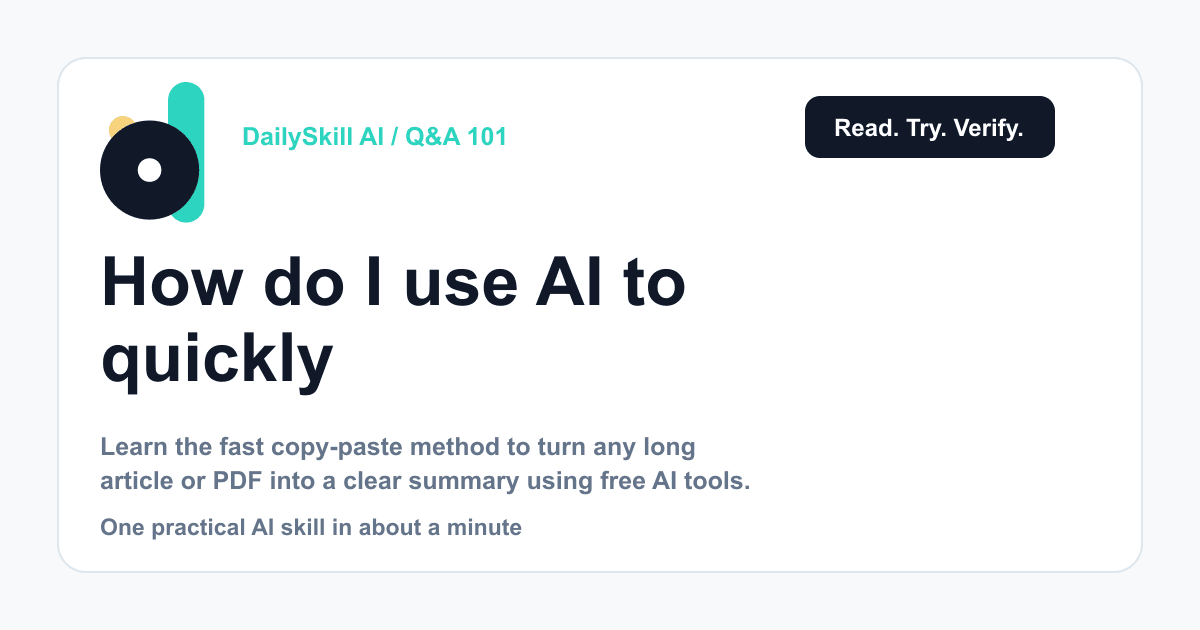
Copy the text, paste it into a free AI chatbot like ChatGPT, Claude, or Gemini, and ask for a summary in plain language — that’s it. Most of these tools also let you upload a PDF directly or drop in a link, and they’ll read it and summarize it in under 90 seconds. No special software, no account upgrades needed.
Why this comes up
You’ve got a 20-page report, a dense article, or a PDF due in an hour, and reading it all feels impossible. You want the key points without missing something important.
You’re also not sure if AI summaries are trustworthy or just a shortcut that quietly skips the truth.
A good AI summary saves you time reading. It should never replace you reading the parts that matter most.
The honest answer
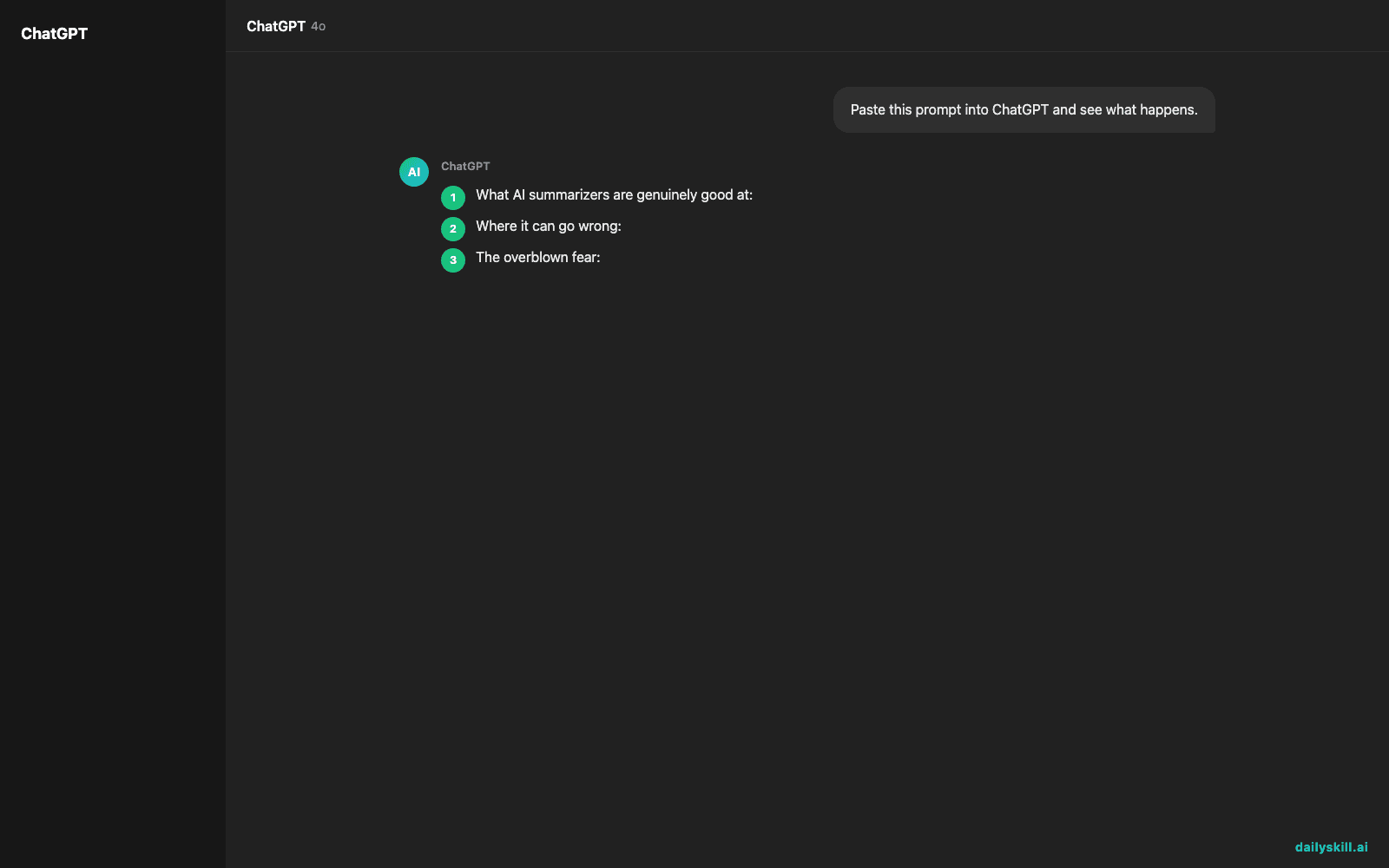
What AI summarizers are genuinely good at:
– Condensing long, repetitive text into a clear paragraph or bullet list
– Pulling out main arguments, conclusions, and key numbers
– Handling different formats — PDFs, web articles, pasted text, even messy scanned documents
– Adjusting length and tone on request (“make it 3 bullet points” or “explain it like I’m new to this”)
Where it can go wrong:
– Long or complex documents sometimes get flattened — nuance and caveats can disappear
– Numbers, dates, and quotes can get slightly misremembered, especially in very long files
– If the source is behind a paywall or a low-quality scanned image, the AI may struggle to read it accurately
The overblown fear: people worry AI summaries “dumb things down” or hide bias. In practice, a summary is only as good as the request you make. Ask for balance — “summarize both sides of the argument” — and you’ll usually get it.
What to do
- Do paste the full text or upload the PDF directly — don’t retype it, that wastes time and risks errors
- Do ask for what you actually need: “Summarize this in 3 sentences,” “List the key takeaways,” or “What’s the main argument and the counterpoint?”
- Do double-check any specific number, date, or quote against the original before you repeat it elsewhere
- Don’t trust a summary of a legal, medical, or financial document as your final word — use it to orient yourself, then read the critical sections yourself
- Don’t assume long documents summarize perfectly in one pass — for very long files, ask the AI to summarize section by section if the first result feels thin
FAQ
Can AI read a PDF I upload, or do I need to convert it first?
Most current AI assistants let you upload a PDF directly and read it as-is. If the file is a scanned image rather than real text, quality can vary — try converting it to text first if the summary seems off.
Is there a free tool that’s actually reliable for this?
Yes. The free tiers of ChatGPT, Claude, and Gemini all handle summarization well for everyday use. Most people don’t need a separate “AI document summarizer” app on top of these.
Will the AI miss something important in a really long report?
It can, especially past a certain length. Break the document into sections, ask for a summary of each part, then a final summary of the summaries. It takes longer but catches more.
Bottom line
AI can turn a long document into a clear paragraph in under two minutes — just don’t skip reading the parts that really matter to you. What’s the longest document you’ve had AI summarize? Share it with us. Tomorrow: can AI actually build you a learning plan to pick up a brand-new skill?
You might also like:
- Get the Key Points From Any Podcast Without Relistening
- Synthesia — Turn Text Into a Video With a Real-Looking Presenter
Master Everyday AI in 1 Minute a Day
Get our free 2026 Double-Blind AI Benchmark Scorecard & 20 Ready-to-Use Prompts, plus one honest, 60-second AI skill in your inbox every morning. Zero hype, plain English, cancel anytime.