
You’ve got one good photo sitting in your camera roll and a story you want to tell with it. But opening a video editor, cutting clips, and recording narration feels like way too much for one Instagram post.
Shuffll takes a single photo (or just a typed idea) and turns it into a moving video with auto narration and captions — no editing skills needed. It’s for anyone who wants social video content without touching a timeline.
What it is
Shuffll is a photo-to-video tool. You give it an image, some text, or a rough idea, and it builds a moving slideshow with a voice reading your story over it.
Think of it as a machine that turns a still photo or a short paragraph into something you’d actually stop and watch on your phone.
Try it in 5 minutes
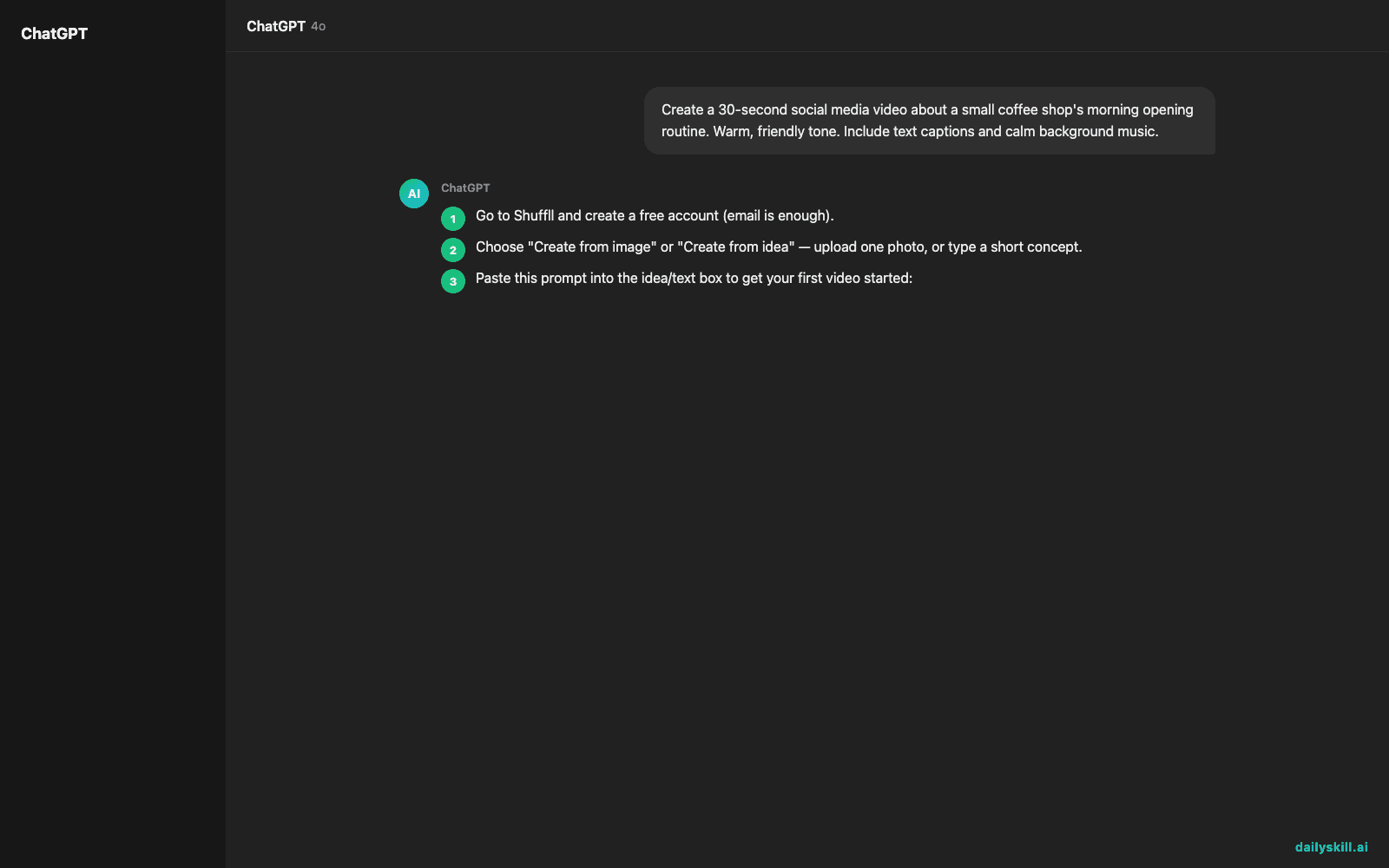
- Go to Shuffll and create a free account (email is enough).
- Choose “Create from image” or “Create from idea” — upload one photo, or type a short concept.
- Paste this prompt into the idea/text box to get your first video started:
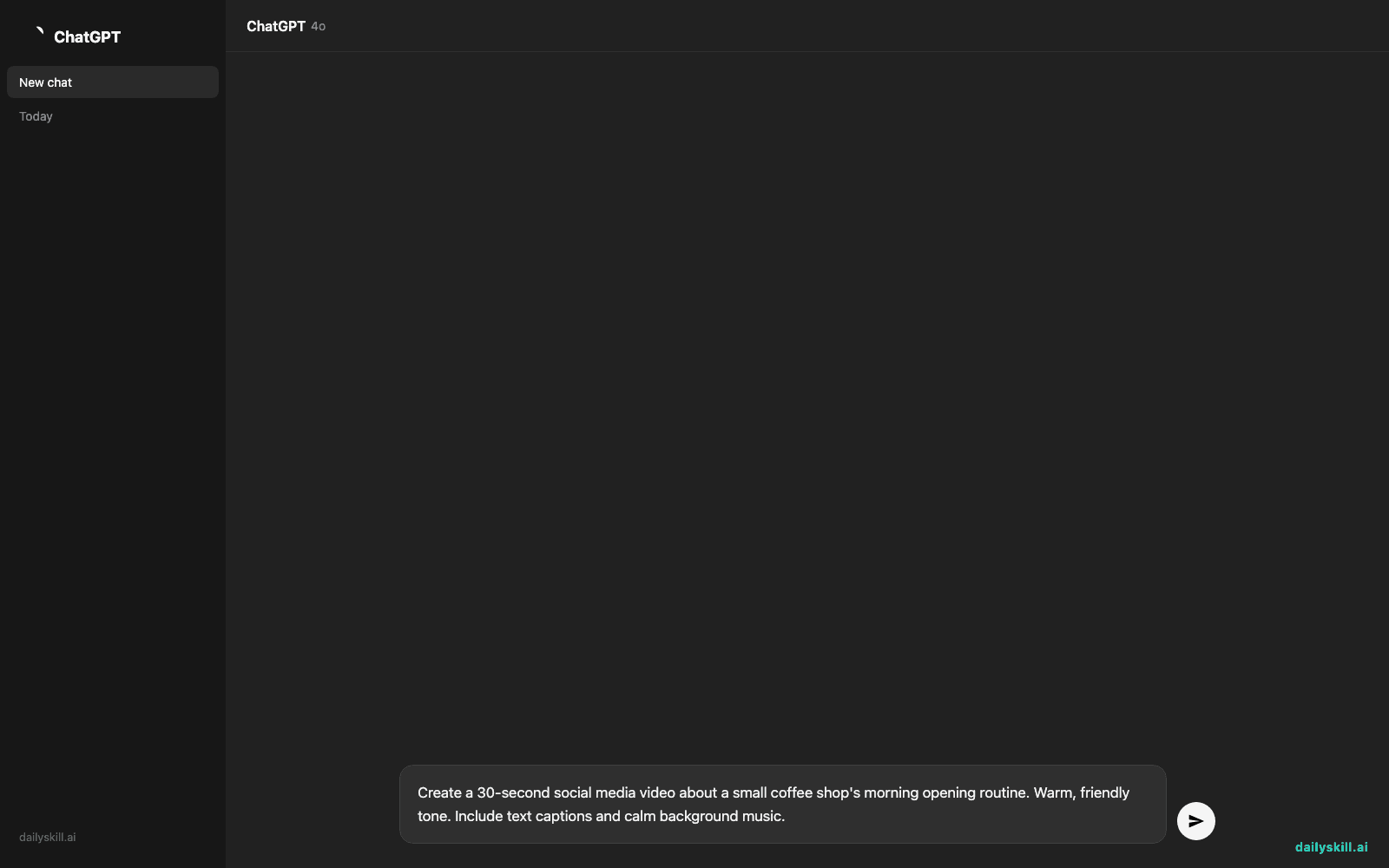
Create a 30-second social media video about a small coffee shop's morning opening routine. Warm, friendly tone. Include text captions and calm background music.
- Pick a narration voice from the options shown (usually 3-5 voices to preview).
- Hit generate, watch the preview, then download or export directly to your camera roll.
A real example
Input: one photo of a latte on a wooden table, plus the prompt above.
Output: a 30-second clip where the photo gently zooms and pans, text captions fade in (“Every morning starts with one good pour”), and a warm AI voice narrates a short story about the coffee shop opening, with soft music underneath.
“The smell hits before the door even opens. Today’s first pour is ready — and it’s for you.”
It’s a real 30-second clip, but don’t expect Hollywood polish — the zoom-and-pan motion on a still photo is noticeably simple, not full animation.
Honest take
Best for:
– Turning a single photo into a shareable Instagram or TikTok-style story
– Quick auto-generated narration for announcements or product reveals
– Testing a video idea fast before committing to a real shoot
Not for:
– Long-form videos or anything needing frame-by-frame editing control
– Frequent posters — the free tier caps you at 3 videos a month, so daily use means paying quickly
FAQ
Is it free? Yes, there’s a free tier, but it caps you at 3 videos a month — fine for testing, tight for daily posting.
Is it safe? It only uses the photo or text you upload, so avoid uploading anything private you wouldn’t want stored on their servers.
Do I need an account? Yes, a free account is required before you can generate your first video.
Today’s pick wrap-up
If you’ve got one photo and no time to edit, Shuffll gets you a narrated video faster than you’d think — just don’t expect it to replace a real editor. Tried it? Tell us what your first video turned into in the comments. Tomorrow: Realty Engine — for anyone trying to make sense of a property listing before they buy.
You might also like:
- Get a Custom 15-Minute Workout Plan Built Just for You
- Can AI teach me to code, or will it just write the code for me?
Master Everyday AI in 1 Minute a Day
Get our free 2026 Double-Blind AI Benchmark Scorecard & 20 Ready-to-Use Prompts, plus one honest, 60-second AI skill in your inbox every morning. Zero hype, plain English, cancel anytime.


