
Both — it depends on how you ask. Ask AI to “write a function that does X” and it’ll hand you finished code. Ask it to explain, quiz you, and walk through your mistakes, and it becomes a genuinely useful coding tutor. The tool doesn’t decide which one you get — your prompt does.
Why this comes up
Most beginners try AI for coding, get a working answer in three seconds, and feel a flash of guilt: “Did I just cheat?” The real fear isn’t the AI — it’s ending up with code you can’t explain, debug, or build on yourself.
The honest answer
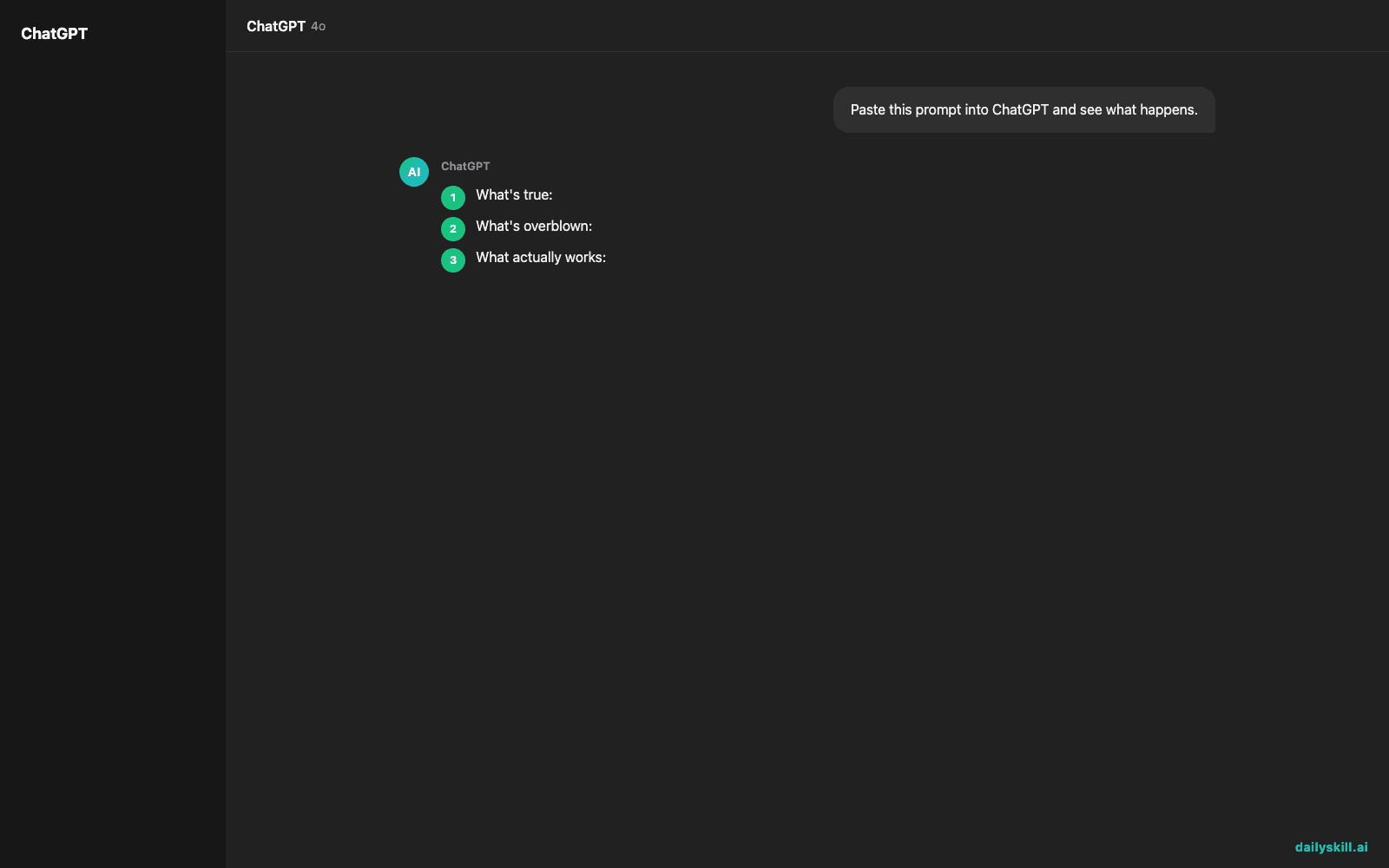
What’s true: AI defaults to solving, not teaching. It’s trained to be helpful fast, and “here’s your answer” is faster than “let’s figure this out together.” Left on autopilot, you’ll paste, run, move on — and learn very little.
What’s overblown: the idea that using AI while learning to code is automatically bad. Professional developers use AI daily and still know how to code. The skill that matters now is directing AI, not avoiding it.
What actually works: treating AI like a patient tutor who never gets tired of your questions — not a vending machine for finished scripts.
The difference in practice
- ❌ “Write a Python script that sorts a list of dictionaries by date.”
- ✅ “I need to sort a list of dictionaries by date in Python. Before showing me code, explain the approach in plain English, then ask me to try writing it myself.”
The second version forces a conversation. The first ends one.
A prompt structure that forces explanation over solutions
Copy this template when you’re trying to actually learn, not just ship:
“I’m learning to code. Don’t give me the full solution yet. First explain the concept behind [problem]. Then give me one small hint. Ask me to attempt it before showing any code. If I get stuck, explain what’s wrong with my attempt instead of rewriting it.”
This works in any AI assistant — ChatGPT, Claude, Gemini, or others. The instruction matters more than the tool.
Other useful angles
- “Explain this error message like I’m new to programming — what caused it, not just how to fix it.”
- “Here’s my code. Don’t fix it. Just tell me what it’s doing, line by line.”
- “Quiz me on loops with three small questions before I move to the next topic.”
Small variations like these are how you turn any AI chat into a real programming lesson instead of an answer key.
What to do
Do:
– Ask AI to explain before it codes — make that a standing rule in your prompts.
– Type code out yourself, even when AI could paste it for you. Typing builds memory.
– Ask “why does this work?” after every AI answer, even correct ones.
– Use AI to review code you wrote first, not just generate it from scratch.
– Save prompts that worked well as templates you reuse.
Don’t:
– Don’t copy-paste code you can’t explain to someone else in one sentence.
– Don’t ask for “the fix” when you meant to ask “what’s wrong and why.”
– Don’t skip the small, boring exercises — AI can’t build your muscle memory for you.
– Don’t treat one clean AI explanation as mastery. Revisit the topic without AI a day later.
FAQ
Is it cheating to use AI while learning to code?
No — it’s cheating yourself only if you never try without it. Use AI to unblock and explain, then test your understanding solo.
What’s the safest way to start learning coding with AI?
Pick a small real project, ask AI to teach concepts step by step, and write every line yourself first before checking AI’s version.
Can AI replace a coding course or bootcamp?
It can supplement one well but struggles to replace structured practice, feedback loops, and the discipline of finishing a curriculum.
Bottom line
AI can be the best coding tutor you’ve ever had — if you ask it to teach, not just to solve.
What’s a prompt that’s actually helped you learn something technical? Share it in the comments.
Tomorrow: why does AI sometimes sound completely confident about things that are totally wrong?
You might also like:
- Day 53 — Turn Bullet Points Into Social Posts for 3 Platforms in 60 Seconds (AI 1-Minute Challenge)
- Copy.ai — Let AI Write Your Marketing Copy While You Sip Coffee
Master Everyday AI in 1 Minute a Day
Get our free 2026 Double-Blind AI Benchmark Scorecard & 20 Ready-to-Use Prompts, plus one honest, 60-second AI skill in your inbox every morning. Zero hype, plain English, cancel anytime.


