
You’re typing “follow up on budget…” when your boss suddenly asks, “so what do you think?” You have no idea, because you were too busy writing to listen.
Otter.ai is meeting transcription AI that listens in, writes down everything said, labels who said it, and hands you a clean summary when it’s over. It’s for anyone who sits in calls or meetings and wishes they could just… listen.
What it is
Otter.ai is an app that turns spoken conversation into text in real time. It joins your Zoom, Google Meet, or Teams call (or just listens through your phone/laptop mic), and produces a transcript with automatic speaker identification — so you see “Sarah: Let’s push the deadline” instead of one giant wall of text.
It also writes a short summary and pulls out action items automatically, so you’re not re-reading a 10-page transcript to find what you agreed to do.
Try it in 5 minutes
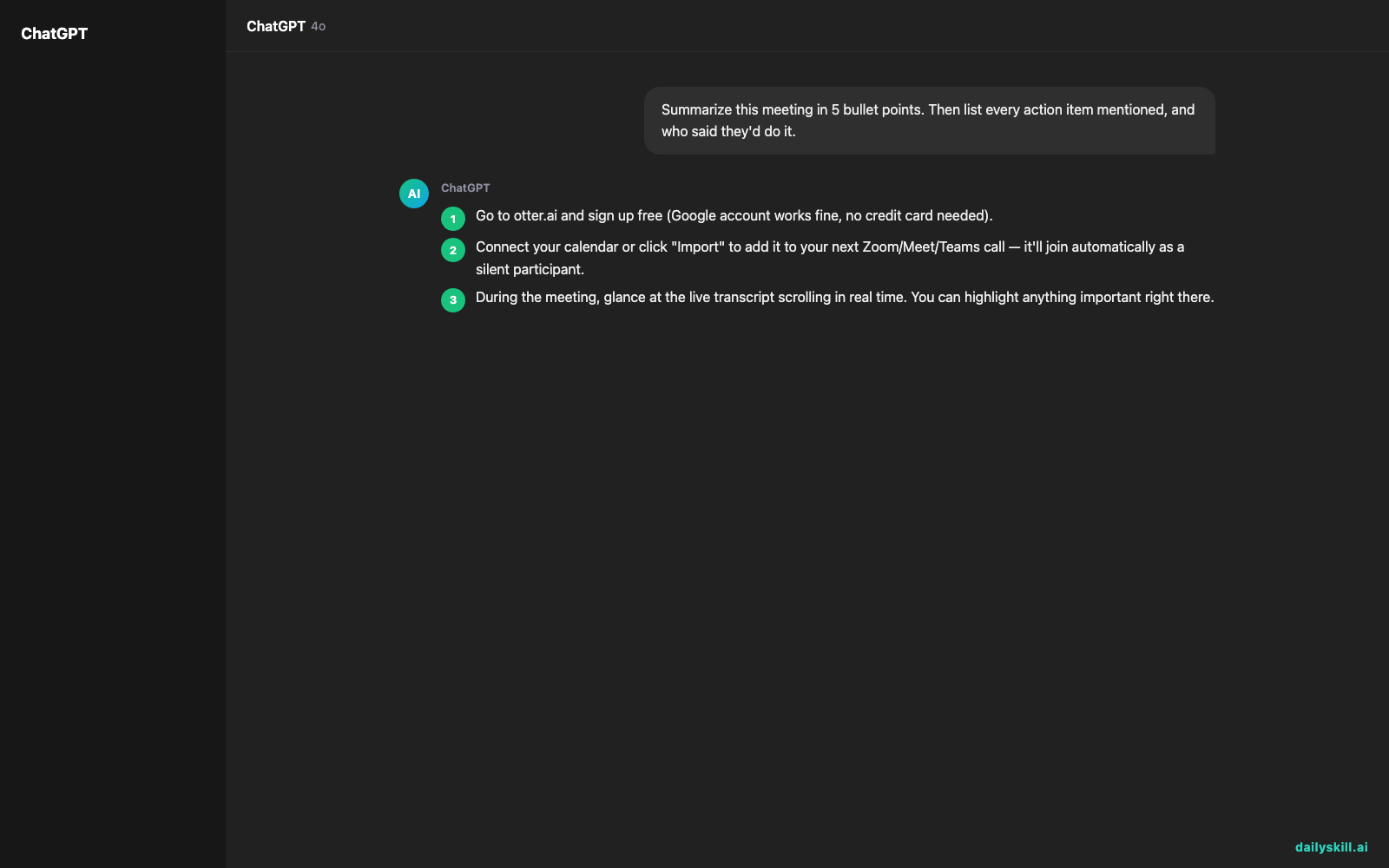
- Go to otter.ai and sign up free (Google account works fine, no credit card needed).
- Connect your calendar or click “Import” to add it to your next Zoom/Meet/Teams call — it’ll join automatically as a silent participant.
- During the meeting, glance at the live transcript scrolling in real time. You can highlight anything important right there.
- When the meeting ends, open the auto-generated summary and check the speaker labels for accuracy.
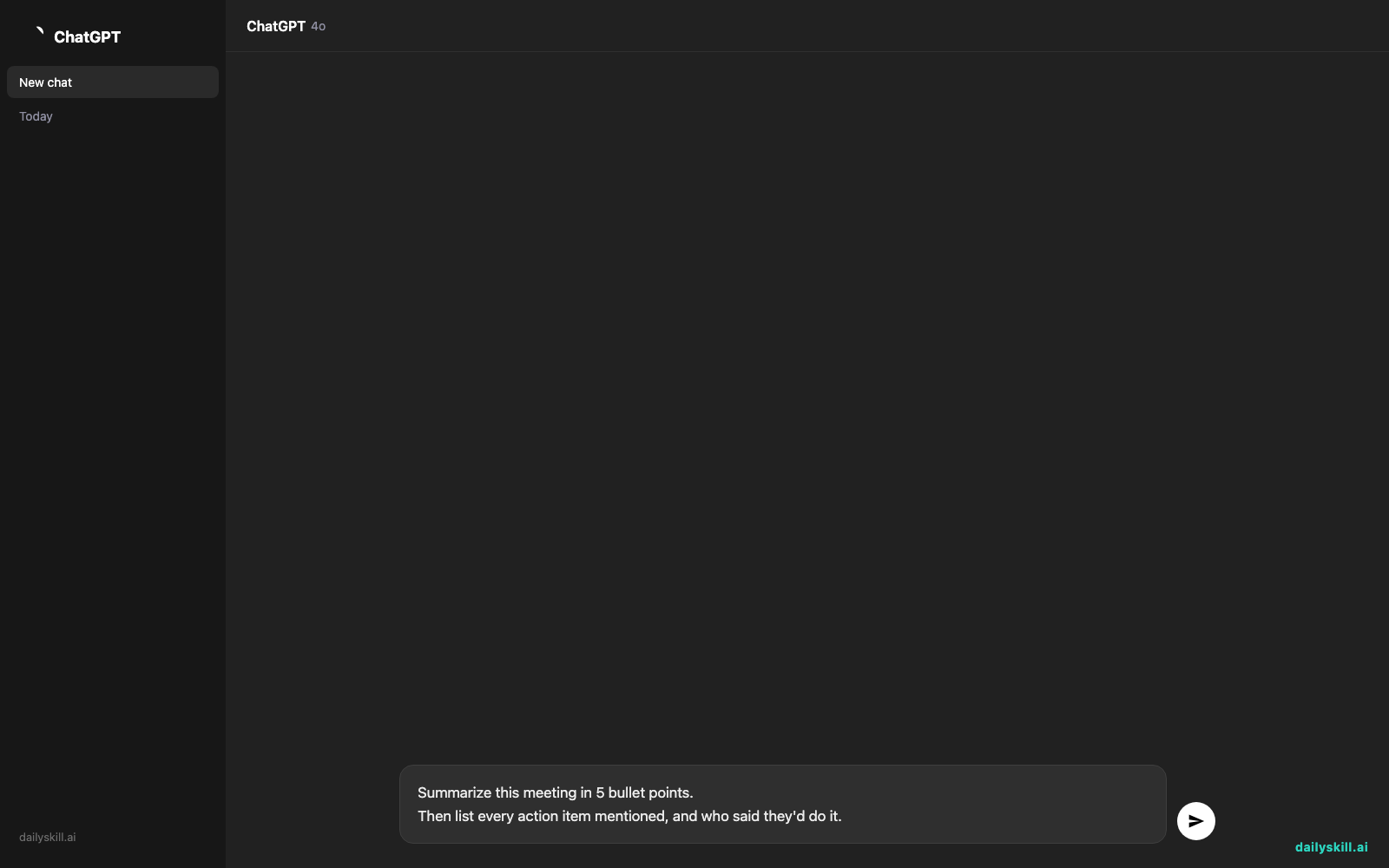
- Try this prompt inside Otter’s chat feature (it lets you ask questions about the transcript):
Summarize this meeting in 5 bullet points.
Then list every action item mentioned, and who said they'd do it.
A real example
Say you record a 40-minute team check-in with three people talking over each other about a project deadline.
Summary: Team discussed delaying the product launch by one week due to testing issues. Maria will follow up with QA by Thursday. James raised concerns about marketing timeline conflicts.
Action items:
– Maria — follow up with QA (by Thursday)
– James — check with marketing team about new date
– You — send updated timeline to stakeholders
You didn’t type a single word of that. You just showed up and talked.
Honest take
Best for:
– Recurring meetings where you need a record but hate note-taking
– Interviews or client calls where you want to stay focused, not scribbling
– Teams that need automatic meeting notes shared without extra work
Not for:
– Meetings with a lot of crosstalk (people talking over each other) — speaker labels get mixed up, and you’ll spend a few minutes fixing “James” where it should say “Maria”
– Anyone needing more than 600 free minutes a month — after that, you’re looking at a paid plan
The free tier gives you 600 minutes a month, which covers roughly 10-12 average meetings. That’s enough to test it properly before paying for anything.
FAQ
Is it free? Yes, up to 600 minutes a month. No card required to start.
Is it safe? It records and stores audio/text in Otter’s cloud, so avoid it for anything legally sensitive unless you check their privacy settings first — and always tell others on the call you’re recording.
Do I need an account? Yes, but signup takes under a minute with Google or email.
Today’s pick wrap-up
Otter.ai turns you from a frantic note-taker into someone who just… shows up and talks — try it on your next call and see if you catch things you’d normally miss.
What meeting are you dreading transcribing by hand? Tell us in the comments — we read every one.
Tomorrow: a Google Photos feature so good it feels like cheating — Magic Eraser, which deletes photobombers and clutter from your photos in seconds.
You might also like:
- Turn Your Angry Rant Into a Calm, Effective Complaint Email
- How do I use AI to write a social media post?
Master Everyday AI in 1 Minute a Day
Get our free 2026 Double-Blind AI Benchmark Scorecard & 20 Ready-to-Use Prompts, plus one honest, 60-second AI skill in your inbox every morning. Zero hype, plain English, cancel anytime.


