
Yes, and it takes about 90 seconds: open any AI chat tool (ChatGPT, Claude, or Gemini all work), describe your topic and platform in one sentence, then edit the draft it gives you until it sounds like you. The AI does the blank-page part. You do the “make it actually sound like me” part.
Why this comes up
Staring at an empty caption box is its own kind of dread — you know what you want to say, but not how to say it in three punchy lines. People also worry AI posts will sound robotic, or get them “caught” using AI. Both worries are fixable with a light edit pass.
The honest answer
What’s true: AI is genuinely good at the first draft — the structure, a decent hook, and a few caption options to react to. It’s fast, free, and great for beating blank-page paralysis.
What’s overblown: the idea that you can copy-paste and post. Raw AI output tends to sound generic. It overuses emojis and exclamation points, and misses your actual voice.
It needs a human pass — but that pass is quick, usually under a minute once you know what to look for.
The 90-second workflow
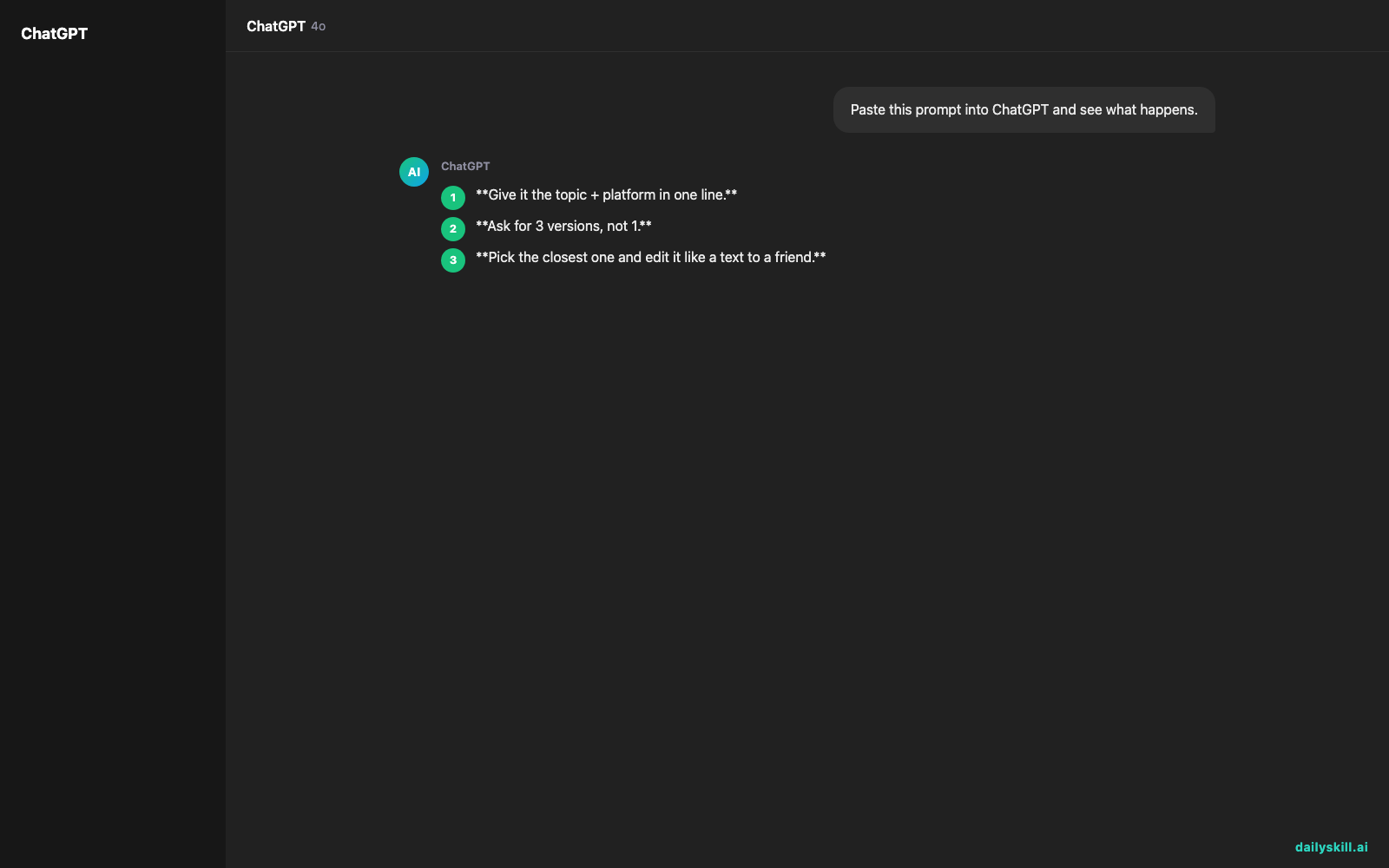
Give it the topic + platform in one line.
Example prompt: “Write an Instagram caption for a photo of my new coffee shop’s morning rush — friendly, a little funny, include a call to action to visit today.”Ask for 3 versions, not 1.
Adding “give me 3 options, different tones” gets you real choice instead of one bland draft.Pick the closest one and edit it like a text to a friend.
Cut any phrase you wouldn’t actually say out loud. Swap generic words (“amazing,” “elevate,” “unlock”) for how you’d really talk.Adjust length and hashtags last.
Ask directly: “shorten this to fit Instagram” or “make this more LinkedIn-appropriate.” It adjusts tone and length instantly.
Tone by platform (tell the AI this directly)
| Platform | Tell the AI to sound like |
|---|---|
| Casual, visual, short sentences, 1-2 relevant emojis | |
| Warmer, slightly longer, conversational — like talking to neighbors | |
| Professional but not stiff, no emojis, focus on the “why it matters” | |
| X / Twitter | Punchy, one idea, no fluff |
The AI writes the skeleton. You add the voice. Skip the edit and everyone can tell.
What to do
- Do give the AI context: your brand vibe, the platform, and the goal (sell, inform, entertain).
- Do ask for multiple options — it costs nothing extra and saves rewrites.
- Do read it out loud before posting. If it sounds like a brochure, cut a sentence.
- Don’t post the first draft untouched — that’s the #1 tell of AI-written content.
- Don’t let it invent facts, stats, or claims about your business — check anything specific.
- Don’t reuse the exact same AI phrasing across every post; vary your prompts so your feed doesn’t sound identical.
FAQ
Is there a truly free AI post generator?
Yes — ChatGPT, Claude, and Gemini all have free tiers that handle caption writing fine. You don’t need a paid “social media AI tool” to get started.
Can AI write good hashtags too?
It can suggest relevant ones, but double-check they’re actually in current use. Ask it to focus on hashtags people are searching for right now, and verify anything that seems oddly specific.
Will AI-written captions get flagged or hurt my reach?
No platform penalizes you just for using AI to draft text. What hurts reach is low-effort, generic content — which is exactly why the edit step matters.
Bottom line
AI gets you from blank page to solid draft in under two minutes — the rest is just making it sound like you. Tried this today? Tell us your favorite caption prompt in the comments. Tomorrow: can AI actually help you remember things you learn?
You might also like:
- Build a 5-Day Meal Prep Plan From What’s Already in Your Kitchen
- Piktochart — Make Your Data Actually Make Sense
Master Everyday AI in 1 Minute a Day
Get our free 2026 Double-Blind AI Benchmark Scorecard & 20 Ready-to-Use Prompts, plus one honest, 60-second AI skill in your inbox every morning. Zero hype, plain English, cancel anytime.


