
Paste the exact error message or describe exactly what’s not working, say what you expected to happen instead, and ask the AI to walk through possible causes one at a time. That’s it. Vague questions like “why isn’t this working?” get vague answers. Specific ones get real fixes.
Why this comes up
You’re not “bad at computers.” Error messages are genuinely confusing, and staring at a broken formula or a script that won’t run feels like hitting a wall with no door.
Most people also worry they’ll sound dumb explaining a problem to a chatbot. You won’t. It has no idea if you’re a beginner, and it doesn’t care.
The honest answer
AI is genuinely good at troubleshooting—for code, spreadsheets, and everyday tech glitches. But it can only work with what you give it. Garbage in, garbage out.
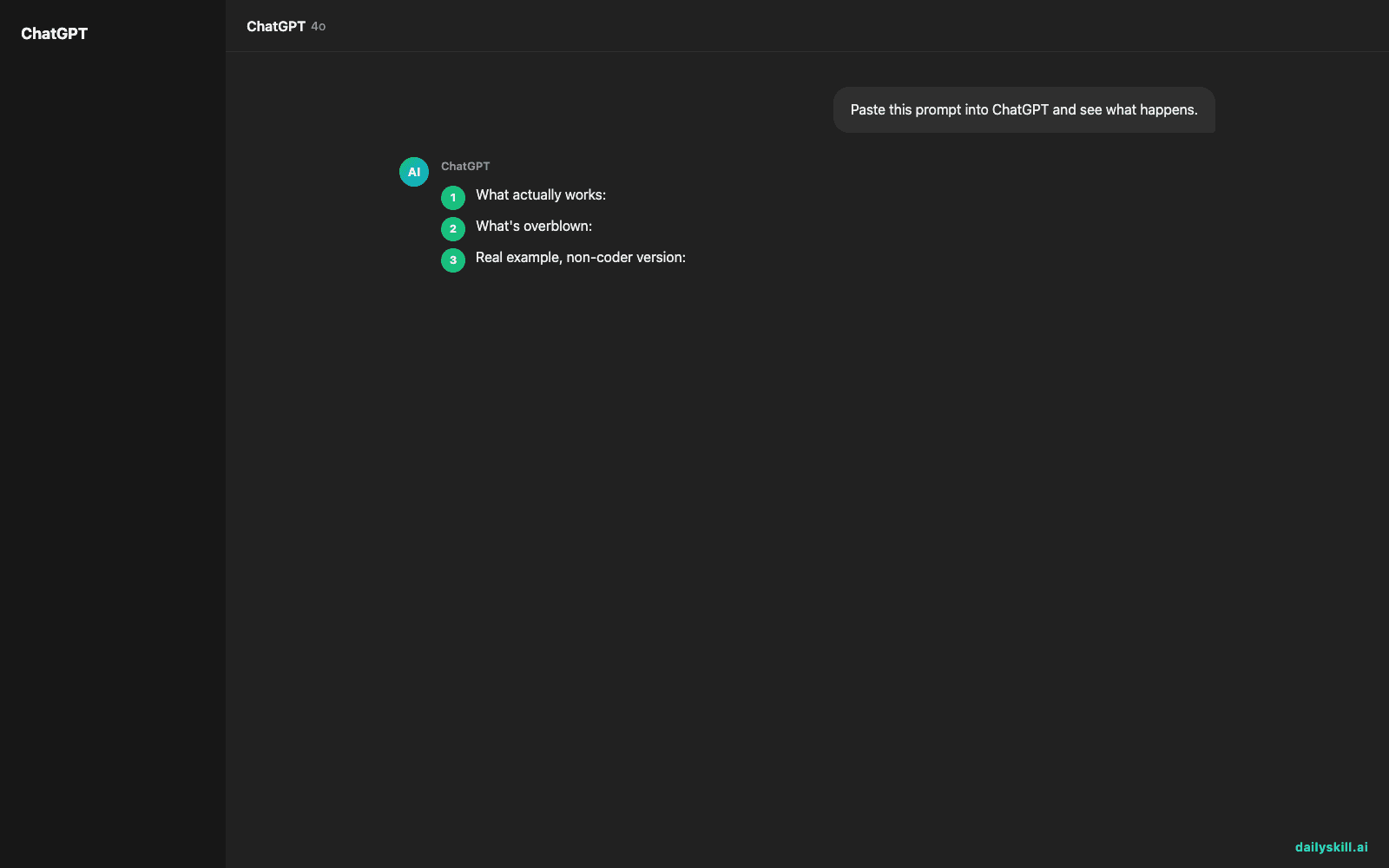
What actually works:
– Paste the exact error, word for word. Not “it gave me an error”—the actual red text.
– Show what you tried. The formula, the code snippet, the steps you took.
– Say what you expected vs. what happened. “I expected column D to show a total, but it shows #VALUE!”
– Give context. What program (Excel, Google Sheets, Python), what you’re trying to accomplish overall.
What’s overblown:
– AI won’t always fix it in one try. Sometimes it needs a second or third round—that’s normal, not failure.
– It can’t see your screen unless you paste or describe it. It’s not magic, it’s just very good at pattern-matching from what you tell it.
– For very obscure or brand-new bugs, it may guess wrong. Treat its first answer as a strong hypothesis, not gospel.
The single biggest fix for bad AI help isn’t a smarter AI—it’s a clearer question.
Real example, non-coder version:
Instead of: “My spreadsheet is broken”
Try: “In Google Sheets, I have =SUMIF(A:A, "Yes", B:B) in cell C1. It returns 0, but column B clearly has numbers next to ‘Yes’ in column A. What’s wrong?”
That second version gets you real formula help, fast, because the AI can see exactly what you built.
Real example, code version:
Instead of: “My Python script won’t run”
Try: “I’m running this Python script and getting TypeError: unsupported operand type(s) for +: 'int' and 'str' on line 12. Here’s the code: [paste it]. I expected it to add two numbers. What’s causing this?”
What to do
- ✅ Copy-paste the exact error message, don’t paraphrase it
- ✅ Include the actual code, formula, or steps—not a summary of them
- ✅ State what you expected vs. what actually happened
- ✅ Ask it to explain the fix in plain terms, not just hand you a patch
- ✅ If the first fix doesn’t work, tell it exactly what happened when you tried it
- ❌ Don’t say “it doesn’t work”—that tells the AI nothing
- ❌ Don’t paste a screenshot if you can copy the text instead (text is easier for it to work with)
- ❌ Don’t assume one answer is final—loop back with results
FAQ
Can AI actually read my error message and know the fix?
Often, yes. Most common errors—especially in Excel, Google Sheets, and popular coding languages—are well-documented patterns AI recognizes fast.
What if I don’t understand the AI’s explanation?
Say so directly: “Explain that like I’ve never coded before.” It will simplify. This is normal, not annoying to ask.
Is it safe to paste my code or spreadsheet into a chatbot?
For most personal projects, yes. Avoid pasting passwords, private customer data, or proprietary work code unless you’ve checked your company’s policy first.
Bottom line
The fix isn’t finding a smarter AI—it’s giving it the exact error, the exact attempt, and what you expected.
Got a formula or script that’s stumped you? Drop it in the comments and let’s see what’s going on. Tomorrow: can AI help you create a simple household budget?
You might also like:
- Turn Your Event Photos Into a Shareable Recap Story
- Canva Magic Write — Write Your Captions Without Leaving Your Design
Master Everyday AI in 1 Minute a Day
Get our free 2026 Double-Blind AI Benchmark Scorecard & 20 Ready-to-Use Prompts, plus one honest, 60-second AI skill in your inbox every morning. Zero hype, plain English, cancel anytime.


