You’re making a flyer for your kid’s bake sale in Canva. The photos look great, the colors pop. Then you’re stuck staring at an empty caption box for ten minutes, cursor blinking, no words coming.
Canva Magic Write is a built-in AI writing tool that drops caption, headline, and short-text ideas straight into your design — no need to open a separate chatbot tab and copy-paste. It’s for anyone who designs posts, flyers, or slides in Canva and freezes when it’s time to write the words.
What it is
Magic Write is a text-generating assistant tucked right into the Canva editor. You type a short prompt inside your design, and it drops suggestions directly where you’re working instead of making you switch apps. Think of it as a caption generator and headline generator that lives inside your design tool.
Try it in 5 minutes
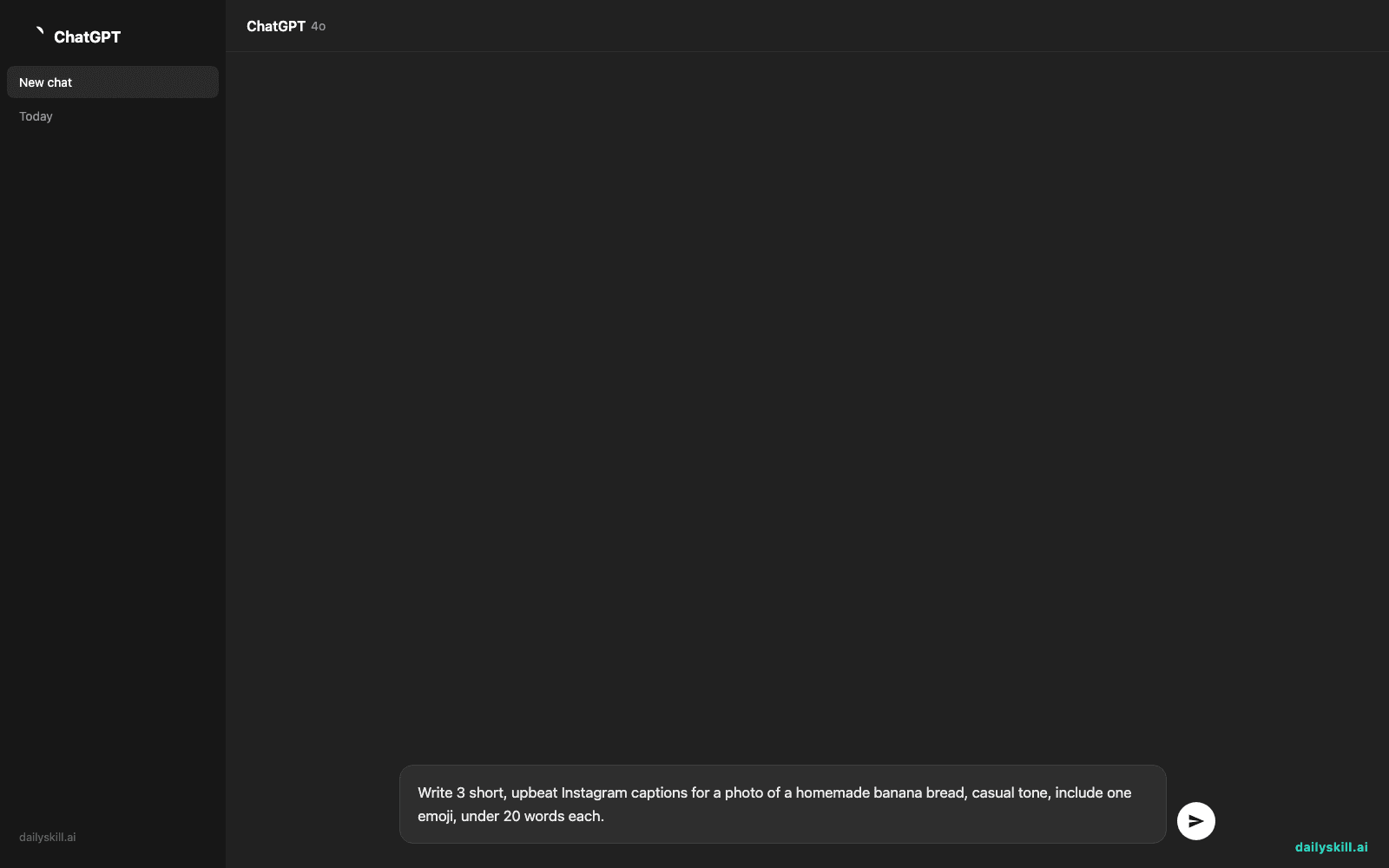
- Open Canva (free account works) and start any design — a social post template is easiest.
- Click into a text box, then look for the sparkle/star icon labeled “Magic Write” in the toolbar.
- Type a one-line description of what you need — mention the subject, tone, and platform.
- Hit generate — you’ll get 2-3 short options to choose from.
- Click one to drop it straight into your design, then edit a word or two to sound like you.
Copy-paste this into the Magic Write box for a quick caption:
Write 3 short, upbeat Instagram captions for a photo of a homemade banana bread, casual tone, include one emoji, under 20 words each.
A real example
Input: the prompt above, used on a bakery post.
- Fresh banana bread, still warm from the oven 🍌 Who’s hungry?
- Made this on a whim — turns out it’s exactly what today needed 🍞
- Banana bread Tuesday. No notes. 🍌✨
You pick the one that sounds most like you, tweak a word, and paste it into the caption field on Instagram — done in under a minute.
Honest take
Best for:
– Instant caption ideas for posts when you’re mid-design and blanking on words
– Quick headline options for flyers, presentations, or ads
– People who already use Canva and don’t want to open another tab for writing help
Not for:
– Long-form writing like blog posts or emails — it’s built for short bursts, not essays
– Getting it perfectly “you” on the first try — the free tier gives a limited number of generations per month, and outputs usually need a small personal touch before you post them
FAQ
Is it free? Yes, Magic Write comes with a free Canva account, but you get a limited number of uses per month. Canva Pro raises that limit.
Is it safe? Yes — it only writes text based on what you type. Don’t paste private client info or passwords into any prompt box, same rule as any AI tool.
Do I need an account? Yes, a free Canva account. No credit card required to start.
Today’s pick wrap-up
Verdict: if you already design in Canva, Magic Write saves you the “what do I even write” moment — small tool, real time saved. Try it on your next post and tell us your favorite caption in the comments. Tomorrow: we point our camera at the real world and let Google Lens tell us what we’re actually looking at.
You might also like:
- Turn Your Event Photos Into a Shareable Recap Story
- Can AI create a simple workout routine tailored to me?
Master Everyday AI in 1 Minute a Day
Get our free 2026 Double-Blind AI Benchmark Scorecard & 20 Ready-to-Use Prompts, plus one honest, 60-second AI skill in your inbox every morning. Zero hype, plain English, cancel anytime.