You just got home from the party. Your camera roll has 47 new photos and a group chat full of “how’d it go?!” texts you haven’t answered.
Here’s exactly how to fix that: upload 3-4 event photos to ChatGPT and it writes you a warm, specific recap — ready to post or send — in under a minute.
Sound familiar?
You want to share the day with people who missed it, but “Had a great time! 🎉” feels lazy. Writing a real recap takes time you don’t have, so the photos just sit in your camera roll forever.
The 60-second fix
1. Pick 3-4 photos that tell the story
Choose ones with variety — a wide shot of the room, a close-up of people, a candid moment, maybe the cake or the banner. Variety gives the AI more to work with.
2. Upload them to ChatGPT
Drop the photos into the chat window like you’re sending them to a friend.
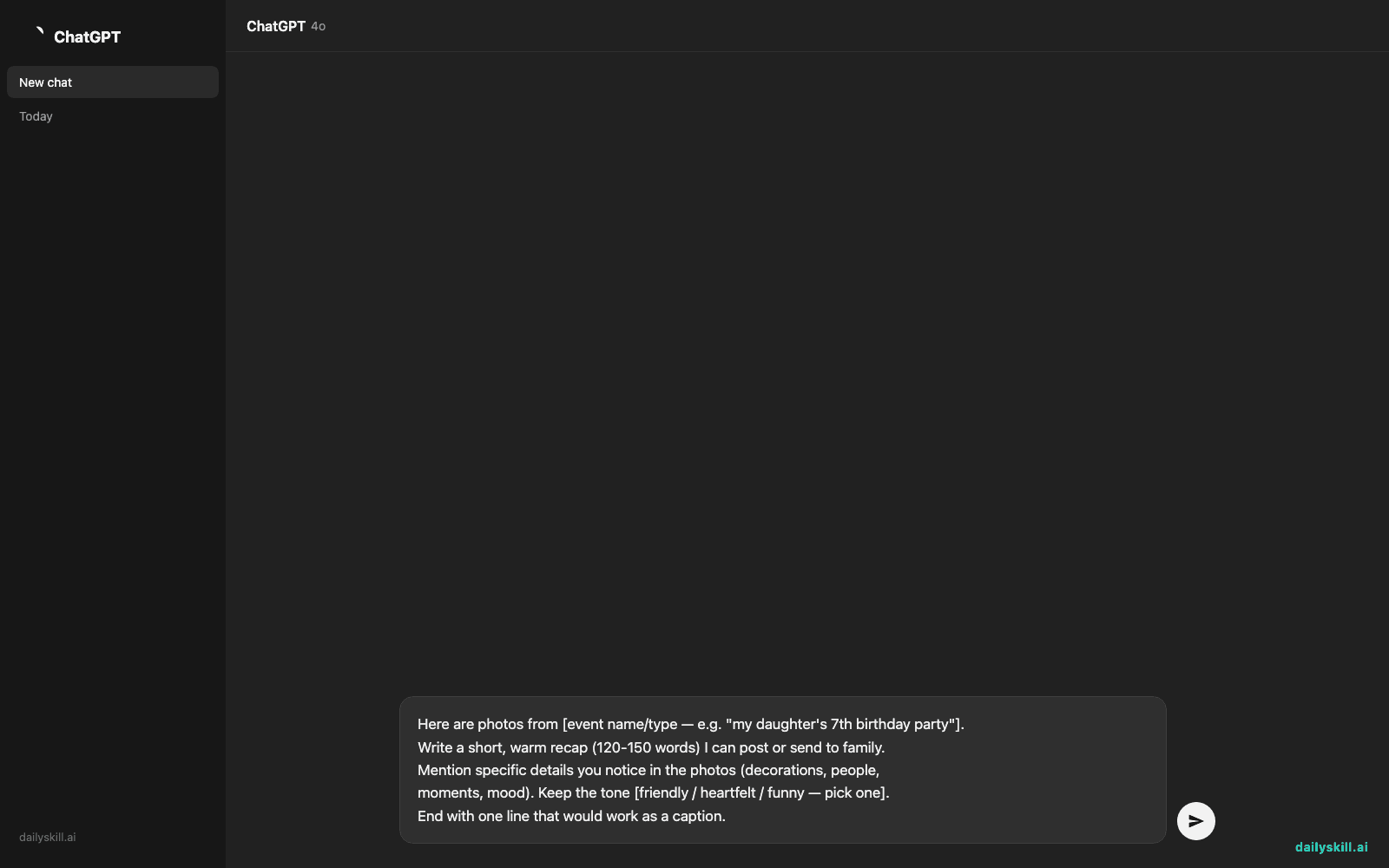
3. Use this copy-paste prompt
Here are photos from [event name/type — e.g. "my daughter's 7th birthday party"].
Write a short, warm recap (120-150 words) I can post or send to family.
Mention specific details you notice in the photos (decorations, people,
moments, mood). Keep the tone [friendly / heartfelt / funny — pick one].
End with one line that would work as a caption.
That’s it. Read it, tweak a name or two, and post it.
Real example
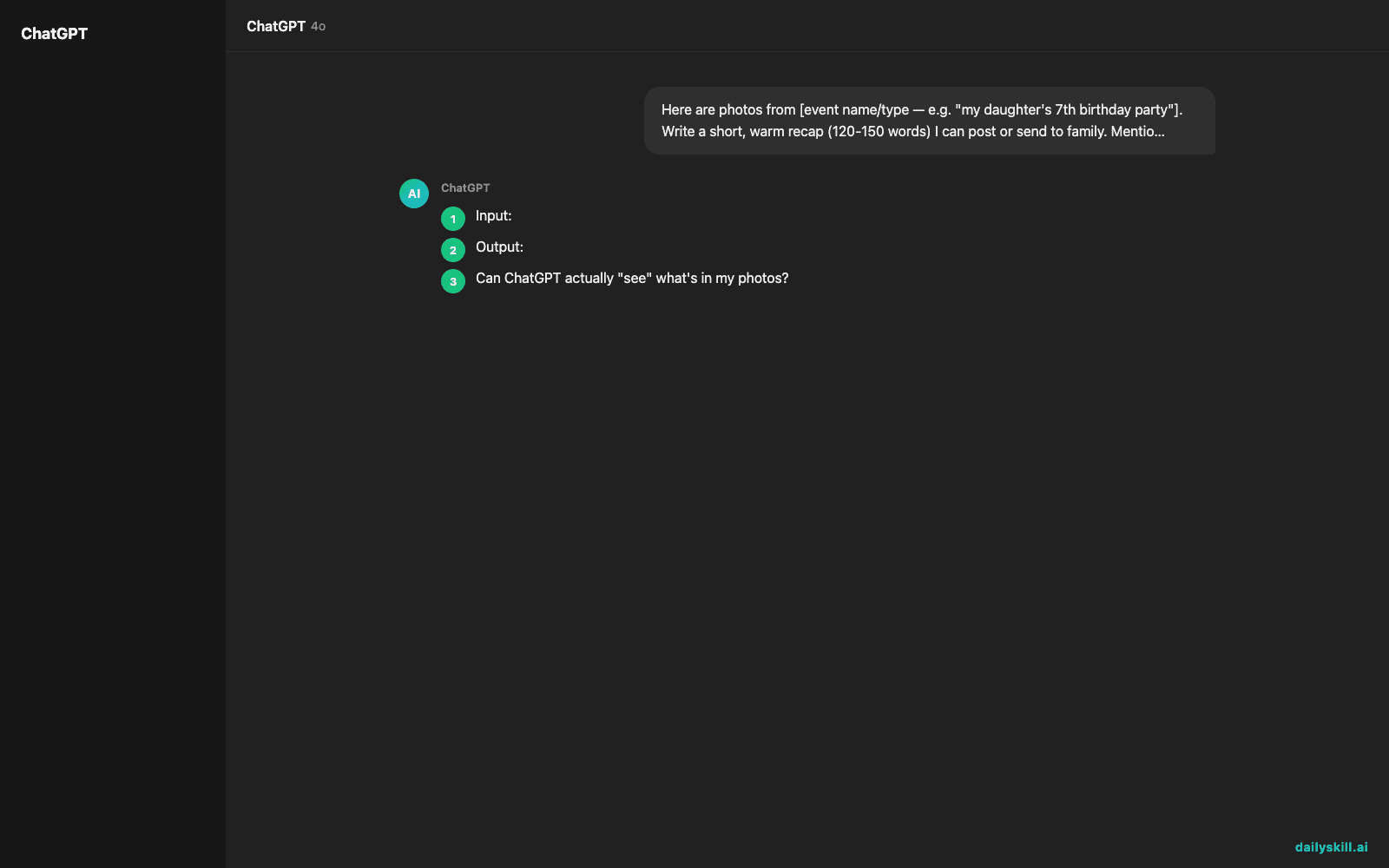
Input: 4 photos from a backyard graduation party — string lights, a “Congrats Grad!” banner, a group photo, and a close-up of the cake. Prompt tone: “heartfelt.”
Output:
Our backyard turned into a party the second the sun went down — string lights strung across the fence, the “Congrats Grad!” banner catching the breeze, and that cake (chocolate, obviously) disappearing fast. Friends and family piled in for photos, laughing more than posing. Four years of hard work, one very well-earned night off.
Caption idea: “Tassel turned, cake devoured, mission accomplished. 🎓”
That’s a full recap, written in the time it took you to read this sentence.
Level up
- Ask for two versions: one for a text to grandma, one for a public Instagram caption — same photos, different tone.
- Say “write it like a short toast a friend would give” for a more personal, speech-style recap.
- Turn it into a thank-you note generator by adding: “Also write a 3-line thank-you message for guests.”
FAQ
Can ChatGPT actually “see” what’s in my photos?
Yes — when you upload images, it looks at what’s visible (people, decorations, setting, mood) and writes based on that, not just guesses.
Do I need to say what the event is?
It helps a lot. A one-line description (“my mom’s retirement party”) gives the AI context so the recap feels personal, not generic.
Will this work for group event photos with lots of people?
Yes, but keep it to 3-4 clear photos — too many at once can water down the details the AI picks up on.
Today’s check-in
Try it on your last event’s photos and drop your favorite AI-written line in the community — bonus points if it’s funnier than what you would’ve written yourself.
Tomorrow: Day 108 — how to write a sincere apology that actually fixes things (not just “sorry, my bad”).
You might also like:
- Can AI help me think through a big decision I’m making?
- Fliki — Turn Any Blog Post Into a Video Without Recording Yourself
Master Everyday AI in 1 Minute a Day
Get our free 2026 Double-Blind AI Benchmark Scorecard & 20 Ready-to-Use Prompts, plus one honest, 60-second AI skill in your inbox every morning. Zero hype, plain English, cancel anytime.