
It’s 9pm, the meeting is tomorrow at 9am, and you have a Google Doc full of notes but zero slides. You could spend two hours dragging boxes around in PowerPoint, or you could paste your notes into Gamma and watch it build the deck for you.
Gamma is an AI slideshow creator that turns text — bullet points, a script, even a rough paragraph — into a designed presentation with layouts, images, and formatting already done. You type or paste, it builds; you just tweak.
What it is
Gamma is a web tool that acts like a designer who also writes decent first drafts. You give it a topic or your own text, and it generates a full slide deck with headings, bullet points, icons, and images already placed.
It’s built for people who need something presentation-ready fast, not for pixel-perfect custom design. Think “good enough to present tomorrow,” not “matches our brand guide exactly.”
Try it in 5 minutes
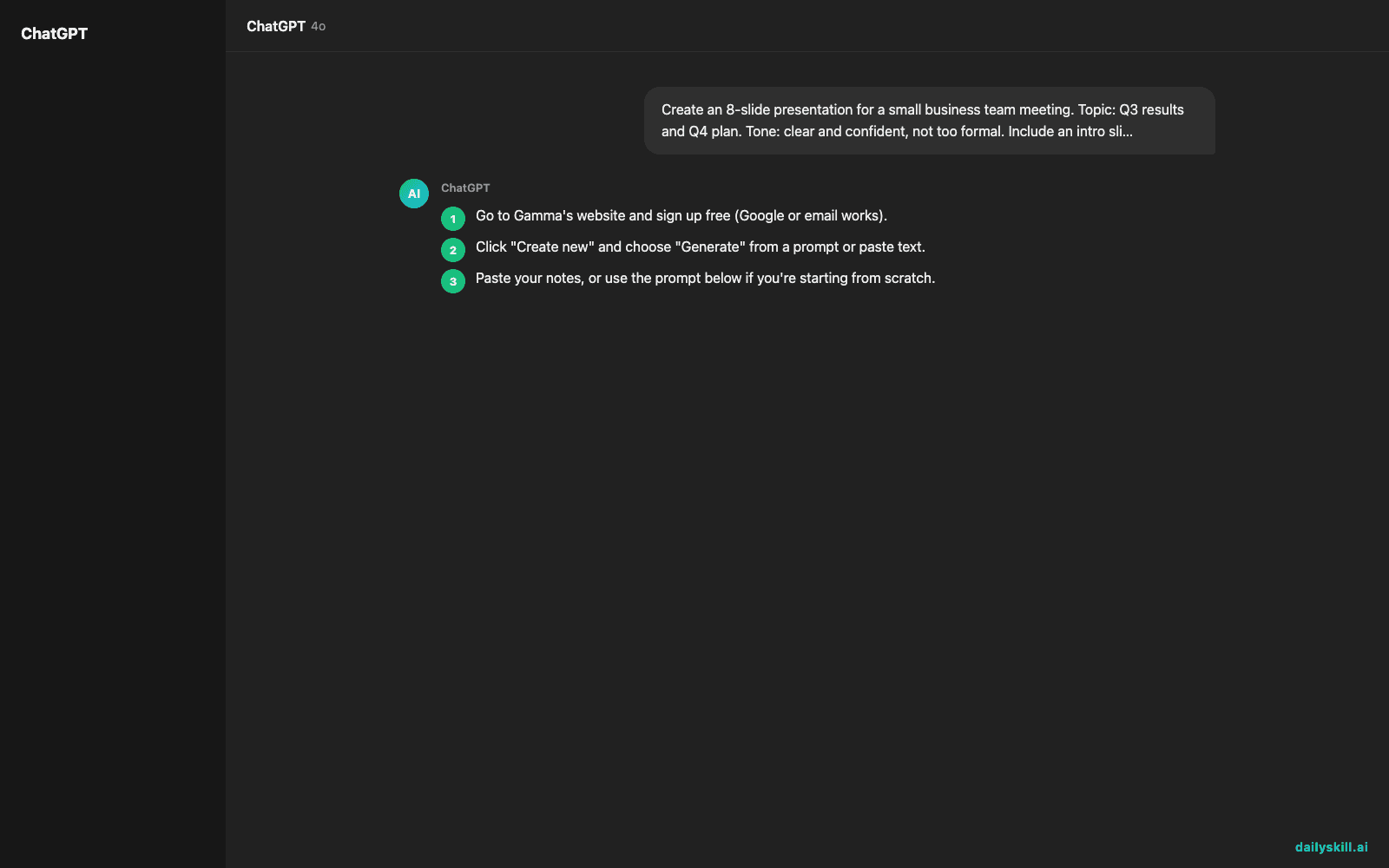
- Go to Gamma’s website and sign up free (Google or email works).
- Click “Create new” and choose “Generate” from a prompt or paste text.
- Paste your notes, or use the prompt below if you’re starting from scratch.
- Let it generate — you’ll get a full slide deck in under a minute.
- Click any slide to edit text, swap images, or change the layout with one click.
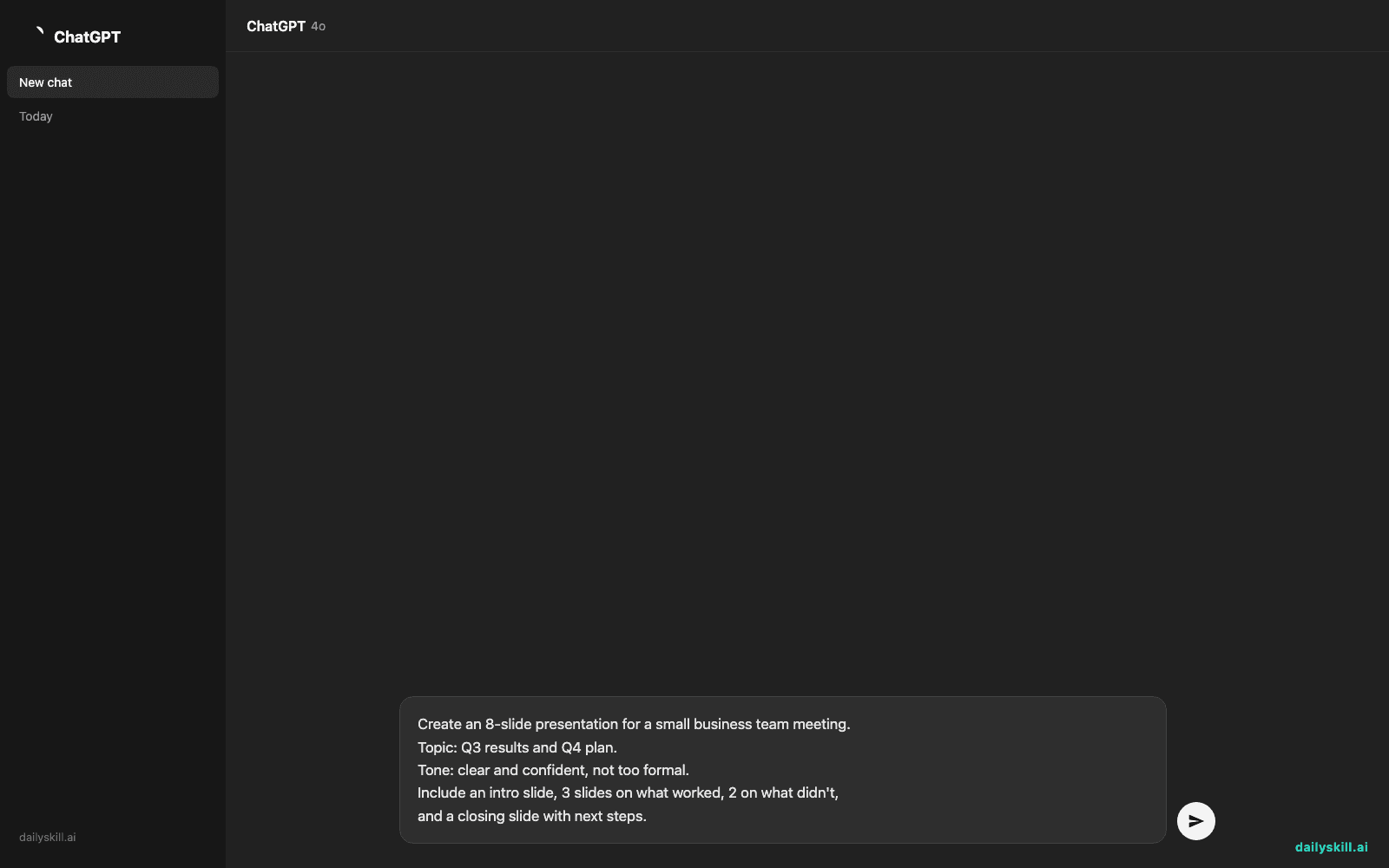
Create an 8-slide presentation for a small business team meeting.
Topic: Q3 results and Q4 plan.
Tone: clear and confident, not too formal.
Include an intro slide, 3 slides on what worked, 2 on what didn't,
and a closing slide with next steps.
A real example
You paste that prompt in. Gamma returns a full deck: a title slide with a clean header image, a slide titled “What Worked” with three bullet points and a small chart icon, and a “Challenges” slide with a muted color scheme.
The closing slide has a bold “Next Steps” heading and three action bullets. All slides are styled consistently — no design work from you.
Slide 3 — “What Worked in Q3”
• Revenue up 12% vs. last quarter
• New client onboarding time cut in half
• Support tickets down 20%
(with a small upward-trend icon automatically placed top-right)
One catch worth knowing: the numbers and claims above came straight from your notes, not from Gamma checking anything. If you type “revenue up 12%,” it’ll confidently put that on a slide — even if you meant 21%. Always proofread the facts before you present.
Honest take
Best for:
– Turning meeting notes, scripts, or reports into a real deck without touching design
– Non-designers who need something presentable in minutes, not hours
– Pitch decks, team updates, class presentations — anything text-first
Not for:
– Highly custom brand decks where every pixel and font needs to match a strict style guide
– Frequent, heavy use — the free tier caps you at a limited number of presentations a month, so daily decks will push you toward a paid plan
FAQ
Is it free? Yes, the free tier lets you generate a limited number of presentations a month, which covers most occasional users. Paid plans remove that limit if you need more.
Is it safe? Yes for general use — avoid pasting confidential company data unless you’ve checked your workplace’s AI policy first.
Do I need an account? Yes, a quick free sign-up (Google or email) before you can generate anything.
Today’s pick wrap-up
Gamma won’t replace a designer, but it turns “I have no slides and no time” into a real deck in one paste — that’s the whole win. Try it on your next set of notes and tell us how it went in the comments. Tomorrow: Descript, an AI tool that makes editing video and audio as easy as editing a text document.
Master Everyday AI in 1 Minute a Day
Get our free 2026 Double-Blind AI Benchmark Scorecard & 20 Ready-to-Use Prompts, plus one honest, 60-second AI skill in your inbox every morning. Zero hype, plain English, cancel anytime.


