
You already know what the next five lines of code look like
You’re halfway through a loop or a function you’ve written a dozen times before — your brain is already three steps ahead, but your fingers still have to type every character.
Codeium watches what you’re writing and finishes those lines for you, right inside your code editor. It’s a free AI coding assistant for anyone who writes code — from total beginners to working developers who just want fewer keystrokes.
What it is
Codeium is a coding assistant that plugs into the editor you already use, including VS Code and several others. As you type, it reads the code and comments already in your file and suggests the next line, function, or block.
Most of the time you just press one key — Tab — to accept a suggestion instead of typing it out. It also underlines likely errors as you go, like a spell-checker for code.
Try it in 5 minutes
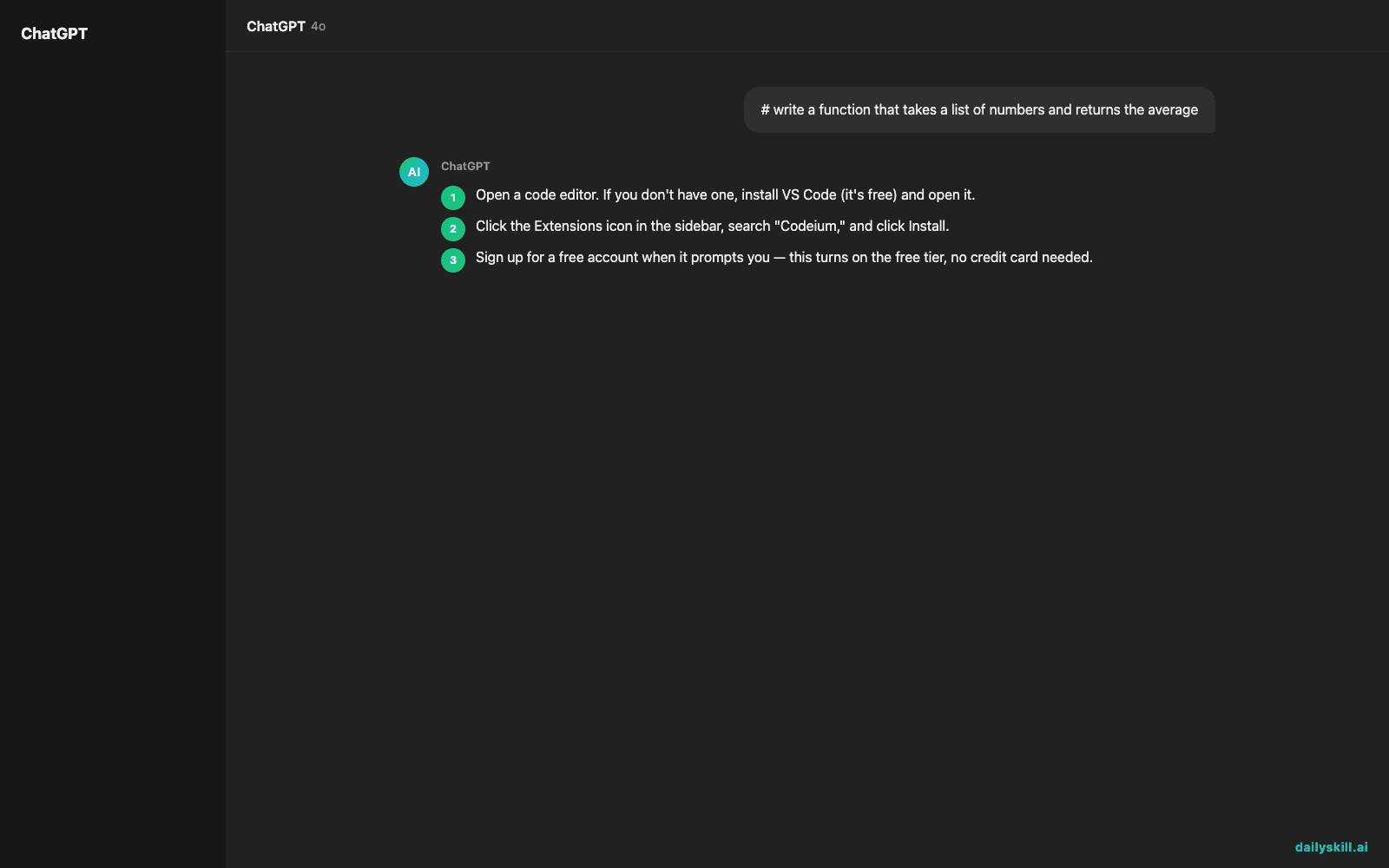
- Open a code editor. If you don’t have one, install VS Code (it’s free) and open it.
- Click the Extensions icon in the sidebar, search “Codeium,” and click Install.
- Sign up for a free account when it prompts you — this turns on the free tier, no credit card needed.
- Create a new file called
practice.py. - Type a comment describing what you want, then pause for a second — a gray suggestion will appear. Press Tab to accept it.
Type this as your first line and wait:
# write a function that takes a list of numbers and returns the average

A real example
With that comment typed above and the cursor on the next line, Codeium suggests something like this — you just press Tab:
def calculate_average(numbers):
return sum(numbers) / len(numbers)
You didn’t look up Python syntax or write the loop yourself — you described the goal in plain words and let the code suggestion generator do the typing.
Honest take
Best for:
– A beginner coding assistant AI when you’re learning syntax and don’t want to Google every line.
– Speeding through repetitive code — boilerplate, common functions, standard patterns — as a programming autocomplete tool.
– Catching typos and small bugs as you type, before you even run the code.
Not for:
– Learning why code works — it hands you an answer, not an explanation, so ask it (or a chat assistant) follow-up questions if you’re actually trying to learn.
– Designing a whole app from one instruction — it’s strongest at finishing what you’ve already started, not architecting a project from nothing.
The free tier covers everyday individual use — everything in the steps above works on it without upgrading.
FAQ
Is it free? Yes — there’s a free tier for individual developers, and you don’t need a credit card to start using it.
Is it safe to use with my code? It sends the code you’re working on to Codeium’s servers to generate suggestions, so avoid using it on passwords, API keys, or private company code unless you’ve checked how your workplace handles that.
Do I need to already know how to code? No, but it works best when you have an editor open and a specific task in mind. If you’re a pure beginner, pair it with a short tutorial so you understand what it’s suggesting instead of just accepting blindly.
Today’s pick
Codeium won’t make you a better programmer overnight, but it will make today’s script faster to write. Try it on one small file, then tell the community what it nailed (or got hilariously wrong). Tomorrow: Glasp, a tool that turns everything you read online into notes you’ll actually remember.
You might also like:
- Understand Any Contract Clause Without a Law Degree
- Can AI help me plan a trip or vacation itinerary?
Master Everyday AI in 1 Minute a Day
Get our free 2026 Double-Blind AI Benchmark Scorecard & 20 Ready-to-Use Prompts, plus one honest, 60-second AI skill in your inbox every morning. Zero hype, plain English, cancel anytime.


