You’re on the fourth retake of the same sentence, your voice cracks on “welcome,” and your bedroom still echoes like an empty gym. Here’s the fix: ElevenLabs is a text to speech AI tool that reads your words out loud in a voice that sounds like an actual person, not a robot. It’s for anyone who needs a voiceover — for a video, podcast intro, or presentation — but doesn’t want to record their own voice.
What it is
ElevenLabs is a natural voice generator that turns typed text into spoken audio. You paste in your script, pick a voice, and it hands you back an audio file you can drop straight into your project.
It’s built for realistic voice synthesis, so pauses, tone, and pacing sound close to a real human reading. That’s different from the flat, choppy voice you might remember from older text-to-speech tools.
Try it in 5 minutes
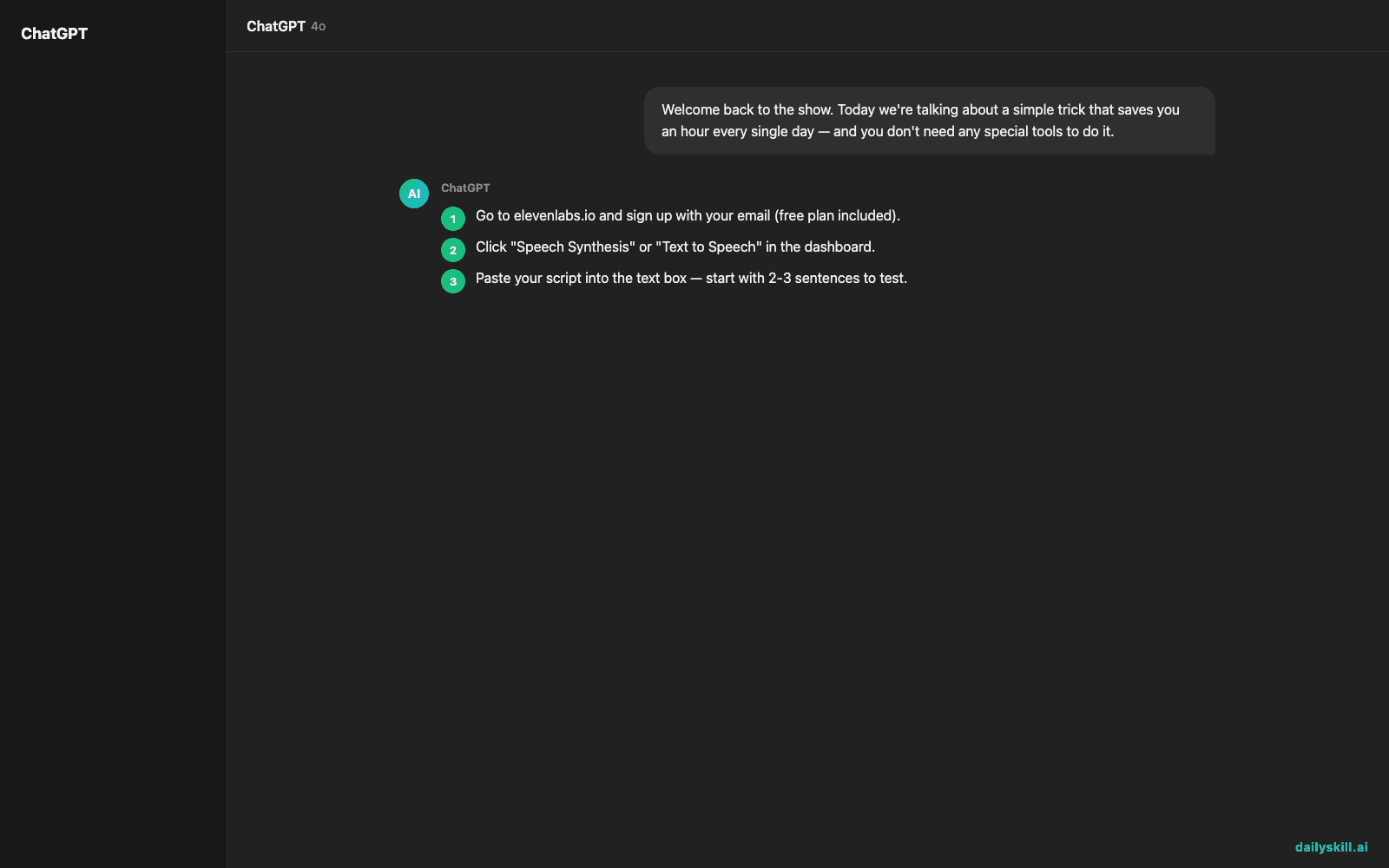
- Go to elevenlabs.io and sign up with your email (free plan included).
- Click “Speech Synthesis” or “Text to Speech” in the dashboard.
- Paste your script into the text box — start with 2-3 sentences to test.
- Pick a voice from the library (try one labeled “Narration” or “Conversational” first).
- Hit “Generate” and listen. Download the MP3 if you like it.
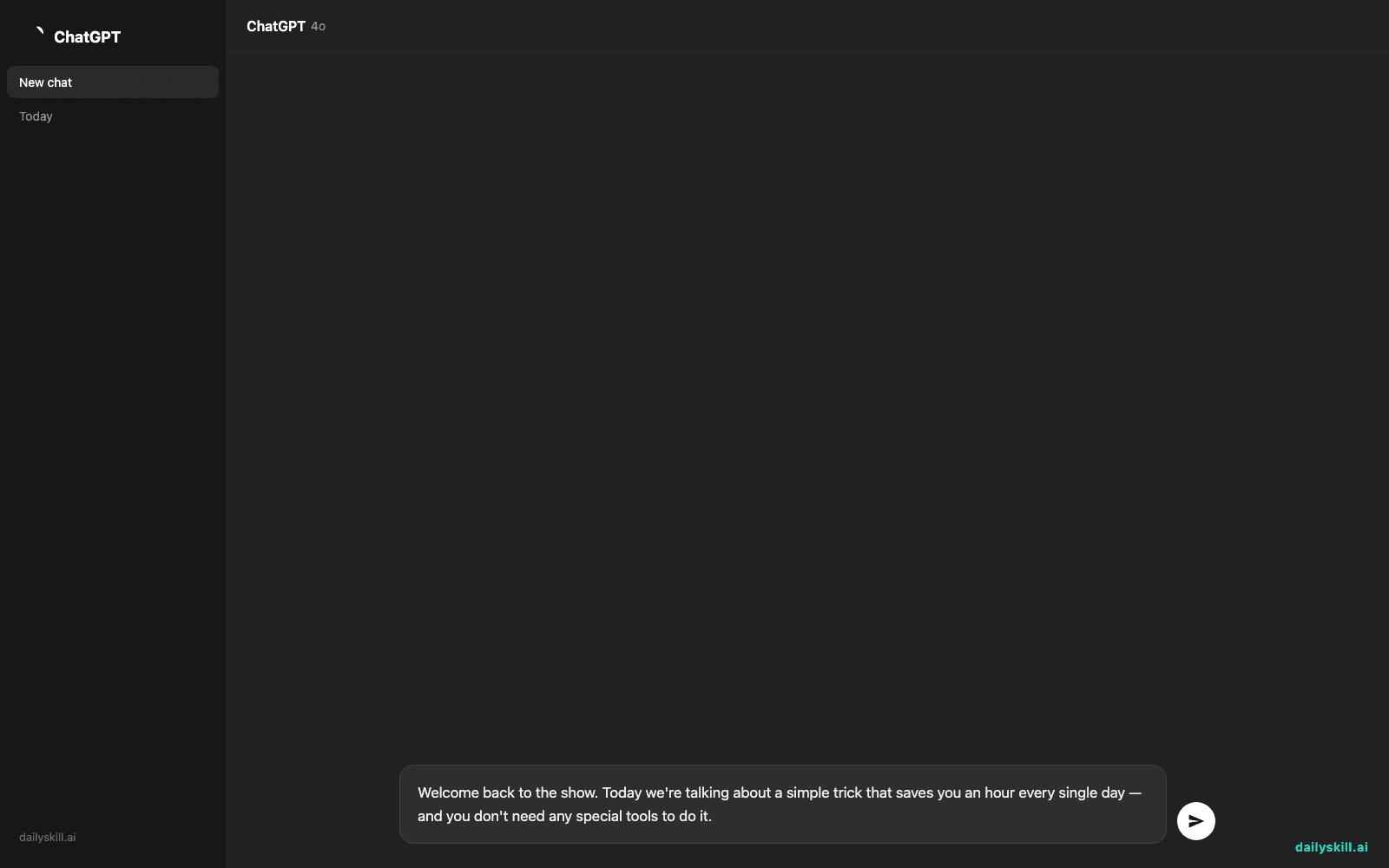
Copy-paste this into the text box for your first test:
Welcome back to the show. Today we're talking about a simple trick that saves you an hour every single day — and you don't need any special tools to do it.
A real example
Paste that script in, choose a warm, mid-pitched narration voice, and hit generate. In about 10 seconds you get a downloadable 8-second MP3 clip, ready to drop into a video editor.
The voice lands a natural pause after “show,” puts a slight emphasis on “simple trick,” and sounds genuinely upbeat on “every single day” — closer to a podcast host reading a script than a GPS voice giving directions.
That’s your podcast voiceover moment: no studio, no mic, no re-takes because you stumbled over a word.
Honest take
Best for:
– Quick voiceovers for YouTube videos, explainer clips, or social media reels
– Podcast intros/outros or full episodes when you don’t want to record yourself
– Turning slide presentations into narrated videos
Not for:
– Long-form audiobooks on the free plan — 10,000 characters a month runs out fast (roughly 1,500-2,000 words), and you’ll hit the wall mid-project
– Perfect emotional delivery on tricky lines — sarcasm, jokes, or lines with unusual punctuation sometimes come out sounding slightly off, so you’ll want to listen before publishing
The free tier gives you 10,000 characters a month, enough to test the tool and make a couple of short clips. Past that, you’ll need a paid plan.
FAQ
Is it free? Yes, there’s a free tier with 10,000 characters a month — good for testing and small projects, but it fills up quickly if you’re making longer content.
Is it safe? Yes, for standard use. Be thoughtful about voice cloning features (making an AI copy of someone’s actual voice) — only clone your own voice or voices you have clear permission to use.
Do I need an account? Yes, a free account with just your email gets you started — no credit card needed for the free tier.
Today’s pick wrap-up
ElevenLabs gets you a professional-sounding voiceover in less time than it takes to make coffee — no mic, no re-recording, no cringing at your own voice. Try it on your next script and tell us in the comments what voice you picked. Tomorrow: Canva Magic Write, for when you’re staring at a blank caption box and need the right words, fast.
You might also like:
- Stop Guessing If You’re Improving — See It in Black and White
- How do I use AI to fix grammar and spelling in my writing?
Master Everyday AI in 1 Minute a Day
Get our free 2026 Double-Blind AI Benchmark Scorecard & 20 Ready-to-Use Prompts, plus one honest, 60-second AI skill in your inbox every morning. Zero hype, plain English, cancel anytime.