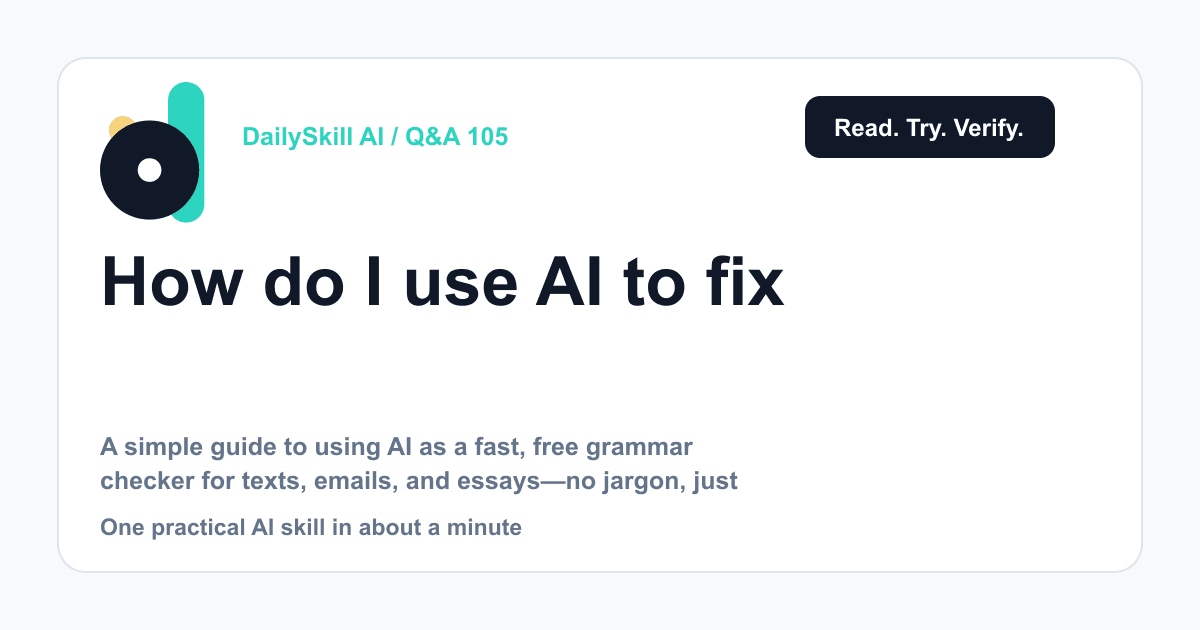
Paste your text into an AI chatbot (like ChatGPT, Gemini, or Claude) and ask it to “check this for grammar and spelling, but keep my voice.” It fixes errors in seconds and explains the changes if you ask. This works for texts, emails, essays, and more—and it’s faster and smarter than the squiggly red lines in your phone or Word.
Why this comes up
You don’t want to sound careless in a work email or a school essay. But you also don’t have time to proofread every line yourself.
Built-in spell check catches typos but misses awkward phrasing, tone issues, and real grammar mistakes. People want to know if AI can do better—and whether it’s actually easy to use.
The honest answer
It is easy, and yes, it’s genuinely better than basic spell check for most everyday writing.
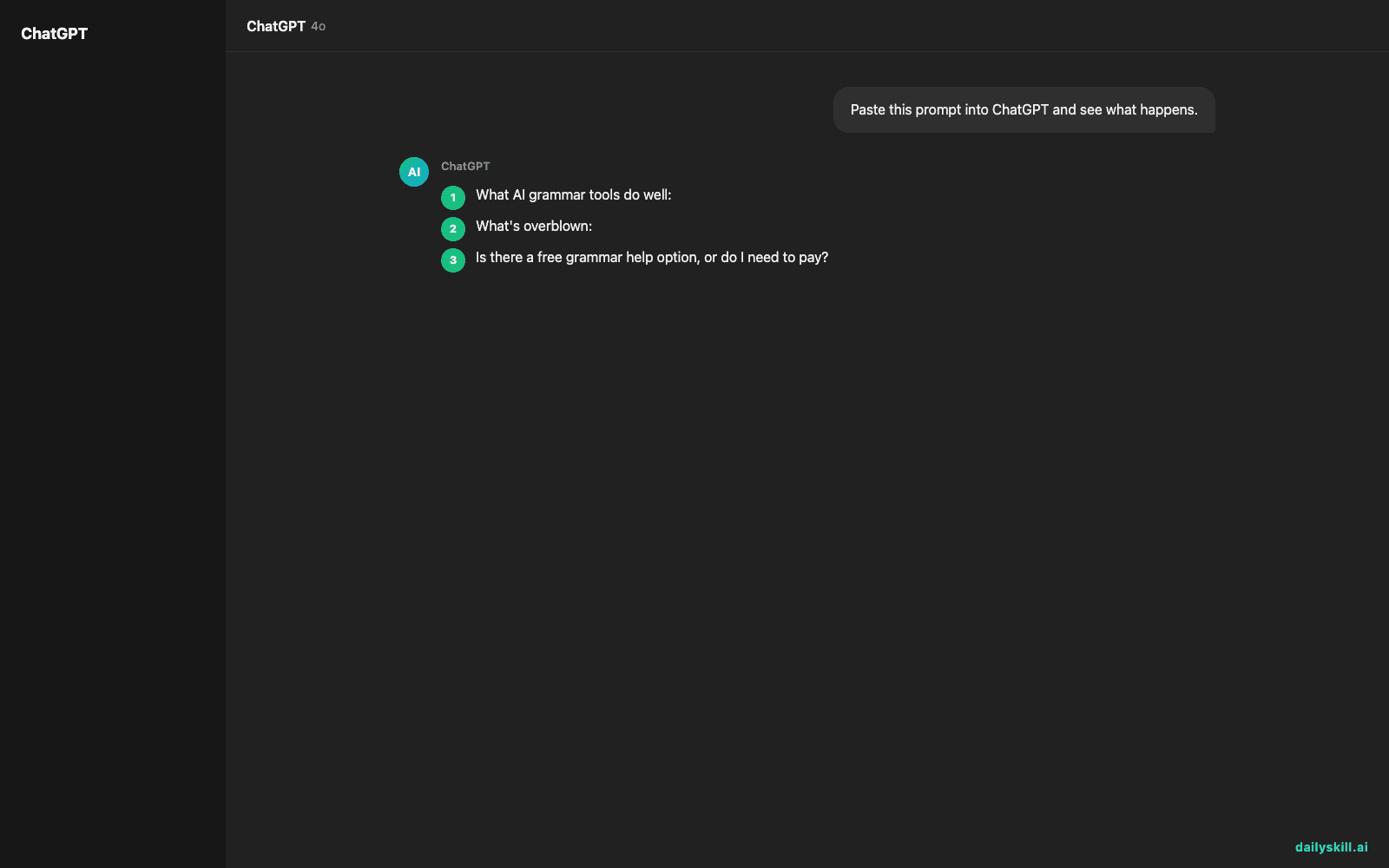
What AI grammar tools do well:
– Catch spelling and grammar errors, including subtle ones (subject-verb agreement, misplaced commas, wrong word choices like “their” vs “there”)
– Suggest clearer phrasing without changing your meaning
– Adjust tone (more formal for a boss, more casual for a friend)
– Explain why something was wrong, so you learn over time
What’s overblown:
– AI won’t always know your specific context (inside jokes, industry terms, names) unless you tell it
– It can occasionally “fix” something that wasn’t actually wrong, or slightly shift your meaning—so a quick read-through still matters
– It’s not magic for very long or highly technical documents in one pass; breaking text into chunks works better
Think of it as a fast, smart proofreader—not a replacement for your own final read.
What to do
- Do copy-paste your text and ask: “Fix grammar and spelling, keep my tone.” That one instruction does most of the work.
- Do ask for an explanation if a correction confuses you—learning the “why” helps your writing improve long-term.
- Do use it for emails, essays, cover letters, social posts, texts—basically anything you type.
- Don’t blindly accept every suggestion. Skim the result to make sure it still sounds like you.
- Don’t paste in anything highly confidential (like sensitive work documents) unless you know the tool’s privacy policy.
- Don’t assume free means less accurate—free tiers today handle grammar and spelling correction just fine for everyday writing.
FAQ
Is there a free grammar help option, or do I need to pay?
Free tiers of most major AI chatbots handle grammar and spelling correction well. You don’t need a paid plan for everyday texts, emails, or short essays.
Can AI check grammar in other languages?
Yes, most AI writing correction tools handle multiple languages—just tell it which language your text is in if it’s not obvious.
Will using AI to fix my writing make me a worse writer over time?
Not if you read the explanations. Treat corrections as quick lessons, not just a “fix it and forget it” button.
Bottom line
AI makes grammar and spelling help faster, smarter, and free—just give your final draft a quick human read before you hit send.
Got a favorite way you use AI for writing? Share it in the comments. Tomorrow: can AI actually build you a simple workout routine that fits your life?
You might also like:
- Understand Confusing Nutrition Labels in Plain English
- Loom — Stop Typing “Let Me Explain” and Just Record It
Master Everyday AI in 1 Minute a Day
Get our free 2026 Double-Blind AI Benchmark Scorecard & 20 Ready-to-Use Prompts, plus one honest, 60-second AI skill in your inbox every morning. Zero hype, plain English, cancel anytime.