

Yes, and it’s one of the things AI does best. Tell it your route, your timing, and who’s in the car. It can turn that into a day-by-day draft with a break every 2 to 3 hours, meal stops, scenic detours, and kid-friendly rest stops. The draft is a starting point, not the final plan. Before you leave, check the key details (hours, closures, drive times) on a live map.
Why this comes up
Road trips with kids go wrong in familiar ways. You hit a long stretch with no exits. Everyone gets hungry at the same moment. A “quick stop” turns into a 90-minute detour.
You want a plan, but you don’t want to spend three evenings building one. You may also wonder whether a chatbot can be trusted with something as practical as a driving route. That’s a fair worry, and the sections below cover it.
The honest answer
What AI does well
- Pacing. It can space stops so no stretch of driving runs much past 2 to 3 hours. It can also adjust for naps or younger kids.
- Ideas. It’s good at suggesting playgrounds, picnic areas, scenic overlooks, and small towns worth a pause along your route.
- Structure. It can lay out each day with drive times, stops, meals, and a buffer.
- Tailoring. Tell it your kids are 3 and 8, or that one gets carsick, and it adapts the plan.
Where to be careful
- Live details can be wrong or out of date. Opening hours, closures, construction, and road conditions change. Many AI assistants can search the web now, but treat anything time-sensitive as “verify before you go.”
- Drive times are estimates. Traffic, weather, and mountain roads change them. Use a navigation app for the real numbers.
- Places can be mixed up. A stop might be named slightly wrong, or sit well off your route. A quick map check catches this.
What’s overblown
- “AI will send you down a bad road.” That’s rare when you cross-check the route. The usual problem is a small mistake, like a wrong closing time. It’s not a wrecked trip.
- “You need special skills.” You don’t. Plain sentences about your family work fine.
Use AI to build the plan. Use a map app to confirm it.
A prompt you can copy
Fill in the brackets:
“Plan a [number]-day family road trip from [start] to [destination]. We’re [number] adults and kids aged [ages]. We’ll leave around [time] each day. Plan a break every 2 to 3 hours and a real meal stop around midday. For each break, suggest a kid-friendly rest stop with space to run around or a playground. Add 2 or 3 optional scenic detours that add no more than 30 minutes each. Show estimated driving time per leg, and add a buffer for slow days. Flag anything I should double-check, like hours or seasonal closures.”
Then keep refining with follow-ups:
- “Make day two shorter. The kids get restless after lunch.”
- “Swap the museum for something outdoors.”
- “Where are the longest stretches with no services?”
- “Give me a backup plan if it rains.”
What to do
Do:
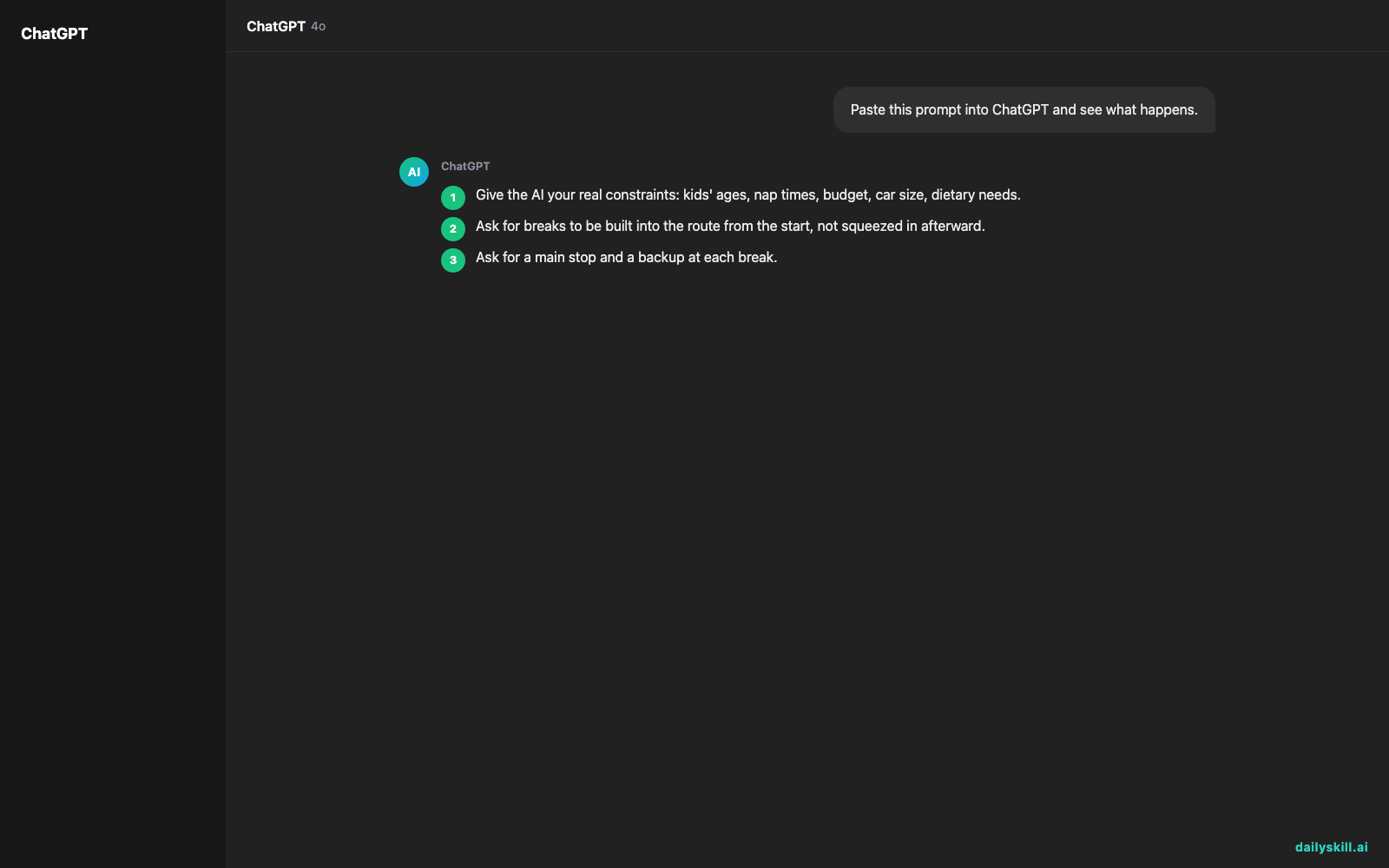
1. Give the AI your real constraints: kids’ ages, nap times, budget, car size, dietary needs.
2. Ask for breaks to be built into the route from the start, not squeezed in afterward.
3. Ask for a main stop and a backup at each break.
4. Check every stop on a live map for hours, recent reviews, and distance from your route.
5. Download offline maps in case you lose signal.
6. Leave a buffer, or one flexible day. Kids set their own schedule.
Don’t:
– Don’t treat the first draft as final. Two or three follow-ups make it much better.
– Don’t book non-refundable stays based only on what the AI says. Confirm availability yourself.
– Don’t pack every hour. A plan with no slack falls apart at the first meltdown.
– Don’t skip the safety basics. A tired driver should pull over, whatever the itinerary says.
FAQ
Can I use AI instead of Google Maps or Waze?
Use both. AI is great for deciding what to do and where to pause. A navigation app is better for live traffic and turn-by-turn directions.
How do I find good kid-friendly rest stops?
Ask for stops with playgrounds, picnic tables, clean restrooms, or open grass. Then check recent reviews on a map app, since conditions change.
Does it work for trips with pets or very long drives?
Yes. Tell the AI about your dog, your car, or an overnight stay. It can add pet-friendly stops and split a long drive into comfortable days.
Bottom line
AI turns a stressful planning job into a quick, flexible draft. Just confirm the details on a live map before you hit the road.
Your turn: Have you used AI to plan a trip? Share your best prompt or your biggest surprise in the comments. Other readers will learn from it.
Tomorrow’s question: How do I protect my personal data and sensitive documents when using AI? It’s worth reading before you paste your itinerary, booking numbers, or anything private into a chat.

You might also like:
- Turn Your Rough Notes Into a LinkedIn Post That Gets Read
- Claude Artifacts: Turn a Chat Into a Clickable Prototype, Free
Master Everyday AI in 1 Minute a Day
Get our free 2026 Double-Blind AI Benchmark Scorecard & 20 Ready-to-Use Prompts, plus one honest, 60-second AI skill in your inbox every morning. Zero hype, plain English, cancel anytime.


