
Your meeting ended an hour ago. Your notes say “Q3?? ask Dana.” Your boss wants an update now.
Here’s exactly how to turn that mess into a clean 3-bullet executive summary in about a minute. You’ll get the decisions, who owns what, and what happens next, ready to send.
Sound familiar?
The meeting is over. Your notes are half sentences, random names, and one line that just says “Q3?? ask Dana.”
Now someone wants a quick update. You don’t want to send a wall of text, and you don’t have time to untangle it.
Busy readers don’t want the whole story. They want three things: what was decided, who’s doing what, and what’s next. Claude is good at pulling exactly that out of a pile of messy text.
The 60-second fix
1. Open Claude and paste your raw notes
Don’t clean them up first. Typos, shorthand, and half-finished thoughts are fine. Claude can usually work out the meaning from context.
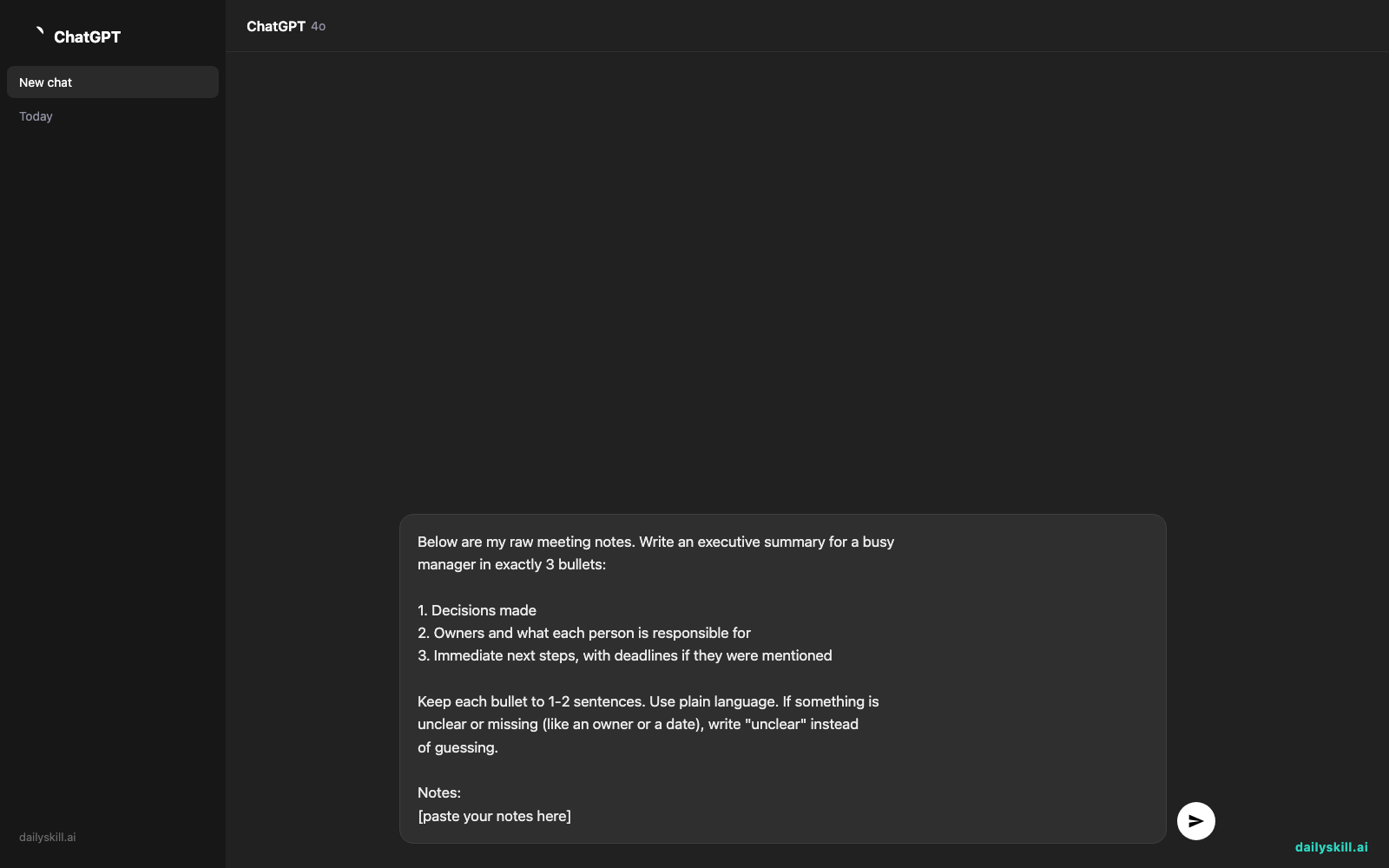
2. Paste this prompt above your notes
Below are my raw meeting notes. Write an executive summary for a busy
manager in exactly 3 bullets:

1. Decisions made
2. Owners and what each person is responsible for
3. Immediate next steps, with deadlines if they were mentioned

Keep each bullet to 1-2 sentences. Use plain language. If something is
unclear or missing (like an owner or a date), write "unclear" instead
of guessing.

Notes:
[paste your notes here]
3. Check it, then send it
Read the three bullets against your notes. It takes about 20 seconds.
If one looks off, just tell Claude: “Bullet 2 is wrong: Priya owns the budget, not Sam.” It will fix it right away.
Real example
What you paste in:
Weekly marketing sync - Tues
- newsletter redesign: going w/ option B (the simpler one)
- Priya to send budget numbers to finance, fri?
- Sam still waiting on photos from agency, follow up
- launch date maybe Oct 14 or 21, undecided
- Dana out next week, Leo covers social
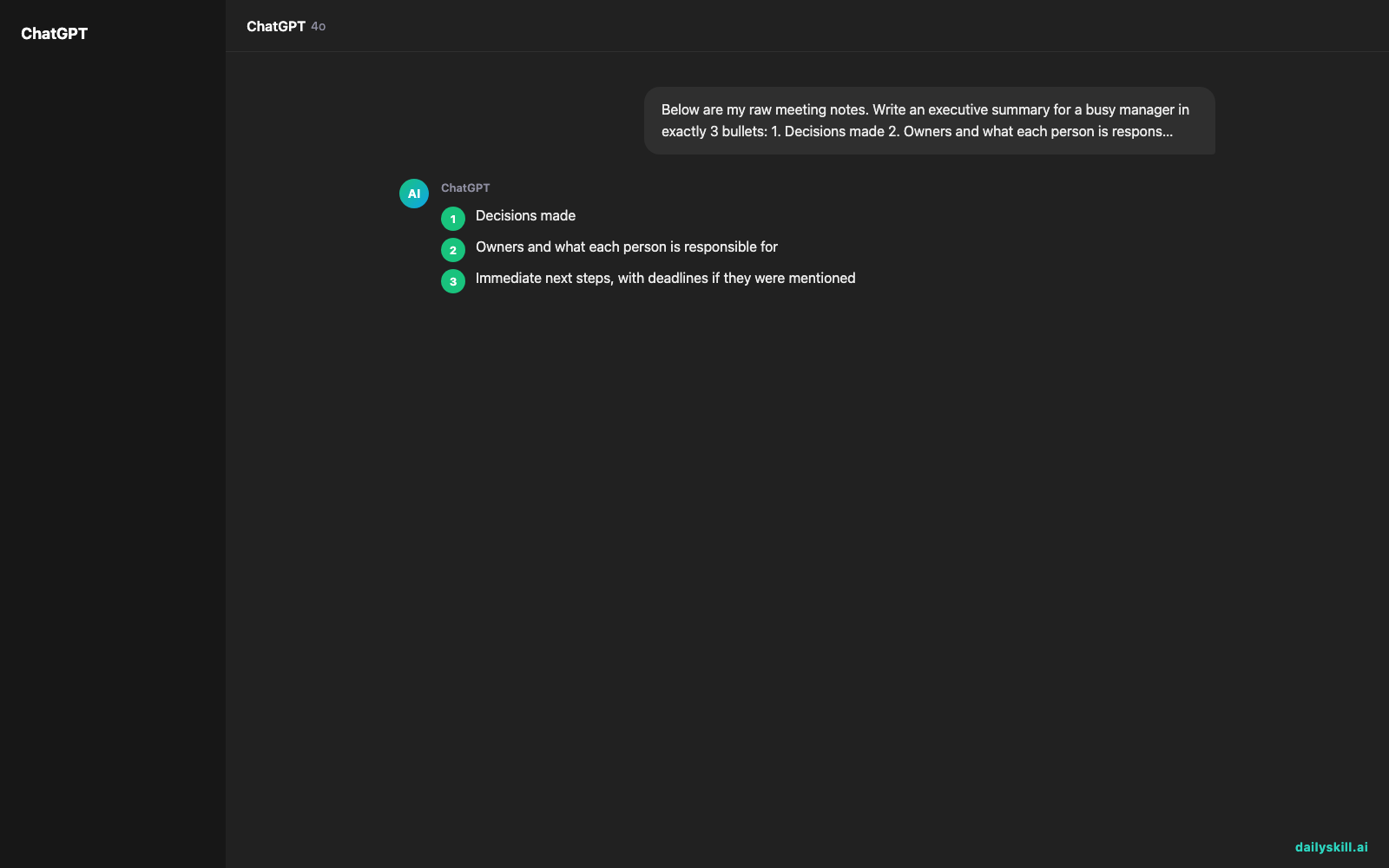
What Claude gives you:
Decisions: The team chose newsletter design option B, the simpler version. The launch date is still undecided (Oct 14 or 21).
Owners: Priya is sending budget numbers to finance. Sam is chasing the agency for photos. Leo is covering social media while Dana is out next week.
Next steps: Priya sends the budget by Friday (the notes mark this date as uncertain). Sam follows up with the agency. Someone still needs to settle the launch date. Owner: unclear.
Notice what happened. Five scribbled lines became three bullets you could paste straight into an email.
Claude also kept the “Friday?” uncertainty instead of hiding it, and it flagged that nobody owns the launch date decision. That’s the “write unclear instead of guessing” line doing its job.
Level up
- Change the audience. Add “Write this for the CEO, who has 30 seconds” for a shorter, higher-level version.
- Turn it into an email. Follow up with “Now turn this into a short email to the team, friendly tone.”
- Get a checklist. Ask “List every action item as a checklist with owner and due date” for a quick to-do list.
- Reuse it every week. Save the prompt in a note on your phone or computer so you can paste it after every meeting.
FAQ
What’s the best prompt to condense meeting minutes?
Tell Claude the format (3 bullets), the audience (a busy manager), and what to pull out (decisions, owners, next steps). The prompt above does all three, so start there and tweak it.
Can Claude find action items from notes that are really messy?
Yes. It usually handles shorthand, typos, and incomplete sentences well. Asking it to flag anything unclear, rather than guess, keeps the summary honest.
Should I worry about sharing private meeting notes?
Use good judgment. Check your company’s rules on AI tools first. If the notes include sensitive names or numbers, you can swap them for placeholders like “Client A” before pasting.
Today’s check-in
Grab the notes from your last meeting and run the prompt. Then reply in the comments with one thing Claude caught that you’d forgotten. Was it an owner or a deadline you’d missed?
Tomorrow (Day 143): You’ll ask AI to act as a harsh critic and stress-test a business idea before you put time or money into it.
Master Everyday AI in 1 Minute a Day
Get our free 2026 Double-Blind AI Benchmark Scorecard & 20 Ready-to-Use Prompts, plus one honest, 60-second AI skill in your inbox every morning. Zero hype, plain English, cancel anytime.


