
You’re at dinner with five friends, the bill arrives, and someone says, “Can we split this with the tip?” You wish you had a tiny calculator built for exactly this. You just don’t know how to build one.
Claude Artifacts builds it for you in about a minute. It shows a working version of your idea in a panel next to the chat, so you can click it right away. It’s for anyone who wants to see an idea before spending time or money on it, and you don’t need to know how to code.
What it is
Artifacts is a feature inside Claude, Anthropic’s AI assistant. When you ask for something visual or interactive, Claude builds it and shows it in its own window beside the conversation. It doesn’t just print a wall of text at you.
The result can be a small web page, a diagram, a simple game, or a calculator. You can click buttons and type into fields right there.
“Code” just means the written instructions a computer follows. You can look at it if you’re curious, but you never have to read it.
Try it in 5 minutes
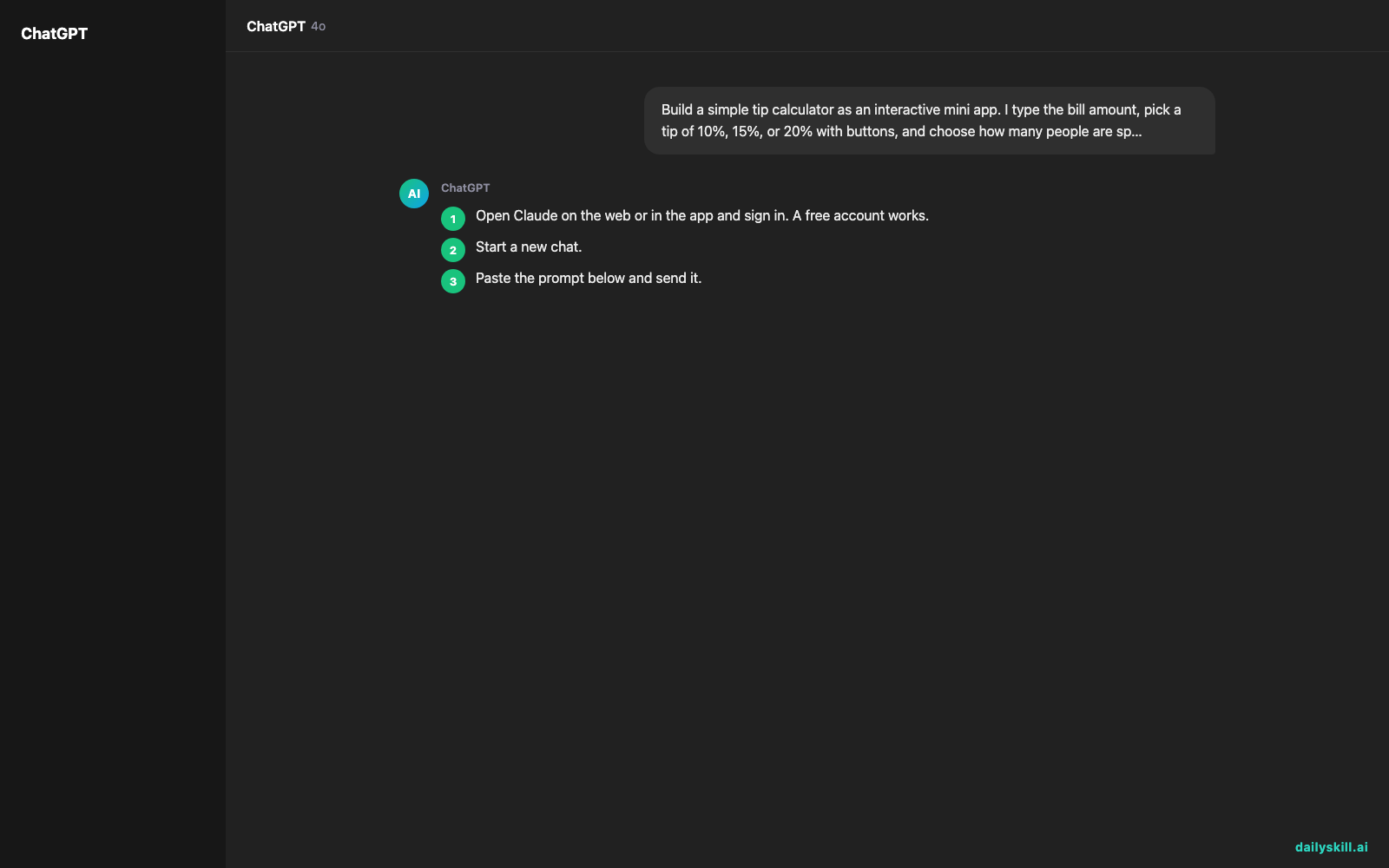
- Open Claude on the web or in the app and sign in. A free account works.
- Start a new chat.
- Paste the prompt below and send it.
- Wait a few seconds. A panel opens beside the chat with your mini app running.
- Click around. Then ask for a change in plain words, like “make the buttons bigger” or “use a green color scheme.”
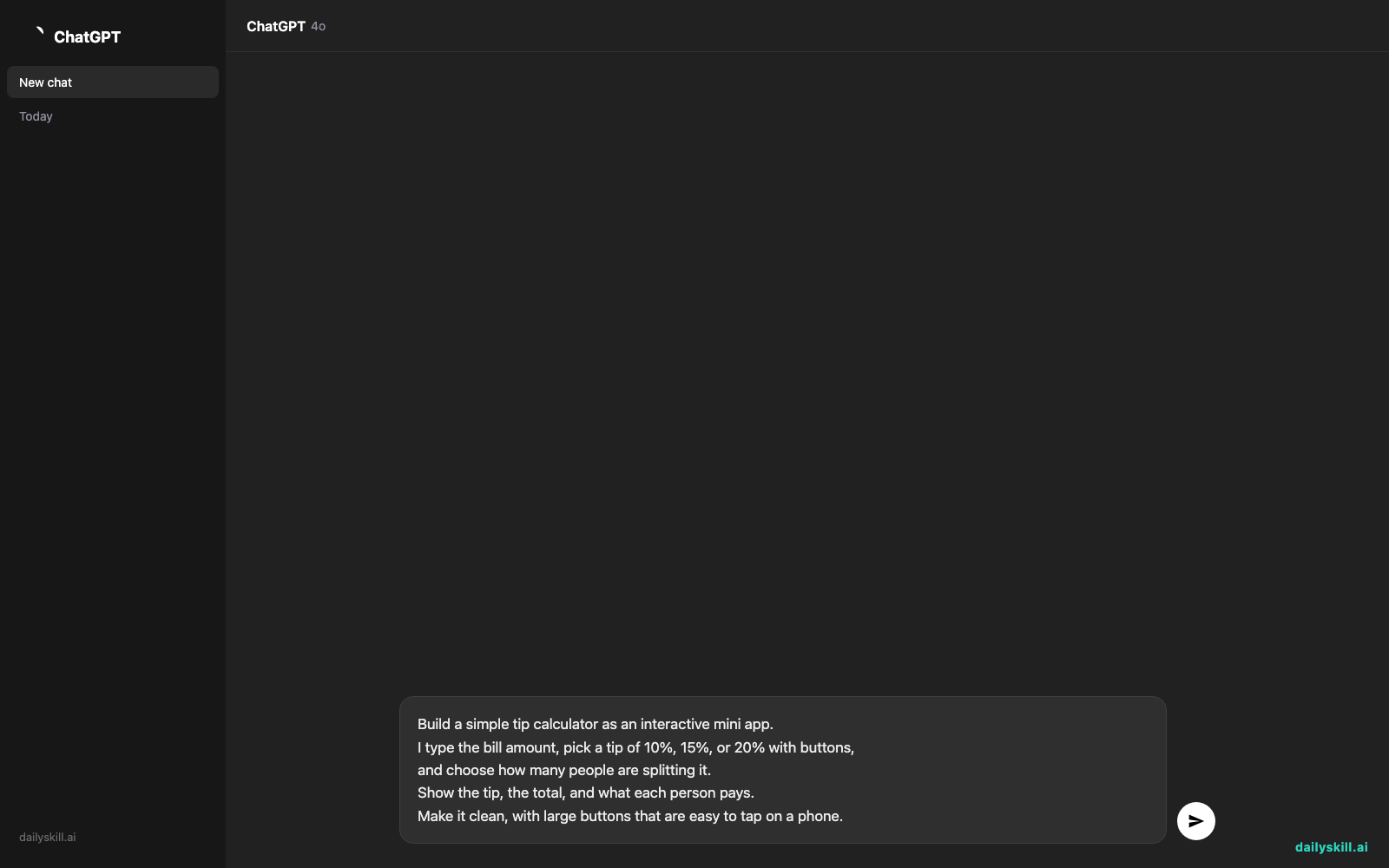
Build a simple tip calculator as an interactive mini app.
I type the bill amount, pick a tip of 10%, 15%, or 20% with buttons,
and choose how many people are splitting it.
Show the tip, the total, and what each person pays.
Make it clean, with large buttons that are easy to tap on a phone.
Each time you ask for a change, Claude updates the same panel. You can also switch between the live preview and the underlying code, and copy either one.
A real example
You send the prompt above. A few seconds later, the panel shows something like this:
Tip Calculator
A box labeled “Bill amount,” three buttons (10%, 15%, 20%), and a “People” picker below them.
You enter $84, tap 20%, and set 3 people.
The panel updates instantly: Tip: $16.80 · Total: $100.80 · Each person pays: $33.60.
Now you reply: “Add a button that rounds each person’s share up to the nearest dollar.”
Claude changes the app, and the panel refreshes with a new button. Tap it and the per-person amount becomes $34.00. You didn’t open a code editor or install anything.
That’s the whole loop: you describe it, you see it, you tweak it.
Honest take
Artifacts is very good at turning a rough idea into something you can click in under a minute. It’s a quick way to find out whether an idea makes sense before you invest in it.
The catch is that the first version is often close but not exact. A button may do the wrong thing, or a number may be off. Check the math yourself, like the tip example above, before you rely on any result.
Best for:
– Testing an app or page idea as a clickable visual prototype
– Making simple tools like calculators, checklists, quizzes, or flashcards
– Creating diagrams, charts, or illustrations and refining them by chatting
Not for:
– Full, finished apps with user accounts, payments, or lots of saved data. Treat Artifacts as a sketch, not a finished product.
– Anything that needs to be perfect on the first try. Expect two or three rounds of “change this” to get it right.
Artifacts works with a free Claude account. Usage limits can apply, so heavy daily use may eventually call for a paid plan. Check Claude’s current plan page for details.
FAQ
Is Claude Artifacts free?
You can use it on a free Claude account. There may be a daily limit on how much you can use it, and those limits can change over time.
Is it safe?
Your prototype runs in its own panel beside the chat. As with any online tool, don’t type passwords, bank details, or private information into a chat or into an app you built there.
Do I need an account?
Yes. You need to sign in to Claude, but a free account is enough. You don’t need to install anything or know how to code.
Today’s pick wrap-up
Verdict: If you’ve ever said “I wish I could just see it,” Claude Artifacts is a fast, free way to turn one sentence into a clickable prototype. Just double-check the details.
Join in: What did you build? Share your best prompt or your favorite mini app with the dailyskill.ai community, and borrow someone else’s idea.
Tomorrow: We’ll look at ChatGPT Voice Mode. It lets you talk to an AI out loud, like a phone call, instead of typing. See you then.
You might also like:
- Turn Your Rough Notes Into a LinkedIn Post That Gets Read
- Can AI help me compare credit card benefits and points rewards?
Master Everyday AI in 1 Minute a Day
Get our free 2026 Double-Blind AI Benchmark Scorecard & 20 Ready-to-Use Prompts, plus one honest, 60-second AI skill in your inbox every morning. Zero hype, plain English, cancel anytime.


