
You snapped the perfect photo of your product, but a pile of mail and a coffee mug are sitting right behind it. Or your profile picture is great, except for the laundry rack in the corner.
Remove.bg removes the background from a photo and hands you the subject on a transparent backdrop. It’s for anyone who needs a clean image and doesn’t want to learn photo-editing software.
What it is
Remove.bg is a website where you upload a photo and the tool finds the main subject. That could be a person, a product, or a pet. It then cuts away everything behind the subject, with no tracing or clicking around the edges.
You get back the same photo on a transparent background. You can download it as is, or place the subject on a plain color or a new scene.
Try it in 5 minutes
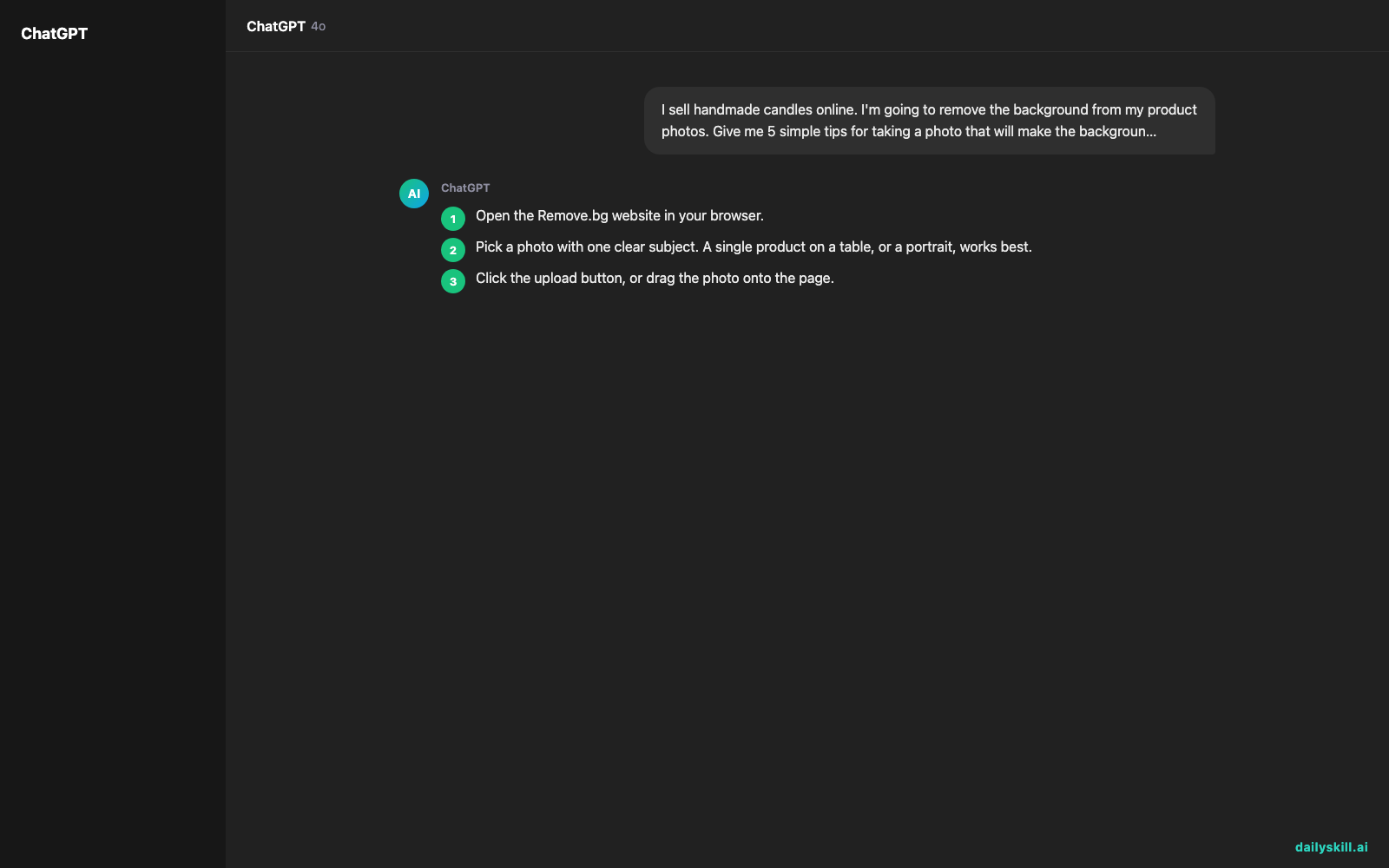
- Open the Remove.bg website in your browser.
- Pick a photo with one clear subject. A single product on a table, or a portrait, works best.
- Click the upload button, or drag the photo onto the page.
- Wait a few seconds. The background disappears on its own.
- Zoom in and check the edges. Look closely at hair, fur, or the outline of your product.
- Click download. Free downloads are usually a smaller, preview-size file, which is fine for a first test.
If the site offers a background option, try plain white. Many online marketplaces ask for white backgrounds on product photos.
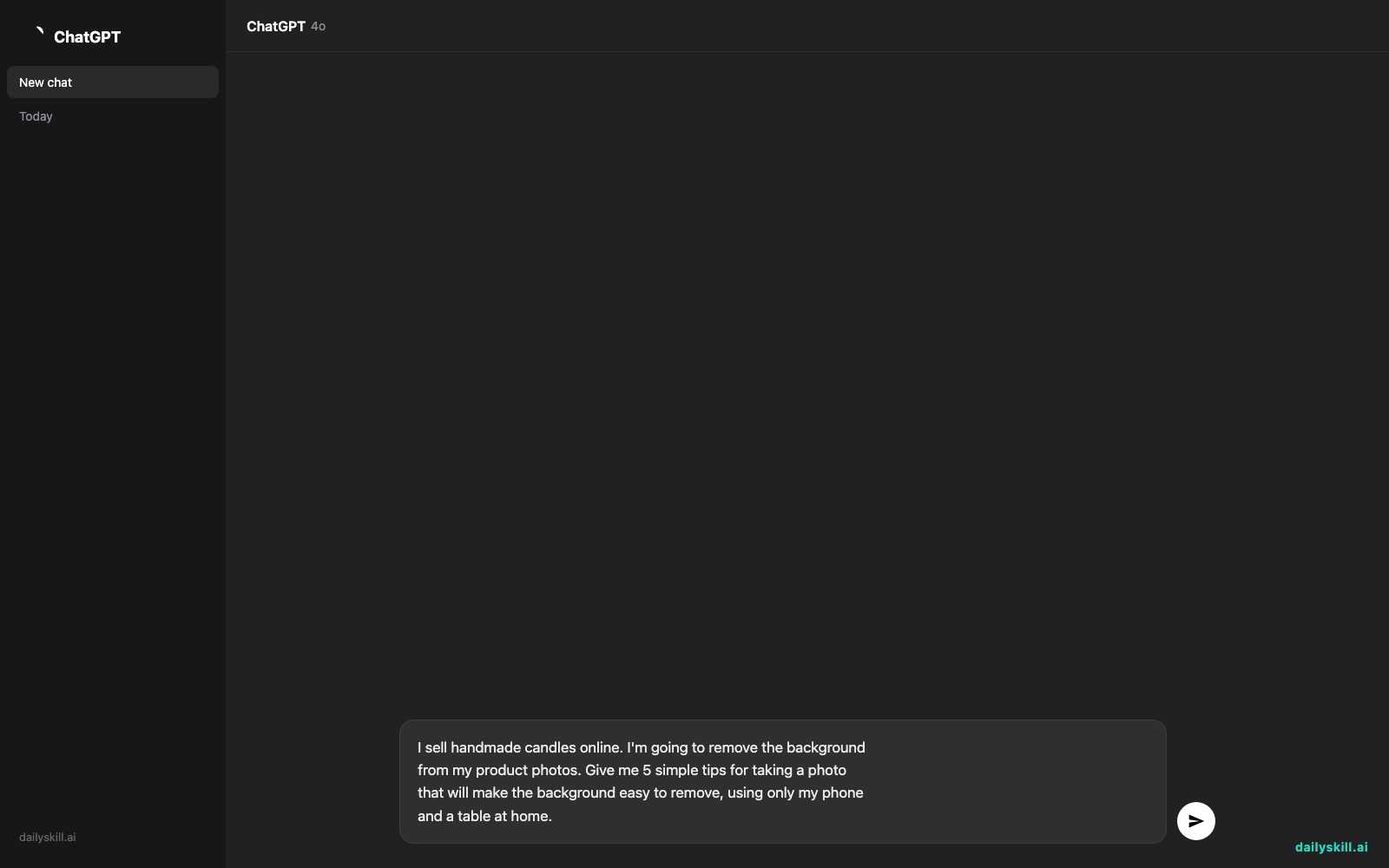
Not sure what to shoot in the first place? Ask an AI assistant to coach you before you take the photo. Copy and paste this:
I sell handmade candles online. I'm going to remove the background
from my product photos. Give me 5 simple tips for taking a photo
that will make the background easy to remove, using only my phone
and a table at home.
A real example
Say you took a phone photo of a blue ceramic mug on a cluttered desk. A laptop, a notebook, and a half-eaten granola bar are all behind it.
You upload the photo. A few seconds later, you get something like this:
The mug sits alone on a gray-and-white checkerboard. That pattern is how editing tools show “transparent.” The rim and handle are crisp, and the gap between the handle and the mug is cut out cleanly. The laptop, notebook, and granola bar are gone. The soft shadow under the mug is gone too, so the mug looks like it’s floating.
Now you can drop that mug onto a white page, a colored banner, or a flyer. If it looks like it’s floating, that’s why. You may want to add a soft shadow back in whatever app you use next.
Honest take
Remove.bg is fast and needs almost no learning. It works best when the subject clearly stands out from what’s behind it.
Best for:
– Product photos for online shops and listings
– Profile pictures and portraits for work or social media
– Quick graphics for flyers, slides, or posts
Not for:
– Tricky images. Glass, wispy hair, or a subject the same color as its background can leave rough or missing edges. You may need to touch those up by hand.
– Large batches of full-size images on a zero budget. The free tier is meant for trying it out, and full-resolution downloads usually cost extra.
FAQ
Is it free?
You can start for free, and free downloads are typically lower resolution. For full-size files or lots of images, check the site’s current pricing.
Is it safe to upload my photos?
Treat it like any online service. Skip photos with private details in the frame, like documents, screens, or your home address. The site’s privacy policy explains how long it keeps uploads.
Do I need an account?
You can often try it without one. An account is usually needed to track your free images and download in higher quality.
Today’s pick wrap-up
Verdict: If you’ve ever wanted a clean cutout without learning editing software, Remove.bg is the easiest place to start.
Join in: Try it on one photo today, then tell the community how it went. What did you cut out, and did the edges come out clean?
Tomorrow: We look at Upscayl, a tool that makes small, blurry images bigger and sharper. It pairs well with a freshly cut-out photo.
Master Everyday AI in 1 Minute a Day
Get our free 2026 Double-Blind AI Benchmark Scorecard & 20 Ready-to-Use Prompts, plus one honest, 60-second AI skill in your inbox every morning. Zero hype, plain English, cancel anytime.


