
You just spent an hour comparing options across 14 browser tabs. Then your colleague asks, “Can you send me what you found?” Now you have to turn a mess of tabs and half-notes into something readable.
Perplexity Pages turns your research into a clean web article with sections and sources, and you share it with one link. It’s for anyone who looks something up and then has to explain it to other people.
What it is
Perplexity is an AI search tool. You ask a question, and it searches the web and writes an answer with links to its sources. Pages takes that research and lays it out as an article, with a title, headed sections, and a source list.
You don’t write the article from scratch. You give it a topic, and it builds a first draft you can edit.
Try it in 5 minutes
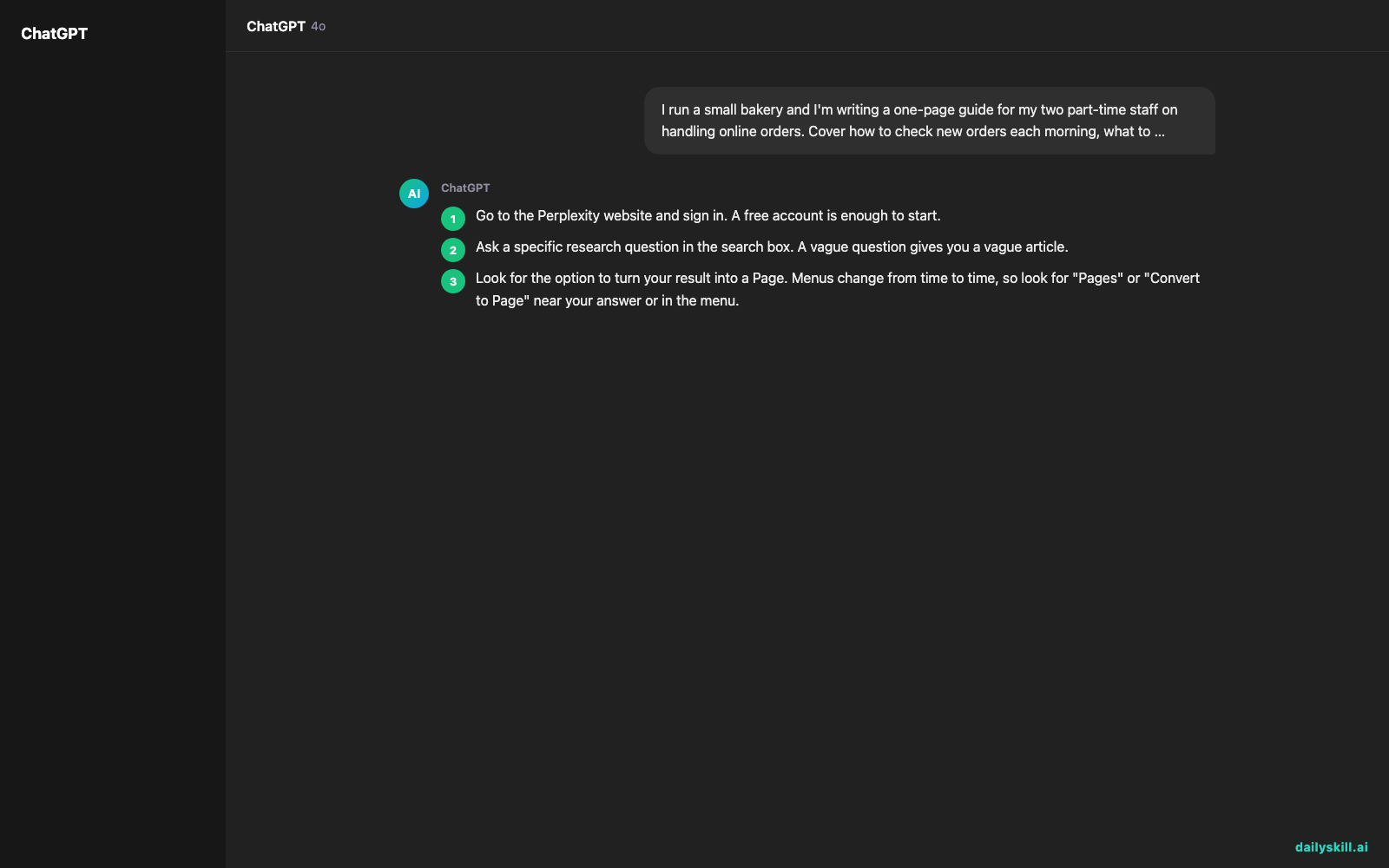
- Go to the Perplexity website and sign in. A free account is enough to start.
- Ask a specific research question in the search box. A vague question gives you a vague article.
- Look for the option to turn your result into a Page. Menus change from time to time, so look for “Pages” or “Convert to Page” near your answer or in the menu.
- Read the draft. Rename sections, delete parts you don’t need, and ask for more detail where it feels thin.
- Publish it and copy the link to share.
Here is a prompt you can paste in step 2:
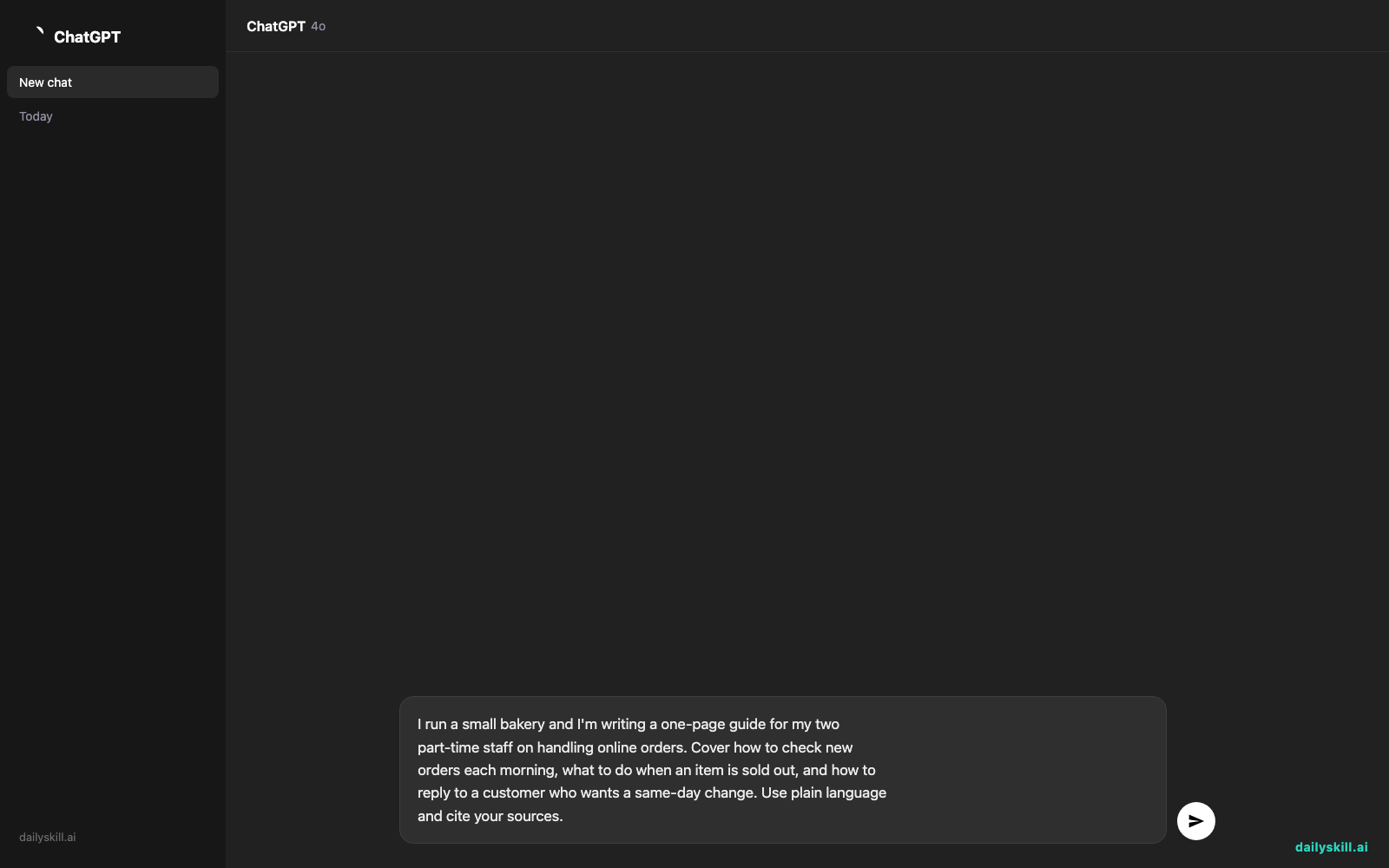
I run a small bakery and I'm writing a one-page guide for my two
part-time staff on handling online orders. Cover how to check new
orders each morning, what to do when an item is sold out, and how to
reply to a customer who wants a same-day change. Use plain language
and cite your sources.
A real example
You run that bakery. Your staff keep asking the same questions about online orders, and you’d rather send one link than explain it three times. You paste the prompt, review the result, and turn it into a Page.
Here’s the kind of output you get:
Handling Online Orders at a Small Bakery: A Quick Guide
Start-of-day checklist — Open your order inbox first, sort by pickup time, and flag anything due within two hours.
When an item is sold out — Contact the customer right away, offer a close substitute, and refund promptly if they decline.
Same-day change requests — Check whether the order is already in production before you say yes. Confirm any change in writing.
Sample reply — A short, polite message you can copy and adapt.
Sources — Numbered links to the pages the advice came from.
The headings, order, and wording will differ each time you run it. What stays the same is the shape: a ready-to-read article with sources, instead of a long chat thread.
Honest take
Best for:
– Sharing research with colleagues, clients, or a study group
– Getting a first draft of a briefing, explainer, or guide
– Anyone who wants sources attached so readers can check the claims
Not for:
– Anything that must be exactly right without a human check. The AI can misread or oversimplify a source, so click through the key links before you share.
– Polished, branded documents. The draft reads like a good general overview, not your voice, so expect to edit it. You also get limited control over layout.
– Private or confidential material. A published Page is meant to be seen by others, so keep sensitive details out.
Pages has been available on the free tier, so you can try it without paying. Paid plans may offer more usage or extra features. Those details change, so check Perplexity’s pricing page for the current picture.
FAQ
Is Perplexity Pages free?
You can try it on the free plan. Usage limits may apply, so check your account if you hit a cap.
Is it safe to share a Page?
Treat a published Page like any public web article. Before you publish, check the visibility options and remove anything private. When in doubt, leave it out.
Do I need an account?
Usually, yes. Signing in lets you create, edit, and manage what you publish, so it’s worth the minute it takes.
Today’s pick wrap-up
Verdict: If you often turn research into something other people have to read, Perplexity Pages saves you the formatting work. Just fact-check before you hit share.
Join in: Have you tried Pages for work or school? Tell the community what you made and what you’d improve.
Tomorrow: We’re trying Suno, an AI music tool. You describe a song in a sentence, and it makes one for you. No instruments needed.
You might also like:
- Turn a 20-Minute YouTube Video into 5 Lines You Can Actually Use
- How do I use AI to turn raw meeting notes into a client-ready project recap?
Master Everyday AI in 1 Minute a Day
Get our free 2026 Double-Blind AI Benchmark Scorecard & 20 Ready-to-Use Prompts, plus one honest, 60-second AI skill in your inbox every morning. Zero hype, plain English, cancel anytime.


